The Amazon Firestick is a powerhouse for streaming, but navigating the world of live TV apps can be overwhelming. Whether you're a cord-cutter looking for a full cable replacement or just want to supplement your subscriptions with free channels, finding the right application makes all the difference. This guide cuts through the noise to bring you the definitive list of the best apps for live TV on Firestick, detailing the top options available today.
We'll break down the features, pricing, and unique benefits of each service, helping you find the perfect fit for your viewing habits and budget. From premium cable alternatives like YouTube TV and Hulu + Live TV to free ad-supported platforms like Pluto TV, you'll get a clear picture of what each one offers. Each entry includes screenshots and direct links to get you started immediately.
We will also explore how versatile IPTV players can expand your options even further. While dedicated services offer polished experiences, an IPTV provider like IPTV Now paired with a simple player lets you use M3U playlists, giving you ultimate control over your content. Let's dive in and transform your Firestick into the ultimate live TV hub. To ensure the best performance, we recommend using a modern device like the Fire TV Stick 4K Max for the smoothest streaming experience.
For Firestick users seeking a premium, reliable, and fully integrated cable-replacement experience, YouTube TV stands out as a top-tier choice. Backed by Google, this service combines a massive channel lineup with best-in-class features, making it one of the best apps for live TV on Firestick. Its official availability in the Amazon Appstore means setup is seamless, with no complicated side-loading or workarounds required. Simply download the app, sign in, and start watching.
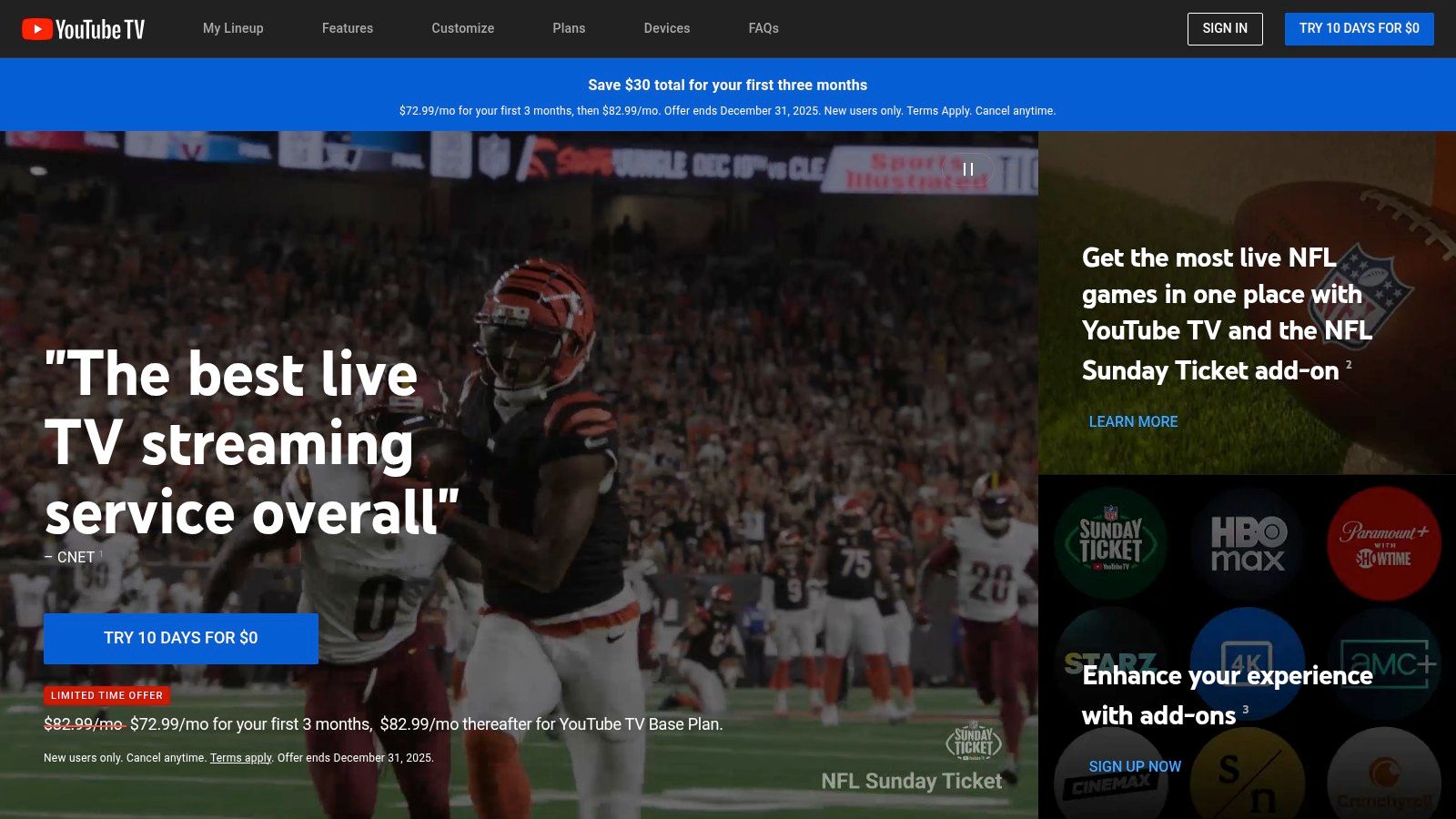
What truly sets YouTube TV apart is its unlimited cloud DVR. You can record as many shows, movies, and games as you want simultaneously, and the recordings are saved for a generous nine months. This feature alone makes it a powerful contender for users who never want to miss an episode.
The user interface on the Firestick is clean, fast, and intuitive. The channel guide is reminiscent of traditional cable, making it easy to navigate for new cord-cutters. Sports fans will particularly appreciate features like Key Plays, which lets you catch up on the most important moments of a game, and Multiview, allowing you to watch up to four games on one screen. These thoughtful additions create a superior viewing experience that justifies its premium price point. You can learn more about its standing among IPTV providers in the US.
Pros:
Cons:
YouTube TV's Base Plan typically starts at $72.99 per month, though promotional offers are often available for new subscribers. Its combination of a polished interface, powerful DVR, and robust channel selection makes it a leading choice for a comprehensive live TV solution on your Firestick.
For Firestick users who crave an all-in-one entertainment hub, Hulu + Live TV presents a compelling package. It masterfully blends a robust live TV service with one of the most extensive on-demand libraries available, integrating Hulu Originals, Disney+, and ESPN+ into a single, cohesive experience. Its official app is readily available in the Amazon Appstore, ensuring a straightforward installation process for a seamless transition into a world of endless content.
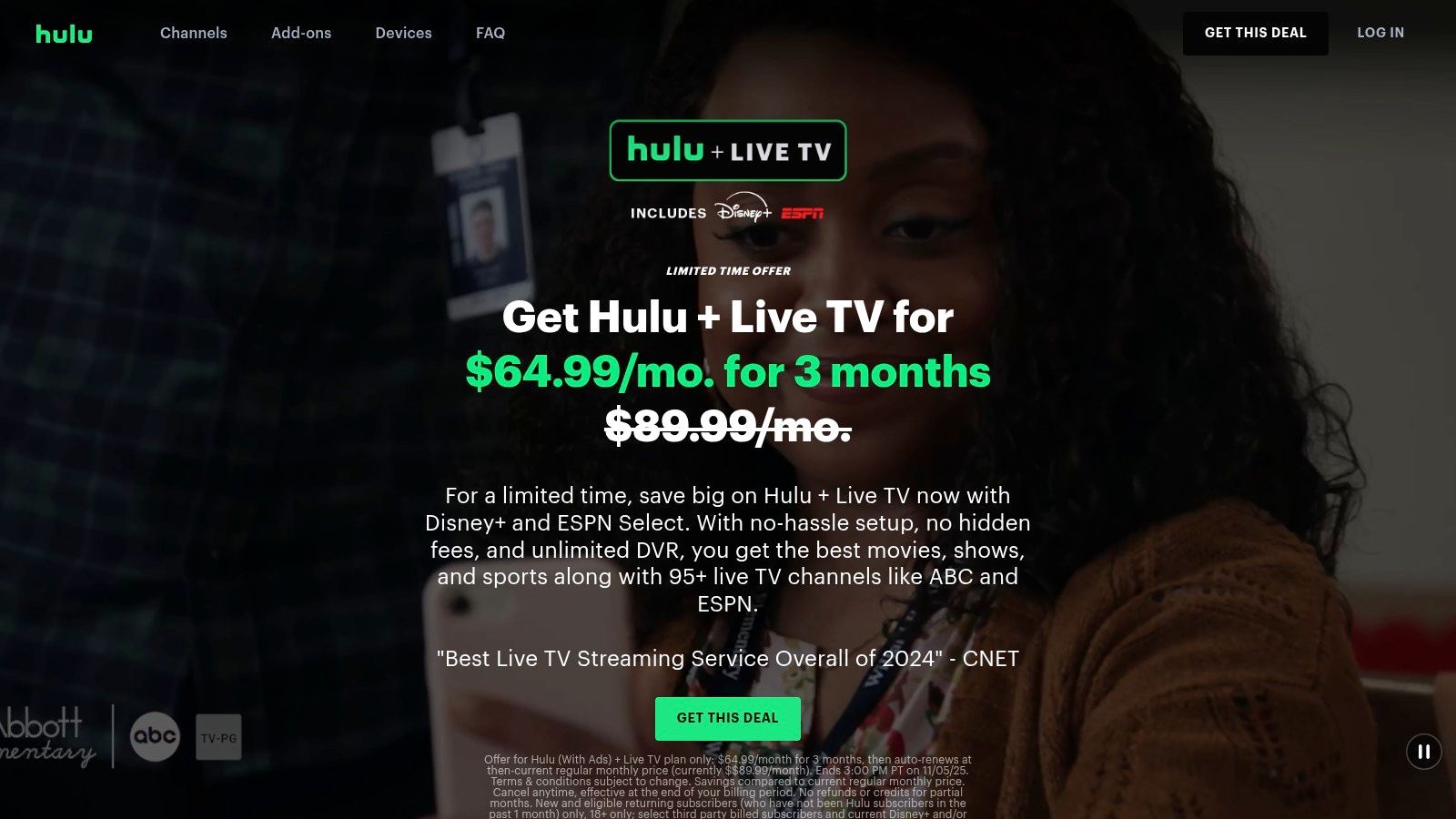
What makes Hulu + Live TV a standout choice is this powerful combination. You can switch from watching a live news broadcast or sports game directly to binging an award-winning Hulu Original series or a classic Disney movie without ever leaving the app. This integration makes it one of the best apps for live TV on Firestick for families and users who want maximum value from their subscription.
The Hulu app on Fire TV is mature and well-optimized, offering a smooth and intuitive user experience. The live guide is easy to browse, and the service includes an unlimited cloud DVR, allowing you to record and save your favorite shows and events to watch on your schedule. The ability to create multiple household profiles ensures a personalized experience for every member of the family, with tailored recommendations and watchlists.
This service is a prime example of a comprehensive streaming solution, which is important to consider when exploring the world of legal streaming websites.
Pros:
Cons:
Hulu + Live TV plans typically start at $76.99 per month. Its unique value proposition lies in bundling live TV with an unparalleled on-demand catalog, making it a top-tier choice for users seeking a complete entertainment solution on their Firestick.
For Firestick users who prioritize flexibility and budget-friendly pricing, Sling TV is an exceptional choice. As one of the original live TV streaming services, it pioneered the "à la carte" model, allowing users to build a custom channel package without paying for dozens of unwanted networks. Its official app is readily available in the Amazon Appstore, ensuring a straightforward installation process and a reliable viewing experience, making it one of the best apps for live TV on Firestick for cord-cutters seeking control over their subscription.
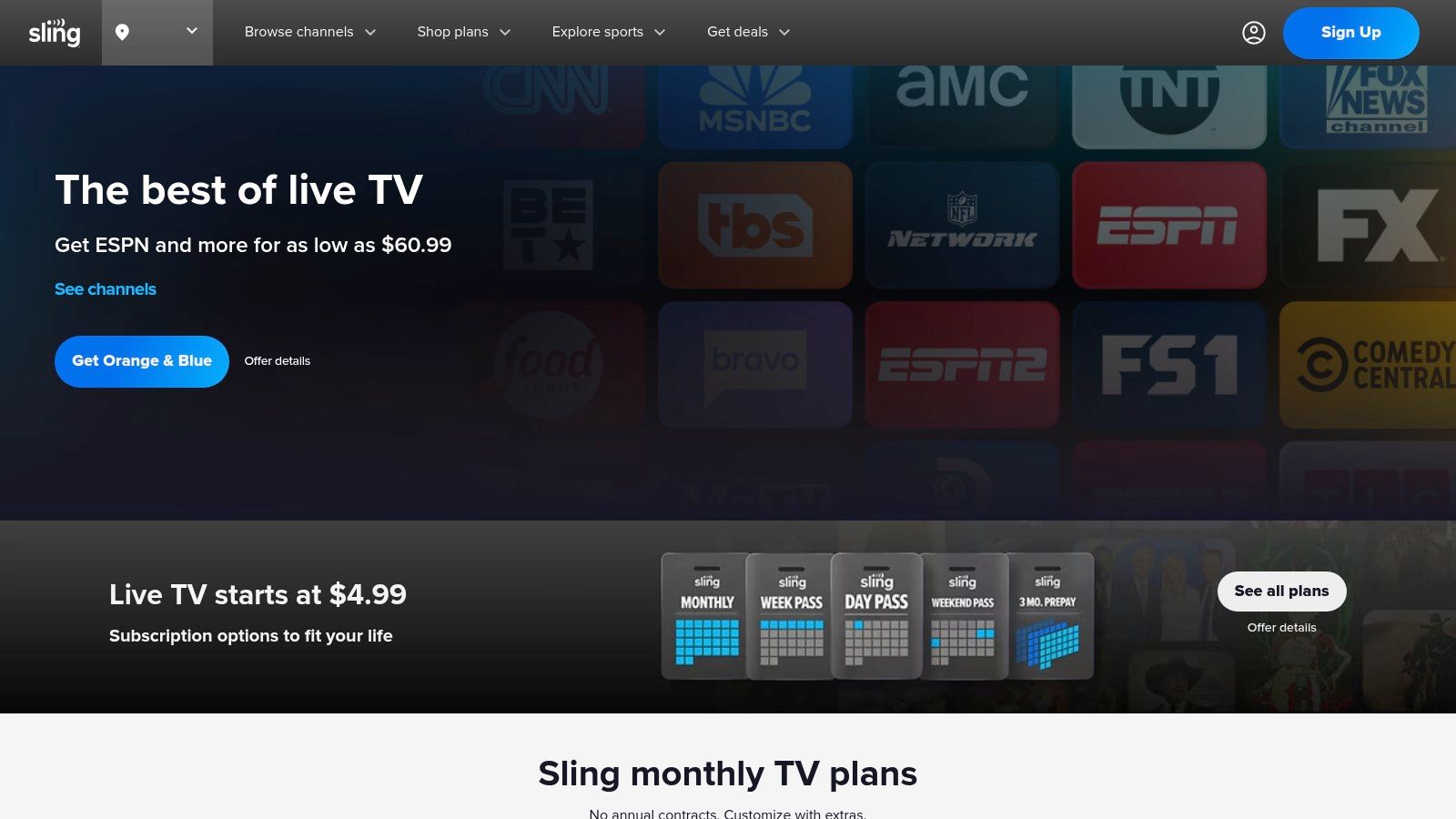
Sling TV's core appeal lies in its two base plans: Sling Orange (focused on sports and family with channels like ESPN and Disney) and Sling Blue (geared toward news and entertainment with channels like Fox News and MSNBC). Users can subscribe to one or combine both for a comprehensive lineup. This structure allows you to pay only for the types of content you actually watch.
The user experience on the Fire TV app is streamlined and efficient, with a traditional grid-style guide that’s easy to navigate. The real power of Sling TV comes from its "Extras," which are low-cost add-on packs for categories like Sports, News, Kids, and Lifestyle. This high degree of customization ensures you can get channels like NFL RedZone or a suite of movie networks without committing to a much more expensive plan. This makes it a compelling alternative to more rigid services or a great complement to a flexible service like IPTV Now.
Pros:
Cons:
Sling Orange and Sling Blue plans typically start at $40 per month each, or you can combine them for $60 per month. This cost-effective and customizable approach makes Sling TV a standout solution for Firestick owners who want to escape the high cost of traditional cable.
For sports fanatics, Fubo is arguably the king of live TV streaming on Firestick. While other services offer a broad mix of channels, Fubo was built from the ground up with sports at its core, offering an unparalleled depth of live games, sports networks, and extensive regional sports network (RSN) coverage in many markets. Its official app is readily available on the Amazon Appstore, ensuring a smooth and optimized experience on any Fire TV device.
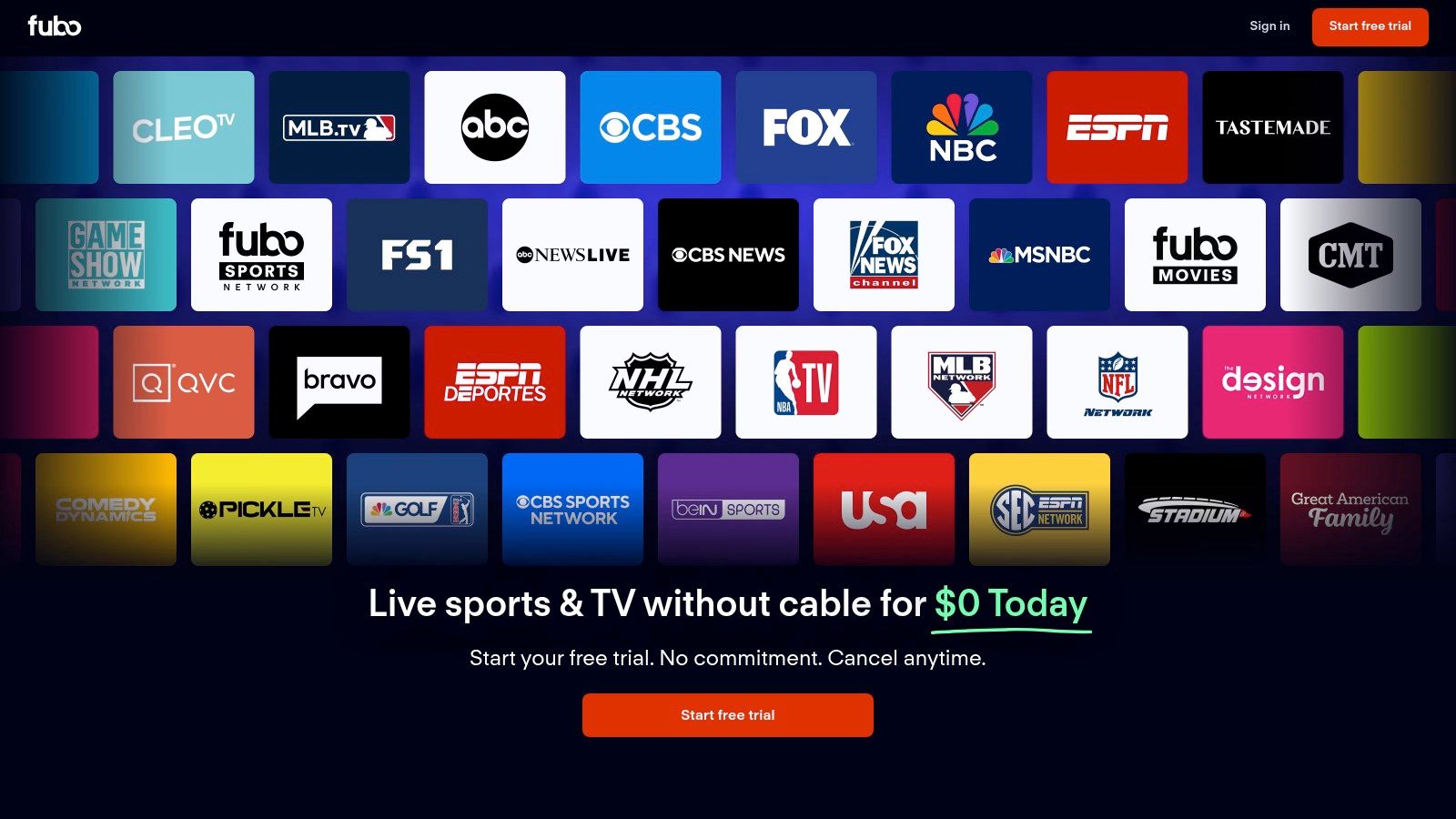
What makes Fubo a standout choice is its commitment to providing the highest quality sports viewing experience. It is one of the few services that broadcasts select live sporting events in stunning 4K resolution, bringing unparalleled clarity to the action. This feature, combined with its robust channel lineup, makes it one of the best apps for live TV on Firestick for anyone who wants to feel like they are right there in the stadium.
The Fubo interface on Firestick is designed for sports discovery, with a clean grid guide and intuitive navigation that makes finding your favorite team's game simple. Like its competitors, it offers an unlimited Cloud DVR on its main plans, allowing you to record and save every game and show you want. The service also excels with its Multiview feature, letting you stream multiple games at once on the same screen, ensuring you never miss a critical play.
Pros:
Cons:
Fubo's Pro plan starts at $79.99 per month, plus a potential Regional Sports Fee. While it comes at a premium, its sports-first approach and advanced features like 4K streaming provide incredible value for dedicated fans.
For Firestick users who want live TV without the high cost of sports and local channels, Philo offers a refreshingly affordable and streamlined alternative. This service carves out a niche by focusing exclusively on entertainment, lifestyle, and movie channels, making it one of the best apps for live TV on Firestick for budget-conscious viewers. Its official app is readily available in the Amazon Appstore, ensuring a simple and direct installation process on any Fire TV device.
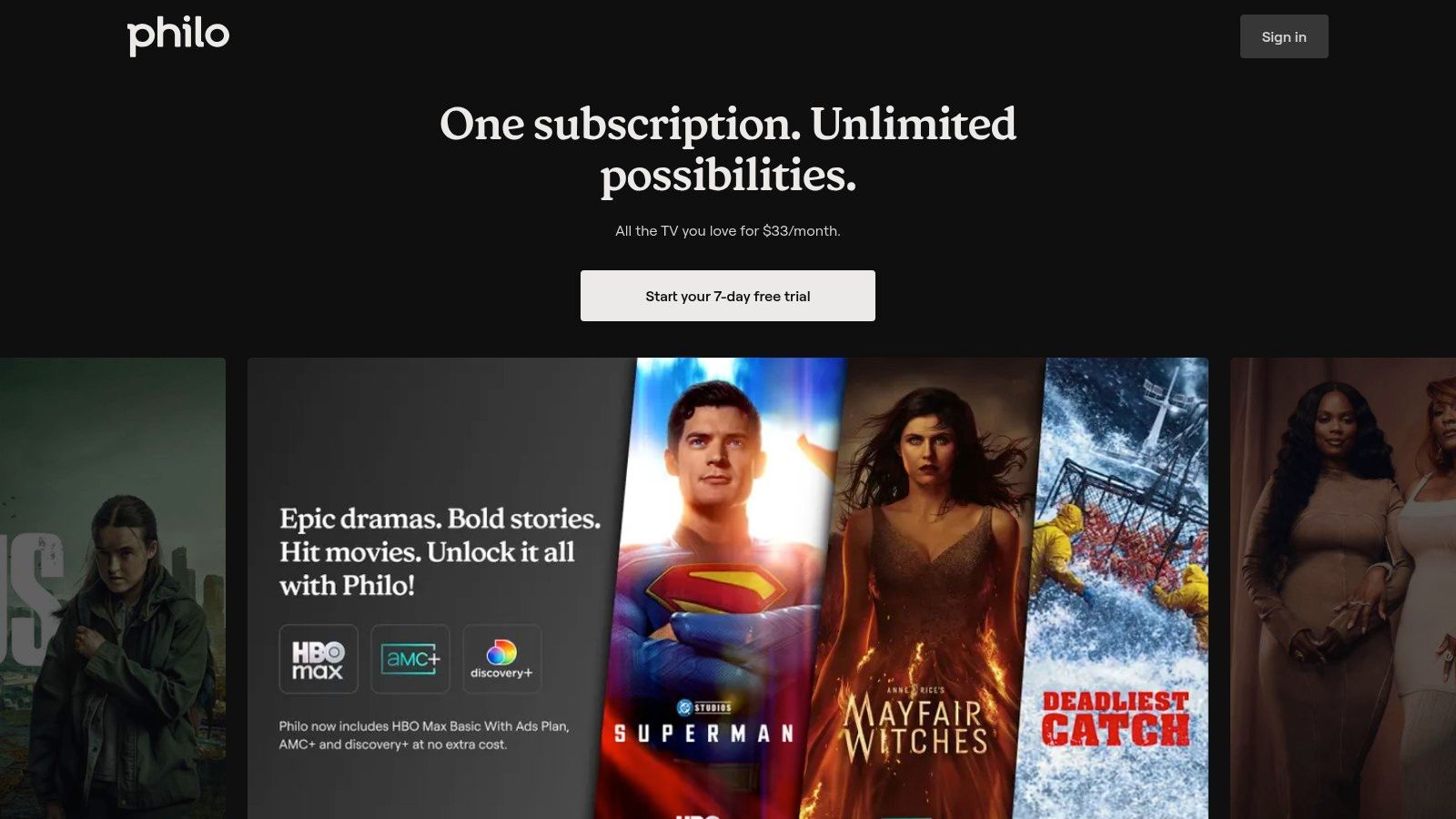
What makes Philo stand out is its unbeatable value proposition. By stripping away expensive sports networks and local broadcast affiliates, it delivers a robust package of popular cable channels at a fraction of the price of its competitors. It also includes an unlimited cloud DVR that saves recordings for up to one year, a feature typically reserved for premium-priced services.
The Philo app on Firestick is lightweight, responsive, and easy to navigate. The interface is clean, with a straightforward channel guide and a well-organized on-demand library. Users can create up to 10 profiles per account, allowing everyone in the household to have their own personalized watchlists and recording schedules. The service also allows for three simultaneous streams, which is generous for its price point.
Pros:
Cons:
Philo’s single plan is typically priced at just $25 per month, with a free trial available for new users to test the service. For viewers whose entertainment needs revolve around networks like AMC, HGTV, Discovery, and Comedy Central, Philo is an exceptional value and a top-tier live TV solution for the Firestick.
For Firestick users looking for a completely free way to add hundreds of live channels to their streaming setup, Pluto TV is an essential download. As a leading ad-supported service owned by Paramount, it offers a familiar, cable-like experience without asking for a credit card. Its official availability in the Amazon Appstore makes installation effortless, providing instant access to a vast library of content and positioning it as one of the best free apps for live TV on Firestick.
What makes Pluto TV so compelling is its "lean-back" approach. It presents a grid guide filled with over 250 curated, linear channels dedicated to specific genres, shows, and themes. You can channel-surf through classic TV shows, movie marathons, news updates, and sports highlights just like old-school television, making it a perfect supplement to other paid services or a great standalone option for casual viewing.
The Pluto TV interface on Firestick is straightforward and easy to navigate. The live channel guide is front and center, allowing users to scroll through what's on now and what's coming up next. Alongside its live channels, the service boasts a large on-demand catalog of movies and TV shows, also completely free with ad interruptions. While it isn't a true cable replacement since it lacks major local channels and live sporting events, its value is undeniable. You can explore how it compares to other options in our guide to free live TV streaming apps.
Pros:
Cons:
Pluto TV costs $0 per month, making it a risk-free addition to any Firestick. Its combination of a simple interface, diverse channel lineup, and zero-cost model makes it a must-have app for expanding your entertainment options.
While not a streaming service itself, the Amazon Appstore is the essential starting point and the most secure gateway for finding the best apps for live TV on Firestick. This official marketplace is built directly into your Fire TV device, ensuring that every app you download, from Hulu + Live TV to Pluto TV, is legitimate, optimized for the platform, and safe from malware. For users who prioritize security and ease of use, sticking to the official Appstore is the smartest way to build your live TV setup.
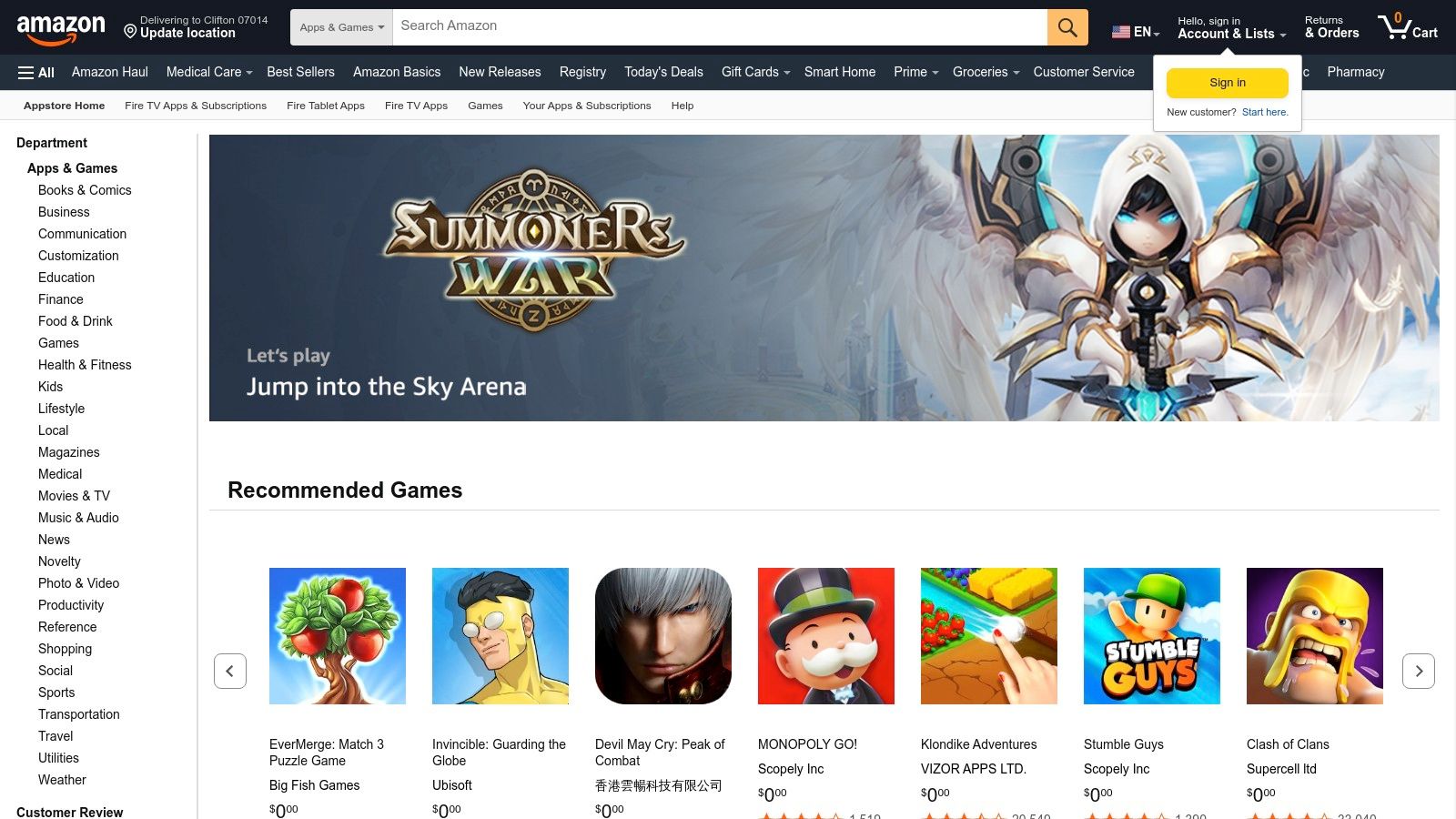
Navigating the Appstore directly on your Firestick is a straightforward experience. You can use the search function to find a specific service or browse the "Live TV" category to discover new options. Each app listing provides crucial details like user ratings, reviews, and version history, helping you make an informed decision before installing.
The primary benefit of using the Appstore is its seamless integration with the Fire TV ecosystem. Installing an app is as simple as clicking a button, and the system handles updates automatically in the background. This eliminates the need for manual installations or risky side-loading, providing a hassle-free and secure user experience. The Appstore is the official hub where developers launch and maintain their Fire TV applications, guaranteeing you get the most stable and feature-rich versions. You can explore a curated list of top-tier apps available through the store in our guide to the best Firestick live TV apps.
Pros:
Cons:
The Amazon Appstore is completely free to use. Think of it as the foundational tool that enables access to all the other great services on this list, making it an indispensable part of the Firestick live TV experience.
| Service | 🔄 Implementation complexity | ⚡ Resource requirements | 📊 Expected outcomes (⭐) | 💡 Ideal use cases | ⭐ Key advantages |
|---|---|---|---|---|---|
| YouTube TV | Low — official Fire TV app; easy setup | Medium–High cost; stable bandwidth; Fire TV supported | Broad channel lineup + best-in-class DVR — ⭐⭐⭐⭐ | Sports viewers and cord‑cutters wanting robust DVR and clean guide | Unlimited cloud DVR; strong sports UX; consistent app support |
| Hulu + Live TV | Low — mature, integrated Fire TV app | Medium–High cost (bundles incl. Disney+/ESPN); steady bandwidth | All-in-one live + on‑demand experience — ⭐⭐⭐⭐ | Families wanting Hulu library + live channels; Disney/ESPN fans | Combines Hulu on‑demand with live channels and bundles |
| Sling TV | Low–Medium — customizable but split plans can confuse | Low base cost; add-ons increase spend; modest bandwidth | Flexible, budget-focused lineup — ⭐⭐⭐ | Budget cord‑cutters; short‑term event viewing | Affordable core channels; highly customizable; short‑term passes |
| Fubo | Medium — feature-rich sports options and multi‑screen setup | High cost; higher bandwidth for 4K/RSNs; multi‑stream capable | Deepest sports coverage and multi‑screen support — ⭐⭐⭐⭐ | Sports die‑hards needing RSNs, RedZone, or 4K events | Best sports channel depth; strong multi‑screen/home sharing |
| Philo | Very low — simple app and pricing | Low cost; modest bandwidth; no major sports/locals | Affordable entertainment-focused live TV — ⭐⭐⭐ | Viewers of lifestyle, reality, drama, movies seeking low price | Very inexpensive; simple plans and large on‑demand library |
| Pluto TV | Very low — quick install, often no signup required | Free (ad‑supported); minimal monetary resources; ad interruptions | Free supplemental channels and on‑demand catalog — ⭐⭐ | Casual viewers or as a free supplement to paid services | Completely free; hundreds of themed linear channels |
| Amazon Appstore (Fire TV) | Low — central hub for finding/installing apps | No subscription; requires Fire TV device | Safe, convenient access to official live‑TV apps — ⭐⭐⭐⭐ | Installing/updating live‑TV apps on Fire TV devices | Canonical app marketplace; compatibility and update info |
Transforming your Amazon Firestick from a simple streaming device into a comprehensive live TV hub is easier than ever. As we've explored, the landscape of the best apps for live TV on Firestick is diverse, catering to every type of viewer and budget. Your ideal choice hinges entirely on what you value most in a viewing experience.
For those who want a direct replacement for traditional cable, services like YouTube TV and Hulu + Live TV offer extensive channel lineups, robust cloud DVR features, and access to local networks, making them formidable all-in-one solutions. If your priority is specific content genres, specialized apps provide a more tailored approach. Sports fanatics will find an unparalleled home with Fubo, which boasts an impressive array of sports channels, while budget-conscious viewers seeking pure entertainment without the high price tag will appreciate the streamlined, cost-effective packages from Sling TV and Philo.
Before committing to a service, take a moment to assess your household's viewing habits. Consider these key factors:
For the ultimate cord-cutter seeking maximum flexibility and channel variety, the world of IPTV offers an powerful alternative. By pairing a reliable subscription service, such as IPTV Now, with your Firestick, you can unlock a massive selection of international, premium, and specialized channels that go far beyond standard app offerings. This approach empowers you to build a truly customized and global entertainment setup. To ensure your Firestick can handle these high-quality streams smoothly, consider upgrading to a newer model like the Amazon Fire TV Stick 4K Max, which offers enhanced processing power and Wi-Fi 6E support for a buffer-free experience.
Ultimately, the power to create your perfect live TV experience is in your hands. By weighing the pros and cons of each app and considering your unique needs, you can select the perfect tool to make your Firestick the ultimate entertainment centerpiece of your home.
Ready to explore the world of IPTV without installing a single app? Visit Free IPTV Player to instantly test your M3U playlists directly from your Firestick's Silk browser. It's the simplest way to unlock thousands of channels and see why our browser-based player is a game-changer for finding the best live TV on your Firestick. Try it now at Free IPTV Player
