In the world of online streaming, from Netflix marathons to live IPTV channels, the unsung hero of your viewing experience is your web browser. The right choice can mean the difference between crisp, buffer-free 4K playback and frustrating, low-resolution interruptions. Many users don't realize that browsers handle video content, digital rights management (DRM), and hardware resources differently, directly impacting stream quality. A sluggish browser can bottleneck even the fastest internet connection, turning your movie night into a buffering nightmare.
This guide is designed to pinpoint the best browser for streaming, breaking down the top contenders to ensure you're perfectly equipped for any platform, including versatile browser-based tools like a Free IPTV Player. We'll examine key factors like speed, 4K/HDR support, platform compatibility, and unique features that elevate your streaming sessions. Of course, even the most advanced browser won't deliver flawless streams without a solid network foundation. Understanding and optimizing your WiFi router performance is a crucial first step for an uninterrupted viewing experience.
Each browser review includes detailed insights, screenshots, and direct links to help you make an informed decision. Get ready to optimize your setup and unlock the ultimate viewing experience.
Google Chrome's market dominance makes it the default testing ground for nearly every streaming service, ensuring an unparalleled level of compatibility. This "it just works" reliability is why it's a top contender for the best browser for streaming. Its core strength lies in its native support for the most critical digital rights management (DRM) systems.
For users of our Free IPTV Player, Chrome offers a seamless experience. It handles M3U playlists and live streams with exceptional stability, requiring no special configuration. Simply load your playlist and start watching. This reliability extends to all major subscription services, from Netflix and Disney+ to Max and Prime Video, thanks to its built-in Widevine DRM support.
Chrome excels at leveraging your computer's hardware to deliver smooth playback, even at high resolutions. Its efficient hardware acceleration offloads video decoding to your graphics card (GPU), freeing up your processor (CPU) for other tasks. This is especially noticeable when streaming 4K or HDR content.
Pro Tip: To ensure hardware acceleration is active, type
chrome://settings/systeminto your address bar and confirm that "Use graphics acceleration when available" is toggled on. This simple check can significantly improve your streaming quality.
Performance Highlights:
| Feature | Benefit for Streaming |
|---|---|
| Widevine DRM | Instant compatibility with Netflix, Prime Video, etc. |
| Hardware Acceleration | Reduces CPU usage for smoother, stutter-free video. |
| Regular Updates | Ensures support for the newest video codecs and security. |
While Chrome is a resource-heavy browser, its comprehensive feature set and unmatched compatibility make it an excellent choice for a hassle-free streaming setup on most modern devices.
Pros:
Cons:
Rebuilt on the Chromium engine, Microsoft Edge has evolved into a formidable competitor, positioning itself as a top-tier choice for the best browser for streaming, especially for Windows users. Its unique advantage is its dual support for both Widevine and Microsoft’s own PlayReady DRM systems, unlocking the highest possible streaming quality on many services that other browsers can't access.
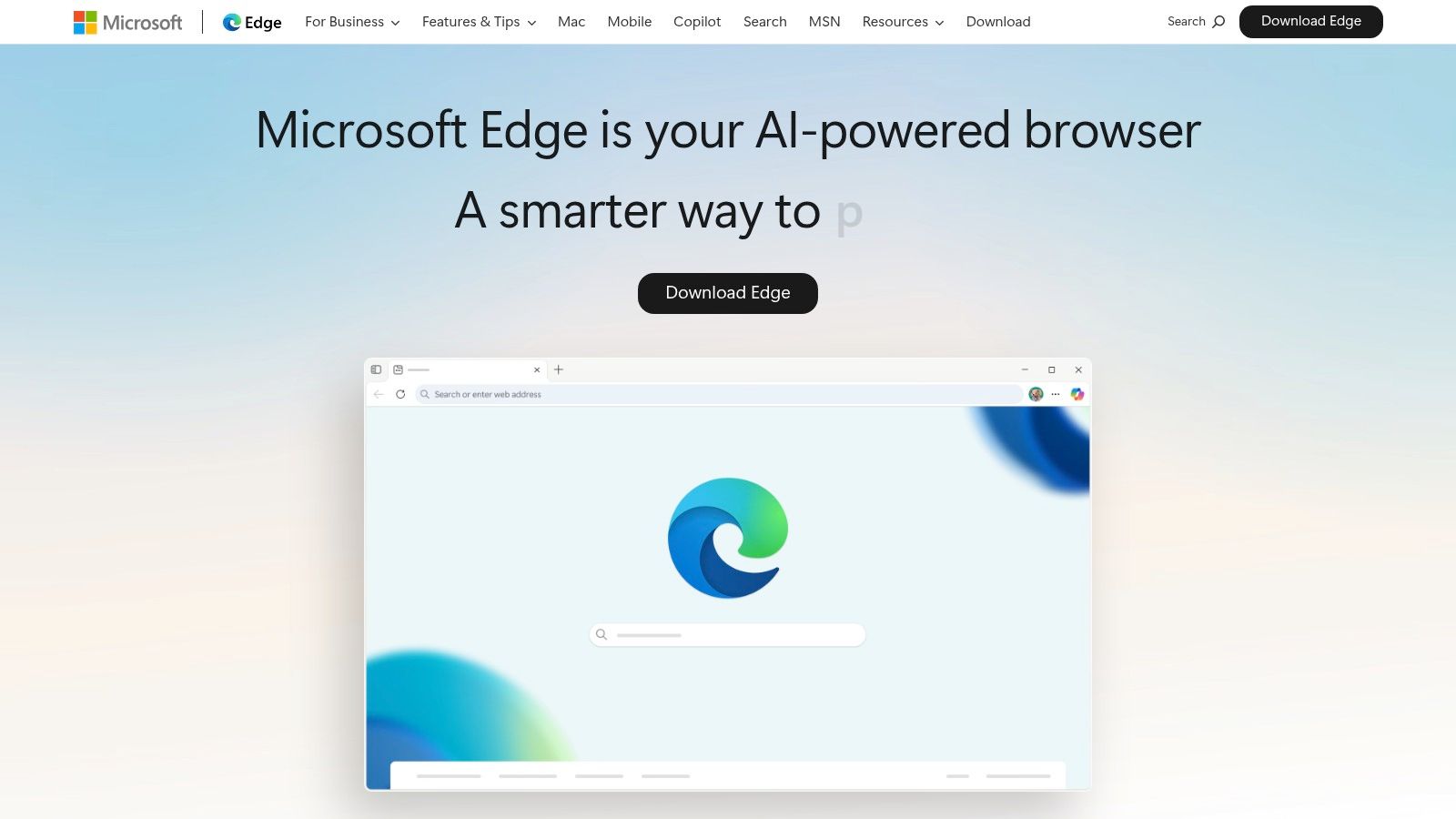
For users of our Free IPTV Player, Edge provides a stable and efficient platform, easily handling M3U playlists with minimal setup. Its true power, however, is revealed with premium services like Netflix. On a compatible Windows 10 or 11 system, Edge is often the only browser capable of streaming 4K and HDR content, thanks to its exclusive PlayReady integration.
Edge is deeply integrated with the Windows operating system, allowing it to leverage hardware acceleration and media pipelines more effectively than third-party browsers. This results in incredibly smooth high-resolution video playback and better battery efficiency on laptops. It also fully supports the HEVC video codec, a requirement for many 4K streams.
Pro Tip: To get the best 4K HDR experience in Edge, you'll need the HEVC Video Extensions from the Microsoft Store, a compatible GPU, and a display that supports HDR. Ensuring your system meets these requirements unlocks premium streaming quality.
Performance Highlights:
| Feature | Benefit for Streaming |
|---|---|
| PlayReady & Widevine | Unlocks 4K/HDR on Netflix and others on Windows. |
| Windows Integration | Better performance and improved battery life on laptops. |
| HEVC Pipeline | Enables efficient decoding of modern 4K video streams. |
While its best features are Windows-centric, Edge's Chromium foundation ensures it remains a fast and reliable browser for all standard streaming needs across different platforms. For the ultimate Windows media experience, Edge is hard to beat.
Pros:
Cons:
For those embedded in the Apple ecosystem, Safari is not just another browser; it's a finely tuned component of the macOS experience, making it a strong contender for the best browser for streaming on Apple hardware. Its primary advantage is its exclusive ability to unlock the highest quality streaming from Apple's own services, a feat other browsers cannot replicate on a Mac.
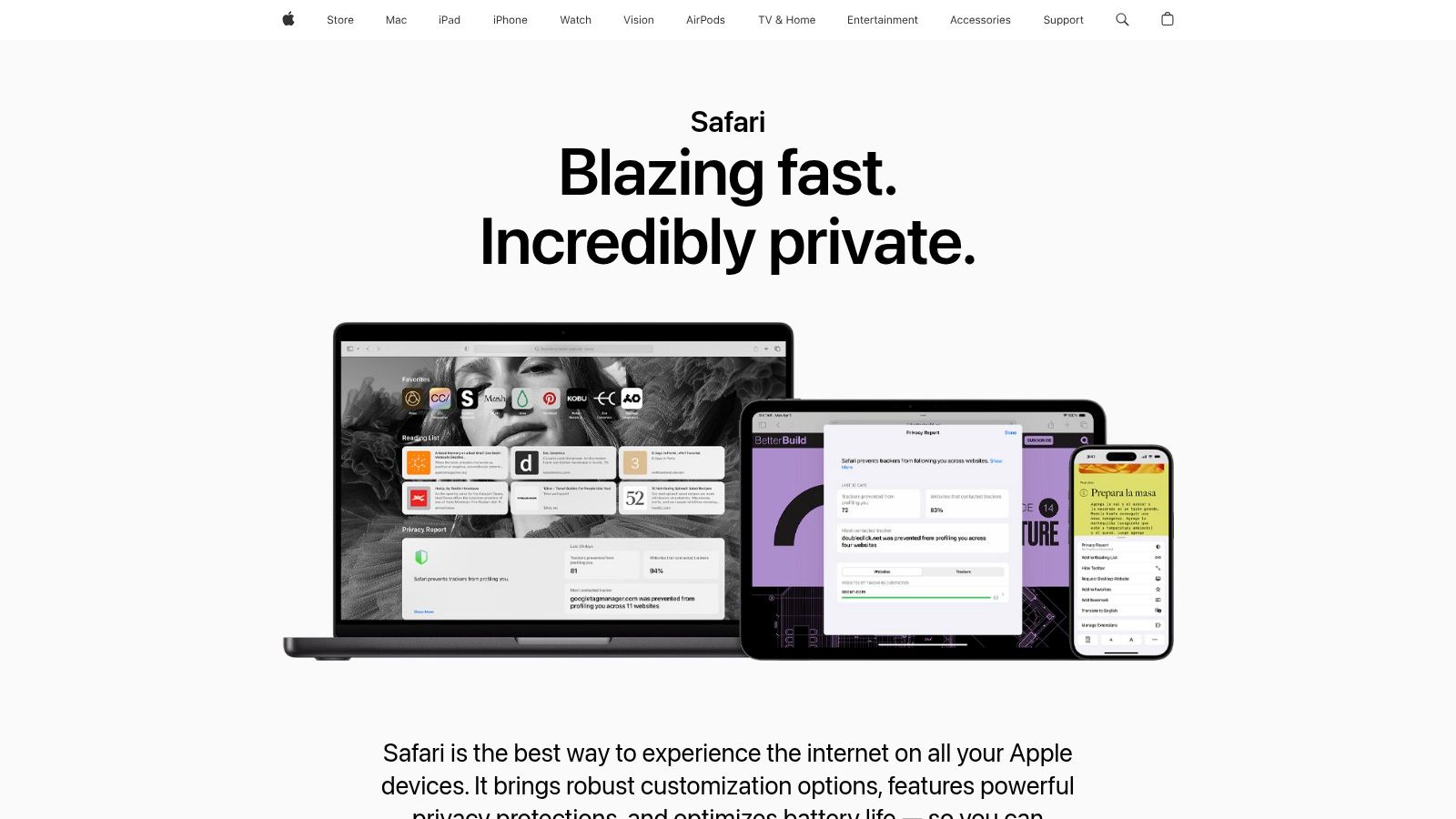
The key to Safari's streaming prowess is its unique integration with Apple's FairPlay DRM. This is the technology that allows Apple TV+ to stream in stunning 4K HDR, Dolby Vision, and Dolby Atmos on compatible Macs. If you try watching Apple TV+ on Chrome or Firefox on a Mac, your stream will be capped at 1080p. For users of our Free IPTV Player, Safari's optimization for macOS ensures smooth M3U playlist handling and efficient, battery-friendly playback on MacBooks.
Safari is engineered for power efficiency, a critical feature for anyone streaming on a MacBook away from a power source. By deeply integrating with macOS media frameworks and leveraging hardware acceleration, Safari minimizes CPU and battery drain during video playback. This means you can binge-watch your favorite series or live IPTV streams for longer without reaching for your charger.
Pro Tip: To maximize streaming quality on an external display, ensure you are using a Mac and display that both support HDR. Connect them with a high-quality cable, like a Thunderbolt 4 Pro Cable, to ensure the necessary bandwidth for 4K HDR content.
Performance Highlights:
| Feature | Benefit for Streaming |
|---|---|
| FairPlay DRM | Unlocks exclusive 4K HDR playback for Apple TV+. |
| Energy Efficiency | Maximizes battery life for long streaming sessions. |
| macOS Media Engine | Utilizes hardware decoding for stutter-free performance. |
While its availability is limited to Apple devices, Safari’s unparalleled performance and quality within that ecosystem make it the go-to choice for Mac users who prioritize battery life and the best possible Apple TV+ experience.
Pros:
Cons:
Mozilla Firefox stands out as a strong contender for the best browser for streaming for users who prioritize privacy without sacrificing compatibility. Its commitment to open-source principles and user control, combined with essential streaming technology, makes it a reliable and secure option. Firefox fully supports the Widevine DRM system required by most major streaming services.
For users of our Free IPTV Player, Firefox delivers a solid, out-of-the-box experience. It capably handles live M3U playlists and various streaming formats without needing extensive configuration, ensuring you can dive straight into your content. This support extends seamlessly to services like Netflix, Hulu, and YouTube, providing dependable 1080p playback across the board.
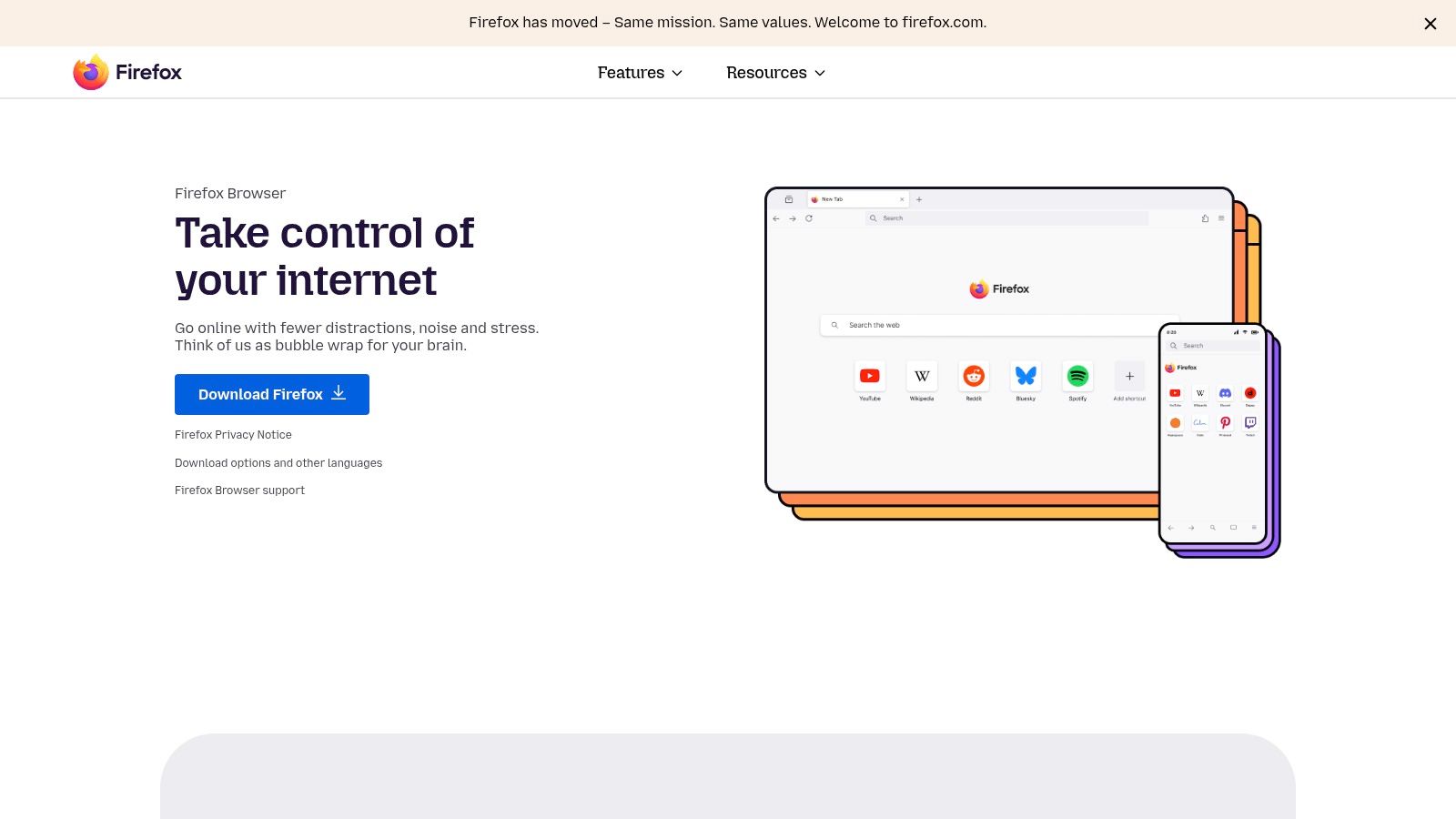
Firefox balances performance with strong privacy safeguards. Its Enhanced Tracking Protection feature blocks trackers by default, which can lead to faster page loads and a cleaner viewing experience on ad-supported platforms. The browser is also resource-efficient, making it a great choice for systems where memory-hungry alternatives might struggle. For more details on how these platforms deliver content, see our guide on what live TV streaming is.
Pro Tip: To ensure DRM-protected content plays, navigate to
about:preferences#contentand confirm that "Play DRM-controlled content" is checked. This setting is usually on by default but is crucial for accessing subscription services.
Performance Highlights:
| Feature | Benefit for Streaming |
|---|---|
| Widevine DRM Support | Enables access to major services like Netflix and Disney+. |
| Enhanced Tracking Protection | Blocks trackers for a more private viewing experience. |
| Resource Efficiency | Good performance without consuming excessive RAM. |
While Firefox may not offer the highest-resolution playback on every service, its blend of privacy, performance, and broad compatibility makes it an excellent all-around browser for everyday streaming.
Pros:
Cons:
Brave offers a unique proposition for those who prioritize privacy but don't want to sacrifice their streaming experience. Built on the Chromium engine, it combines robust ad and tracker blocking with the underlying compatibility needed for modern streaming, making it a strong candidate for the best browser for streaming for the security-conscious user.
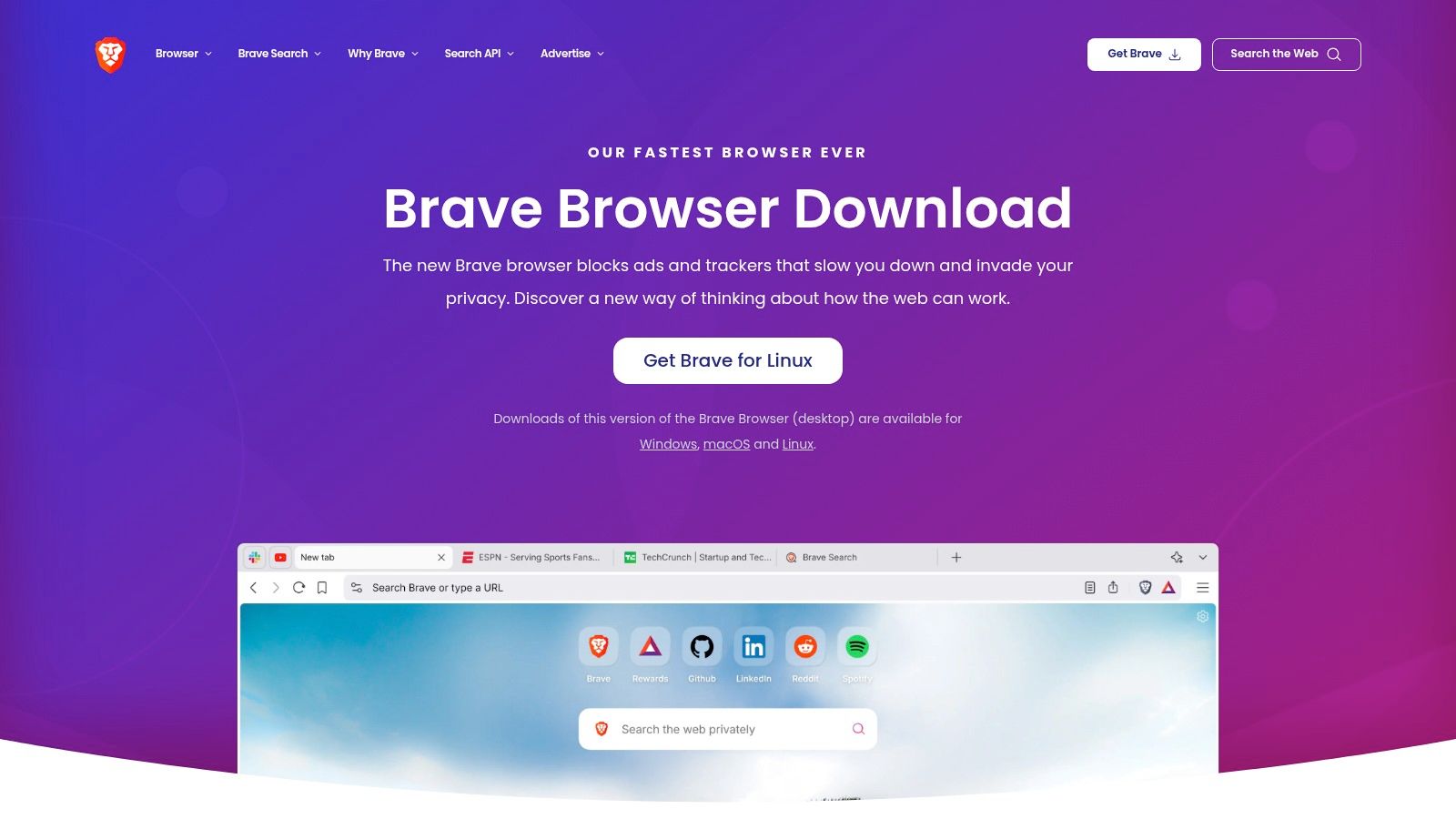
Unlike other browsers, Brave blocks intrusive ads and trackers by default, which can lead to faster page load times and a cleaner viewing experience on many sites. For users of our Free IPTV Player, this means a focused, uninterrupted environment for enjoying M3U playlists and live content. While it champions privacy, it still provides a clear path to enable the necessary DRM for subscription services like Netflix, Hulu, and Prime Video.
Brave’s core appeal is balancing strong privacy defaults with access to DRM-protected content. To watch services like Netflix, users must manually enable Widevine DRM. This is a one-time step that respects user choice while ensuring you aren't locked out of your favorite platforms. Once enabled, its performance is on par with other Chromium-based browsers.
Pro Tip: When you first visit a site like Netflix that requires DRM, Brave will prompt you to allow the WidevineCDM component. Simply click "Allow" to enable it permanently for a seamless experience on all your subscription services going forward.
Performance Highlights:
| Feature | Benefit for Streaming |
|---|---|
| Optional Widevine DRM | Enables compatibility with major streaming services. |
| Brave Shields | Blocks distracting ads on websites and third-party trackers. |
| Chromium Foundation | Delivers stable and reliable video playback performance. |
While the initial DRM setup is an extra step, Brave provides a fast, secure, and private browser that doesn't compromise on streaming capabilities, making it a superb choice for users who want the best of both worlds. The browser's efficiency can also be beneficial when using it on less powerful streaming devices, which you can learn more about in our streaming device comparison.
Pros:
Cons:
Built on the same Chromium engine as Chrome, Opera offers a familiar foundation of compatibility while carving out its own identity with unique features tailored for multitasking. This makes it a strong candidate for the best browser for streaming, especially for users who like to watch content while they work or browse. Its built-in support for key technologies ensures a smooth out-of-the-box experience.
For users of our Free IPTV Player, Opera provides a reliable and feature-rich environment. It handles M3U playlists and live channels effectively, but its real advantage is the pop-out video player, allowing you to keep your stream in view while navigating other tabs. This functionality extends to major services like Netflix and Prime Video, which work seamlessly thanks to Opera's integrated Widevine DRM support.
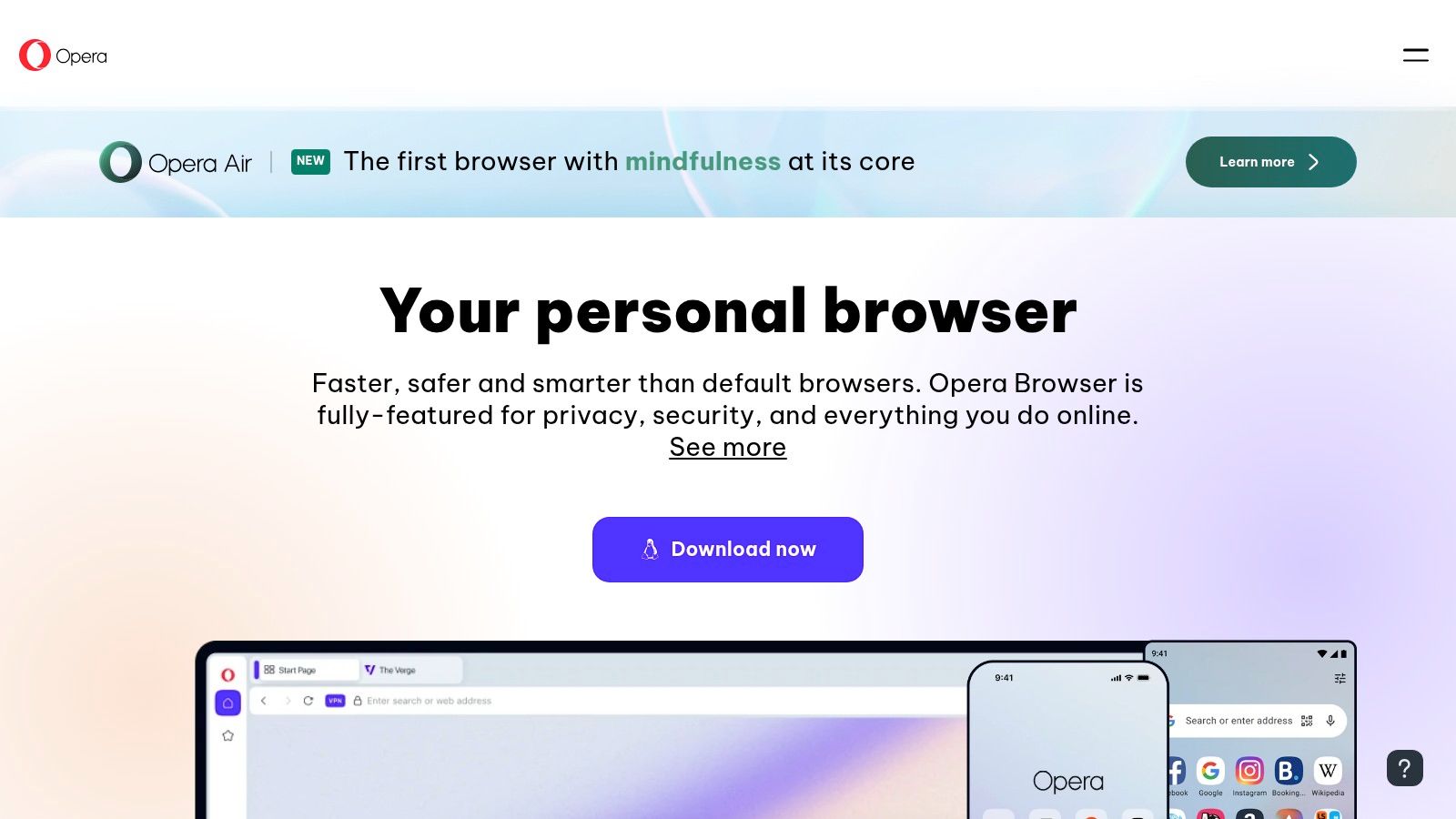
Opera’s standout feature is its video pop-out, which lets you detach a video from its webpage and float it over other windows. This is incredibly useful for keeping an eye on a live sports stream or news broadcast while staying productive. The browser also includes a built-in, free VPN and an ad blocker, which can enhance privacy and potentially improve loading times on some sites.
Pro Tip: To use the video pop-out, hover your mouse over a playing video and click the small icon that appears at the top. You can resize and move the floating window anywhere on your screen for the perfect multitasking setup.
Performance Highlights:
| Feature | Benefit for Streaming |
|---|---|
| Video Pop-Out | Enables seamless multitasking while watching streams. |
| Widevine DRM | Provides compatibility with major subscription services. |
| Resource Saver Mode | Helps manage memory and CPU for smoother playback. |
While Opera delivers a powerful and convenient streaming experience, its specialized features are what truly set it apart for users who want to integrate video into their daily workflow without missing a beat.
Pros:
Cons:
Vivaldi, built on the same Chromium engine as Chrome, offers a unique proposition for those who want ultimate control over their browser's look and feel without sacrificing performance. This high degree of customization makes it a surprisingly strong candidate for the best browser for streaming, allowing users to create dedicated, distraction-free viewing environments.
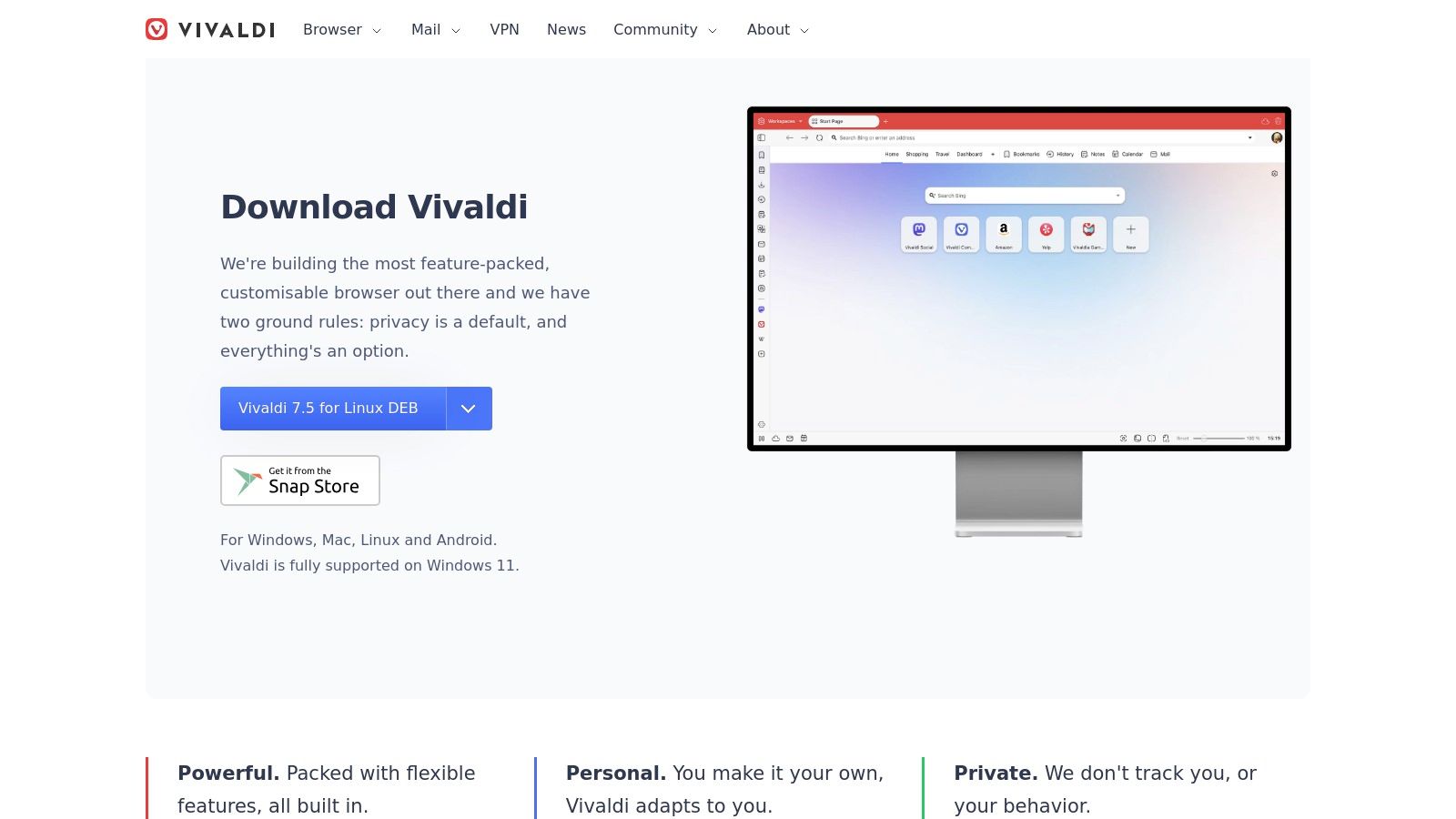
Because it shares its DNA with Chrome, Vivaldi is fully compatible with Widevine DRM, enabling smooth playback on services like Netflix and Prime Video. For our Free IPTV Player, it performs exceptionally well, handling M3U playlists and live streams reliably. Users who enjoy organizing their content will appreciate Vivaldi's advanced features; for instance, you can use Tab Stacks to group multiple streaming services or create a dedicated user profile just for entertainment to keep your viewing history separate from your work.
Vivaldi gives users the power to tailor their streaming setup precisely. You can move toolbars, create custom keyboard shortcuts for media playback, or even use the tab tiling feature to watch a live sports stream alongside a social media feed in a split-screen view, all within one browser window. It inherits Chromium's excellent hardware acceleration, ensuring efficient decoding of 4K streams.
Pro Tip: Create a dedicated "Streaming" User Profile in Vivaldi (
vivaldi://profiles). This isolates your streaming extensions and history, creating a clean environment that can improve performance and organization. It's a great way to manage different IPTV playlists, just as you would when creating a custom M3U playlist.
Performance Highlights:
| Feature | Benefit for Streaming |
|---|---|
| Widevine DRM Support | Compatible with all major subscription streaming sites. |
| User Profiles | Isolate streaming activities for a cleaner, faster experience. |
| Tab Tiling | Watch multiple video sources in a single browser window. |
While its deep feature set might seem overwhelming at first, Vivaldi offers a stable and performant platform that puts you in complete control of your streaming experience.
Pros:
Cons:
| Browser | 🔄 Implementation Complexity | ⚡ Resource Requirements | 📊 Expected Outcomes | 💡 Ideal Use Cases | ⭐ Key Advantages |
|---|---|---|---|---|---|
| Google Chrome | Moderate – DRM built-in, easy setup | Moderate – higher memory usage | Excellent compatibility & 4K streaming | General streaming on all platforms | Wide DRM support, excellent YouTube HDR, vast extensions |
| Microsoft Edge | Moderate to High – Dual DRM setup, Windows-focused | Moderate – optimized for Windows hardware | Best Windows 4K/HDR playback | Windows users needing 4K/HDR playback | Dual PlayReady + Widevine DRM, strong Windows integration |
| Apple Safari | Low – Native on Apple devices | Low – highly power efficient | Best 4K HDR Apple TV+ streaming | Apple ecosystem users | Superior macOS HDR support, excellent battery life |
| Mozilla Firefox | Moderate – Widevine DRM enabled | Low to Moderate | Reliable 1080p streaming, privacy focus | Privacy-conscious users | Open-source, strong privacy, cross-platform wide support |
| Brave | Moderate – Manual DRM enabling | Moderate | Good streaming with privacy advantages | Privacy-first Chromium users | Built-in ad/tracker blocking, strong privacy & streaming |
| Opera | Moderate – Widevine setup may be manual | Moderate | Functional streaming with extra features | Users wanting VPN & multitasking | Built-in VPN, pop-out video, media controls |
| Vivaldi | Moderate to High – DRM setup and customization | Moderate | Stable streaming with high customization | Power users and multitaskers | Advanced UI customization and multiple profiles |
Navigating the world of online video to find the best browser for streaming can feel complex, but the journey ends with a choice that perfectly aligns with your personal hardware and viewing habits. We've explored how each major browser carves out its niche, from delivering pristine 4K quality to championing user privacy above all else. Your ideal choice is less about finding a single "best" option and more about identifying the right tool for your specific setup.
The key takeaway is that performance is situational. For Windows users chasing the highest possible resolution on platforms like Netflix, Microsoft Edge stands out with its exclusive 4K playback capabilities. Conversely, Mac users dedicated to the Apple ecosystem will find that Safari is the only path to experiencing Apple TV+ content in its full 4K glory.
For those who prioritize a balance of widespread compatibility, a massive extension library, and reliable performance across countless devices, Google Chrome remains the go-to default. Meanwhile, Mozilla Firefox and Brave offer compelling alternatives for the privacy-conscious, providing robust tracking protection without compromising your ability to stream content from services like our Free IPTV Player. Finally, power users who love to multitask will appreciate the unique features of Opera and the deep customization offered by Vivaldi.
Selecting the right browser is only half the equation for an optimal streaming experience. The hardware you use plays an equally critical role in delivering smooth, high-quality video without buffering or lag. While your browser handles the data, a dedicated streaming device processes the video and audio, ensuring a seamless and responsive user interface.
To truly unlock your browser's streaming potential, consider these hardware upgrades:
Powerful Streaming Devices: An Amazon Fire TV Stick 4K Max offloads video decoding from your computer, providing a smoother experience and a user-friendly remote. For enthusiasts seeking top-tier performance and AI-enhanced upscaling, the NVIDIA SHIELD TV Pro is an unbeatable choice.
Enhanced Comfort for Long Sessions: Marathon-watching your favorite shows can lead to eye strain from prolonged screen exposure. Investing in a pair of blue light filter glasses can significantly reduce eye fatigue and improve your comfort, allowing you to enjoy your content for longer.
By combining the best browser for streaming with the right hardware and a quality IPTV service, such as a premium subscription from our affiliate IPTV Now, you create an entertainment ecosystem built for flawless, high-fidelity viewing. Your perfect streaming future is just a few clicks away.
Ready to put your chosen browser to the test? With Free IPTV Player, you can instantly stream M3U playlists directly in your browser, no downloads or installations required. See for yourself how our player performs with your setup by visiting Free IPTV Player and start watching in seconds.
