The Amazon Firestick has revolutionized home entertainment, turning any TV into a smart media hub. But its true power lies in the vast ecosystem of applications that grant you access to live television, from local news and major sporting events to blockbuster movies and binge-worthy series. Navigating the crowded Amazon Appstore to find the right services can be overwhelming. This guide cuts through the noise, providing a detailed breakdown of the 12 best Firestick live TV apps available today. We'll explore everything from premium cable-replacement services to completely free, ad-supported options, helping you build the perfect streaming setup that fits your budget and viewing habits.
Each entry includes a clear analysis of its features, pros, cons, and pricing, complete with screenshots and direct links for easy setup. We'll also introduce a powerful browser-based alternative for those who want ultimate flexibility with their IPTV playlists. Before diving in, it's essential to have the right hardware. A reliable streaming device, like the popular Fire TV Stick 4K Max, ensures a smooth, buffer-free experience across all these applications. This resource is designed to help you confidently choose the ideal solution for your household.
Free IPTV Player carves out a unique and powerful niche among the best Firestick live TV apps by operating entirely within your device's web browser. This innovative approach eliminates the need for any software downloads or installations, offering a streamlined and clutter-free path to high-quality streaming. By simply navigating to the website on your Firestick's Silk browser, you can instantly load your M3U playlists and begin watching content.

This browser-based functionality is its standout advantage, making it an indispensable tool for quickly testing an IPTV service from a provider like IPTV Now before committing to a full setup. It’s also an excellent primary player for those who prioritize security and minimalism, as no third-party app has access to your device.
The platform is more than just a simple player; it’s a robust tool designed for a premium user experience. It supports a wide range of video qualities, from standard definition up to crystal-clear 4K, ensuring your streams look their best on any display. The interface is clean and intuitive, featuring essential controls like channel filtering, a favorites function for quick access, volume adjustments, and a seamless full-screen mode. This combination of high-end features, zero-install convenience, and multi-platform compatibility solidifies its position as a top-tier choice for any Firestick user.
Access the player at: https://freeiptvplayer.net
The Amazon Appstore is the official starting point and central hub for discovering the best Firestick live TV apps. While not an app itself, it’s the primary gateway you’ll use to find, download, and manage all your streaming services directly on your device. From mainstream giants like YouTube TV and Hulu + Live TV to free options like Pluto TV and Plex, this is the most secure and reliable source for verified applications. Its direct integration with your Amazon account simplifies the entire process.

The platform centralizes your app library, allowing you to manage installations and updates across all your Fire TV devices from a single account. Using the website version lets you browse and queue up downloads from your computer or phone, which will then automatically install on your Fire Stick. While navigating the app categories on the web can sometimes feel less intuitive than on the device itself, it provides a powerful way to manage your entertainment ecosystem. The importance of a well-integrated app store is a key factor when choosing a streaming device, which you can explore further in a detailed streaming device comparison.
Pros:
Cons:
Website: https://www.amazon.com/appstore
YouTube TV has quickly become a top-tier cable replacement, offering a comprehensive package of over 100 channels that make it one of the best Firestick live TV apps. It excels with its robust local channel lineup, providing access to major networks like ABC, CBS, FOX, and NBC in most US markets. The service is particularly strong for sports fans, bundling popular networks and offering unique features like multi-view for watching several games at once. Its native Fire TV app is slick, responsive, and easy to navigate.
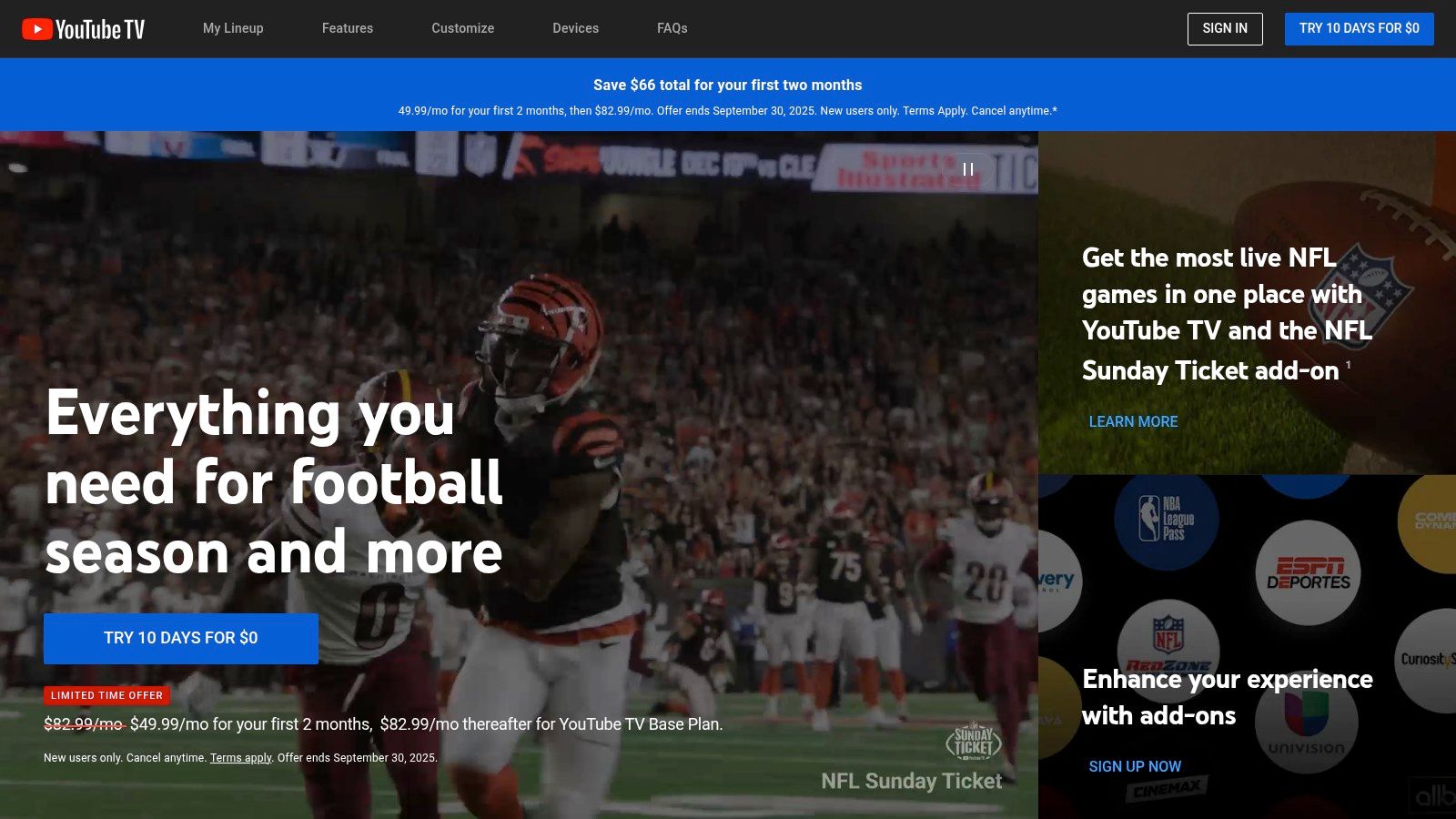
The platform’s standout feature is its unlimited cloud DVR, which stores recordings for nine months with no storage caps, a significant advantage over competitors. While its single base plan simplifies choices, the monthly cost is in the premium range, positioning it as a direct alternative to traditional cable. Despite occasional regional sports disputes, its overall reliability and feature set justify its price for those seeking a complete live TV streaming solution. To understand more about how these services operate, you can explore this guide explaining what is live TV streaming.
Pros:
Cons:
Website: https://tv.youtube.com
Hulu + Live TV is a comprehensive streaming solution that bundles live television with an extensive on-demand library, making it one of the best Firestick live TV apps for cord-cutters. It stands out by packaging its 95+ live channels with full access to the Hulu streaming library, Disney+, and ESPN+. This all-in-one approach consolidates entertainment, news, and major sports leagues into a single subscription, simplifying billing and content discovery directly on your Fire TV.

The platform is designed for users who want a robust cable replacement without sacrificing access to top-tier on-demand content. While its user interface can feel busy due to the sheer volume of options, it effectively integrates live programming with its vast catalog of shows and movies. The inclusion of local channels and extensive sports coverage from ESPN+ makes it a powerful choice for households with diverse viewing habits, all managed through a seamless Fire TV application.
Pros:
Cons:
Website: https://www.hulu.com/live-tv
Sling TV is a pioneer in the live TV streaming space, offering an à la carte approach that makes it one of the most budget-friendly options for cord-cutters. Its service is built around two affordable base plans, Orange and Blue, which can be combined or expanded with numerous add-on packages. This flexibility makes it an excellent choice for Firestick users who want to build a custom channel lineup without paying for dozens of networks they never watch, positioning it as one of the best Firestick live TV apps for cost-conscious viewers.
The platform's strength lies in its customization. You can add genre-specific packs like Sports Extra, Comedy Extra, and News Extra for a small monthly fee, tailoring your subscription to your exact interests. While it offers a streamlined interface on the Fire TV, its local channel lineup can be a limitation depending on your market, and major networks like CBS are notably absent. However, for those looking to replicate a specific cable package at a lower price, Sling provides a powerful and affordable solution, which is a key step when you learn how to cut cable TV. Its new Day Pass option also offers unique short-term access.
Pros:
Cons:
Website: https://www.sling.com
Fubo positions itself as the premier live TV streaming service for sports fanatics, making it one of the best Firestick live TV apps for anyone who never wants to miss a game. Its extensive channel lineup is heavily focused on sports, including hard-to-find regional sports networks (RSNs) that are crucial for following local teams. While its price point is higher than many competitors, the value is clear for users prioritizing comprehensive sports coverage alongside a robust selection of entertainment and news channels.
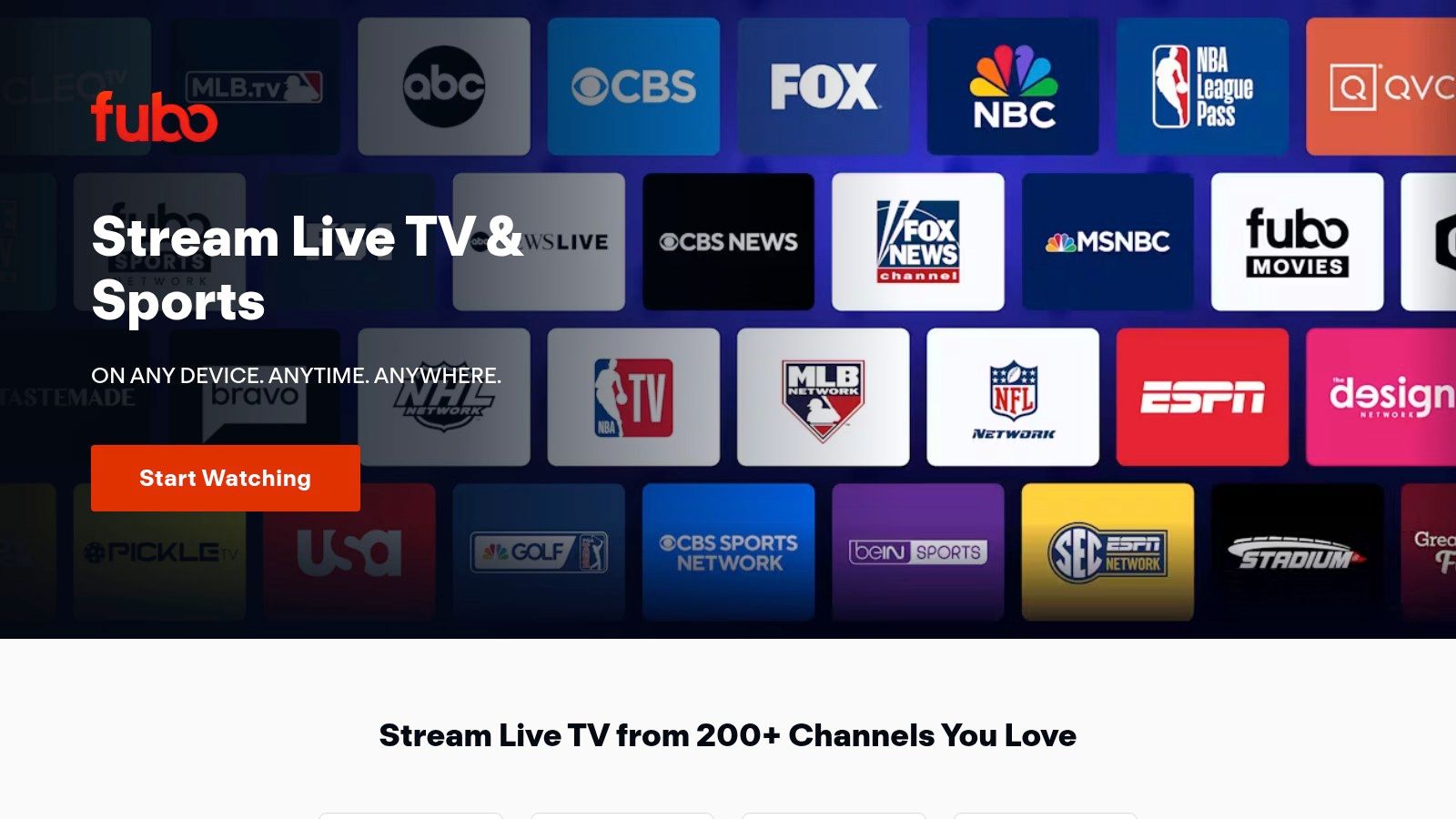
The platform’s standout feature is its commitment to high-quality streaming, with many key sporting events broadcast in stunning 4K resolution. The Fire TV app interface is clean and organizes channels and events effectively, making it easy to find what you're looking for. Plans include generous cloud DVR storage and support for multiple simultaneous streams, catering to families and shared households. For the ultimate sports fan, optional add-ons like Sports Plus with NFL RedZone provide an unmatched level of access to professional and college sports.
Pros:
Cons:
Website: https://www.fubo.tv
DIRECTV STREAM is a premium live TV streaming service designed for those looking to replicate a traditional cable or satellite experience without the long-term contracts. It offers a robust channel lineup, including extensive local and regional sports networks (RSNs) on its higher-tier plans, making it one of the best Firestick live TV apps for avid sports fans. The service provides a familiar, channel-surfing interface that is easy to navigate on a Fire TV device, appealing to users transitioning from legacy TV providers.
With packages ranging from basic entertainment to comprehensive bundles with premium channels, DIRECTV STREAM offers flexibility, though its pricing sits at the higher end of the market. Its standout features include an unlimited cloud DVR for recording shows and the ability to stream on an unlimited number of devices simultaneously on your home network. While the monthly cost can be a significant investment after promotional periods end, it delivers a high-quality, reliable stream that feels like a modern evolution of classic television.
Pros:
Cons:
Website: https://www.directv.com/stream
Philo carves out a unique niche among the best Firestick live TV apps by focusing exclusively on entertainment, lifestyle, and knowledge-based programming. By stripping away expensive sports and local channels, it delivers over 70 popular networks like AMC, A&E, HGTV, and Discovery at a significantly lower price point than its competitors. This makes it an ideal solution for households that primarily watch non-sports content and get their local news through other means.
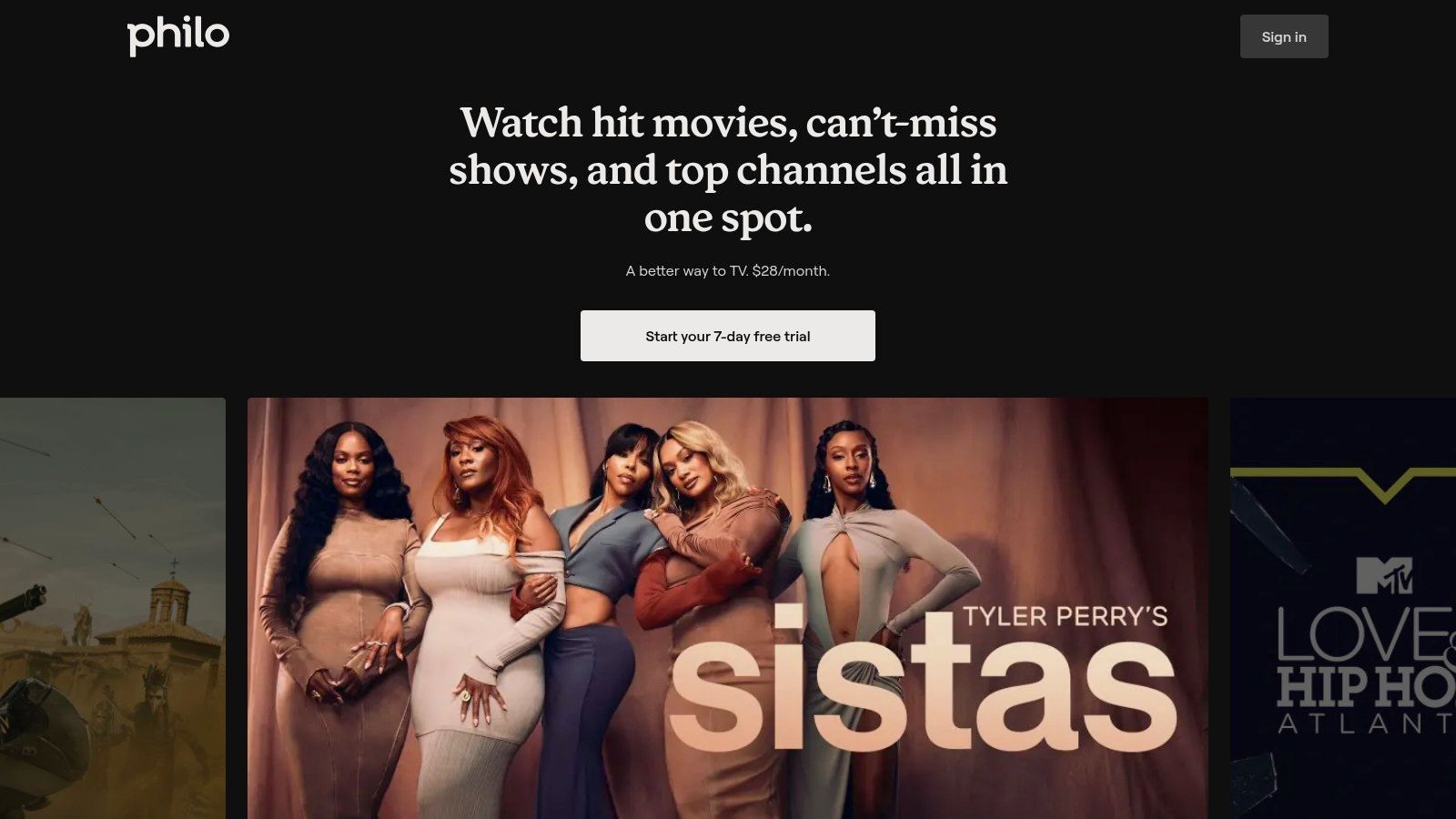
The service shines with its user-friendly Fire TV app, which is clean, responsive, and easy to navigate. A standout feature is the unlimited cloud DVR, allowing you to save as many shows as you want for up to one year. Philo’s straightforward single-plan structure simplifies the subscription process, offering a streamlined experience for cord-cutters on a budget. For those looking to supplement its lineup, combining Philo with an OTA antenna for local channels creates a powerful yet affordable setup.
Pros:
Cons:
Website: https://www.philo.com
Paramount+ offers a compelling mix of on-demand content and live TV, making it a strong contender among Firestick live TV apps, especially for fans of CBS programming. While primarily known for its vast library of shows and movies, its premium tier provides a direct live feed of your local CBS station. This unique hybrid model allows you to watch primetime shows, local news, and major sporting events like the NFL on CBS, all within the same application you use for its exclusive original series.
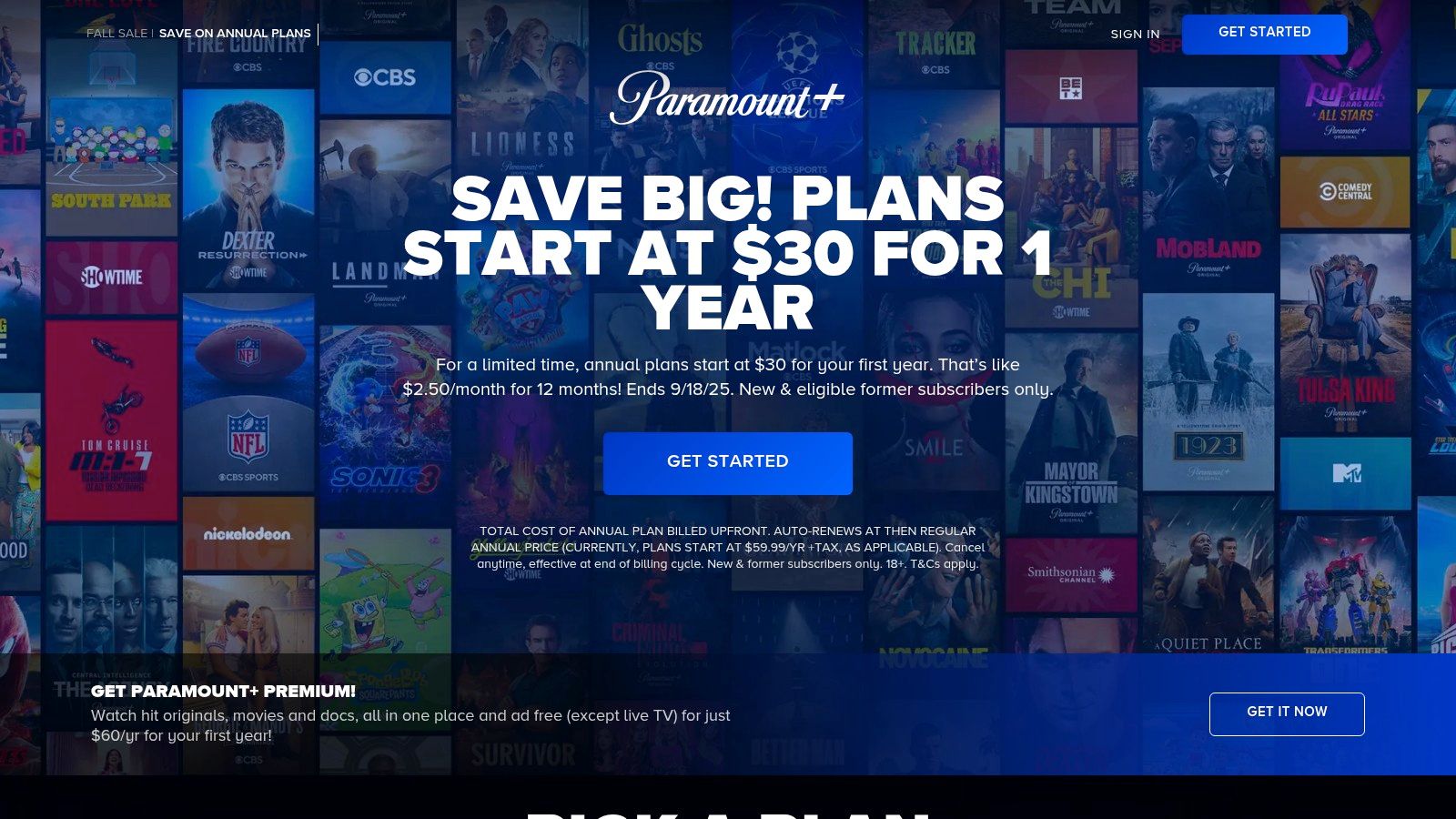
The platform is streamlined for easy navigation on the Fire Stick, with a dedicated "Live TV" tab that simplifies finding your local channel. Its integration of the Showtime library into the top-tier plan adds significant value, consolidating two major services into a single, affordable subscription. For users who want a major broadcast network and premium cable content without the cost of a full live TV package, Paramount+ provides a focused and cost-effective solution.
Pros:
Cons:
Website: https://www.paramountplus.com
Pluto TV is a top-tier choice for cord-cutters looking for a completely free, ad-supported live TV experience on their Fire Stick. It offers hundreds of curated channels spanning movies, news, sports, comedy, and niche interests, mimicking a traditional cable TV guide. The service requires no credit card or even a sign-up, making it one of the most accessible and hassle-free live TV apps available. Its appeal lies in its simplicity and "lean-back" viewing model, where you can just turn it on and start channel surfing without commitment.
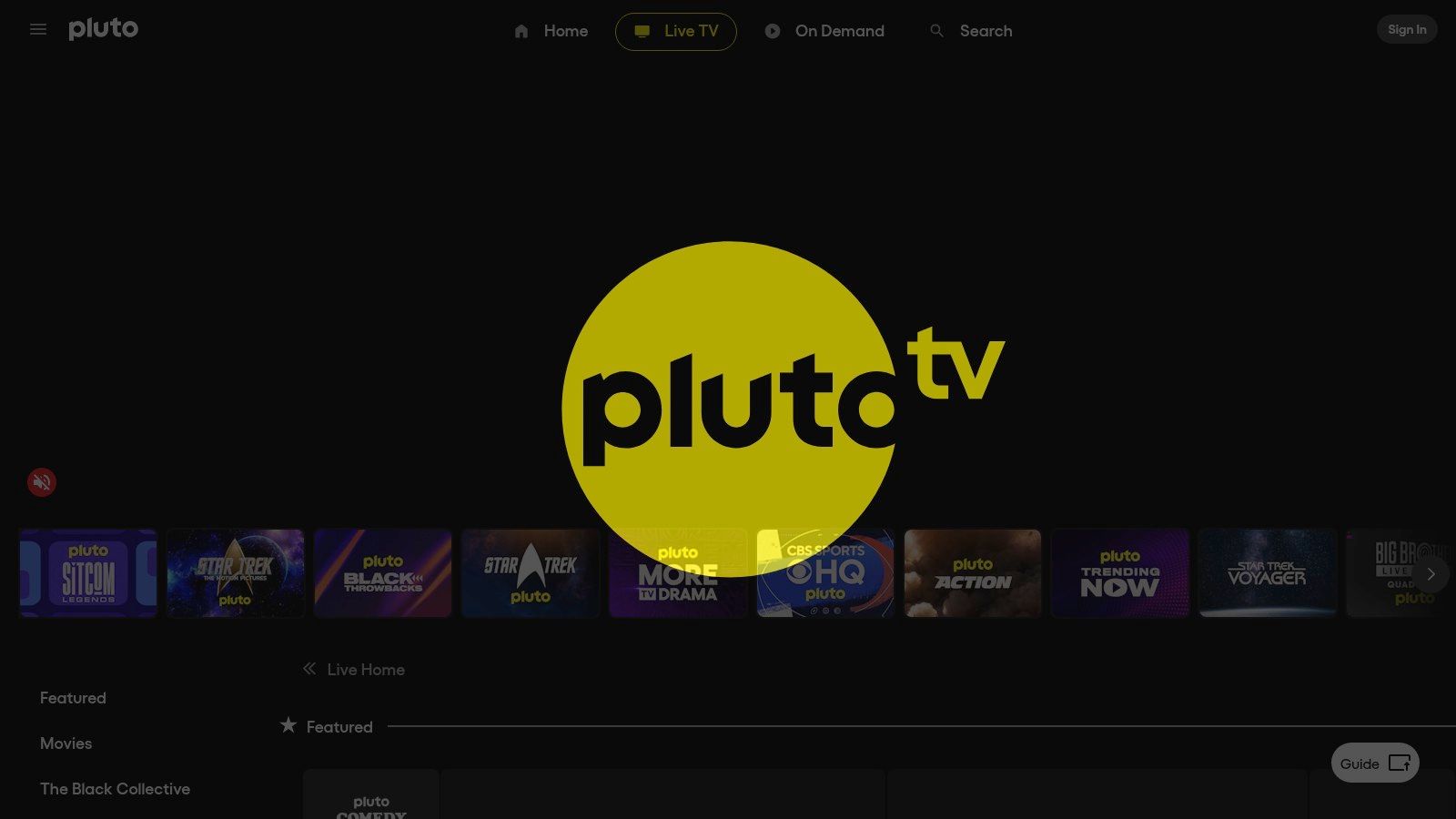
The platform provides a massive library of on-demand content alongside its live channels, all funded by commercials that run during programming. While the ads can be frequent, they are a small price to pay for a service that costs nothing. The Fire TV app's interface is generally straightforward, though the extensive channel guide can sometimes feel a bit cluttered or slow to navigate on older devices. As one of the most popular free streaming options, you can explore how it stacks up against similar services in a detailed comparison of free TV apps.
Pros:
Cons:
Website: https://pluto.tv
Xumo Play stands out in the crowded field of free streaming services by offering one of the most frictionless viewing experiences available. As one of the best Firestick live TV apps for instant gratification, it requires no account, registration, or credit card to start watching. This ad-supported platform provides access to over 300 live channels, blending familiar networks with niche content, making it a fantastic plug-and-play option for anyone wanting immediate access to free entertainment.

The service is especially useful for a quick news update or to dive into a movie marathon without any commitment. Its channel lineup includes news from sources like NBC News NOW and ABC News Live, alongside genre-specific movie channels and pop-culture content. While its library may not be as extensive as some competitors, its simplicity is its greatest strength. The user interface on the Fire Stick is straightforward, prioritizing channel surfing and content discovery over complex features, ensuring you can find something to watch within seconds.
Pros:
Cons:
Website: https://www.xumo.com/play
Plex is a unique powerhouse among the best Firestick live TV apps because it masterfully combines free, ad-supported streaming with the ability to create a personalized media server. Out of the box, the Fire TV app offers hundreds of free FAST channels, including news, movies, and entertainment, requiring no subscription or special hardware. This makes it an excellent free-to-use option for casual live TV viewing.
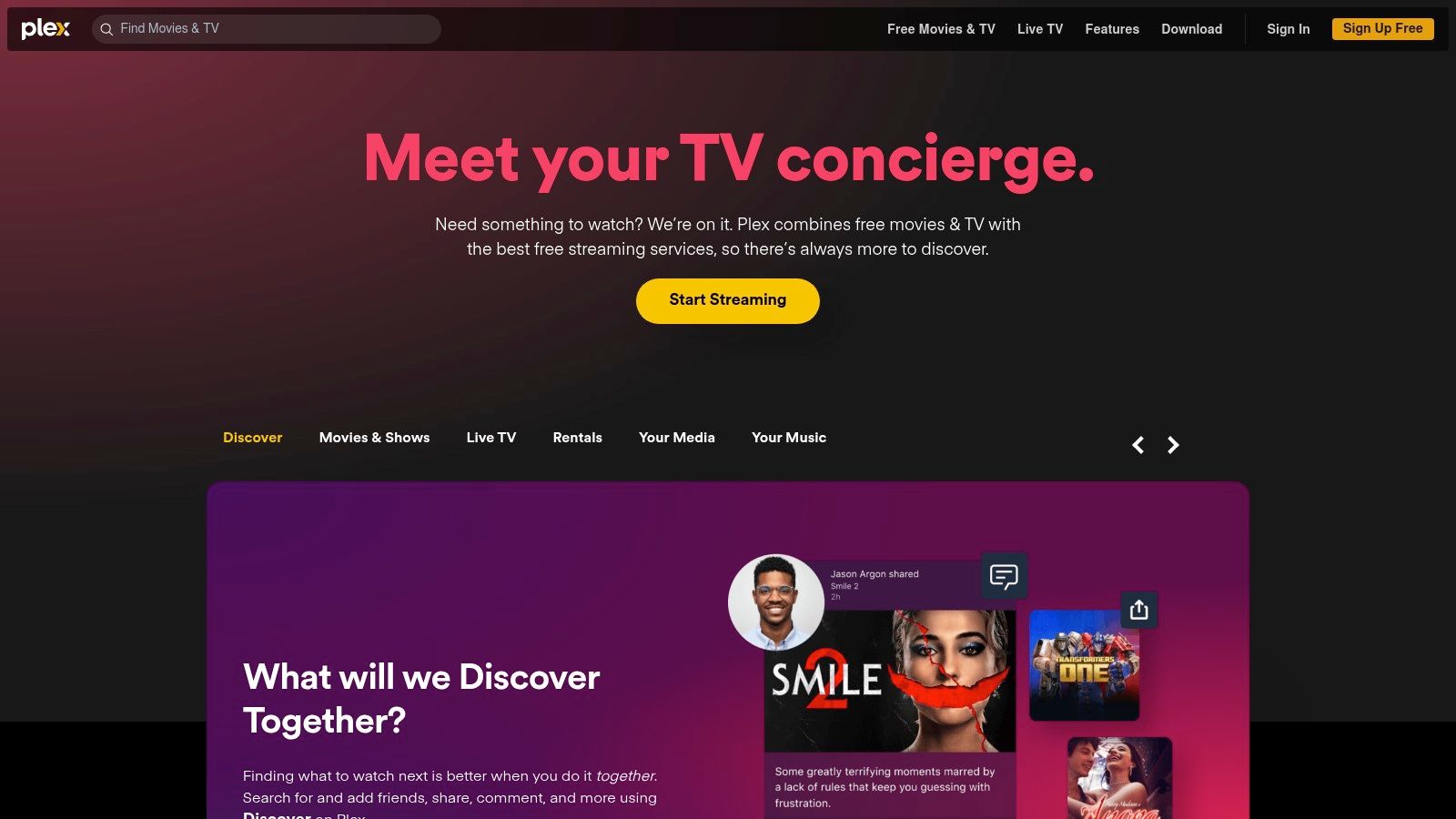
Where Plex truly stands out is its expandability. For users willing to invest in their setup, Plex can integrate with a digital antenna and tuner to stream and record over-the-air (OTA) broadcasts like a full-featured DVR. This requires a premium Plex Pass subscription and some technical know-how to set up the server. Even so, its ability to merge personal media collections, free streaming channels, and OTA TV into one unified interface is unparalleled.
Pros:
Cons:
Website: https://www.plex.tv
| Service | Core Features/Quality ★ | User Experience & UI ✨ | Value & Pricing 💰 | Target Audience 👥 | Unique Selling Points 🏆 |
|---|---|---|---|---|---|
| Free IPTV Player 🏆 | Browser-based, 4K/HD support ★★★★ | No install, playlist upload, filtering | Completely free 💰💰 | IPTV enthusiasts, testers 👥 | Instant play, multiplatform, no app needed ✨ |
| Amazon Appstore | Fire TV app marketplace ★★★ | App reviews, centralized management | Free to browse; apps vary 💰 | Fire TV users, app seekers 👥 | Official Fire TV app source |
| YouTube TV | 100+ channels, cloud DVR ★★★★ | Simple plan, strong sports/local coverage | Premium pricing 💰💰💰 | Cable replacers, sports fans 👥 | Best cloud DVR, local channels |
| Hulu + Live TV | Live TV + Disney+/ESPN+ ★★★ | All-in-one bundle, busy UI | Mid-high pricing 💰💰 | Family & sports/entertainment fans 👥 | Bundled content access |
| Sling TV | Flexible base plans and add-ons ★★★ | Customizable, affordable plans | Budget-friendly 💰 | Cost-conscious viewers 👥 | Pay only for channels wanted |
| Fubo | Sports-focused, 4K support ★★★★ | Multi-plan, sports add-ons | Higher pricing 💰💰💰 | Sports enthusiasts 👥 | Deep sports coverage, 4K streams |
| DIRECTV STREAM | Cable-like packages, unlimited DVR ★★★ | Traditional cable feel | Higher price after promos 💰💰💰 | Satellite/cable switchers 👥 | Broad channel tiers, cable-style experience |
| Philo | Entertainment only, 70+ channels ★★ | Simple, long DVR | Very budget-friendly 💰💰 | Entertainment-focused viewers 👥 | Low-cost, easy plan |
| Paramount+ | CBS locals + Showtime, 2 tiers ★★★ | Affordable, original content | Low to mid pricing 💰💰 | Sports & premium content seekers 👥 | CBS live + NFL, Showtime content |
| Pluto TV | 100% free, 100s channels ★★★ | No login, ad-supported | Completely free 💰 | Casual viewers, entry-level users 👥 | Free with no sign-in |
| Xumo Play | 300+ free channels ★★ | Fast start, ad-supported | Completely free 💰 | News & entertainment viewers 👥 | No account needed |
| Plex (Live TV & More) | Free live channels + personal media ★★★ | Advanced features, requires setup | Free with premium upgrade 💰💰 | Media enthusiasts, tech-savvy users 👥 | Combines live TV & personal media |
Navigating the landscape of the best Firestick live TV apps reveals a clear truth: the perfect solution is highly personal. Your ideal setup depends entirely on your unique viewing habits, budget constraints, and technical comfort level. This guide has detailed everything from comprehensive cable replacements to specialized niche services and completely free, ad-supported platforms. The power of the Firestick lies in its flexibility, allowing you to build a custom entertainment ecosystem that traditional cable could never offer.
The journey to cutting the cord successfully begins with an honest assessment of your needs. Are you a die-hard sports fanatic who needs every major league game? Fubo or DIRECTV STREAM might be your best bet. Are you a family looking for a blend of live news, kids' programming, and on-demand content? The robust packages from YouTube TV and Hulu + Live TV are designed for you. For those prioritizing budget above all else, the incredible value of services like Philo and Sling TV, supplemented by free giants like Pluto TV and Xumo Play, provides a rich viewing experience without the hefty price tag.
Ultimately, your choice will hinge on a few critical factors.
The most effective strategy often involves combining services to create a complete and cost-effective package. A powerful and popular combination is pairing a low-cost paid service with a free one and a one-time hardware purchase. For instance, you could subscribe to Philo for its entertainment channels, use Pluto TV for movies and themed content, and install an HDTV antenna to capture all your local broadcast stations like ABC, CBS, NBC, and FOX for free.
This hybrid approach also extends to more advanced setups. For users who manage their own M3U playlists from a provider like IPTV Now, the browser-based Free IPTV Player becomes an invaluable tool. It bypasses the need for app installation and potential device restrictions, offering a straightforward way to access your custom channel lists directly through the Firestick's Silk Browser. This highlights the ultimate freedom of the Firestick platform, empowering you to craft a live TV experience that is truly your own.
Ready to unlock a world of live TV without installing another app? Visit the Free IPTV Player website to see how easy it is to stream your M3U playlists directly through your Firestick's web browser. Test your channels, enjoy a clutter-free experience, and take control of your streaming with the Free IPTV Player today.
