The Amazon Firestick is a powerful device for streaming, but unlocking its full potential doesn't have to cost a fortune. While many users associate it with paid subscriptions, a vast world of free content is available through legitimate applications. The key is knowing where to look. This guide cuts through the clutter to present the best free IPTV apps for Firestick, focusing on safe, legal, and high-quality options that transform your device into an ultimate entertainment hub. We'll explore everything from well-known, ad-supported services available directly in the Amazon Appstore to versatile media players that give you full control over your own content streams.
This comprehensive list is designed to help you find the perfect solution for your needs. Each entry provides a detailed breakdown of key features, setup instructions, and an honest assessment of its pros and cons. To ensure you have the best possible viewing experience, a stable internet connection is crucial. For a truly buffer-free stream, consider upgrading your setup with a dedicated Amazon Fire TV Ethernet Adapter. Let’s dive in and find the right app to start watching free live TV today.
While not a traditional IPTV service that uses M3U playlists, Prime Video’s free tier is an essential starting point for any Firestick owner. Amazon integrated its Freevee service directly into the Prime Video app, creating a massive, ad-supported library of movies, shows, and live channels accessible without a Prime membership. This makes it one of the most convenient and content-rich best free IPTV apps for Firestick, as it comes pre-installed and requires only a standard Amazon account.

The "Live TV" tab features dozens of FAST (Free Ad-supported Streaming TV) channels, covering news, sports highlights, and themed content streams. The on-demand catalog includes former Freevee originals and a rotating selection of licensed Hollywood movies.
The primary advantage is its seamless integration. Since it’s the native video app on Fire TV, the interface is familiar, responsive, and stable. You don’t need to sideload anything; just open the app and look for content marked "Free with ads." However, the unified interface can be a double-edged sword, as it can sometimes be difficult to distinguish free content from titles requiring a Prime subscription or purchase.
| Feature Analysis | Assessment |
|---|---|
| Content Library | Large, with a mix of on-demand movies, shows, and live FAST channels. |
| Ease of Access | Excellent. Pre-installed on all Firestick devices. |
| Cost | 100% free with a standard Amazon account (no Prime required). |
| User Interface | Polished and familiar, but can be confusing to navigate free vs. paid content. |
Website: https://www.primevideo.com/
Tubi stands as a titan in the ad-supported streaming world, offering a vast library that rivals many paid services. It provides over 250 live TV channels and an enormous on-demand catalog of movies and TV shows, all for free. Its native availability on the Amazon Appstore makes it one of the best free IPTV apps for Firestick because it guarantees a simple, one-click installation and a smooth, optimized user experience without any need for sideloading.
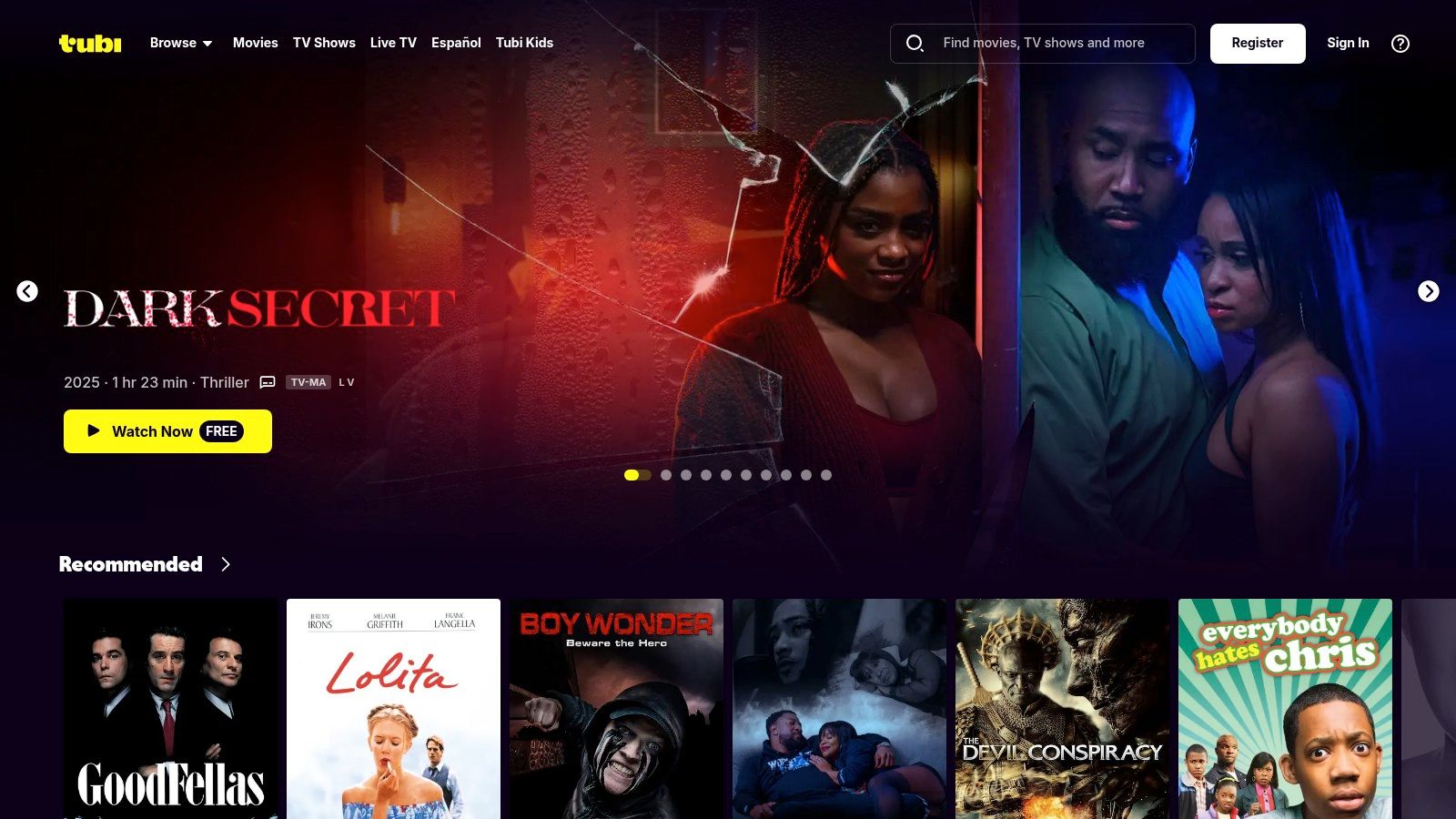
The platform features a dedicated "Live TV" section with channels spanning news, sports, entertainment, and niche interests. While you can start watching immediately without an account, creating one allows you to build a watchlist and receive personalized recommendations. Tubi's content is well-curated, especially for US-based viewers, and it provides one of the most comprehensive free TV apps available. For those seeking premium content beyond what free apps offer, a service like IPTV Now provides thousands of additional channels for a subscription fee.
Tubi’s strength lies in its sheer volume of content and ease of access. The Fire TV app is well-designed, responsive, and easy to navigate, with clear categories for live and on-demand content. Unlike some services where free content is hard to find, Tubi is 100% free, so everything you see is available to watch. The trade-off is the presence of ad breaks, which are generally manageable but can interrupt the viewing flow.
| Feature Analysis | Assessment |
|---|---|
| Content Library | Massive, with 250+ live channels and a deep on-demand selection. |
| Ease of Access | Excellent. Available directly from the Amazon Appstore for Fire TV. |
| Cost | 100% free, with no account required to start watching. |
| User Interface | Clean, intuitive, and easy to browse both live and on-demand libraries. |
Website: https://tubitv.com/
Pluto TV is a titan in the world of free streaming and a stellar example of what the best free IPTV apps for Firestick can offer. Owned by Paramount, it provides a classic “lean-back” television experience with hundreds of live, linear channels and a vast on-demand library, all completely free and supported by ads. Its app is readily available in the Amazon Appstore, making installation on a Firestick incredibly straightforward.
The platform curates over 250 channels dedicated to news, sports, entertainment, and single-series marathons. This approach mimics traditional cable TV, allowing users to channel surf through a clean, intuitive guide without the need for managing M3U playlists. It’s an ideal solution for those who want a simple, plug-and-play live TV experience.
Pluto TV’s greatest strength is its simplicity and polished interface. The app is fast and the live channel guide is one of the best in the free streaming space, making navigation effortless. While the ad breaks can be frequent, they are a small price to pay for the sheer volume of licensed, high-quality content available. Unlike IPTV players that require configuration, Pluto TV works instantly after installation.
| Feature Analysis | Assessment |
|---|---|
| Content Library | Excellent. Over 250 live channels and a large on-demand catalog. |
| Ease of Access | Excellent. Available directly from the Amazon Appstore. |
| Cost | 100% free, supported entirely by advertisements. |
| User Interface | Highly intuitive and polished, resembling a traditional cable TV guide. |
Website: https://pluto.tv/
Xumo Play is a powerhouse in the FAST (Free Ad-supported Streaming TV) space, offering a robust and completely free streaming experience directly on your Firestick. It aggregates hundreds of live channels and a vast on-demand library, making it a top contender for the best free IPTV apps for Firestick without needing any complex M3U playlist configurations. The service is officially available on the Amazon Appstore, ensuring a secure and straightforward installation process.
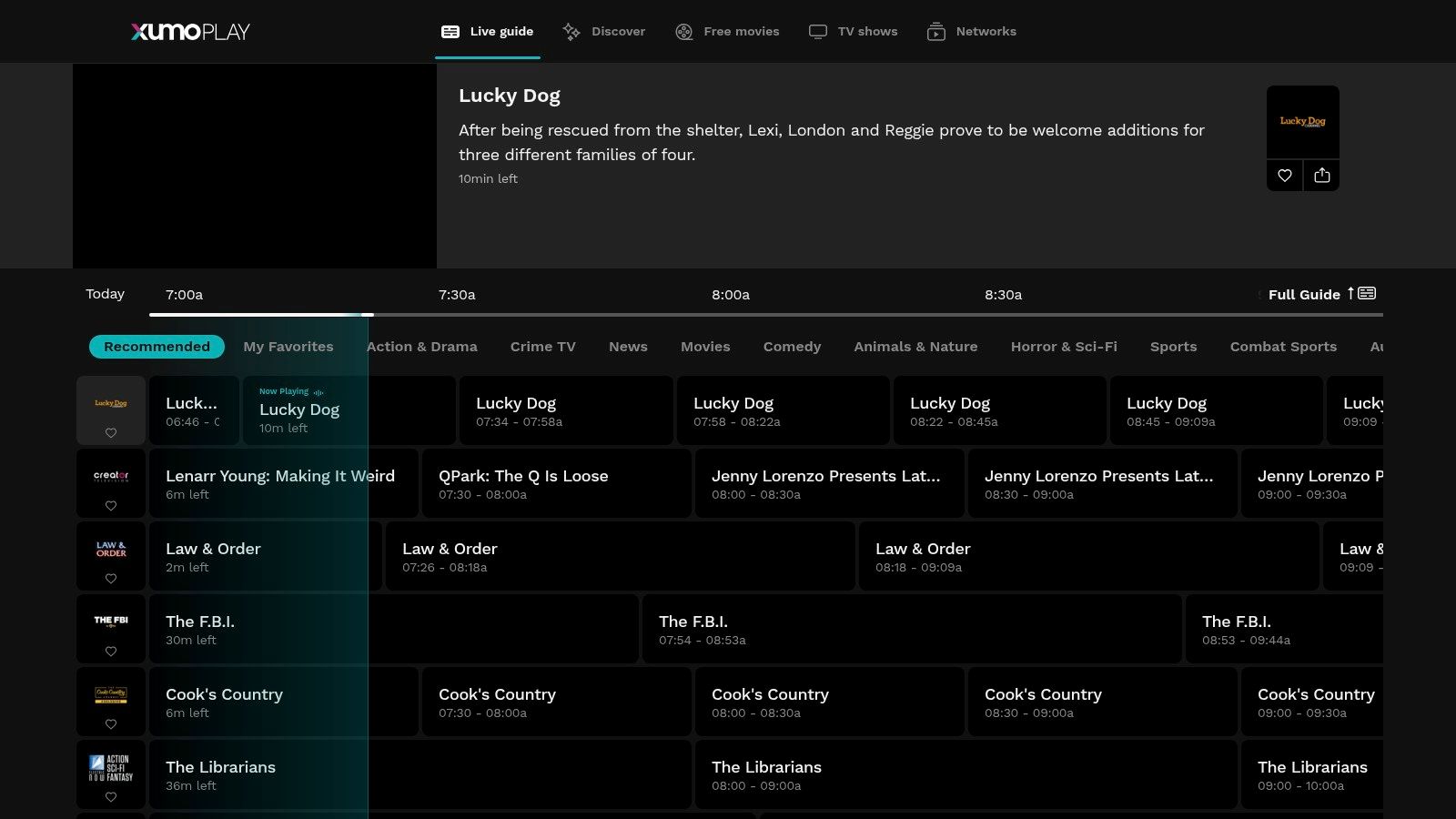
Its channel lineup is diverse, covering news from major networks like NBC News and ABC News Live, themed movie channels, and dedicated streams for popular TV shows. The app is designed for simplicity, allowing users to quickly jump into live content or browse the on-demand catalog without signing up for an account.
Xumo Play’s primary strength is its user-friendly interface that feels like a traditional cable TV guide. The app is lightweight, responsive, and launches quickly, which is a significant advantage on older Firestick models. While it is ad-supported, the commercial breaks are generally reasonable and similar to what you would experience with broadcast television. Its main limitation is its availability, as it is officially targeted at the US market, and users in other regions may not find it in their local Appstore.
| Feature Analysis | Assessment |
|---|---|
| Content Library | Excellent, with over 200 live channels and a large on-demand selection. |
| Ease of Access | Very good. Available directly from the official Amazon Appstore in supported regions. |
| Cost | 100% free with no subscription or account required to start watching. |
| User Interface | Simple, intuitive, and fast, with an effective TV guide layout. |
Website: https://play.xumo.com/
Sling Freestream is Sling TV’s powerful, no-cost entry point into the world of live streaming, functioning as one of the most robust best free IPTV apps for Firestick. It offers hundreds of free live TV channels and a vast on-demand library directly within the standard Sling TV app, which is easily downloadable from the Amazon Appstore. This model provides a seamless path for users to enjoy a massive catalog of content without any initial payment or credit card requirement.
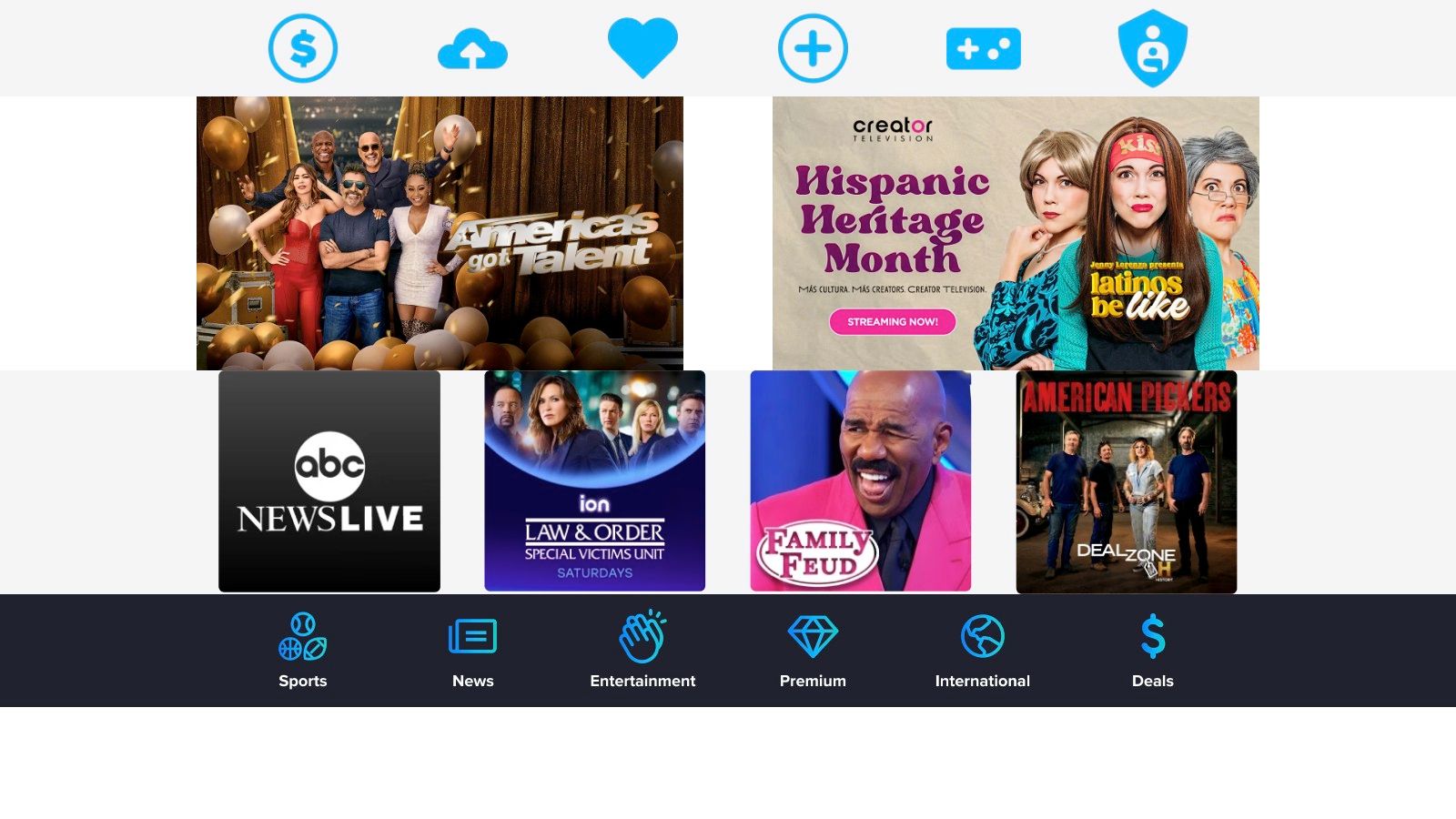
The service excels by blending a traditional cable-like guide with modern streaming features. Its integration with the Fire TV’s "Live" tab makes discovering free channels effortless, and some users may even get access to a free, limited DVR feature to record their favorite shows. The content includes recognizable brands in news, entertainment, and lifestyle.
Sling Freestream uses the polished and familiar Sling TV interface, which is easy to navigate. The primary advantage is the sheer volume of free channels available without sideloading or complex setups. While the app heavily promotes its paid Sling Orange and Blue tiers, the free content is clearly marked and simple to access. However, users occasionally report quirks with account features, such as DVR eligibility or guide synchronization.
| Feature Analysis | Assessment |
|---|---|
| Content Library | Excellent, with 400+ live channels and over 40,000 on-demand titles. |
| Ease of Access | Very good. Available directly from the Amazon Appstore. |
| Cost | 100% free with a simple email signup. No credit card needed. |
| User Interface | Clean and professional, but includes many prompts to upgrade to paid plans. |
Website: https://www.sling.com/freestream
While its name might seem counterintuitive for an Amazon device, The Roku Channel offers a surprisingly robust, official app for Fire TV users in the United States. This service provides a massive library of free, ad-supported content, including hundreds of live FAST channels and an extensive on-demand catalog of movies and TV shows. Its presence on the Firestick makes it another top-tier contender among the best free IPTV apps for Firestick, delivering a polished experience without requiring any sideloading or complex setup.
The platform stands out by offering a unique collection of content, often featuring classic TV shows and movies not found on competitors like Tubi or Pluto TV. The live TV guide is clean and easy to browse, making it simple to channel-surf through news, entertainment, and themed streams.
The Roku Channel's main advantage is its simple, user-friendly interface that gets you to free content quickly. Unlike other apps that might mix paid and free tiers, everything here is ad-supported and clearly accessible. The biggest limitation is its geographical restriction, as the official Fire TV app is currently available only in the US. For users outside this region, exploring different streaming device options might be necessary to access similar geo-locked content.
| Feature Analysis | Assessment |
|---|---|
| Content Library | Large and diverse, with hundreds of live channels and a unique on-demand selection. |
| Ease of Access | Excellent within the US (available on the official Appstore). Unavailable elsewhere. |
| Cost | 100% free, supported by advertisements. No account is required to start watching. |
| User Interface | Clean, simple, and very easy to navigate. Focuses purely on free content. |
Website: https://www.roku.com/therokuchannel
Plex is a powerhouse media solution that uniquely combines a massive library of free, ad-supported content with the ability to stream your own personal media collection. Its "Live TV" section boasts over 1,000 FAST channels available globally, alongside a robust catalog of on-demand movies and shows, all accessible for free. This hybrid model makes it one of the best free IPTV apps for Firestick, especially for users who want to consolidate their entertainment into a single, polished application.
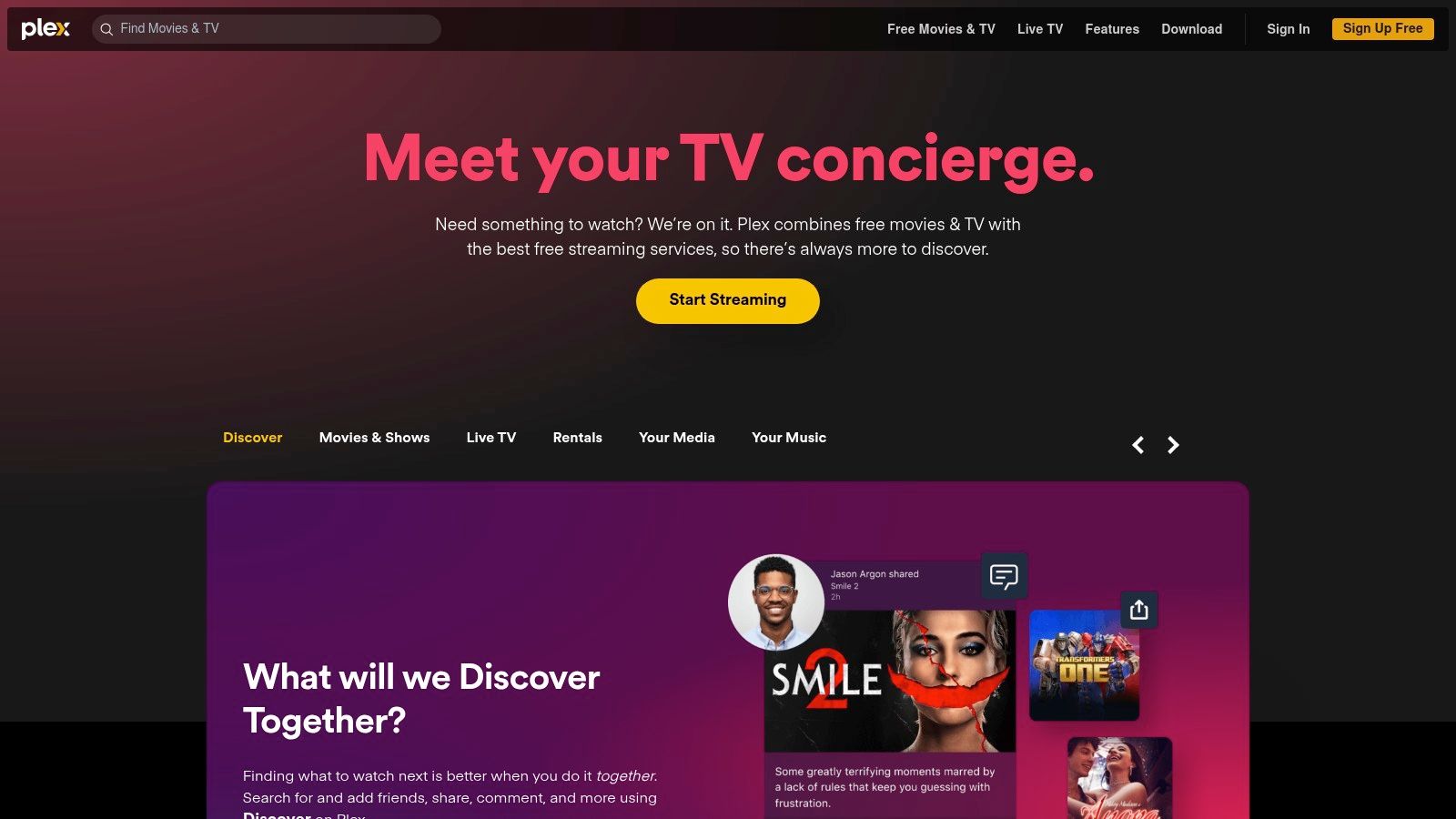
The platform’s dual functionality is its key differentiator. You can enjoy free live news, sports, and entertainment channels one moment, and then seamlessly switch to streaming a movie from your personal Plex Media Server running on a home computer. This versatility offers a level of control and content ownership that standalone IPTV apps cannot match.
Plex delivers a mature, stable, and highly-rated app on the Amazon Appstore, ensuring a smooth and reliable user experience. The interface is clean, modern, and organizes both its own free library and your personal media intuitively. While the free offering is extensive, users can optionally upgrade to a Plex Pass for advanced features like DVR capabilities. It's important to note that some older, less powerful Firestick models might struggle with the app's resource demands.
| Feature Analysis | Assessment |
|---|---|
| Content Library | Excellent. Over 1,000 FAST channels, on-demand content, and personal media server integration. |
| Ease of Access | Very Good. Available directly from the official Amazon Appstore. |
| Cost | 100% free for live TV and on-demand content; optional premium subscription available. |
| User Interface | Polished, intuitive, and modern, effectively blending free and personal media. |
Website: https://www.plex.tv/
For users who prioritize staying connected with their local community, Local Now offers a unique and powerful service. It’s a free, ad-supported platform that hyper-focuses on delivering local news, weather forecasts, and city-specific content directly to your Firestick. While it also provides hundreds of FAST channels like other services, its primary strength lies in its ability to provide real-time, localized information, making it one of the best free IPTV apps for Firestick for cord-cutters who don't want to lose their local news connection.
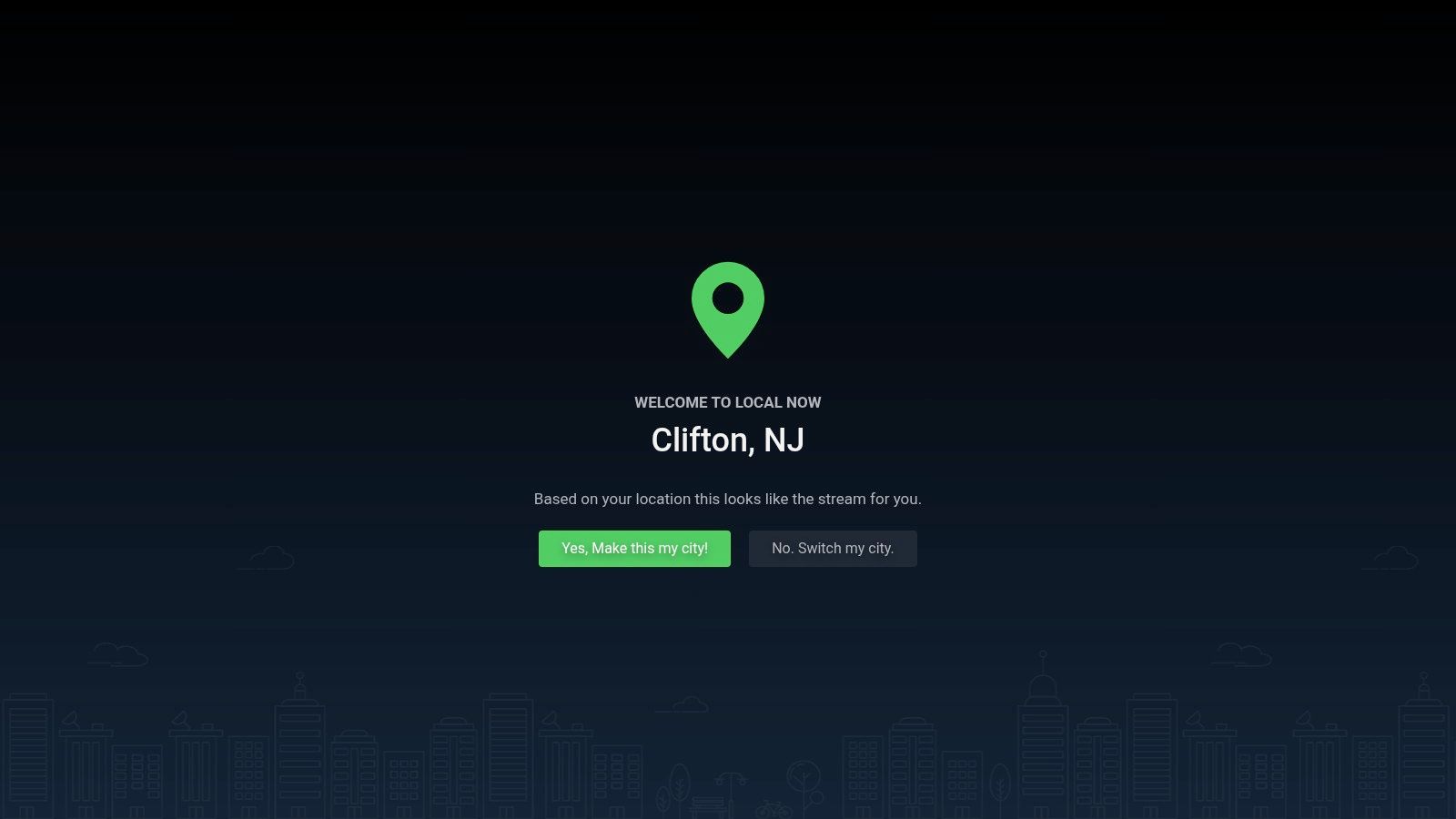
The app curates content based on your location, offering a dedicated stream of local reporting, traffic updates, and events. Alongside this, its library includes over 500 free channels and a selection of on-demand movies and TV shows, providing a well-rounded entertainment package that starts with what’s happening right outside your door.
Local Now is built for speed and simplicity. The Fire TV app is lightweight, launching quickly and starting streams with minimal buffering, which is perfect for catching a quick weather update before heading out. The interface is utilitarian and straightforward, prioritizing function over flashy design. While the depth of the on-demand catalog can vary depending on your location, its core promise of delivering reliable, free local content is its standout feature.
| Feature Analysis | Assessment |
|---|---|
| Content Library | Strong focus on local news and weather, with 500+ FAST channels and on-demand content. |
| Ease of Access | Excellent. Available directly from the Amazon Appstore. |
| Cost | 100% free with ads. |
| User Interface | Simple and functional but lacks the polished feel of premium apps. |
Website: https://localnow.com/
STIRR offers a unique spin on free live TV by emphasizing local news coverage alongside a curated selection of national channels. It provides a straightforward, no-frills live TV experience that is particularly useful for cord-cutters who miss their local news broadcasts. Because it’s available directly from the Amazon Appstore, it stands out as one of the best free IPTV apps for Firestick for users who prioritize simplicity and local content without needing to sideload anything.
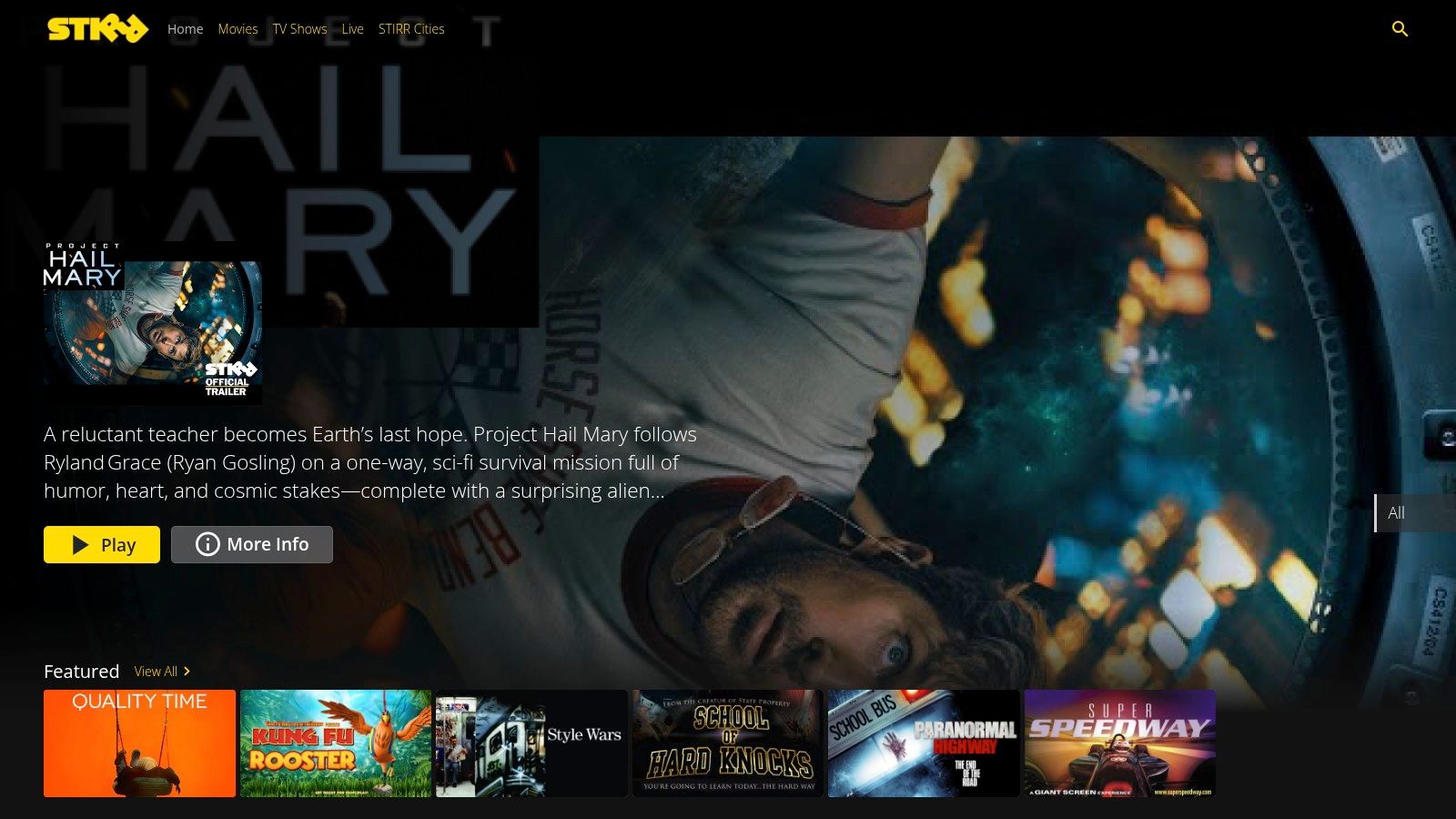
The service automatically detects your location to serve relevant local news channels, a feature many other FAST services lack. In addition to news, STIRR includes genre-specific channels for movies, comedy, and sports, alongside a modest on-demand library.
STIRR's greatest strength is its low-friction setup; you can start watching immediately without creating an account. The interface is clean and user-friendly, presenting a familiar channel guide that is easy to navigate on a Firestick remote. While its on-demand catalog isn't as extensive as competitors like Tubi or Pluto TV, its focus on providing hyper-local content makes it an essential supplement to other streaming apps. The performance is generally smooth, though some users report occasional buffering issues depending on the channel and device.
| Feature Analysis | Assessment |
|---|---|
| Content Library | Moderate, with a strong focus on local US news and a mix of national channels. |
| Ease of Access | Excellent. Available directly on the Amazon Appstore with no mandatory sign-in. |
| Cost | 100% free and ad-supported. |
| User Interface | Simple and intuitive, featuring a traditional EPG-style guide. |
Website: https://stirr.com/
Kodi is not an IPTV app itself but a powerful, open-source media center that transforms your Firestick into an all-in-one entertainment hub. By installing add-ons like the PVR IPTV Simple Client, you can easily load M3U playlists and access live TV channels. Although it requires sideloading since it's not in the Amazon Appstore, its immense flexibility and robust community support make it one of the best free IPTV apps for Firestick for users who want ultimate control.
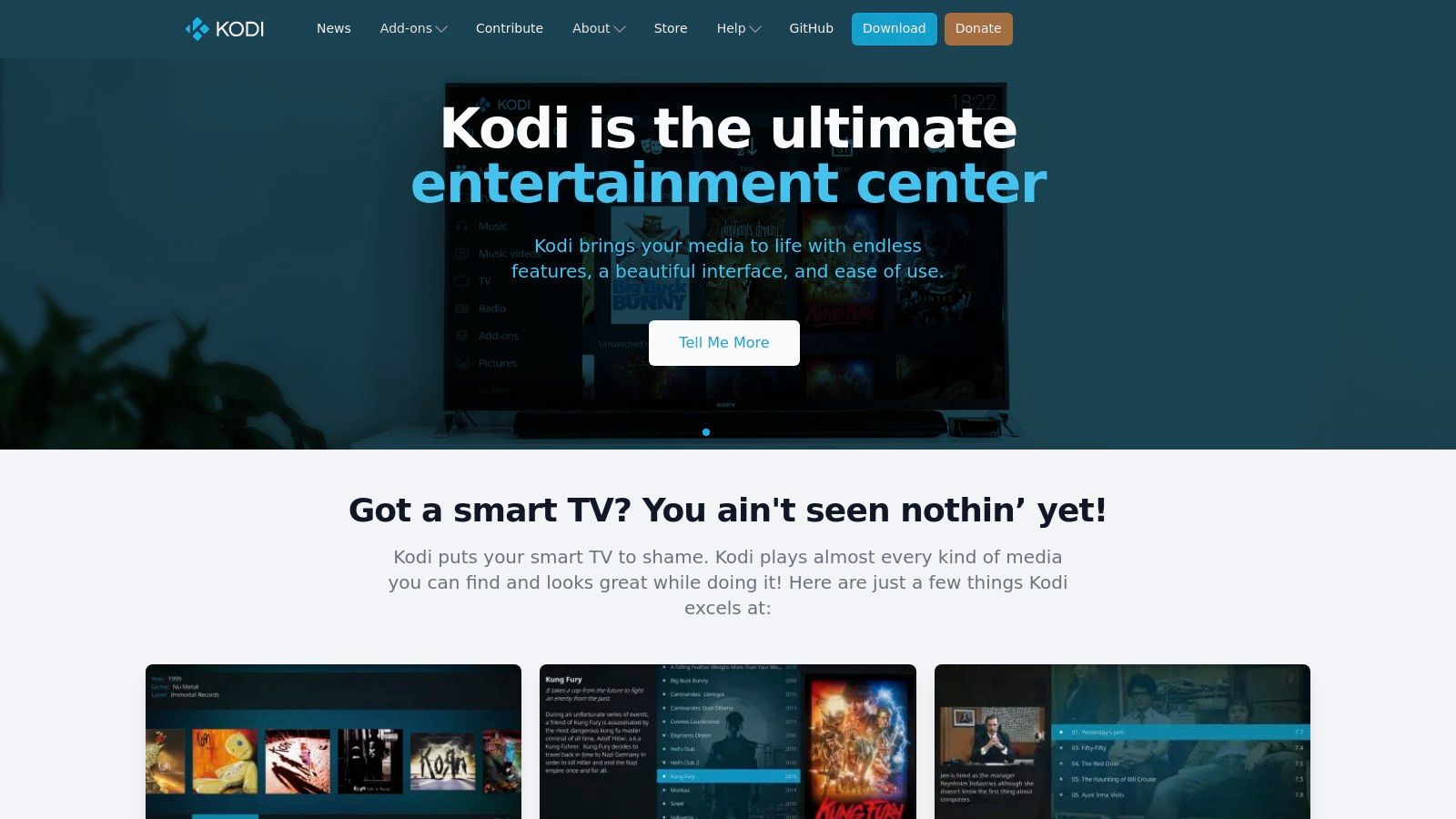
The platform excels at organizing your media, supporting a full Electronic Program Guide (EPG), and offering a highly customizable interface. The setup process is more involved than a simple app installation, but the payoff is a tailored viewing experience that combines your local media with live IPTV streams seamlessly. For a detailed walkthrough, you can learn more about setting up free IPTV codes for Kodi.
Kodi's primary advantage is its customization. Users can change skins, install countless legitimate add-ons, and configure the player to their exact preferences. However, this flexibility comes with a steeper learning curve. New users will need to follow tutorials to sideload the app and configure PVR clients, which can be intimidating. Once set up, the performance is excellent, providing a stable and feature-rich media player.
| Feature Analysis | Assessment |
|---|---|
| Content Library | User-provided. Depends entirely on the M3U playlists and add-ons you use. |
| Ease of Access | Difficult. Requires sideloading and manual configuration, not for beginners. |
| Cost | 100% free and open-source software. |
| User Interface | Highly customizable and powerful, but can be complex to navigate initially. |
Website: https://kodi.tv/
While not a content provider itself, VLC media player is an indispensable tool that functions as one of the best free IPTV apps for Firestick due to its powerful playback capabilities. As a universal media player, its primary role in the IPTV world is playing network streams from M3U URLs or acting as a superior external player for other IPTV applications. Its presence on the official Amazon Appstore means it’s a trusted, safe, and easy-to-install utility for any Fire TV user.
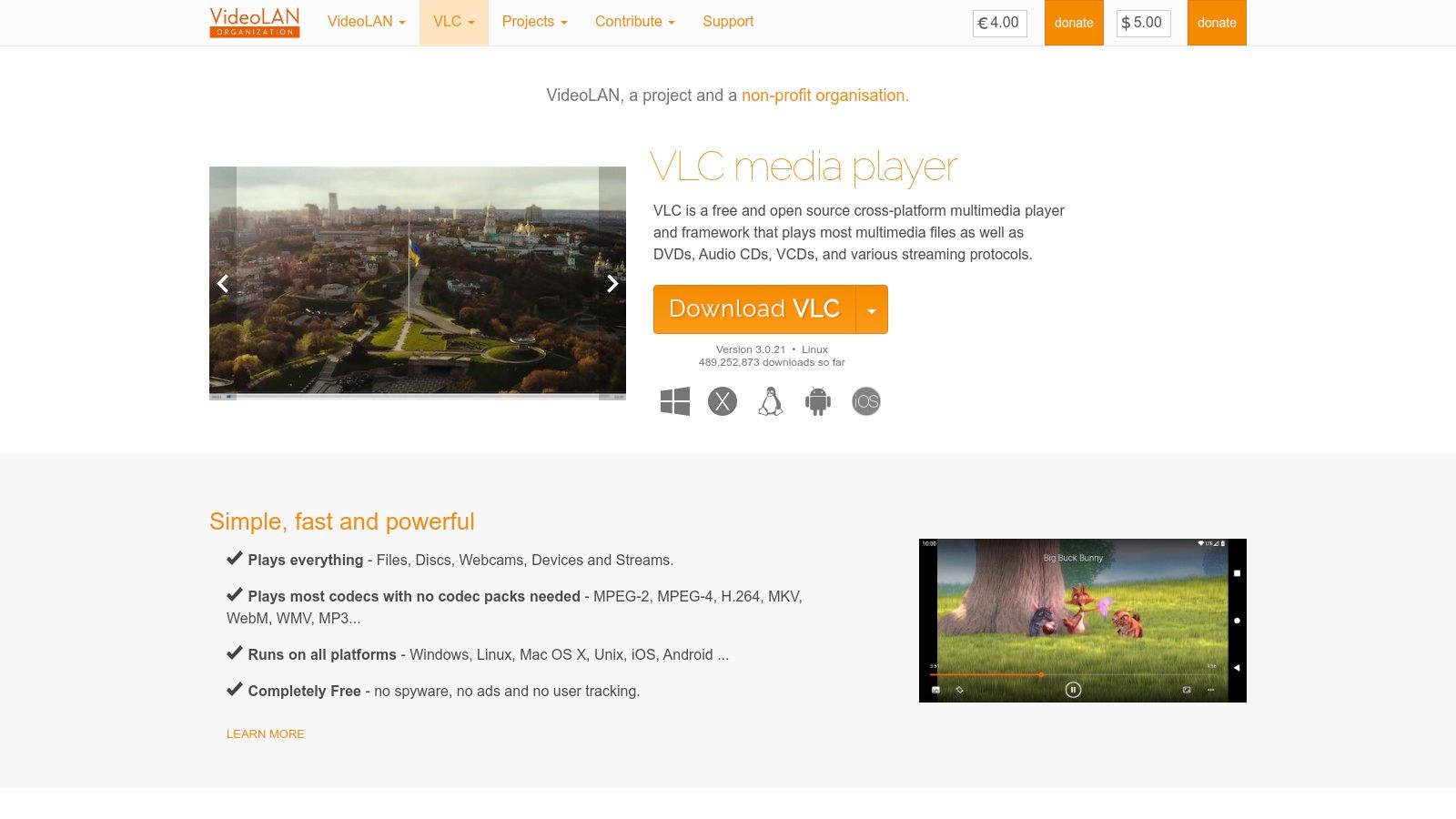
Many dedicated IPTV apps have built-in players that can be unreliable. By setting VLC as the default external player, you can significantly improve stream stability and format compatibility. This makes it a crucial companion app for a smoother, buffer-free viewing experience.
VLC's main advantage is its robust, lightweight playback engine and its commitment to being free and open-source. The interface is simple and functional: you can easily paste an M3U link into the "Open Network Stream" section to start watching. While it lacks the polished EPG and channel management of dedicated IPTV players, its core function of playing video streams is nearly flawless. Its reputation for handling almost any media format extends to IPTV, ensuring high compatibility with various streams.
| Feature Analysis | Assessment |
|---|---|
| Content Library | N/A. It's a player, not a content source. You provide the stream URL. |
| Ease of Access | Excellent. Available directly from the Amazon Appstore. |
| Cost | 100% free, open-source, and contains no ads or tracking. |
| User Interface | Basic and utilitarian, focused on playback functionality rather than channel browsing. |
Website: https://www.videolan.org/vlc/
OTT Navigator IPTV stands out as a powerful and highly customizable player for users who bring their own content. Instead of offering channels, this app acts as an advanced interface for your existing legal M3U playlists or Xtream Codes portals. Its robust feature set, including a sophisticated EPG (Electronic Program Guide) and channel management tools, makes it a top choice for those who want granular control over their viewing experience, cementing its place among the best free IPTV apps for Firestick.
The app is designed for tinkerers and power users. It allows you to group channels, create favorites, use picture-in-picture, and even leverage timeshift capabilities to pause and rewind live TV. It requires users to source and configure their own playlists, and those unsure where to start can learn more about creating a playlist.
The user experience is centered on customization and performance. Once a playlist is loaded, the interface is fast, modern, and visually appealing, with multiple layout options for the guide and channel lists. The free version is incredibly capable, but a premium version unlocks advanced features like multi-view for watching several streams at once. It's an ideal player for users who have a reliable, legal IPTV source and want a better front-end than what most basic players offer.
| Feature Analysis | Assessment |
|---|---|
| Content Library | N/A - Users must provide their own legal M3U or portal credentials. |
| Ease of Access | Good. Requires sideloading via Downloader but is straightforward to set up. |
| Cost | Free version is feature-rich; a one-time premium purchase unlocks more. |
| User Interface | Excellent. Highly customizable, modern, and responsive. |
Website: https://ottnav.github.io/
| Service | Core Features & Channels | User Experience & Quality ★★★★☆ | Value & Pricing 💰 | Target Audience 👥 | Unique Selling Points ✨ |
|---|---|---|---|---|---|
| Prime Video – “Watch for Free” | Large free catalog, FAST live channels | Unified Fire TV app, ads on free content | Free (ad-supported) | Fire TV users, casual streamers | Integrated Freevee content, no Prime needed 🏆 |
| Tubi | 250+ live channels, huge on-demand library | No account needed, good US curation | Free (ad-supported) | US viewers, broad content seekers | Largest free catalog, no sign-in needed |
| Pluto TV | 250+ US live channels, on-demand movies/series | Easy lean-back experience, occasional hiccups | Free (ad-supported) | US live TV viewers | Extensive genre channels, simple navigation |
| Xumo Play | Free live & on-demand, official Fire TV app | Lightweight app, fast usage | Free (ad-supported) | US users, quick access seekers | Strong themed FAST channels, simple UI |
| Sling Freestream | 400–600+ live channels, 40k+ on-demand titles | Large lineup, some account quirks | Free (ad-supported) | Live TV fans, Sling app users | Free DVR option, Fire TV Live Guide integration ✨ |
| The Roku Channel | Hundreds live channels, large on-demand catalog | Simple UI, US-only Fire TV app | Free (ad-supported) | US viewers | Extra content beyond competitors |
| Plex | 1,000+ FAST channels globally, personal media | Mature Fire TV app, reliable | Free + premium Plex Pass | Media hoarders, IPTV fans | Combines live TV & personal media, global reach |
| Local Now | 500+ channels, local news/weather focus | Fast start, responsive app | Free (ad-supported) | Local news viewers, US users | City-level feeds, quick streaming |
| STIRR | Local news + national channels | Easy guide, low sign-in friction | Free (ad-supported) | Local news seekers | No mandatory sign-in, cross-platform support |
| Kodi | Open-source IPTV with add-ons, advanced player | Flexible but complex setup | Free (open source) | Advanced users, custom streamers | Highly customizable, large add-on ecosystem |
| VLC media player | Plays network streams & local files | Reliable playback, no ads | Free (open source) | IPTV users needing external player | Lightweight, wide format support |
| OTT Navigator IPTV | Custom M3U playlists, EPG, multi-view | Performance depends on playlist, premium features | Free + premium options | Tech-savvy IPTV users | Powerful IPTV player features, customizable playlists ✨ |
Navigating the world of free streaming on your Firestick can feel overwhelming, but as we've explored, the landscape is rich with diverse and powerful options. Your journey from a standard streaming device to a fully-featured entertainment hub is well within reach. The key is to match the right application to your specific viewing habits, technical skills, and content preferences. There isn't a single "best" app for everyone; the ideal choice is a personal one.
The primary takeaway from our list is the clear division between two types of free IPTV applications.
First, you have the "plug-and-play" services. Apps like Pluto TV, Tubi, Xumo Play, and even Sling Freestream are perfect for users who want a hassle-free, traditional TV-like experience. You can install them directly from the Amazon Appstore in minutes, and they offer a curated selection of live channels and on-demand content without any complex setup. These are the safest and most reliable options, backed by legitimate companies. When using these services, it's always a good practice to understand how your data is handled. A quick review of their privacy statements can be enlightening, highlighting the importance of transparent mobile app privacy policies in the modern streaming era.
Second, there are the "power-user" tools. Applications like Kodi, OTT Navigator, and VLC are not content providers themselves but are incredibly versatile media players. These are for the tinkerers, the hobbyists, and those who want ultimate control over their viewing experience by loading their own legally sourced M3U playlists. While they require a more hands-on approach for setup, they reward you with unparalleled customization, from interface design to content organization.
Before you make your final choice, consider these crucial factors:
Ultimately, the best free IPTV apps for Firestick are the ones that seamlessly integrate into your life, providing the content you love with minimal friction. Don't be afraid to experiment. Install a few different options, see which interface you prefer, and discover the vast universe of free content waiting for you.
Ready to test a playlist without installing a single app? Our Free IPTV Player is a powerful browser-based tool that lets you instantly load and watch any M3U link directly on your Firestick's Silk Browser. It's the perfect way to quickly check a stream or enjoy content on the fly. Try the Free IPTV Player today for the ultimate in streaming convenience
