Ready to ditch your expensive cable bill without sacrificing your favorite shows and movies? The world of free streaming has exploded, offering more high-quality, legal content than ever before. This guide cuts through the noise to bring you the definitive list of the best free TV apps available today, helping you unlock thousands of hours of entertainment without ever needing a credit card. We'll dive deep into each platform, exploring everything from blockbuster films and binge-worthy series to live news and sports channels.
Each review is designed for quick decision-making, complete with screenshots, direct links, and a clear breakdown of pros and cons. You'll get a practical look at services like Tubi, Pluto TV, and The Roku Channel, making it easy to find the perfect fit for your viewing habits.
Furthermore, we'll introduce a powerful alternative for users with custom playlists: the Free IPTV Player. This flexible, browser-based tool allows you to stream any M3U playlist directly, offering a streamlined viewing experience without any app installation. Whether you want an all-in-one app or a way to manage your own streams, this guide provides the actionable insights you need to start watching for free today.
When it comes to the best free TV apps, Tubi consistently earns a top spot, and for good reason. Owned by Fox Corporation, Tubi offers a massive, legal, and completely free library of on-demand movies and television series, supplemented by a growing list of live TV channels. Unlike many services that hide their best content behind a paywall, Tubi’s entire catalog is accessible without ever needing to enter credit card details.
The service is ad-supported, meaning you will encounter commercial breaks similar to traditional broadcast television. However, the trade-off is access to thousands of titles from major studios like Paramount, MGM, and Lionsgate, alongside an impressive collection of cult classics, niche genres, and critically acclaimed "Tubi Originals."
Tubi’s interface is clean and user-friendly, closely resembling premium streaming services like Netflix. Content is organized into intuitive categories such as "Most Popular," "Leaving Soon!," and genre-specific collections, making discovery simple. While creating a free account is optional, doing so unlocks personalization features like a watchlist and viewing history, which syncs across all your devices.
The platform's biggest strength is its near-universal device compatibility. You can watch Tubi on virtually any modern device, including:
This broad support ensures you can start watching on your phone during a commute and seamlessly continue on your living room TV. For the best home viewing experience, consider streaming Tubi on a dedicated device like the Amazon Fire TV Stick 4K Max, which offers a fast, responsive interface and excellent picture quality. The frequent content rotation means there is always something new to discover, positioning Tubi as a legitimate and robust alternative to paid subscriptions.
Pluto TV is a true pioneer in the free streaming landscape, making it an essential entry on any list of the best free TV apps. Owned by Paramount, its standout feature is a live, linear TV experience that perfectly mimics traditional cable, complete with a familiar channel guide. This "lean-back" approach is complemented by a substantial on-demand library, offering thousands of movies and shows without ever asking for a payment method.
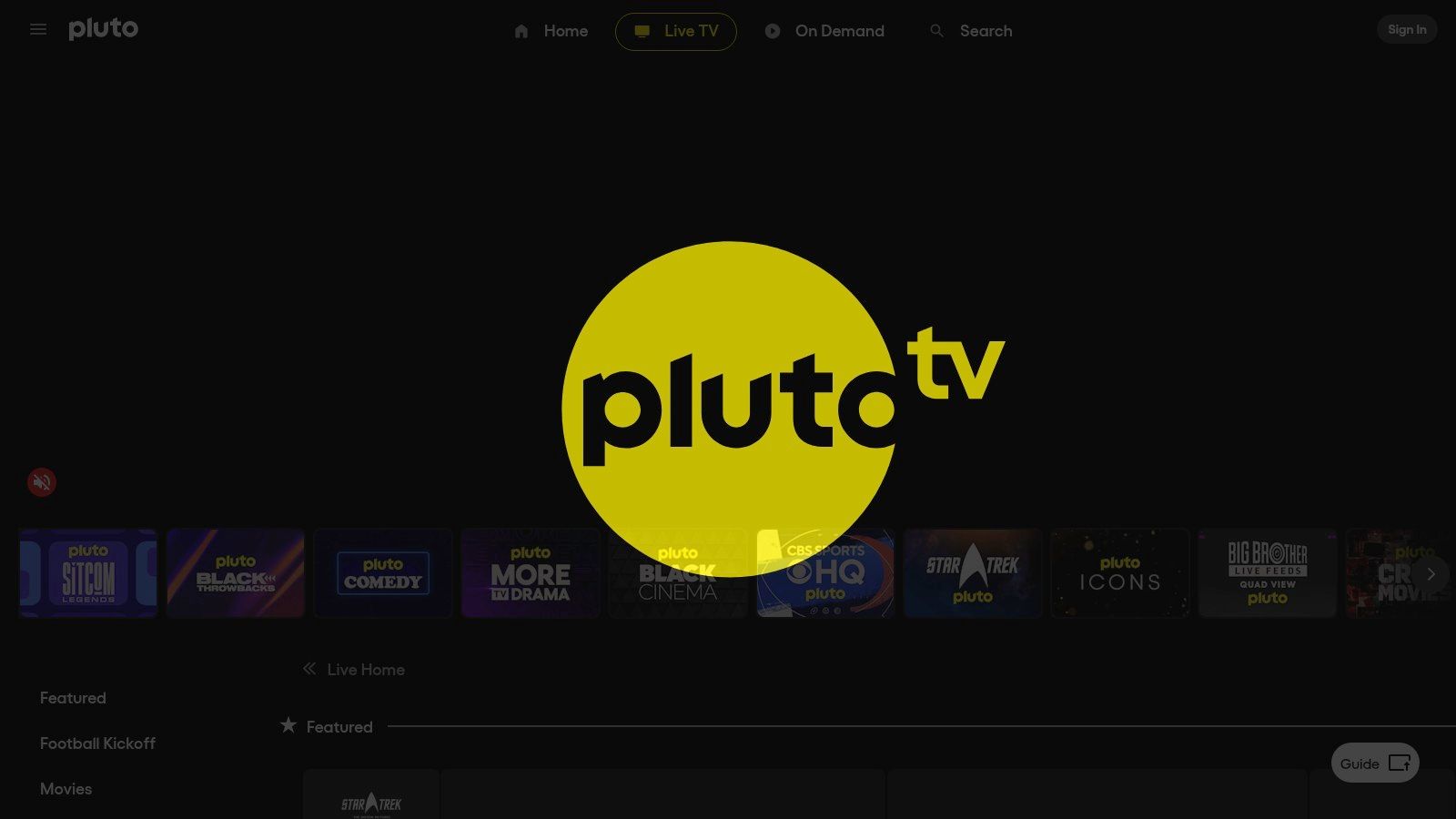
The service is entirely ad-supported, so you'll encounter commercial breaks, but this is a small price for access to hundreds of curated channels. Pluto TV cleverly organizes its content into themed channels for news, sports, comedy, classic TV shows, and even single-series channels dedicated to popular hits. This unique structure makes it feel less like a standard streaming app and more like a modern evolution of broadcast television. For an in-depth look at this model, you can learn more about how live TV streaming works.
Pluto TV’s interface is its greatest strength, particularly for those who miss the simplicity of channel surfing. The grid-style guide is intuitive and makes browsing its hundreds of live channels effortless. While you can start watching instantly without an account, creating a free profile allows you to favorite channels and sync your preferences across devices.
The platform boasts excellent device compatibility, ensuring you can tune in from virtually anywhere.
This wide-ranging support makes it incredibly convenient to switch between screens. For a seamless experience, especially when navigating the live channel guide, using a device with a dedicated remote like the Amazon Fire TV Stick 4K Max is highly recommended. Its powerful processor ensures quick loading times and smooth playback, making Pluto TV a top-tier, cost-free alternative to cable.
Originally an exclusive perk for Roku device owners, The Roku Channel has evolved into one of the most comprehensive free TV apps available today. This ad-supported platform offers an impressive blend of live TV channels and a vast on-demand library filled with movies, TV series, and its own lineup of "Roku Originals." It provides a premium-like experience without requiring a subscription, making it a powerful contender in the free streaming space.
The Roku Channel is completely free to access, supported by advertisements that air during programming. Its major draw is the sheer volume of content, featuring over 500 live linear channels spanning news, sports, and entertainment, alongside a constantly rotating selection of on-demand titles. It successfully bridges the gap between the traditional channel-surfing experience and the convenience of modern streaming.
The platform’s interface is clean, fast, and seamlessly integrated into the Roku ecosystem. The Live TV Channel Guide makes discovering what’s on as simple as flipping through traditional cable channels. Content is well-organized, with categories for different genres, trending titles, and exclusive Roku Originals, which include shows and movies acquired from the former Quibi library.
While the experience is optimized for Roku hardware, its availability has expanded significantly. You can now access The Roku Channel on a variety of platforms:
This cross-platform support makes it a versatile option, though some features are best experienced on a native Roku device. To get the most out of the service, using a dedicated streamer like a Roku Streaming Stick 4K ensures the tightest integration and best performance. You can learn more about how different devices handle services like this by checking out our streaming device comparison. The combination of a massive live channel lineup and a robust on-demand catalog solidifies The Roku Channel's position as one of the best free TV apps available.
Sling Freestream emerges as a powerful contender among the best free TV apps by integrating a premium feature that is almost unheard of in the free streaming space: a cloud DVR. As the complimentary tier of the popular Sling TV service, Freestream provides access to over 500 live channels and a substantial on-demand library without requiring a paid subscription. This positions it as a top-tier service for those looking to maximize features without spending money.
The platform is ad-supported, which is standard for free services. What sets it apart is the ability to record and save content for later viewing, a function typically reserved for paid cable or live TV streaming subscriptions. This unique offering makes Sling Freestream an excellent starting point for anyone exploring ways to cut the cord on cable TV and transition to a streaming-first entertainment setup.
Sling Freestream operates within the main Sling TV app, providing a polished and familiar interface. While anyone can watch the live channels and on-demand content without an account, creating a free Sling account is the key to unlocking its standout feature: 10 hours of free cloud DVR storage. This allows you to record shows from supported channels and watch them at your convenience.
The service is available on a wide array of devices, ensuring you can access your content anywhere:
This extensive device support makes it easy to integrate into any home entertainment system. To ensure a smooth streaming and recording experience, especially with live channels, using a capable device like the Roku Streaming Stick 4K is recommended. Its powerful Wi-Fi and responsive performance handle the Sling app beautifully. The clear upgrade path to paid Sling TV packages is also a plus for users who may eventually want more channels and features.
Xumo Play, a joint venture from Comcast and Charter, carves out its own unique space among the best free TV apps by blending a massive live channel lineup with a solid on-demand library. The service is built for immediate access, offering over 350 live channels and thousands of free movies and TV shows without requiring users to create an account or provide any payment information. This frictionless approach makes it an excellent choice for anyone wanting to jump straight into watching content.
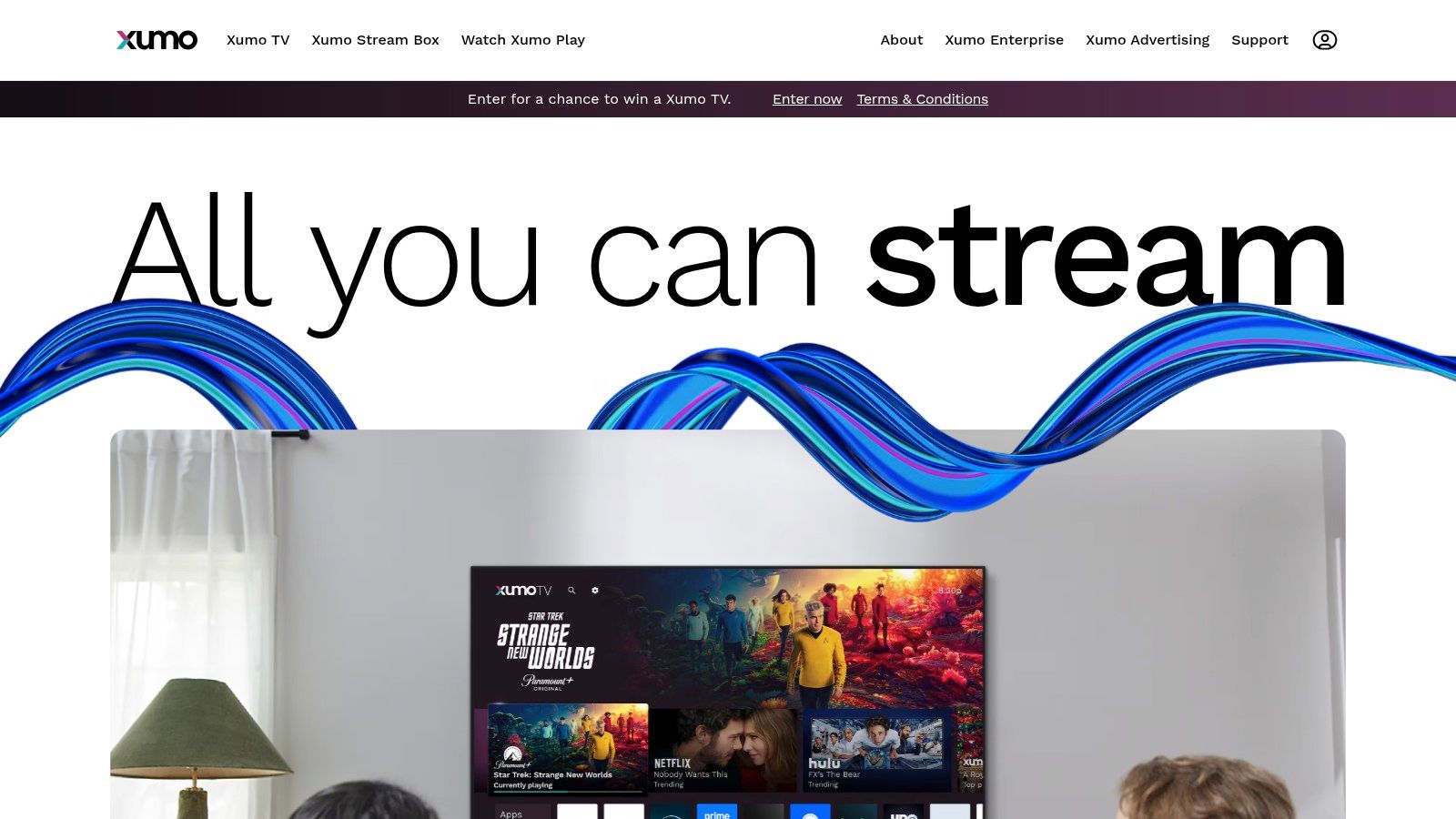
Like its competitors, Xumo Play is entirely ad-supported, delivering a traditional broadcast TV viewing experience with commercial interruptions. Its strength lies in its extensive live TV guide, featuring news from networks like NBC News and CBS News, dedicated movie channels, sports highlights, and single-show marathons. This focus on live, lean-back viewing sets it apart as a go-to service for channel surfing.
Xumo Play's interface is clean and centered around its live TV guide, making it simple to navigate and discover what's currently airing. While the on-demand library is smaller than that of giants like Tubi, it still contains a compelling mix of content from various genres. The ability to start watching instantly without a sign-up is its defining feature, perfect for quick entertainment or trying the service out.
The platform boasts wide device compatibility, ensuring you can watch from nearly anywhere. You can access Xumo Play on:
This wide availability, especially its native integration on Xumo-branded hardware, makes it a highly accessible service. For an optimized streaming setup, pairing Xumo Play with a powerful device like the Amazon Fire TV Stick 4K ensures smooth navigation through its hundreds of channels and quick loading times for on-demand titles. Its straightforward, no-frills approach to free streaming makes Xumo Play a strong contender in the crowded market.
Originally famous for helping users organize and stream their personal media collections, Plex has evolved into a powerful all-in-one entertainment hub and a standout among the best free TV apps. It now offers a vast, ad-supported library of on-demand movies, TV shows, and over 300 live TV channels, all accessible without needing a personal media server or a subscription. This makes it a fantastic free streaming destination in its own right.
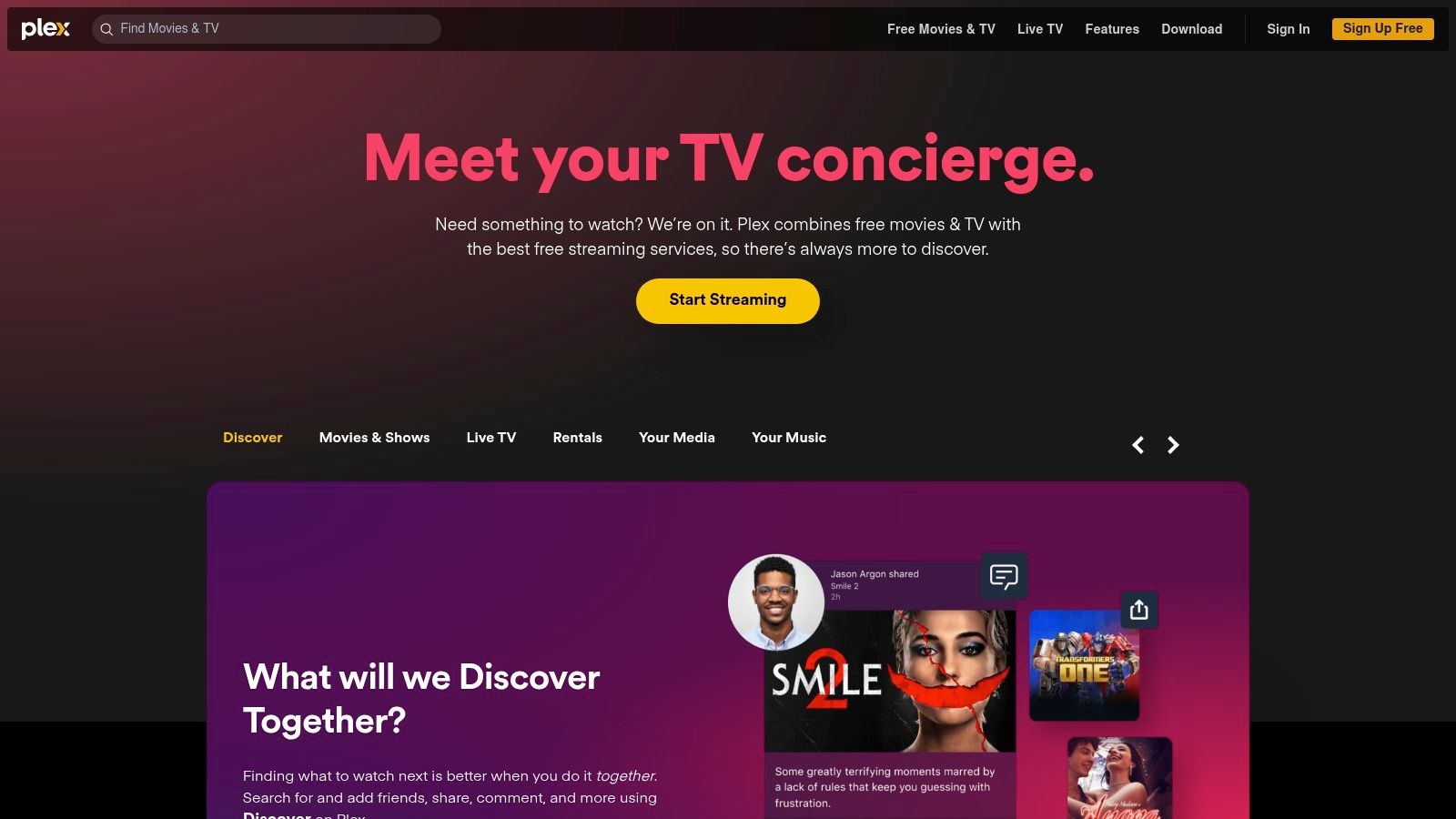
The service operates on an ad-supported model, similar to broadcast television, allowing it to provide a deep catalog of content from partners like Warner Bros., MGM, and Lionsgate completely free of charge. What sets Plex apart is its ability to integrate this free content alongside your own media, creating a uniquely personalized and comprehensive entertainment experience.
Plex boasts a polished and modern interface that makes finding something to watch incredibly easy. Content is smartly categorized, and the platform offers a universal watchlist that can even track shows from other streaming services. While a free account is optional, signing up allows you to sync your viewing progress and watchlists across all your devices, which is highly recommended.
Plex's device support is arguably the most extensive in the free streaming space. It is available on almost any platform you can imagine:
This near-universal availability ensures a seamless experience, whether you're at home or on the go. For a buffer-free stream, especially with live channels, it's a good idea to optimize your internet connection for streaming. While the optional paid Plex Pass unlocks advanced features for personal media, the entire library of free movies, shows, and live TV is available to everyone without any cost, making it an essential app for cord-cutters.
Leveraging the massive reach of its parent company, Prime Video’s free, ad-supported tier is a powerhouse contender among the best free TV apps. Formerly a standalone service called Amazon Freevee, this extensive library of movies, series, and live channels is now fully integrated into the main Prime Video app. This move makes thousands of free titles accessible to anyone with an Amazon account, completely removing the need for a paid Prime membership.
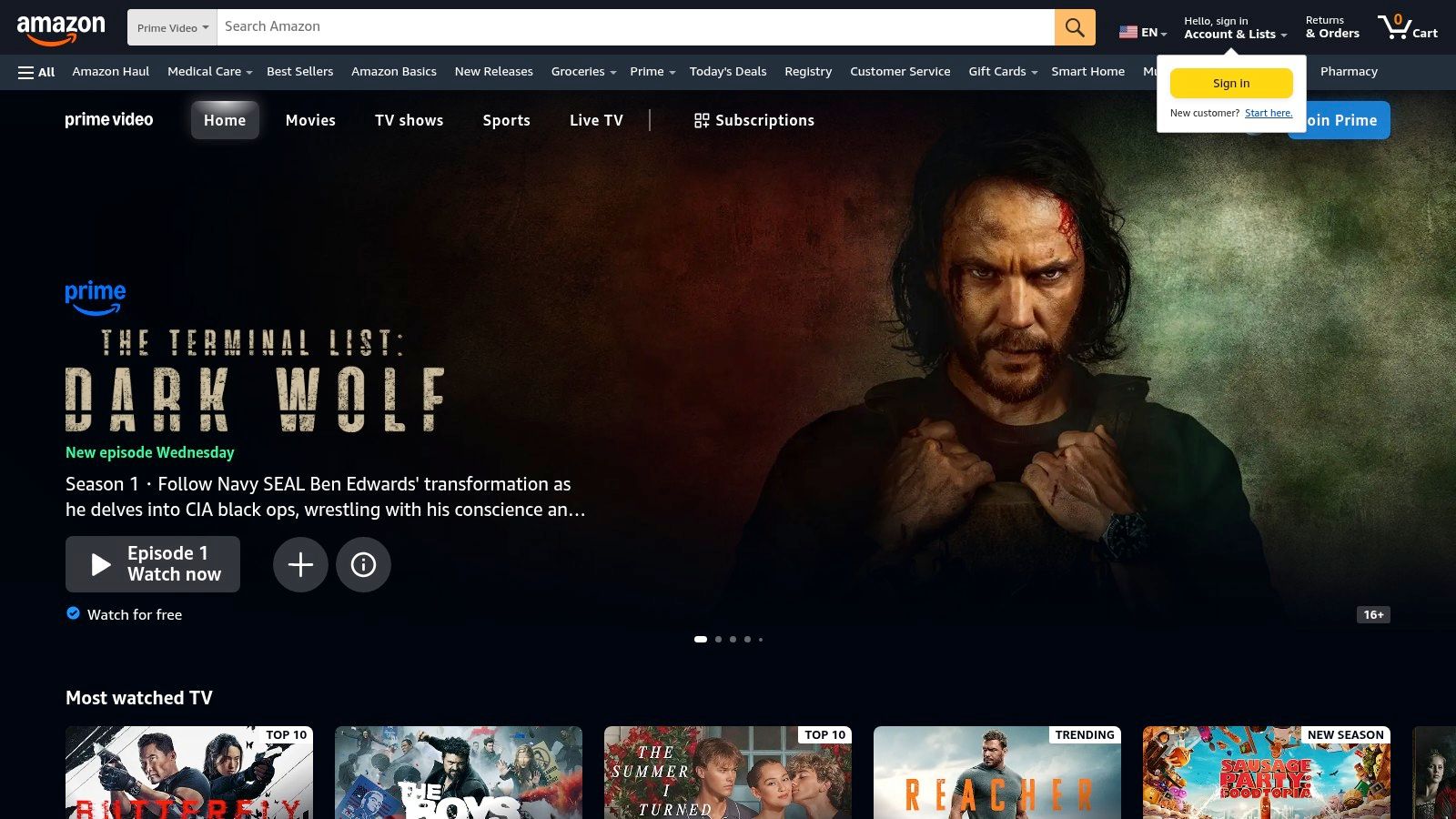
The service operates on a familiar ad-supported model, inserting commercial breaks into its on-demand and live content. What sets it apart is the quality of its catalog, which includes popular network shows, blockbuster movies, and a slate of well-regarded originals like Bosch: Legacy and Judy Justice. The integration means all this content lives within an app that millions already have installed on their devices.
The user experience is streamlined by using your existing Amazon account for sign-in, which automatically syncs your watchlist and viewing history. The main challenge is navigating the interface, as the free content is often mixed in with titles requiring a Prime subscription or purchase. Look for rows and categories specifically labeled "Free with ads" to easily find what’s available at no cost.
One of the platform's greatest advantages is its near-universal device support, a direct benefit of being part of the Amazon ecosystem. You can access the free library on:
This widespread availability ensures a consistent viewing experience across all your gadgets. For a seamless experience navigating the Prime Video interface, using a device like the Amazon Fire TV Stick 4K is highly recommended, as its remote and software are optimized for the platform. This deep integration makes it a convenient and compelling option for free entertainment.
| Service | Implementation Complexity 🔄 | Resource Requirements ⚡ | Expected Outcomes 📊 | Ideal Use Cases 💡 | Key Advantages ⭐ |
|---|---|---|---|---|---|
| Tubi | Low - simple, no account needed | Low - supports wide devices | Large, free catalog with ads | Casual viewers wanting free, on-demand content | Truly free, broad device support, originals |
| Pluto TV | Low - traditional live guide | Low - free with ad support | Strong live TV experience | Users preferring linear, themed live channels | Excellent lean-back live TV, no account needed |
| The Roku Channel | Medium - best on Roku devices | Medium - device-dependent | Large FAST lineup plus originals | Roku users seeking integrated live and VOD | Large channel count, easy live channel discovery |
| Sling Freestream (Sling App) | Medium - requires free account | Medium - cloud DVR needs account | 500+ channels plus free cloud DVR | Users wanting free DVR and upgrade path | Free cloud DVR, upgrade options, broad device support |
| Xumo Play | Low - no sign-in required | Low - available on many devices | 350+ live channels, 15k on-demand | Quick start live & on-demand viewing | No login needed, simple guide, solid channel/on-demand mix |
| Plex (Free Movies & Live TV) | Medium - optional account | Medium - broad device coverage | Combined personal media & free content | Users wanting all-in-one streaming and media hub | Wide device support, personal media integration |
| Prime Video – Free with ads | Medium - within Prime Video app | Medium - Amazon account sign-in | Free ads content within Prime Video | Amazon users without Prime membership | Integrated in popular app, no Prime needed |
The era of being tethered to expensive cable subscriptions is officially over. As we've explored, the modern entertainment landscape is brimming with high-quality, completely free streaming options. From the blockbuster movie library on Tubi to the familiar channel-surfing experience of Pluto TV and the exclusive original content on The Roku Channel, there's a wealth of entertainment available at no cost. Services like Sling Freestream, Xumo Play, and Plex further diversify the field, offering everything from live sports to curated news channels and on-demand TV shows.
Your ideal viewing setup likely isn't about choosing just one of these platforms. The real power lies in creating a personalized entertainment ecosystem. By strategically combining two or three of the best free TV apps, you can build a comprehensive content library that caters to all your moods and interests, effectively replacing a costly cable package.
To find the right mix, consider your personal viewing habits. Do you primarily watch movies, live news, or classic sitcoms?
While these apps provide an incredible amount of content, you can expand your horizons even further by integrating Internet Protocol Television (IPTV). This technology unlocks access to thousands of additional channels, including international programming, niche sports, and specialized content not found on mainstream platforms.
For those looking to explore this vast world, a reliable service like IPTVNow (https://freeiptvplayer.app?utm_source=freeiptvplayer&utm_medium=website&utm_campaign=seo) offers extensive channel lists. You can easily test and manage these M3U playlists directly in your web browser without downloading any software, using a tool like our Free IPTV Player. This approach gives you ultimate control and customization over your viewing experience.
To ensure a smooth, buffer-free stream for both free apps and high-definition IPTV, your hardware is crucial. A capable streaming device is a worthwhile investment. The Amazon Fire TV Stick 4K Max is an excellent choice, providing the processing power needed to handle demanding streams and run all your favorite apps seamlessly. It delivers a fast, responsive interface that significantly enhances your viewing sessions.
By thoughtfully combining the best free TV apps with the limitless potential of IPTV and the right streaming hardware, you can assemble a powerful, flexible, and entirely cost-effective entertainment system tailored precisely to your needs.
Ready to take control of your streaming and explore channels from around the globe? With the Free IPTV Player, you can instantly test and watch any M3U playlist directly in your browser, no downloads or installations required. It’s the perfect tool to complement your free app collection and unlock a world of new content. Try the Free IPTV Player today!
