The world of IPTV unlocks a universe of entertainment, but navigating the vast sea of applications to find the best IPTV apps for Android can be a daunting task. With countless options on the Google Play Store and beyond, each claiming to be the best, how do you determine which player truly fits your specific streaming needs? This guide is designed to cut through the noise and provide clear, actionable insights.
We will dive deep into a curated list of the top 12 Android IPTV players, moving beyond generic feature lists. You'll discover their real-world performance, unique functionalities, and ideal use cases. Whether you're a power user looking to customize every detail on a dedicated Android TV box, a family wanting a simple interface for live TV, or a newcomer just looking to test a playlist, this breakdown has you covered.
Our analysis will help you find the perfect match for your viewing habits and technical skill level. For those ready to get started with a reliable service, we recommend checking out a provider like IPTV Now to pair with your chosen app. Each review includes practical setup considerations, screenshots, and an honest assessment of limitations, ensuring you make an informed decision and optimize your streaming setup.
While not an IPTV player itself, the Google Play Store is the essential and most secure starting point for anyone looking to find the best IPTV apps for Android. Its primary advantage is security; every app listed is scanned for malware, providing a crucial layer of protection against malicious software common in the world of third-party applications. This makes it the default choice for beginners and security-conscious users who want to avoid sideloading unknown files.
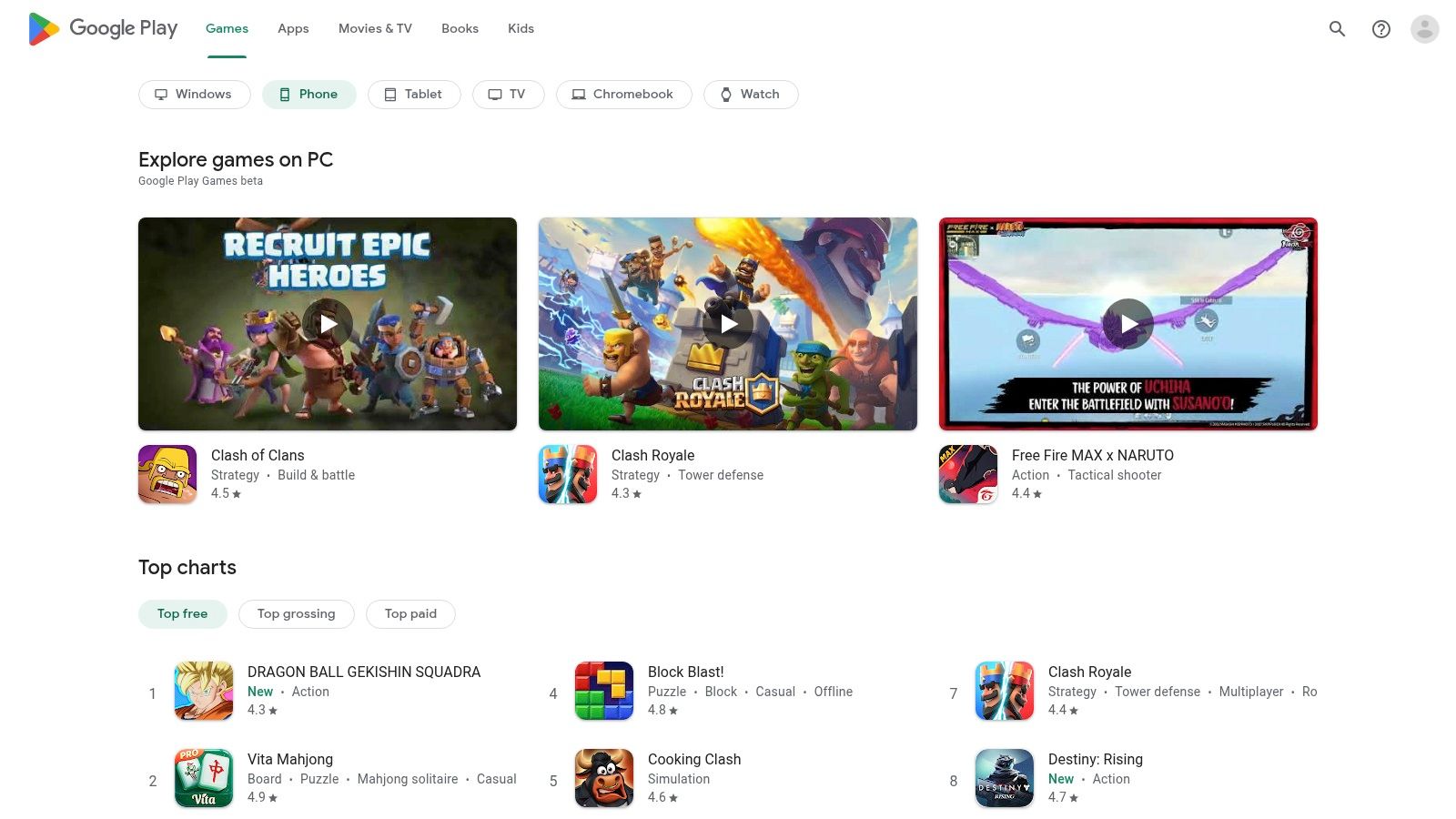
The platform streamlines the user experience by centralizing app discovery, installation, and updates. You can easily read verified user reviews, check ratings, and view version history before downloading. This transparent system helps you gauge an app's quality and stability. For those just beginning their IPTV journey, understanding the basics of a streaming setup is key, which you can explore in this streaming setup guide for beginners.
Despite its limitations, starting on the Play Store is the most reliable way to find compatible and safe applications for your device.
Website: https://play.google.com/store
TiviMate has earned a stellar reputation as one of the best IPTV apps for Android, particularly for users with Android TV and Google TV devices like the Chromecast or NVIDIA Shield. Its interface is heavily inspired by modern cable set-top boxes, providing a polished and intuitive user experience that makes navigating large channel lists and EPGs (Electronic Program Guides) effortless. The app is designed for the big screen, prioritizing remote-friendly controls and a clean, organized layout that feels premium from the start.
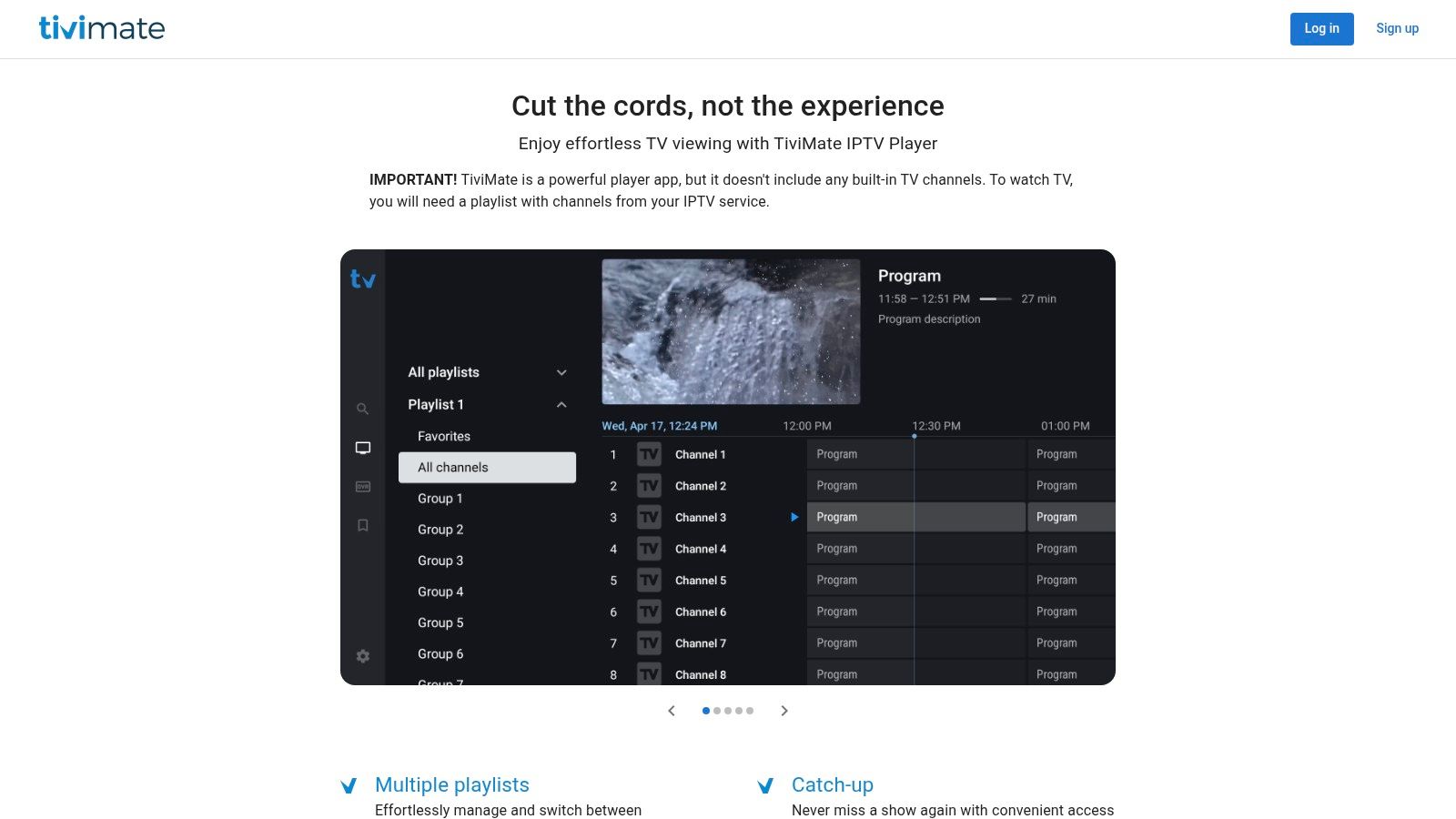
While the free version is functional, the real power of TiviMate is unlocked with its premium subscription, which adds support for multiple playlists, favorites management, and advanced customization. For users on devices without Google Play, such as Amazon's Fire TV Stick, the TiviMate Companion app simplifies license management. This dedication to a seamless, TV-centric experience makes it a top choice for those who want a reliable and professional-feeling IPTV player.
TiviMate stands out for its powerful performance and professional design, making it ideal for users who prioritize a high-quality viewing experience.
Website: https://tivimate.com
OTT Navigator IPTV is an advanced player designed for users who need granular control over large and complex playlists. Its strength lies in its powerful organization features, allowing you to filter, sort, and group thousands of channels with ease. The app supports multiple EPG sources and profiles, making it one of the best IPTV apps for Android if you manage content from several providers or need to customize the viewing experience for different family members.

The user interface is clean, modern, and highly adaptable across various Android devices, including phones, tablets, and dedicated TV boxes. Its catch-up (archive) support is particularly robust, providing a seamless way to watch previously aired content. This makes it an ideal choice for power users who demand more than just basic streaming and want a deeply configurable media hub for all their IPTV needs.
For users who are not afraid to dive into settings and value powerful organizational tools, OTT Navigator is a top-tier choice.
Website: https://ott-nav.com
Televizo has earned a strong reputation as a reliable and user-friendly IPTV player for Android and Google TV devices. Its clean interface makes navigating M3U/M3U8 playlists and Xtream Codes accounts straightforward, even for those new to IPTV. The app excels at providing a smooth playback experience, complete with EPG support for a familiar TV guide feel, making it one of the best IPTV apps for Android users who prioritize simplicity and performance.
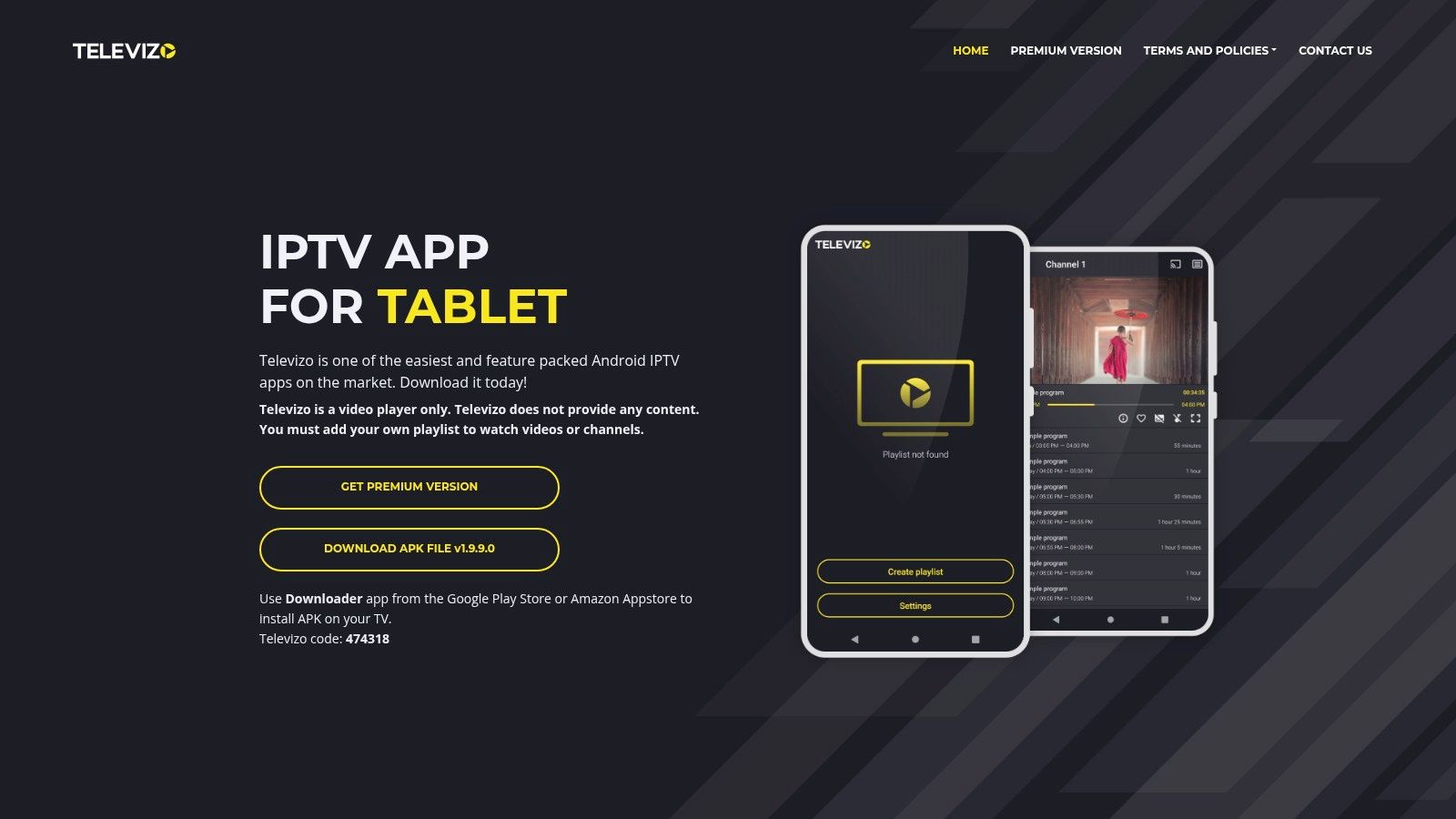
What sets Televizo apart is its one-time premium purchase model, which unlocks advanced features without recurring subscriptions. This single payment removes ads and adds parental controls, backup/restore functionality, and support for up to five devices on one account. This model is ideal for users who prefer to own their software rather than rent it. Many providers also offer catch-up features, and you can explore how IPTV with catch-up works in this guide.
For a hassle-free experience with a fair pricing model, Televizo remains a top contender in the Android IPTV space.
Website: https://televizo.net
IPTV Extreme Pro has been a long-standing favorite in the Android IPTV community, offering a robust set of features that appeal to power users. It functions as an advanced playlist manager and player, allowing for deep customization of your viewing experience. Unlike more modern, aesthetically driven apps, IPTV Extreme Pro focuses on functionality, giving users control over everything from integrated player choices to timed recordings and EPG management.

This app stands out by packing professional-grade features into an accessible, one-time purchase. It includes Chromecast support for casting to a bigger screen, parental controls, and the ability to download on-demand programs. While its interface can feel utilitarian and slightly dated, its performance and reliability make it one of the best IPTV apps for Android users who prioritize function over form and want a set-it-and-forget-it solution. The Pro version removes ads and unlocks all features, offering exceptional value.
For users who value granular control and extensive features over a sleek design, IPTV Extreme Pro remains a top-tier choice.
Website: https://play.google.com/store/apps/details?id=com.pecana.iptvextremepro
For users who prioritize stability and a no-frills experience, IPTV Pro by Alexander Sofronov is a standout choice. This lightweight player focuses on core functionality, delivering reliable playback of M3U and XSPF playlists without the system overhead of more complex applications. It’s an ideal solution for those who simply want to load their playlist and start watching with minimal setup, making it one of the best IPTV apps for Android when simplicity is key.
The paid "Pro" version enhances the experience by removing advertisements and adding convenience features like auto-playing the last-viewed channel on launch. Developed by a trusted name in the Android community, this app is well-maintained and provides a dependable platform for your streaming needs. Its straightforward interface is perfect for beginners or anyone running IPTV on older or less powerful Android devices that might struggle with more resource-intensive apps.
While it may not have the visual flair of other players, its reliability and ease of use make it a powerful and practical tool for any IPTV setup.
Website: https://play.google.com/store/apps/details?id=ru.sofronov.iptv.pro
Smart IPTV (SIPTV) is a veteran player in the IPTV space, known for its broad compatibility across various smart TVs and Android devices. Unlike subscription-based apps, SIPTV requires a one-time activation fee per device, making it a cost-effective choice for long-term use. Its standout feature is the web-based playlist management system, allowing you to upload and organize your M3U playlists and EPG sources from a computer, which then syncs to your TV or Android device.
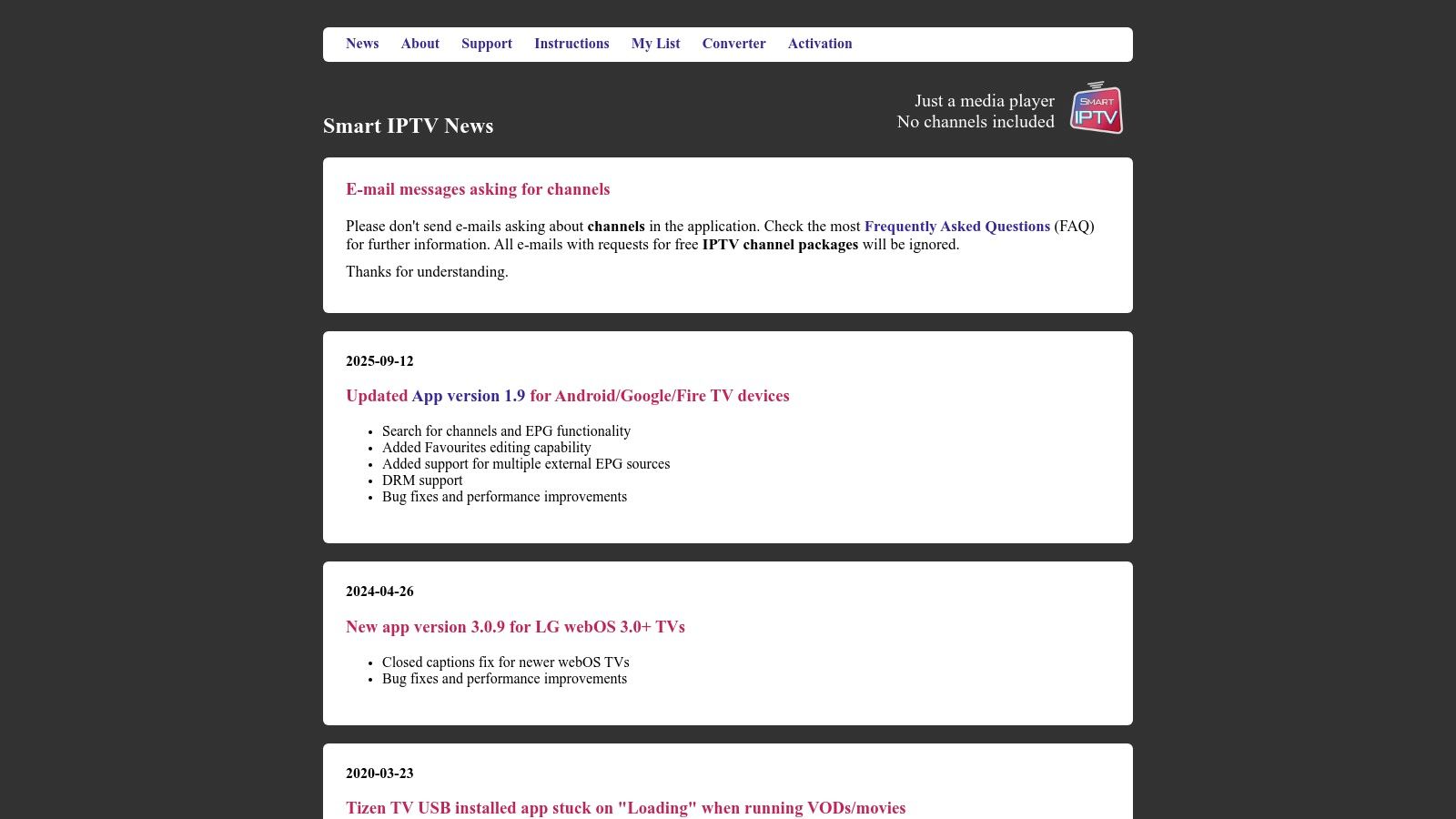
This approach simplifies setup, especially for users who find typing long URLs with a remote tedious. The platform provides extensive documentation and clear installation guides for Android, Google TV, and Amazon Fire TV, ensuring even less technical users can get started. This makes it one of the more accessible and best IPTV apps for Android if you value a straightforward, one-off purchase model and don't mind managing playlists via a web portal.
SIPTV remains a reliable and popular choice due to its stability and unique, user-friendly setup process.
Website: https://siptv.app/
While known as the swiss-army knife of media players, VLC for Android is also one of the most reliable and straightforward IPTV apps for Android, especially for testing or basic viewing. As a free and open-source platform, it handles network streams like M3U and HLS with ease, making it a perfect tool for quickly checking if a playlist is active. Its reputation for stability and broad codec support means it can play virtually any stream you throw at it without configuration.

VLC's primary advantage is its simplicity and universal compatibility; there are no ads, no subscriptions, and it receives frequent updates from its dedicated community. It also excels as an external player, allowing you to use it in tandem with more feature-rich IPTV organizers that may lack its powerful playback engine. While it isn't a dedicated IPTV solution with EPG or advanced playlist management, its core functionality makes it an essential utility.
For users who just need a no-frills player to watch streams or test a playlist from a provider like IPTV Now, VLC is an unbeatable choice.
Website: https://www.videolan.org/vlc/download-android.html
Kodi is far more than just a player; it's a powerful, open-source media center that transforms your Android device into a complete entertainment hub. While not a dedicated IPTV app out of the box, it becomes one of the best IPTV apps for Android through its extensive add-on system. By installing add-ons like the PVR IPTV Simple Client, you can seamlessly integrate M3U playlists and Electronic Program Guides (EPG) into its sophisticated interface, combining live TV with your local and remote media libraries.
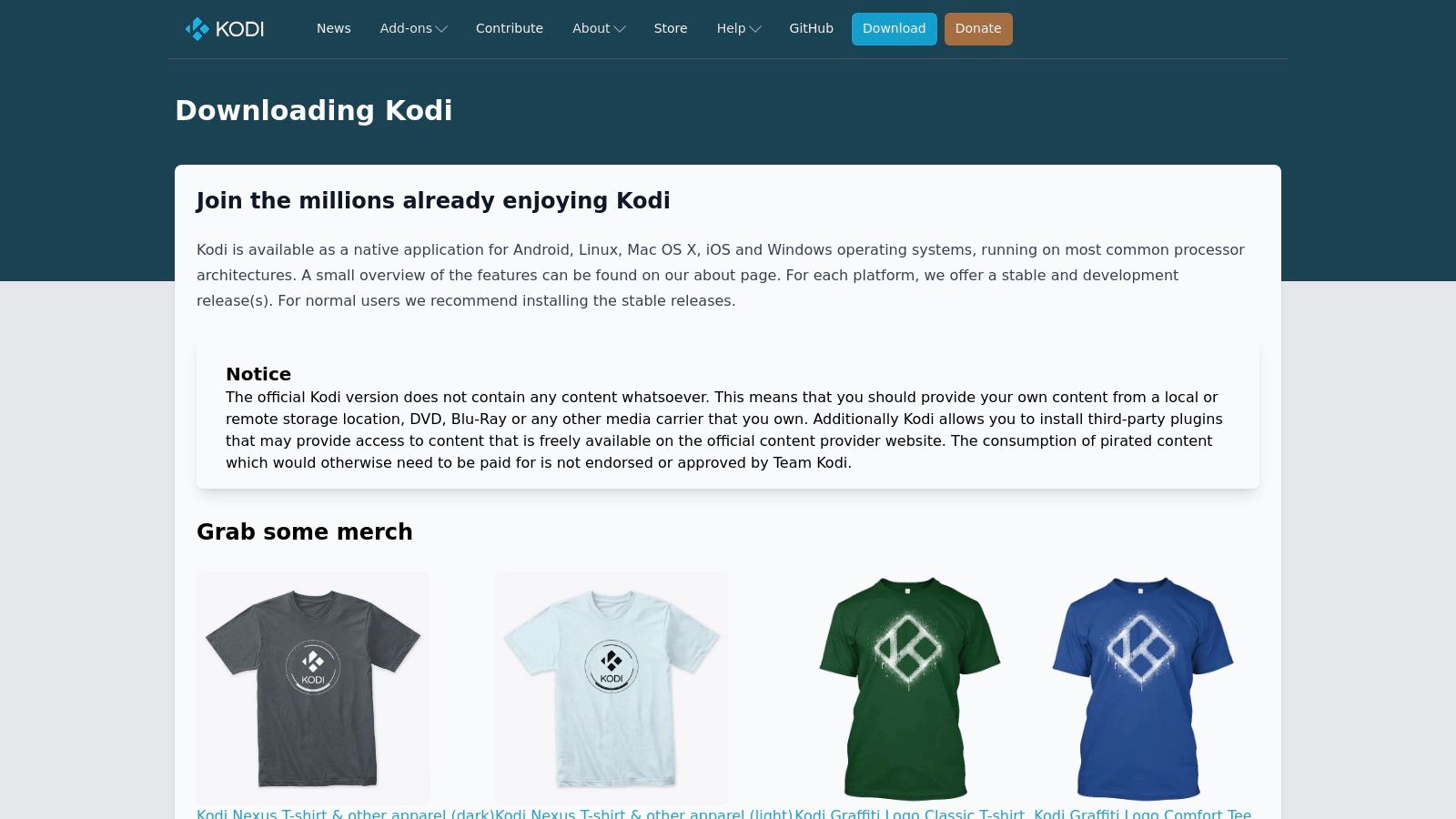
This high degree of customization is Kodi’s greatest strength, allowing tech-savvy users to build a media experience perfectly tailored to their needs. The setup is more involved than typical players, but the payoff is a unified system that handles everything. To keep it running smoothly, you may need to perform occasional maintenance; you can learn more about how to clear the cache on Kodi to optimize performance. For a robust experience, consider pairing Kodi with a high-performance Android box like the NVIDIA SHIELD Android TV Pro (View on Amazon), which has the processing power to handle Kodi's demands.
Its versatility and power make Kodi an excellent choice for users who want to consolidate all their media into a single, highly customizable interface.
Website: https://kodi.tv/download/
ProgTV is a long-standing and powerful player that combines IPTV and OTT client functionalities into a single, robust application. It supports a wide array of playlist formats including M3U, M3U8, and XSPF, along with multiple EPG sources, making it one of the most versatile options available. This app is particularly well-suited for users who need advanced features like recording and timeshift (the ability to pause and rewind live TV), which are not always standard in other players.

The developer offers separate interface optimizations for both phones and TV boxes, ensuring a usable experience regardless of your device. While the free version is highly capable, an upgrade unlocks support for more OTT services and removes ads. For those looking for one of the best IPTV apps for Android with a proven track record and extensive features, ProgTV is an excellent choice, even if its interface feels more utilitarian than modern.
ProgTV's maturity and feature set make it a go-to for enthusiasts who want maximum control over their viewing experience.
Website: https://www.progdvb.com/progtva.html
XCIPTV, now often found under its rebranded name OTR Player, is a highly versatile IPTV player designed for Android devices. It’s particularly popular among IPTV providers who rebrand it for their services, but it also functions as a powerful standalone app for users managing their own playlists. Its strength lies in its comprehensive feature set, which includes everything from a modern EPG grid to built-in system utilities like a VPN client and speed test.
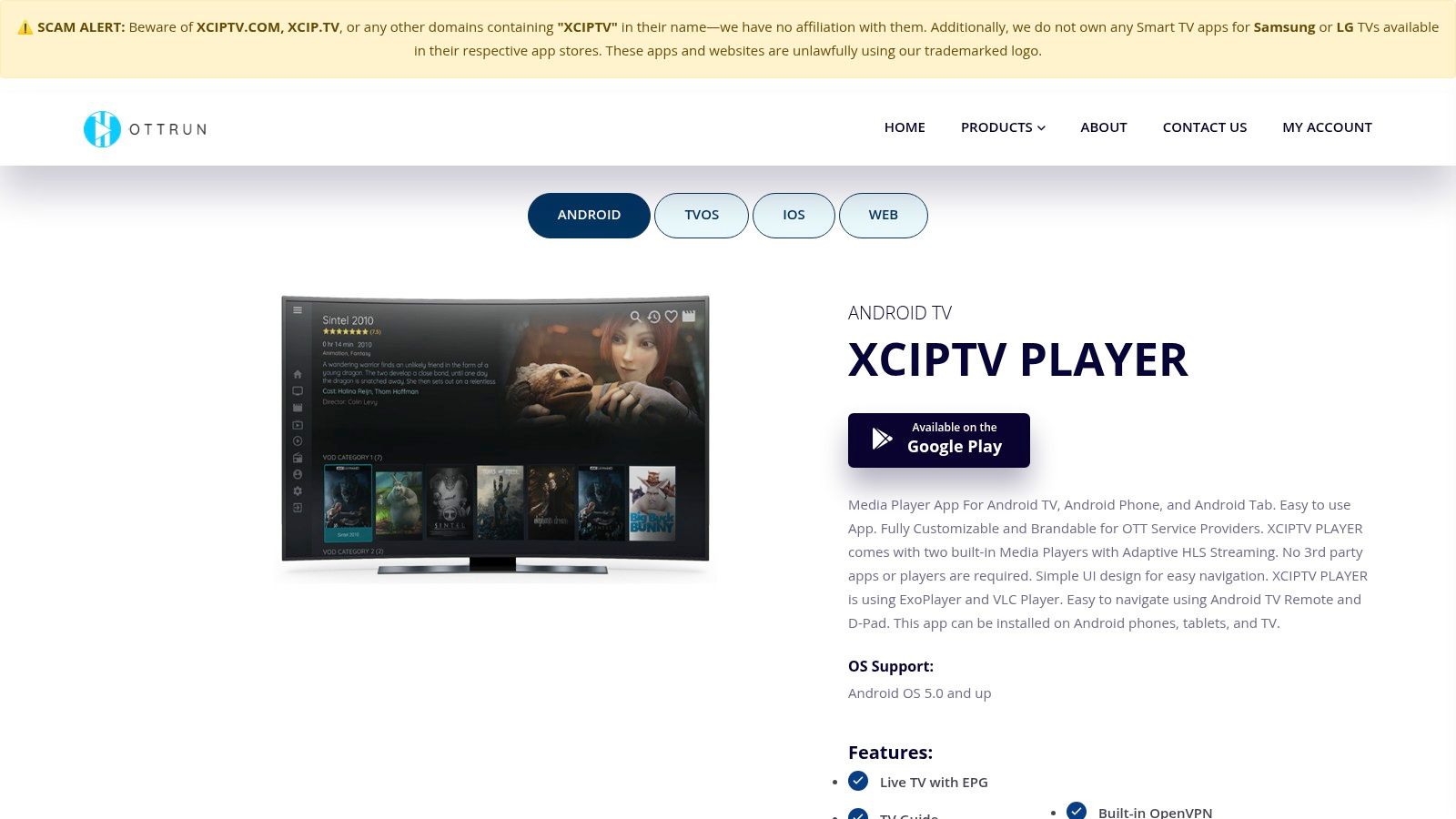
The player supports both Xtream Codes API and M3U playlist logins, offering flexibility for different service types. While it requires you to bring your own content, it excels at organizing it. If you need guidance on sourcing your own content, you can learn more about how to create M3U playlists here. XCIPTV’s multiscreen capability, recording functions, and catch-up TV support make it one of the more complete solutions available, making it a strong contender among the best IPTV apps for Android.
XCIPTV / OTR Player is an excellent choice for users who want a feature-rich experience and manage multiple IPTV subscriptions.
Website: https://www.ottrun.com/app_android.php
iMPlayer is a modern IPTV player that excels at delivering a premium, cable-like viewing experience on Android TV and Google TV devices. It's designed for users who want a sleek interface combined with powerful features, such as a full Electronic Program Guide (EPG), catch-up support for missed shows, and even the ability to download content for offline viewing. This player supports both M3U and Xtream Codes playlists, making it a versatile choice.

The app offers extensive UI customization, allowing you to tailor the look and feel to your preference, including a MultiView feature for watching multiple streams at once. It’s a great option for those who use a dedicated streaming device like an NVIDIA SHIELD TV Pro, as it transforms the device into a powerful media hub. Its robust performance and frequent updates make it one of the best IPTV apps for Android users seeking a high-end experience.
iMPlayer’s premium feel and rich feature set make it an excellent choice for serious IPTV enthusiasts.
Website: https://implayer.tv
| IPTV Player | Core Features & Compatibility | User Experience & Quality ★★★★☆ | Value & Pricing 💰 | Target Audience 👥 | Unique Selling Points ✨ |
|---|---|---|---|---|---|
| Google Play Store | Android app marketplace, malware scanning | Trusted platform with app ratings | Free access to apps | Android users | Highest trust, easy updates 🏆 |
| TiviMate | Android TV UI, multi-playlist, EPG support | Polished UI, user-friendly | Freemium, premium upgrades available | Android TV users | Companion app for non-Play devices ✨ |
| OTT Navigator IPTV | Multi-EPG, advanced sorting/filtering | Highly configurable, good with large lists | Free with possible sideload | Power users, multitaskers | Multiple EPG sources, profiles ✨ |
| Televizo | M3U/M3U8/Xtream support, Chromecast | Stable playback, intuitive | One-time premium unlock | General IPTV users | Backup/restore, parental controls ✨ |
| IPTV Extreme Pro | Recording, multi-EPG, Chromecast support | Feature-rich, utilitarian UI | Low one-time Pro price | Budget-conscious users | Timed recording, integrated players ✨ |
| IPTV Pro (Sofronov) | Lightweight, M3U/XSPF playlists | Stable, simple interface | Paid version removes ads | Minimalist users | UDP proxy, multicast support ✨ |
| Smart IPTV (SIPTV) | Cross-platform, web portal for playlist/EPG | Stable, but less TV-native workflow | One-time activation fee | Smart TV owners | Web playlist upload, multi-device support ✨ |
| VLC for Android | Plays almost all media formats | Free, reliable, frequent updates | Completely free | General media users | Open-source fallback for IPTV ✨ |
| Kodi | Full media center, IPTV add-ons | Highly flexible, complex setup | Free | Tech-savvy users | Extensive customization and community support 🏆 |
| ProgTV | Recording, timeshift, wide format support | Mature platform, learning curve | Free/builds with upgrade options | Advanced users | OTT support, phone and TV optimized ✨ |
| XCIPTV / OTR Player | Multi-DNS, VPN, parental controls | Comprehensive features, some sideload needed | Free with optional paid features | Multi-portal users | VPN integration, multiscreen ✨ |
| iMPlayer | Full EPG, UI customization, MultiView | Sleek, fast, frequent updates | Free + premium, APK distribution | Android/Google TV users | Multi-platform, direct APKs for sideload ✨ |
Navigating the crowded landscape of IPTV applications for Android can feel overwhelming, but as we've explored, the variety is a significant strength. Your journey to finding the best IPTV apps for Android isn't about finding a single, universally perfect solution; it's about discovering the app that aligns perfectly with your viewing habits, technical comfort level, and the hardware you use every day. We've seen how each app carves out its own niche, offering a unique blend of features and user experience.
The key takeaway from this deep dive is the importance of matching the tool to the task. Are you a power user who craves a premium, EPG-centric experience on your NVIDIA Shield or Fire TV? Then TiviMate is likely your top contender, offering a polished interface that rivals traditional cable boxes. If customization is your primary goal and you love to tinker with every setting from buffer size to UI colors, OTT Navigator provides an unparalleled level of control. Conversely, for those who simply want a reliable, set-it-and-forget-it player, IPTV Pro by Alexander Sofronov delivers stability and simplicity in a lightweight package.
Before you commit to a single application, it's wise to experiment. Many of the premium apps we've covered, like Televizo and TiviMate, offer free versions with limited functionality. Use these to test drive the interface and see how they perform with your specific IPTV service. Pay close attention to:
Ultimately, the app is just one part of the equation. Your streaming quality is equally dependent on a stable internet connection and a high-quality, reliable IPTV service. A premium app cannot fix a poor-quality stream from an unreliable provider. To elevate your viewing, consider investing in a capable Android TV box like the Amazon Fire TV Stick 4K Max, which offers excellent performance and a user-friendly remote for a seamless experience.
Choosing from the best IPTV apps for Android empowers you to build a personalized entertainment hub. By taking the time to test a few options and pairing your chosen app with the right hardware and a solid IPTV subscription, you can unlock a world of content tailored precisely to your preferences. The power is truly in your hands to stream with confidence.
Ready to test your M3U playlist without any installation hassle? Our Free IPTV Player lets you instantly stream channels directly in your web browser on any device. It's the perfect way to quickly check a new service or watch on the go. Try our Free IPTV Player now!
