The world of streaming has evolved beyond standard apps, and IPTV (Internet Protocol Television) is at the forefront of this change, offering unparalleled access to global content. But to truly harness its power, you need the right hardware. Navigating the market to find the best IPTV box can be challenging, as the right choice depends on more than just technical specs. It's about securing a device that delivers a smooth, high-quality, and user-friendly experience without frustrating lag or compatibility issues.
A great IPTV box eliminates buffering, supports the latest video formats, and integrates seamlessly with your favorite IPTV services. Of course, a stable connection is just as crucial for performance. To truly unlock a world of content and ensure seamless streaming, remember the importance of choosing the right WiFi router for your home network.
In this comprehensive guide, we'll break down the top IPTV boxes currently available. We will analyze their strengths, weaknesses, and ideal use cases, complete with direct links and screenshots. We'll also explore how each one can be paired with browser-based solutions like Free IPTV Player, giving you the flexibility to stream without installing a single app. Let's dive in and find the perfect device to elevate your entertainment setup.
When performance is non-negotiable, the NVIDIA SHIELD TV Pro stands in a class of its own. Widely regarded as the most powerful Android TV device on the market, it's the gold standard for enthusiasts who demand flawless 4K streaming, instant responsiveness, and long-term software support. Its Tegra X1+ processor effortlessly handles high-bitrate IPTV content that would cause lesser devices to stutter or buffer.
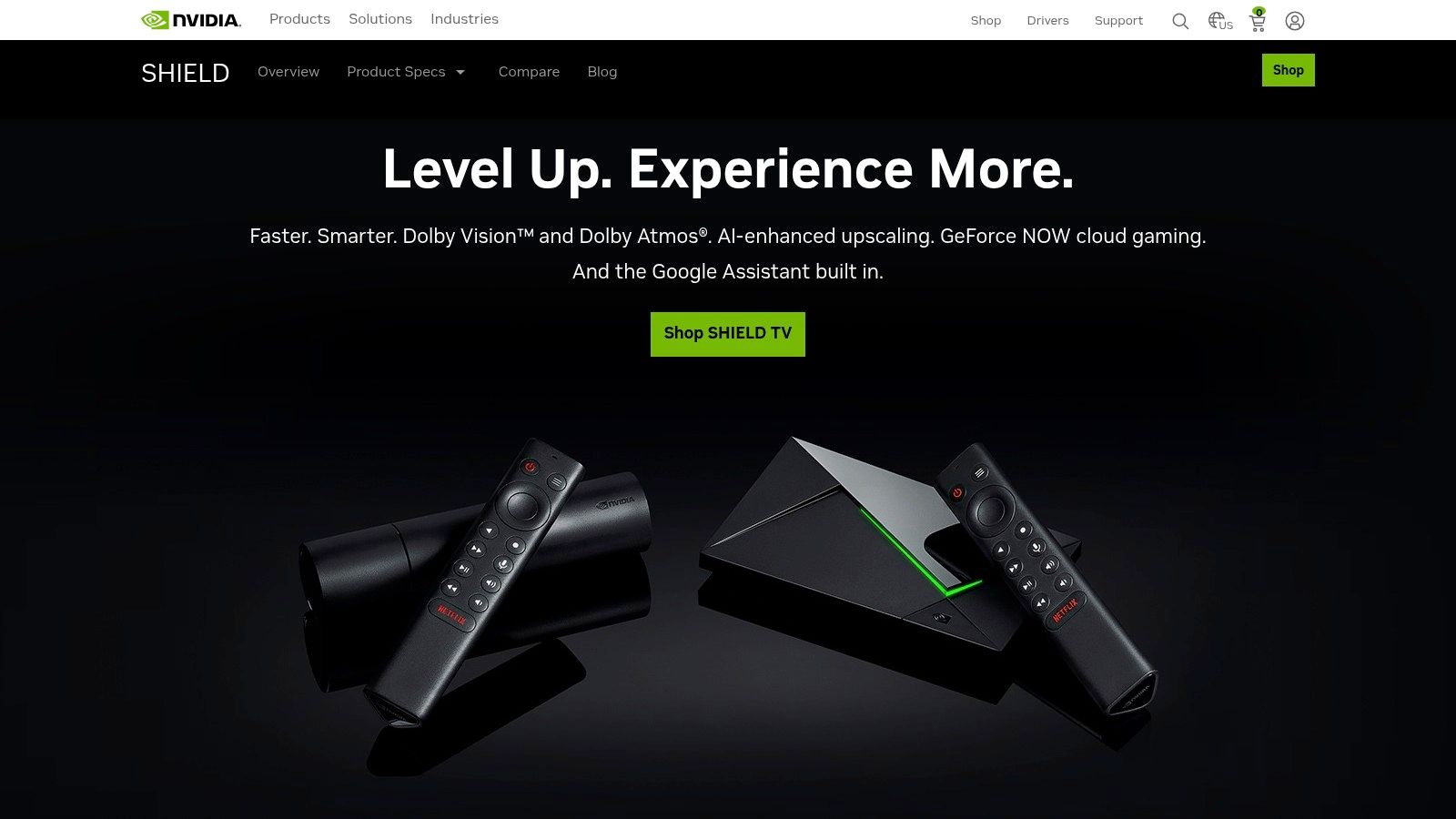
The SHIELD Pro isn't just an IPTV box; it's a complete entertainment hub perfect for high-end streaming and even cloud gaming. Its robust hardware ensures that any IPTV app runs without a hitch, making it a reliable, future-proof investment. The combination of its processing power and stable Android TV operating system makes it arguably the best IPTV box for users who want a set-it-and-forget-it experience with zero compromises.
The SHIELD Pro’s AI-powered upscaling is a standout feature, using machine learning to intelligently sharpen and enhance HD content to near-4K quality. This breathes new life into older videos and standard definition IPTV channels. Combined with Dolby Vision and Dolby Atmos support, it delivers a truly cinematic viewing experience right in your living room.
Integrating your IPTV service with the NVIDIA SHIELD TV Pro is straightforward. Because it runs on the official Android TV OS, you can download the Free IPTV Player app directly from the Google Play Store.
The SHIELD’s powerful hardware ensures the app loads quickly and channel switching is nearly instantaneous, providing a seamless user experience. For a detailed comparison of how it stacks up against other devices, check out our in-depth streaming device comparison.
| Pros | Cons |
|---|---|
| Best-in-class processing power | Premium price point |
| Consistent and long-term software updates | Design has not changed in several years |
| Exceptional video and audio format support | Larger footprint than streaming sticks |
| Doubles as a powerful Plex media server |
Website: https://www.nvidia.com/en-us/shield/
For U.S. buyers who prioritize convenience, fast delivery, and reliable customer support, Best Buy is a top-tier destination for purchasing an IPTV box. While it's a retailer and not a manufacturer, it offers a curated selection of high-performance streaming devices, including the powerful NVIDIA SHIELD TV Pro. This makes it an ideal choice for customers who want the assurance of a major retailer, with options for same-day store pickup, easy returns, and accessible warranty support.
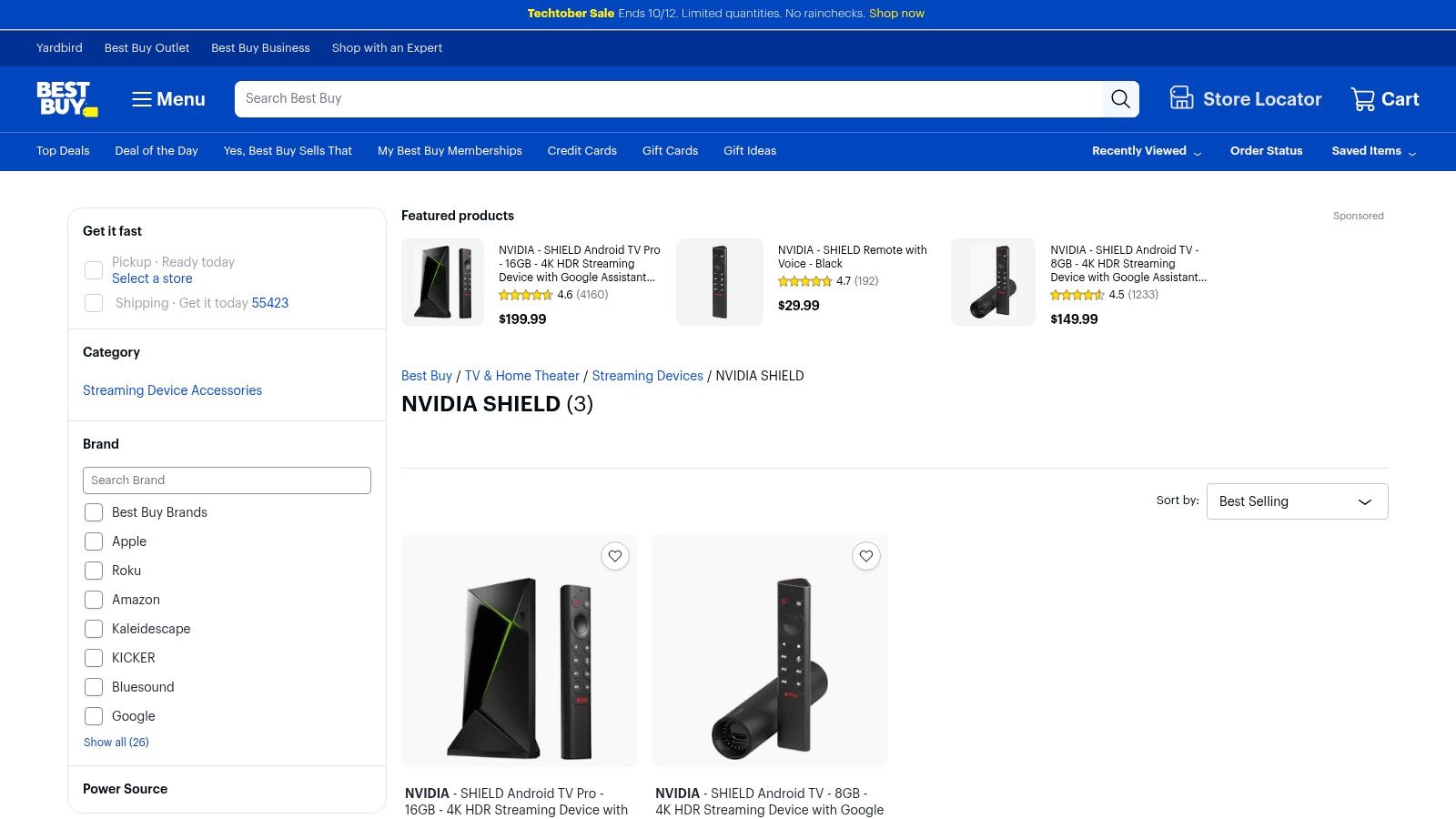
Shopping at Best Buy removes the uncertainty of online-only sellers, providing a secure and streamlined purchasing experience. You can easily compare mainstream devices like the NVIDIA SHIELD and ensure you get a genuine product backed by both the manufacturer's and the retailer's guarantees. For anyone looking for the best IPTV box without the wait, Best Buy's blend of online and physical store presence is unmatched.
Best Buy’s primary advantage is its excellent customer service and fulfillment options. Shoppers can often check local store inventory online and opt for same-day pickup, getting their new device running in hours. The website clearly displays shipping estimates and return policies, giving buyers complete transparency. The availability of optional Geek Squad Protection Plans adds another layer of security for your investment.
Since Best Buy sells standard Android TV devices like the NVIDIA SHIELD, setting up your IPTV service is incredibly simple. The process is identical to using a device purchased anywhere else, but with the added peace of mind that comes from a trusted retailer.
The reliable hardware sold at Best Buy ensures that the Free IPTV Player runs smoothly, delivering a premium streaming experience. This straightforward approach is a key part of the modern cord-cutting journey, which you can explore further in our guide on how to cut the cable cord.
| Pros | Cons |
|---|---|
| Reliable U.S. after-sales support and easy returns | Limited selection of niche, IPTV-focused brands |
| Frequent availability and quick order fulfillment | Primarily focused on mainstream streaming devices |
| Same-day pickup option at many locations | Prices are typically fixed at MSRP |
| Optional extended warranty plans for peace of mind |
For buyers who value choice, competitive pricing, and user feedback, Amazon stands out as the go-to marketplace for IPTV hardware. It hosts a massive selection of devices, from high-end brands like Formuler and BuzzTV to budget-friendly options, making it a one-stop shop for finding the perfect best IPTV box to fit any need or price point. The platform's extensive user reviews provide invaluable real-world insights into device performance and reliability.
Amazon isn't a manufacturer, but its role as the leading online retailer gives it a unique advantage. With fast Prime shipping, hassle-free returns on eligible items, and frequent stock availability, the purchasing process is streamlined and secure. This convenience, combined with the ability to compare multiple sellers and models side-by-side, empowers users to make a well-informed decision without leaving home.
The primary benefit of using Amazon is the sheer variety and the wealth of information available. You can filter devices by brand, price, and features, and then dive into thousands of customer reviews and Q&As to see how a specific box performs with IPTV apps. This user-generated content often highlights pros and cons that are not mentioned in official product descriptions.
Since Amazon sells standard Android-based devices like the Formuler Z11, the setup process for Free IPTV Player is identical to other Android boxes. You will download the app directly from the Google Play Store on the device you purchase.
The performance will depend on the device you choose, but a high-quality box like the Formuler ensures the app runs smoothly with quick channel changes. For an affordable and reliable IPTV service to pair with your new box, check out IPTV Now.
| Pros | Cons |
|---|---|
| Vast selection of IPTV box brands and models | Listings can vary by region or version; buyer must verify specs |
| Competitive pricing from numerous sellers | Some third-party sellers may offer limited warranty or support |
| Fast Prime delivery and easy returns | Quality can vary greatly between different unbranded devices |
| In-depth user reviews provide reliability data |
Website: https://www.amazon.com/Formuler-Android-Wireless-Gigabit-32GB/dp/B0BKK1V688?tag=healthyfoll07-20
For users seeking a device built from the ground up for IPTV, the Formuler Z11 Pro Max is a top contender. Unlike general-purpose Android TV boxes, Formuler devices are engineered with a singular focus on providing a premium live TV viewing experience. The Z11 Pro Max achieves this through its powerful hardware and the exclusive MYTVOnline3 app, a sophisticated IPTV client that offers a rich, user-friendly interface far beyond what standard M3U players can provide.
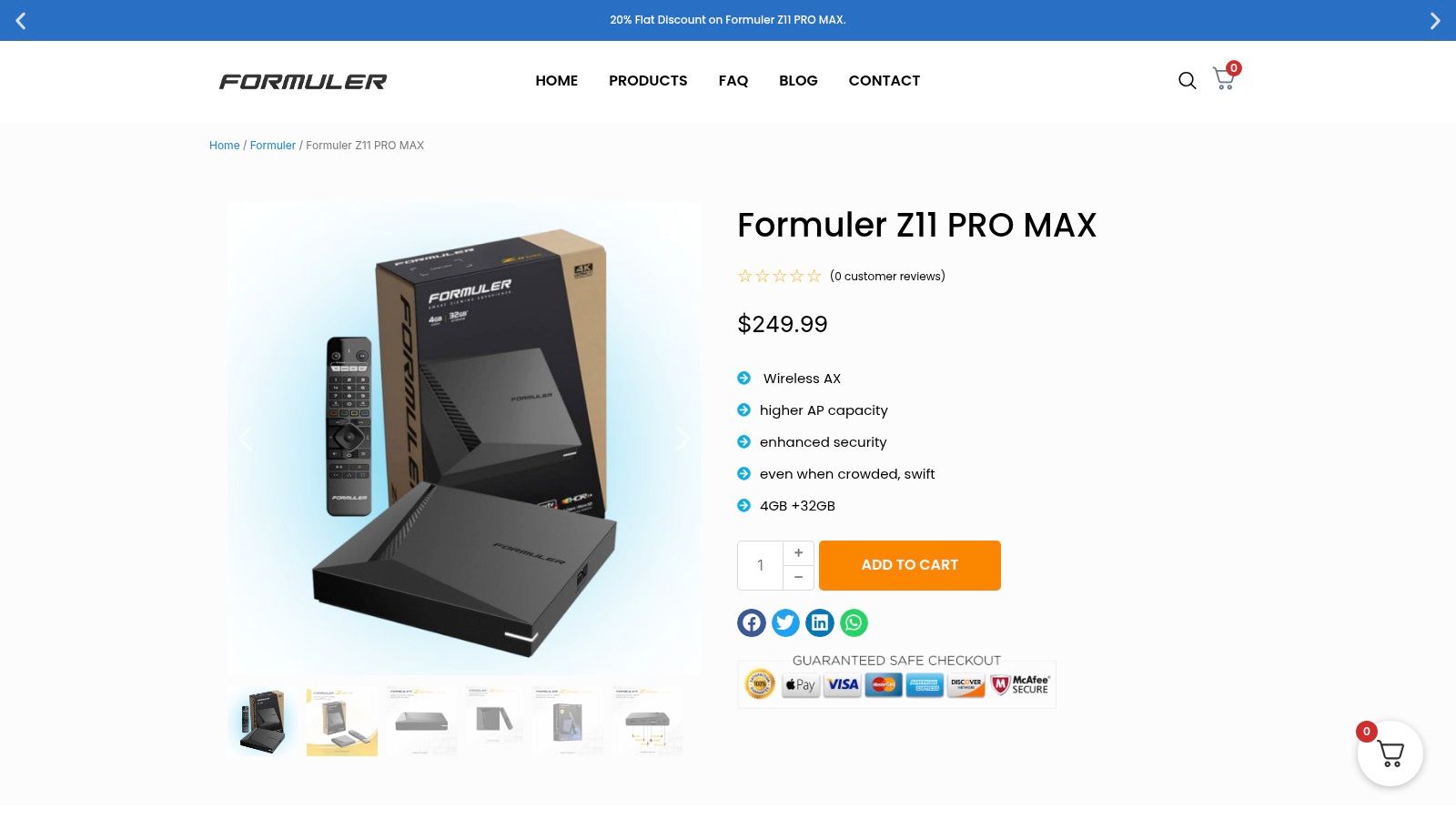
This specialized approach makes it the best IPTV box for those who want a cable-like experience with advanced features like a professional-grade EPG (Electronic Program Guide), time-shifting, and powerful search functions. The combination of its Realtek processor, ample RAM, and Wi-Fi 6 connectivity ensures smooth playback of 4K content and rapid channel switching, directly addressing the core needs of serious IPTV users.
The crown jewel of the Formuler Z11 Pro Max is the MYTVOnline3 application. This proprietary software provides a seamless and intuitive interface for managing multiple IPTV playlists, organizing channels into favorite groups, and accessing a detailed program guide. The device supports the modern AV1 codec, ensuring future-proof compatibility and efficient streaming.
While the Z11 Pro Max shines with its native app, it also runs on Android, making it simple to install third-party players like Free IPTV Player from the Google Play Store. This is useful for users who want to test a secondary service or prefer a simpler interface.
The device's robust hardware ensures the Free IPTV Player app runs flawlessly, offering quick load times and a stable viewing experience. For reliable streaming, consider pairing it with a premium service like IPTV Now.
| Pros | Cons |
|---|---|
| Optimized for IPTV with MYTVOnline3 app | Higher price than generic Android boxes |
| Powerful hardware with Wi-Fi 6 and 4GB RAM | Some features are tied to the proprietary app |
| Supports modern codecs like AV1 | Can be complex for absolute beginners |
| Excellent EPG and user interface |
Website: https://formuler.co/product/formuler-z11-pro-max/
For users seeking a purpose-built IPTV experience, BuzzTV has carved out a dedicated following. Purchasing directly from the official BuzzTV Global store ensures you receive an authentic device designed from the ground up for IPTV streaming. Unlike general-purpose Android boxes, BuzzTV devices feature a proprietary interface, BuzzTV 5, that offers a more streamlined, live TV-centric user experience that many find superior for channel surfing and VOD navigation.
Buying from the official source guarantees you get the latest models, like the powerful X5 series, along with a valid warranty and access to U.S.-based customer support. This direct-from-brand approach is ideal for those who prioritize a seamless software experience and reliable hardware. The combination of its specialized OS and robust hardware makes any BuzzTV model a contender for the best IPTV box for users who want an appliance-like feel.
The main draw of BuzzTV is its software. The BuzzTV 5 OS is built on top of Android but is heavily customized for IPTV, providing an intuitive grid-style EPG, fast channel zapping, and integrated PVR (Personal Video Recorder) capabilities. This makes it feel less like an Android device and more like a traditional, high-end satellite or cable box.
Even with its custom interface, BuzzTV devices run on an Android core, making app installation simple. You can easily install Free IPTV Player from the Google Play Store to manage your playlists.
The device's optimized hardware ensures the app runs smoothly, providing a great alternative if you want to use a different player alongside the native BuzzTV 5 app. To better understand how these services deliver content, you can learn what IPTV is and how it works.
| Pros | Cons |
|---|---|
| Authentic brand products with full warranty | Limited to only BuzzTV brand products |
| Optimized BuzzTV 5 software for IPTV | Fewer third-party user reviews than on Amazon |
| U.S.-based shipping and customer support | Interface may be less familiar than stock Android |
| Frequent and reliable software updates |
Website: https://buzztvglobal.com/products/buzztv-x5-ax-c-64gb
For IPTV users who prioritize authenticity and reliability, purchasing directly from an official distributor is the best approach. Infomir.us is the official U.S. seller for Infomir’s legendary MAG set-top boxes, a brand synonymous with IPTV for over a decade. This platform is the definitive source for users who want genuine, non-cloned hardware backed by an official warranty, shipped quickly from a domestic warehouse.
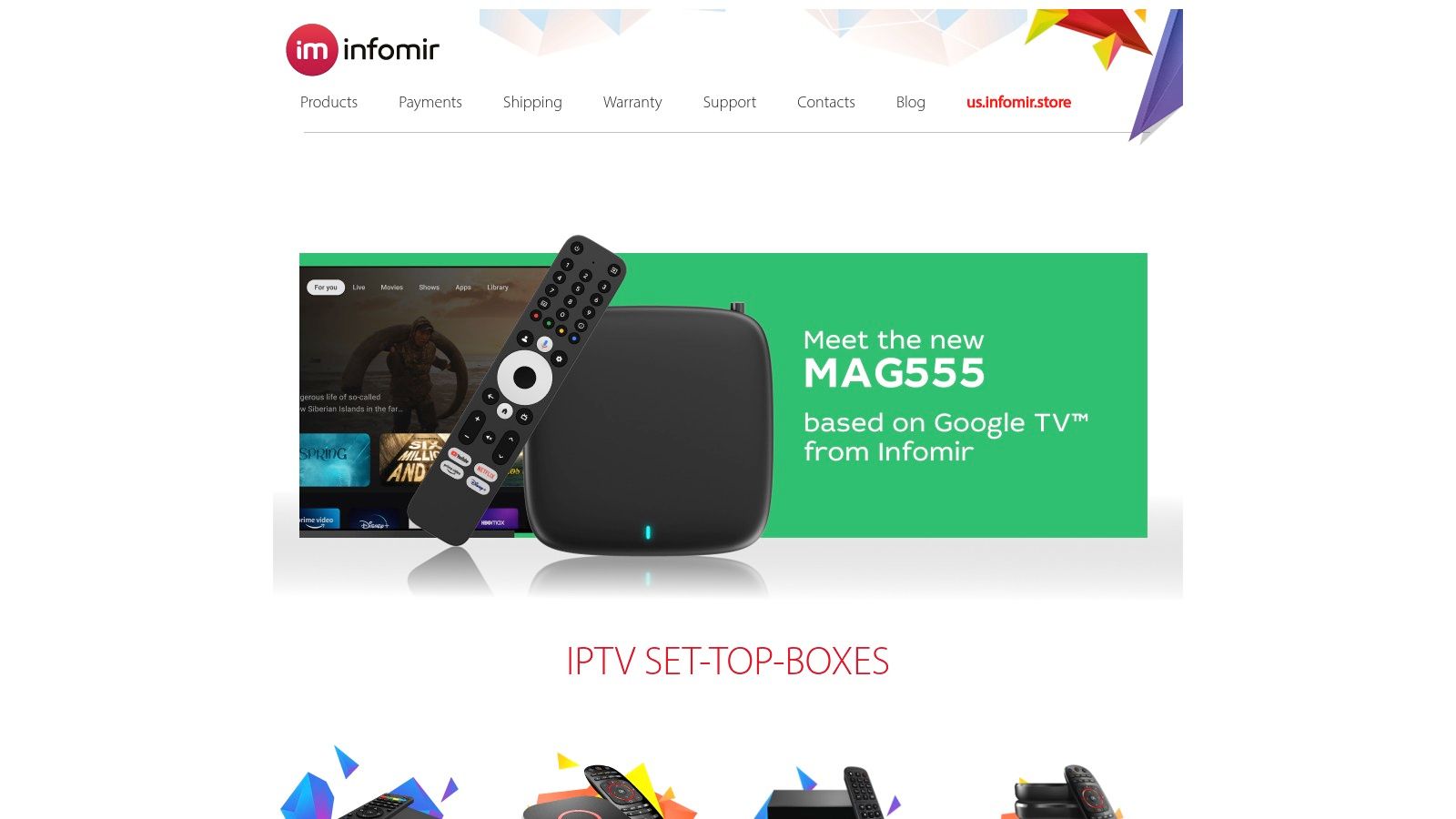
Unlike third-party marketplaces where counterfeit devices are common, Infomir.us guarantees you receive an authentic product. This is crucial because genuine MAG boxes receive firmware updates that improve performance and security. For many long-time IPTV enthusiasts, a MAG box is the best IPTV box due to its purpose-built design and stability, making Infomir.us an essential vendor.
Infomir.us provides a straightforward e-commerce experience focused on one thing: selling official MAG devices and accessories. The website is easy to navigate, with clear product listings for both their classic Linux-based boxes and newer Android TV models. The primary advantage is the peace of mind that comes with their U.S.-based operations, which ensures fast shipping with reliable carriers like FedEx and USPS, complete with tracking and insurance.
MAG boxes are designed specifically for IPTV services and often use a built-in Stalker Portal interface. For Android TV-based MAG boxes like the MAG524w3, you can easily install the Free IPTV Player app.
The combination of a dedicated MAG device and a versatile player app delivers a stable and user-friendly experience. This is especially true when paired with a quality service; find a compatible option in our guide to the best IPTV service providers.
| Pros | Cons |
|---|---|
| Guarantees authentic MAG devices with official warranty | Prices are often higher than third-party resellers |
| Fast, reliable shipping from within the United States | All-sales-final policy unless the item is defective |
| Direct access to the latest MAG models and accessories | Product selection is limited strictly to Infomir's brand |
| Clear and secure transaction process |
Website: https://www.infomir.us/
For shoppers prioritizing affordability and convenience, Walmart serves as a surprisingly versatile source for IPTV hardware. The retail giant offers a broad selection of streaming devices, from officially supported Android TV boxes to specialized Linux-based units like the Infomir MAG series. This makes it an accessible one-stop shop for both beginners and experienced users looking for a budget-conscious IPTV solution.
Walmart’s key advantage is its blend of competitive pricing, local store availability for mainstream devices, and a trusted return policy. While its online marketplace includes countless off-brand options, careful shoppers can find reliable hardware at a fraction of the cost of premium models. This accessibility makes it a strong contender for the best IPTV box destination for users who value simplicity and good deals over top-tier performance.
The primary draw to Walmart is the sheer variety and cost-effectiveness of its offerings. You can find everything from basic Android boxes perfect for a secondary TV to more advanced MAG boxes known for their stability with certain IPTV services. Walmart’s 30-day return policy on most electronics adds a layer of security, allowing you to test a device and ensure it meets your needs without financial risk.
Since Walmart sells a variety of devices, the setup process depends on the box you purchase. For any Android-based device bought from Walmart:
The performance will vary based on the device's hardware, but most modern budget boxes can handle the app smoothly for a great viewing experience.
| Pros | Cons |
|---|---|
| Highly competitive pricing on many devices | Marketplace quality can be inconsistent |
| Simple and reliable 30-day return policy | Buyer must carefully research sellers/specs |
| In-store pickup available for popular models | Off-brand boxes may lack official updates |
| Good source for specific MAG box models |
Website: https://www.walmart.com/ip/Infomir-Mag544w3-Newest-Model/1460116530
| Seller / Source | Implementation Complexity 🔄 | Resource Requirements ⚡ | Expected Outcomes 📊 | Ideal Use Cases 💡 | Key Advantages ⭐ |
|---|---|---|---|---|---|
| NVIDIA SHIELD (official) | Medium - mature Android TV platform | High - premium hardware & ongoing updates | High - best-in-class performance & stability | IPTV users seeking top performance & longevity | Premium performance, HDR support, strong updates |
| Best Buy (U.S. retailer) | Low - retail purchase & support | Moderate - relies on retailer infrastructure | Medium - quick access, reliable returns | Buyers wanting fast delivery and solid retail support | Easy returns, reliable U.S. support, quick pickup |
| Amazon (U.S. marketplace) | Variable - many brands & sellers | Variable - wide pricing & shipping options | Variable - dependent on seller & model | Buyers seeking variety, competitive prices, and reviews | Wide selection, Prime shipping, user reviews |
| Formuler (official) | Medium - direct manufacturer firmware | Medium - vendor-specific devices and updates | High - authentic devices & official support | Users needing guaranteed authenticity & updates | Reduced counterfeit risk, official updates |
| BuzzTV Global (official) | Medium - brand-specific interface | Medium - official accessories & support | High - frequent updates, stable UX | Fans of BuzzTV UI and official warranty | Authentic products, competitive pricing |
| Infomir (official U.S. seller) | Medium - operator-grade devices | High - genuine hardware with warranty | High - official warranty and anti-piracy | IPTV operators & serious users needing reliability | Authentic MAG devices, U.S. shipping & warranty |
| Walmart (U.S. retailer/marketplace) | Low - retail access, mixed quality | Low to Medium - mix of branded and budget | Variable - depends on seller & product | Budget-conscious buyers with need for local pickup | Competitive pricing, easy returns, local support |
Navigating the crowded market of streaming devices can feel overwhelming, but selecting the best IPTV box for your home is the final step toward unlocking a truly customized entertainment experience. We've explored a range of powerful contenders, from the undisputed performance king, the NVIDIA SHIELD TV Pro, to the highly specialized and user-friendly devices from Formuler and BuzzTV. Each device offers a unique pathway to seamless IPTV streaming, but the ideal choice hinges entirely on your individual priorities.
Your decision should be guided by a clear understanding of your needs. Are you a power user who demands 4K upscaling, high-end gaming, and flawless performance? The NVIDIA SHIELD is your answer. Do you prioritize a refined, dedicated IPTV interface above all else? The Formuler Z11 Pro Max or BuzzTV X5 are purpose-built for that exact experience. For those deeply integrated into smart home ecosystems and seeking exceptional value, the Amazon Fire TV Cube and Chromecast with Google TV present compelling, budget-friendly alternatives that don't skimp on features.
Before you make a final purchase, consider these crucial factors to ensure your new device aligns perfectly with your expectations:
Ultimately, the best IPTV box is the one that removes friction between you and your content. Pairing your chosen hardware with a reliable service, like the one offered by our affiliate IPTV Now, creates a robust foundation. Once you've narrowed down your options, it's wise to compare prices online across retailers like Amazon, Best Buy, and Walmart to secure the most competitive deal. By investing in the right hardware, you're not just buying another gadget; you are curating a gateway to a world of limitless, on-demand entertainment tailored just for you.
Ready to put your new hardware to the test without installing a single app? Head over to Free IPTV Player to instantly load and stream your M3U playlists directly in your web browser. It's the perfect, hassle-free companion for any IPTV box you choose. Try the Free IPTV Player today and start streaming in seconds
