The world of IPTV offers limitless entertainment, but navigating the sea of applications can be daunting. The right player is the key to unlocking a seamless, high-quality streaming experience. It's the engine that powers your M3U playlists, organizes thousands of channels, and delivers crisp, buffer-free video directly to your screen. Without a solid player, even the best IPTV service can feel clunky and unreliable.
Whether you're a seasoned enthusiast with a powerful Android TV box or a newcomer looking to test a playlist without installing any software, choosing the best IPTV player for your specific needs is crucial. Your choice will depend on your primary device, be it an Amazon Firestick, an Apple TV, a Windows PC, or even just your web browser. This guide is designed to cut through the confusion and help you find the perfect match.
We will break down the top 7 contenders for 2025, from powerful, feature-rich applications like TiviMate to convenient, installation-free options like our Free IPTV Player. For each option, we'll provide a detailed analysis of its unique strengths, platform compatibility, and overall user experience. You'll find direct links and clear screenshots to see how each player works before you commit. This comprehensive roundup will equip you with the knowledge to make an informed decision, elevate your streaming setup, and find the best IPTV player for your viewing habits. Let's dive in and find the perfect fit for your entertainment needs.
Free IPTV Player represents a significant shift in how users can access and enjoy IPTV content, earning its place as a top contender for the best IPTV player available today. Its core innovation lies in its entirely browser-based architecture, which completely removes the need for software installations or application downloads. This platform is built on the principles of simplicity, accessibility, and immediate gratification, allowing users to stream live TV and on-demand content directly from any modern web browser.
The platform is designed for anyone who values convenience. Whether you are on a Windows PC, a MacBook, an Android tablet, or an iOS smartphone, you can access your IPTV streams instantly. The process is remarkably straightforward: navigate to the website, paste your M3U playlist URL or upload the M3-U file, and your channels populate within seconds. This "zero-install" approach makes it an exceptional tool for quickly testing an IPTV service or for users who are cautious about installing third-party applications.
Free IPTV Player is not just a basic player; it is a well-rounded tool equipped with features that enhance the viewing experience and rival many dedicated desktop applications.
The versatility of Free IPTV Player lends itself to several real-world scenarios:
Pro Tip: For the best streaming experience, especially with 4K content, ensure you are using a stable, high-speed internet connection. Pairing this player with a powerful streaming device like the Amazon Fire TV Stick 4K Max can further enhance performance and navigation, even when using its built-in web browser.
| Strengths | Weaknesses |
|---|---|
| No Installation Needed: Works instantly in any browser, saving time and device space. | User-Supplied Content: Does not provide any IPTV channels or playlists. |
| Cross-Platform Support: Fully compatible with Windows, macOS, Android, and iOS. | Browser Limitations: Lacks some advanced features found in native apps. |
| High-Quality Streaming: Capable of handling video streams up to 4K resolution. | Dependent on Internet: Requires a stable connection for smooth playback. |
| Completely Free: No hidden costs, subscriptions, or premium tiers. | |
| Privacy-Focused: All playlist data remains local to your device and is not stored. |
Ultimately, Free IPTV Player stands out as a powerful, user-centric solution that democratizes access to IPTV content. Its blend of high-end features, zero-cost access, and unparalleled convenience makes it an essential tool for both novice and experienced IPTV users.
Website: https://freeiptvplayer.net
TiviMate has earned its reputation as a premier choice among IPTV enthusiasts, particularly for those embedded in the Android TV ecosystem. It is widely considered one of the best IPTV player applications for its polished, professional interface that closely mimics the experience of a traditional cable or satellite TV service. Designed with a "10-foot" user interface in mind, it's perfectly optimized for large-screen viewing on devices like the NVIDIA Shield, Chromecast with Google TV, or various smart TVs running Android TV.
The platform’s primary strength lies in its exceptional Electronic Program Guide (EPG). The grid-style layout is clean, responsive, and packed with information, allowing users to effortlessly browse schedules, set reminders, and access detailed program descriptions. This robust EPG functionality, combined with its powerful search and filtering options, makes finding content a seamless process.
TiviMate is not just about a pretty interface; its feature set is designed for the power user. Key functionalities include:
The free version of TiviMate provides basic functionality, but the real power is unlocked with the Premium subscription. This one-time purchase or annual subscription model unlocks all advanced features, including multi-playlist support, favorites management, and parental controls. The premium plan manages up to five devices, making it a cost-effective solution for an entire household.
| Feature | Free Version | Premium Version |
|---|---|---|
| M3U/Xtream Codes Support | Yes | Yes |
| EPG Functionality | Basic | Advanced (Grid, Search, History) |
| Multi-view | No | Yes |
| Recording & Catch-up | No | Yes |
| Parental Controls | No | Yes |
| Favorites Management | No | Yes |
| UI Customization | Limited | Full |
It's crucial to note that TiviMate is exclusively available for Android TV and Google TV devices. There is no official support for iOS, tvOS, Windows, or standard Android mobile phones. Users should also be cautious and only download the app from the official Google Play Store or use the TiviMate Companion app to manage their premium subscription, as unofficial clones can pose security risks. The developer is very clear about this on the official website to protect users.
For those using an Amazon Firestick, TiviMate is also a top-tier option. If you need guidance on installation, discover more about TiviMate for Firestick and other compatible apps.
Official Website: https://tivimate.com
For users deeply invested in the Apple ecosystem, IPTVX stands out as a polished and native solution. This app is meticulously designed for iPhone, iPad, Apple TV, and even Apple Vision Pro, offering an experience that feels right at home on Apple hardware. It distinguishes itself by providing a premium, user-friendly interface that elegantly handles M3U, M3U8, and Xtream Codes API playlists, making it a top contender for the best IPTV player for Apple device owners.
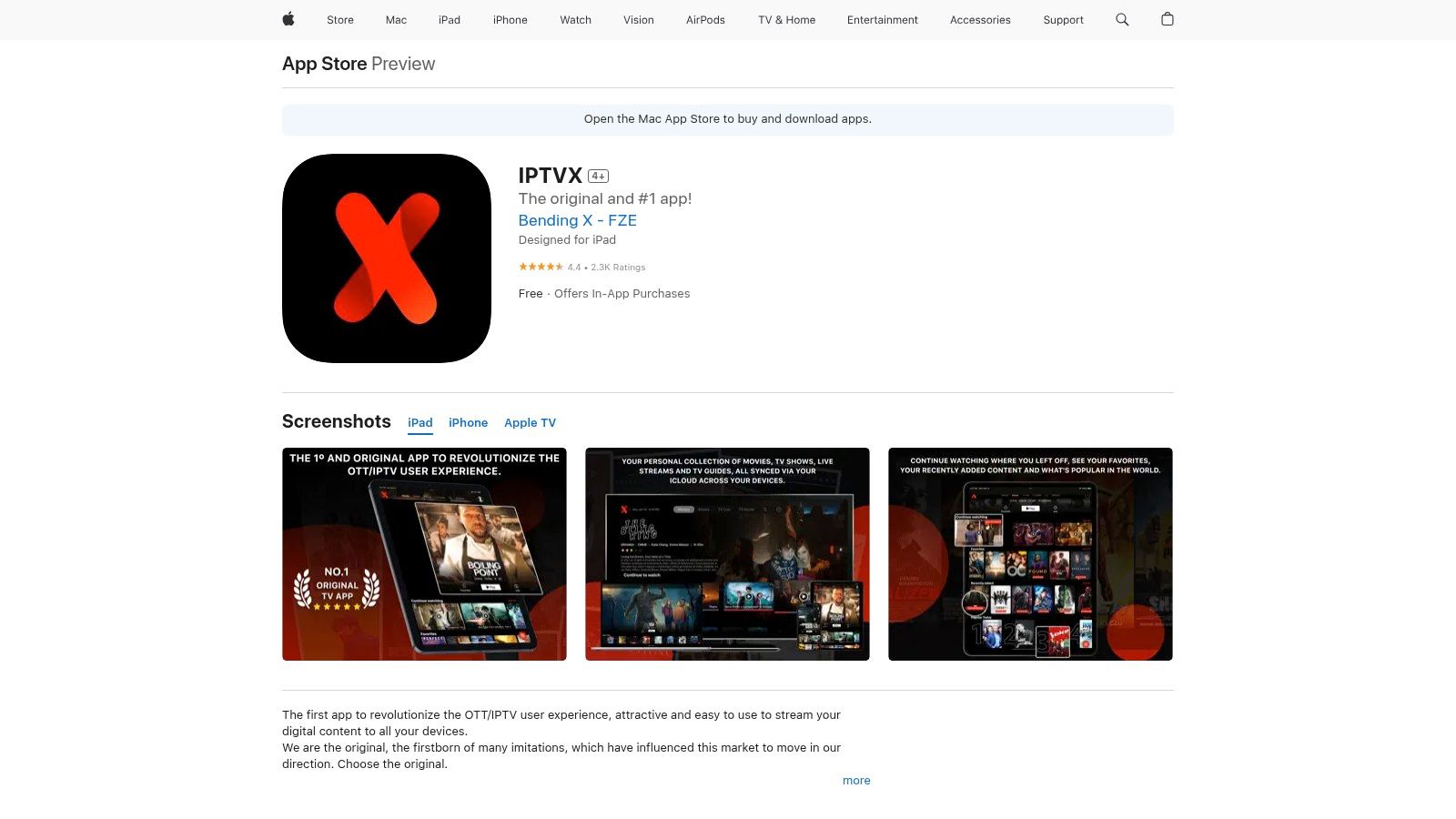
The primary strength of IPTVX lies in its seamless integration and synchronization capabilities. Leveraging iCloud, the app ensures that your playlists, favorites, and viewing progress are consistent across all your Apple devices. You can start watching a channel on your iPhone during your commute and pick it up instantly on your Apple TV when you get home without missing a beat. This level of cohesion is a significant advantage for multi-device users.
IPTVX is more than just a good-looking app; it's packed with powerful features tailored for a modern viewing experience. The developers actively maintain the app with frequent updates, responding to user feedback and adding new functionalities. Key features include:
The free version provides a solid foundation, allowing users to load a single playlist and access core features. However, the premium version, available as a one-time purchase or subscription, unlocks the app's full potential. This includes multi-playlist support, parental controls, full EPG capabilities, and advanced customization options, creating a truly comprehensive IPTV hub.
| Feature | Free Version | Premium Version |
|---|---|---|
| Single Playlist Support | Yes | Yes |
| Multi-Playlist Support | No | Yes |
| iCloud Sync | Yes | Yes |
| Picture-in-Picture | Yes | Yes |
| EPG Functionality | Basic | Advanced (Grid, Search, History) |
| Catch-up & Recording | No | Yes |
| Offline Mode (iOS) | No | Yes |
| Parental Controls | No | Yes |
IPTVX is exclusively available for Apple platforms, including iOS, iPadOS, tvOS (Apple TV), and visionOS (Apple Vision Pro). There is no official version for Android or Windows. The app must be downloaded directly from the Apple App Store, ensuring a secure and verified installation. This focus on a single ecosystem allows for deep integration with platform-specific features like AirPlay 2 and native video player performance.
For a powerful viewing experience on your television, we recommend running IPTVX on an Apple TV 4K, which delivers smooth playback and support for Dolby Vision and HDR10 content.
Official Website: https://apps.apple.com/us/app/iptvx/id1451470024
For users rooted in the Windows ecosystem, MyIPTV Player stands out as a straightforward and reliable solution. Available directly from the Microsoft Store, this application offers a secure and convenient way to access IPTV content on Windows PCs and even Xbox consoles. It is an excellent choice for those who want an officially vetted, easy-to-install application without the need for sideloading, making it a strong contender for the best IPTV player for the Windows platform.

The player’s main appeal is its simplicity and integration. It supports M3U playlists, both from remote URLs and local files, and automatically parses EPG (Electronic Program Guide) data if included in your playlist link. This allows users to view channel guides, organize content, and set up a favorites list with minimal effort. Its "lean-back" design also makes it functional for use with a game controller on an Xbox, turning the console into a capable media center.
MyIPTV Player focuses on core functionality delivered through a clean interface. It may not have the extensive customization of other players, but it covers the essentials effectively for a seamless viewing experience.
The user experience is designed to be intuitive. Adding a playlist is a simple process of pasting a URL, and the app does the rest. While the interface is more basic compared to feature-rich Android alternatives, its performance on both high-end PCs and the Xbox Series X/S is stable and responsive.
MyIPTV Player is completely free to use, supported by unobtrusive ads. There is no premium version or subscription required to access its full feature set.
| Feature | Availability |
|---|---|
| Price | Free (Ad-supported) |
| M3U & EPG Support | Yes |
| VOD Center | Yes |
| Channel Grouping | Yes |
| Favorites Management | Yes |
| Multi-view | No |
| Recording | No |
This player is exclusive to the Microsoft ecosystem, available for download on Windows 10/11 and Xbox One/Series X/S devices. This makes it an ideal, native solution for users who primarily consume media on their PC or gaming console. For those looking to set up IPTV, a reliable service is key; you can explore provider options from sources like IPTV NOW to get started with a compatible M3U playlist.
Official Website: https://apps.microsoft.com/store/detail/9pjj2nmbf0tr
VLC media player is the quintessential, swiss-army-knife of media players, and its utility extends powerfully into the world of IPTV. As a free, open-source, and cross-platform powerhouse, VLC has built a decades-long reputation for reliability and its ability to play virtually any video or audio file thrown at it. While not a dedicated IPTV application, its robust support for network streams, including M3U playlists, makes it a go-to choice for users who prioritize simplicity, stability, and broad device compatibility over a polished TV-guide interface.

The primary advantage of using VLC is its universal availability and trustworthiness. It runs on Windows, macOS, Linux, Android, iOS, and more, ensuring a consistent experience no matter the device. For users new to IPTV, VLC serves as the perfect diagnostic tool to quickly test an M3U playlist from a provider like IPTV Now before committing to a more specialized player. Its lightweight nature means it performs exceptionally well even on older hardware.
VLC's strength lies in its core functionality rather than IPTV-specific bells and whistles. It is engineered for playback perfection. Key functionalities for IPTV users include:
The user experience is straightforward and utilitarian. You won't find a fancy grid-style EPG or catch-up features. Instead, channels are listed in a simple playlist view. This makes it less ideal for channel surfing on a large TV but perfect for direct, no-fuss streaming on a desktop or mobile device. For those interested in the technical side, you can discover more about how to create M3U playlists that are perfectly compatible with VLC.
VLC stands out as one of the few truly free options without any caveats, a testament to its open-source roots.
| Feature | VLC media player |
|---|---|
| Price | Completely Free |
| M3U/M3U8 Support | Yes |
| EPG Functionality | No (Playlist view only) |
| Recording | Yes (Manual Stream Capture) |
| Cross-Platform | Windows, macOS, Linux, Android, iOS, ChromeOS, tvOS |
| Ad-Free | Yes |
| Open Source | Yes |
VLC is the definition of a versatile tool. It may not be the best IPTV player for a lean-back, couch-based experience that mimics traditional TV. However, its unparalleled reliability, security, and broad device support make it an essential application for any IPTV user, whether for primary viewing on a PC or as a trusted backup and testing tool. It is available for download on all major app stores and its official website.
Official Website: https://www.videolan.org
Kodi is not just an IPTV player; it's a legendary, open-source media center that has been a cornerstone of home theater PC setups for years. Its power lies in its unparalleled versatility, allowing users to manage and play virtually any media format, from local files to streaming content. For IPTV users, Kodi becomes one of the best IPTV player options through the use of add-ons, transforming its robust framework into a fully functional live TV interface suitable for any large-screen display.
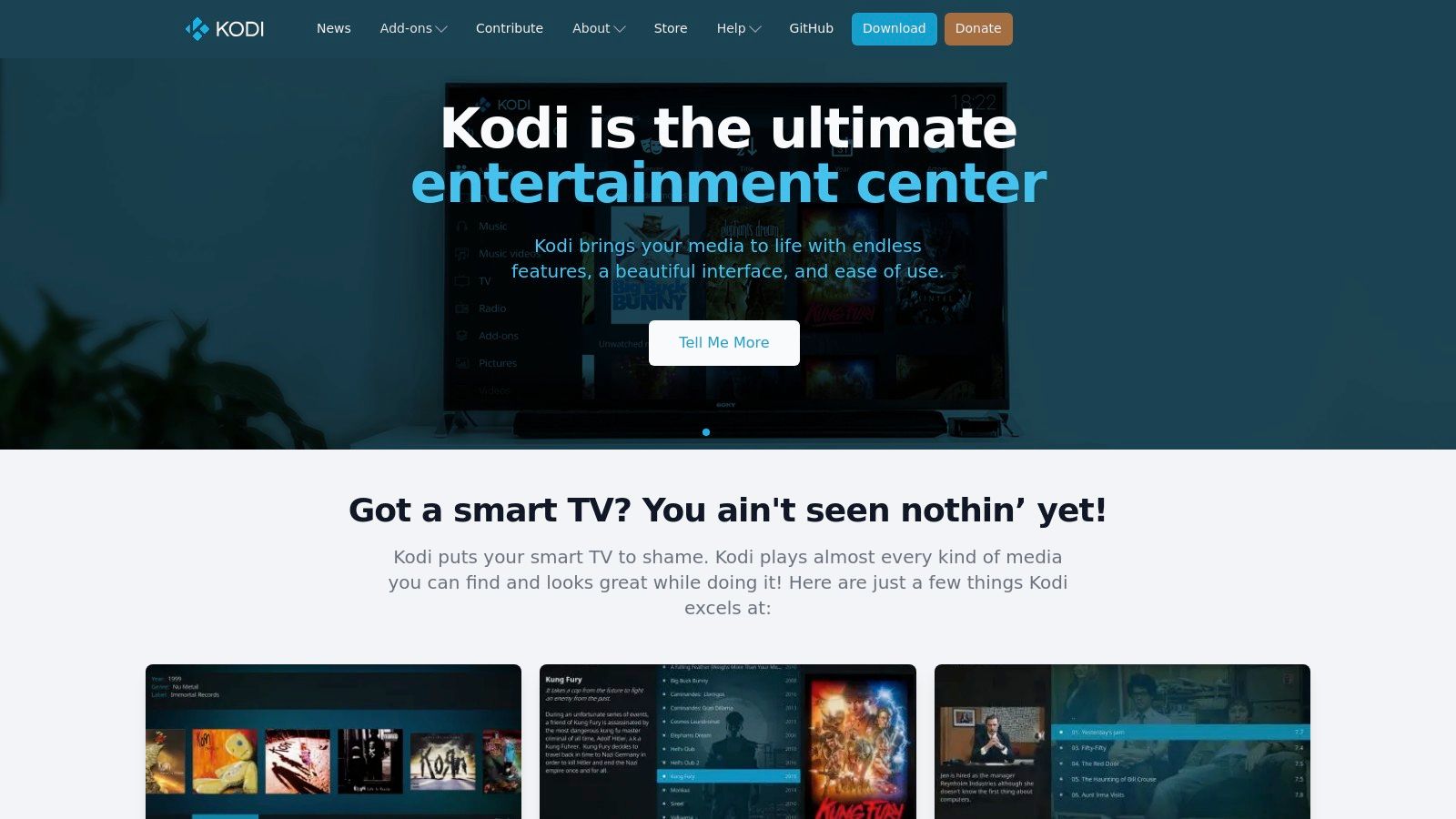
The platform’s core advantage is its "10-foot user interface," designed for easy navigation with a remote control from a couch. While it requires more initial setup than dedicated IPTV apps, its customizability is unmatched. Users can install various "skins" to completely change the look and feel of the interface and use add-ons like the PVR IPTV Simple Client to integrate M3U playlists and EPG data seamlessly.
Kodi's strength is its ecosystem. It is a powerful tool for tech-savvy users who enjoy tinkering and creating a media hub tailored precisely to their needs. Key functionalities for IPTV include:
While the setup process is more involved, the extensive community support and detailed documentation make it manageable for new users. Its performance can be enhanced by running it on a capable device like an NVIDIA Shield or a dedicated HTPC, ensuring a smooth and responsive experience.
| Feature | Kodi (Free & Open Source) |
|---|---|
| M3U/Xtream Codes Support | Yes (Via Add-ons) |
| EPG Functionality | Yes (Via Add-ons & EPG source) |
| Recording & PVR | Yes (Via specific PVR backends) |
| Add-on Support | Extensive |
| UI Customization | Full (Skins & Settings) |
| Cross-Platform | Yes (Windows, macOS, Android, iOS, Linux, etc.) |
| Cost | Completely Free |
Kodi's open-source nature means it is entirely free, with no subscriptions or hidden costs. However, users must be diligent about sourcing their add-ons. It is highly recommended to stick to the official Kodi repository to avoid security risks and unstable software. For optimal performance, especially when managing large media libraries, it's important to keep the application running smoothly. For helpful maintenance tips, you can explore this guide on how to clear the cache on Kodi.
Official Website: https://kodi.tv
For users deeply invested in the Apple ecosystem, iPlayTV stands out as a polished and dedicated solution for tvOS. It has long been considered the best IPTV player for Apple TV, offering a user experience that feels native to the platform. Its design is clean, intuitive, and perfectly optimized for the Siri Remote, providing a seamless "lean-back" viewing experience that rivals traditional television services.
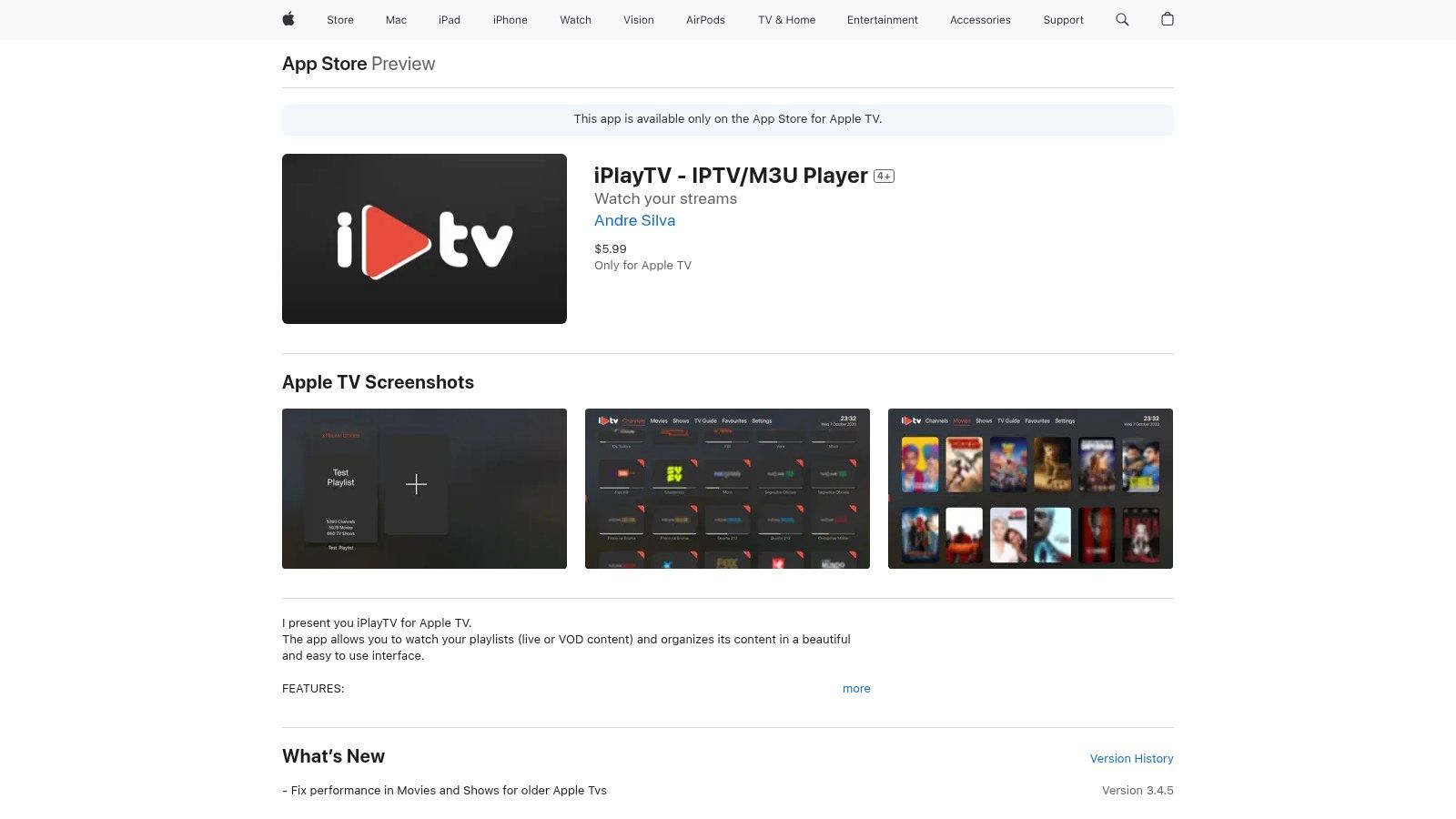
The app's main draw is its beautiful, grid-based Electronic Program Guide (EPG) that makes channel surfing and finding content incredibly easy. It supports multiple playlists, including Xtream Codes, and automatically fetches channel logos and EPG data, creating a rich and visually appealing guide. iPlayTV is built from the ground up for Apple TV, ensuring smooth performance and integration with system-level features.
iPlayTV is more than just a basic M3U player; it’s packed with features tailored for the Apple TV hardware and its user base. Key functionalities include:
Unlike many players that have moved to a subscription model, iPlayTV is offered as a one-time purchase from the App Store. This straightforward pricing makes it an attractive, long-term investment for Apple TV owners who want a reliable and feature-rich player without recurring fees.
| Feature | Details | Availability |
|---|---|---|
| Pricing Model | One-time Purchase | App Store |
| Platform | Apple TV (tvOS) | Yes |
| iPhone/iPad Support | No | No |
| Xtream Codes Support | Yes | Yes |
| Catch-up & EPG | Yes (via Xtream) | Yes |
| Frame-Rate Matching | Yes | Yes |
| AirPlay 2 | Yes | Yes |
| OpenSubtitles | Yes | Yes |
It is essential to understand that iPlayTV is exclusively available for Apple TV. There is no official version for iPhone, iPad, or any other operating system. This dedicated focus ensures a highly optimized experience for the target device. Installation is simple and secure through the official Apple App Store, eliminating the risks associated with sideloading applications. The Apple TV itself is a powerful streaming device, and you can explore how it stacks up against competitors in this streaming device comparison.
Official Website: https://apps.apple.com/us/app/iplaytv-iptv-m3u-player/id1072226801
| IPTV Player | Implementation Complexity 🔄 | Resource Requirements ⚡ | Expected Outcomes 📊 | Ideal Use Cases 💡 | Key Advantages ⭐ |
|---|---|---|---|---|---|
| Free IPTV Player | Low – Browser-based, no installation | Minimal – Runs on any modern browser | Reliable streaming up to 4K, local privacy | Quick testing, multi-device streaming | Instant use, free, wide device support |
| TiviMate | Medium – Android TV app with premium | Moderate – Android TV/Google TV devices | Feature-rich IPTV experience, good EPG | Living room use, advanced IPTV features | Clean interface, catch-up, multi-view |
| IPTVX (Apple Store) | Medium – Apple ecosystem app | Moderate – iOS/tvOS devices | Polished Apple user experience with PiP | Apple device users, premium IPTV | iCloud sync, AirPlay, Dolby Vision HDR |
| MyIPTV Player | Low – Windows Store app | Low – Windows PCs and Xbox | Basic IPTV playback and VOD | PC and Xbox users wanting simple setup | Free, controller friendly, easy setup |
| VLC media player | Low to Medium – general media player | Low – Cross-platform, lightweight | Versatile media playback, broad codec support | Users needing multi-format player | Open-source, privacy-respecting |
| Kodi | High – Requires add-ons and setup | Moderate to High – Cross-platform | Highly customizable IPTV/media center | Advanced users wanting customization | Extensible, free, powerful UI |
| iPlayTV (Apple TV) | Medium – native tvOS app | Moderate – Apple TV only | Stable Apple TV IPTV experience | Apple TV users preferring one-time buy | Clean UI, multi-playlists, AirPlay 2 |
Navigating the world of IPTV can seem complex, but selecting the right player simplifies the entire experience. We've explored a diverse range of powerful tools, from dedicated, feature-rich applications to versatile, open-source media centers. Your journey to find the best IPTV player doesn't end with a single "correct" answer; it concludes with the choice that seamlessly integrates into your digital life and viewing habits.
The key takeaway is that the ideal player is a deeply personal choice, dictated by your primary viewing device, technical comfort, and desired features. Your decision-making process should be a simple checklist of your own priorities.
If you're deeply embedded in the Android TV ecosystem and crave a traditional, remote-friendly cable box experience, TiviMate is an unparalleled choice. Its slick interface and robust EPG management are designed for the living room couch. Conversely, Apple users are not left wanting; IPTVX and iPlayTV offer the polished, intuitive, and aesthetically pleasing experience that is synonymous with the Apple brand, making them perfect for iPhone, iPad, and Apple TV.
For the power users, the tinkerers, and those who value ultimate control and customization, Kodi and VLC Media Player remain the undisputed champions. Their open-source nature means they can be molded to fit any need, run on virtually any hardware, and handle any media format you throw at them. These are the Swiss Army knives of the IPTV world.
Amidst these installable applications, the Free IPTV Player carves out its unique and vital niche. It champions accessibility and ease of use, eliminating the need for downloads, installations, or device-specific versions. If your goal is to quickly test a playlist, watch content on a shared computer, or simply stream without any setup friction, a browser-based player is the most efficient solution. It represents the ultimate "plug-and-play" approach to IPTV.
Once you've selected your player, remember that it's only one half of the equation. The quality of your IPTV service and the stability of your internet connection are just as crucial. A premium player cannot compensate for a low-quality stream or a weak network. For a truly buffer-free experience, pairing your chosen player with a reliable service, like the one we recommend from IPTV Now, is essential.
Furthermore, optimizing your home network is a critical step many users overlook. To ensure uninterrupted entertainment with your chosen IPTV player and avoid common playback issues, it's beneficial to learn how to reduce buffering and stream smoothly. Simple tweaks to your router or device settings can make a world of difference. To get the best performance, consider a dedicated streaming device like an Amazon Fire TV Stick 4K Max, which is optimized for high-quality video playback and provides ample power for any IPTV application.
Ultimately, the best IPTV player is the one that removes barriers between you and your content. It should feel intuitive, reliable, and perfectly suited to your devices and lifestyle. Use this guide as your roadmap, align our insights with your personal needs, and you'll unlock a world of limitless entertainment tailored just for you.
Ready to start streaming immediately without any downloads or installations? Try the Free IPTV Player today. As the most accessible and straightforward option covered, our browser-based tool allows you to load your M3U playlist and start watching on any device in seconds, making it the perfect choice for simplicity and convenience.
