The world of IPTV offers a vast universe of entertainment, but accessing it smoothly depends entirely on one critical component: your player. Choosing the best IPTV player is the key to unlocking a seamless, high-definition streaming experience, free from the frustrations of buffering and lag. The market is saturated with options, from dedicated apps on the Google Play Store to versatile browser-based solutions, making it difficult to know which one truly fits your needs.
This guide is designed to eliminate the guesswork. We will dive deep into the top players available today, providing a detailed analysis of their real-world performance, unique features, pricing, and device compatibility. Whether you're a tech-savvy user wanting to test an M3U playlist without installing new software, or a family looking to stream live TV on your smart device, this resource will help you find the perfect match. Each review includes practical insights, screenshots, and direct links to get you started immediately. We'll explore powerful applications like TiviMate and IPTV Smarters alongside convenient web-based options like Free IPTV Player, ensuring you find the ideal tool to elevate your streaming setup. Let's find the player that will transform your viewing habits.
Free IPTV Player establishes itself as the best IPTV player for users prioritizing convenience and accessibility. Its primary advantage is its browser-based architecture, which completely eliminates the need for software installations or downloads. You can instantly stream live TV and on-demand content by simply visiting the website, pasting an M3U URL, or uploading a playlist file. This makes it an exceptionally versatile tool for quick stream testing or for enjoying content on any device with a modern web browser, including desktops, laptops, tablets, and smartphones.
The platform is designed with a clean, intuitive interface that caters to both IPTV novices and experienced streamers. Key features like channel filtering, a favorites list, and full-screen viewing enhance the user experience, making navigation straightforward. Supporting video quality up to 4K, it ensures that your high-resolution streams are delivered with stunning clarity, provided your playlist and internet connection can handle it. This focus on a seamless, zero-barrier-to-entry experience is what truly sets it apart from traditional app-based players.
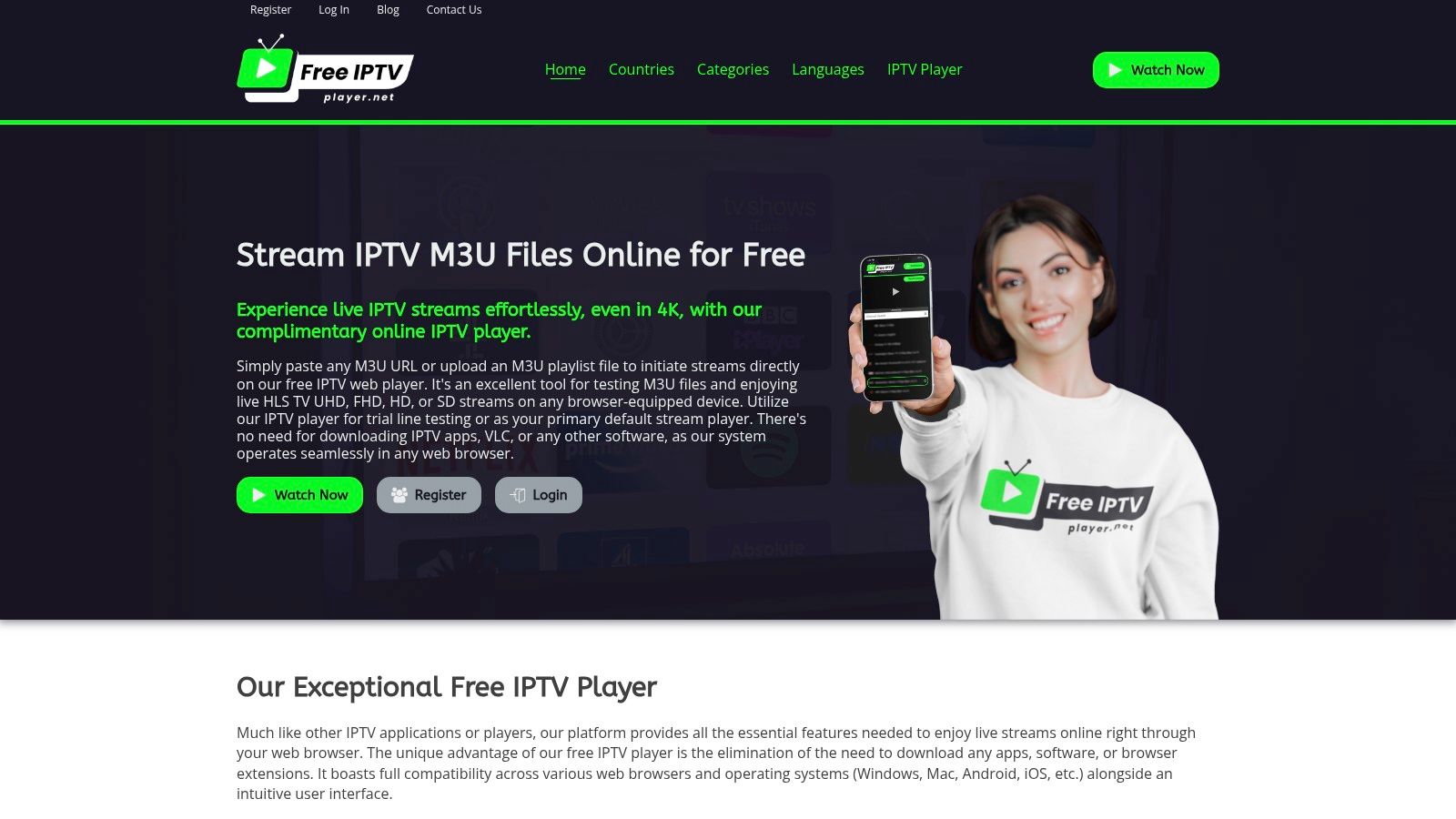
Free IPTV Player excels in scenarios where installing a dedicated application is either impossible or inconvenient. It's the perfect solution for users on locked-down work computers, public devices, or for those who simply want to avoid cluttering their systems with more software. For developers and IPTV service resellers, it serves as an indispensable diagnostic tool for quickly verifying the functionality of an M3U playlist without configuring a complex player.
The platform is entirely free, with no hidden costs or subscriptions, making it a risk-free choice. However, it's important to remember that the player itself does not provide content; users must source their own M3U playlists from a reliable IPTV provider. For those in need of a service, options like IPTV Now offer compatible playlists.
Core Features:
| Feature | Details |
|---|---|
| Compatibility | All major web browsers |
| Cost | 100% Free |
| Playlist Support | M3U URL / File |
| Primary Use Case | Instant, no-installation IPTV streaming |
Pros:
Cons:
Website: https://freeiptvplayer.net
TiviMate has earned its reputation as arguably the best IPTV player for Android TV and Google TV devices. It transforms your IPTV service into a professional, cable-like experience with a sleek, modern user interface and a highly responsive electronic program guide (EPG). Its standout feature is the polished live TV grid that supports catch-up, favorites, and advanced channel sorting, making navigation intuitive and fast. This player is designed for users who want a premium, set-top box feel on devices like the NVIDIA SHIELD TV Pro or Chromecast with Google TV.
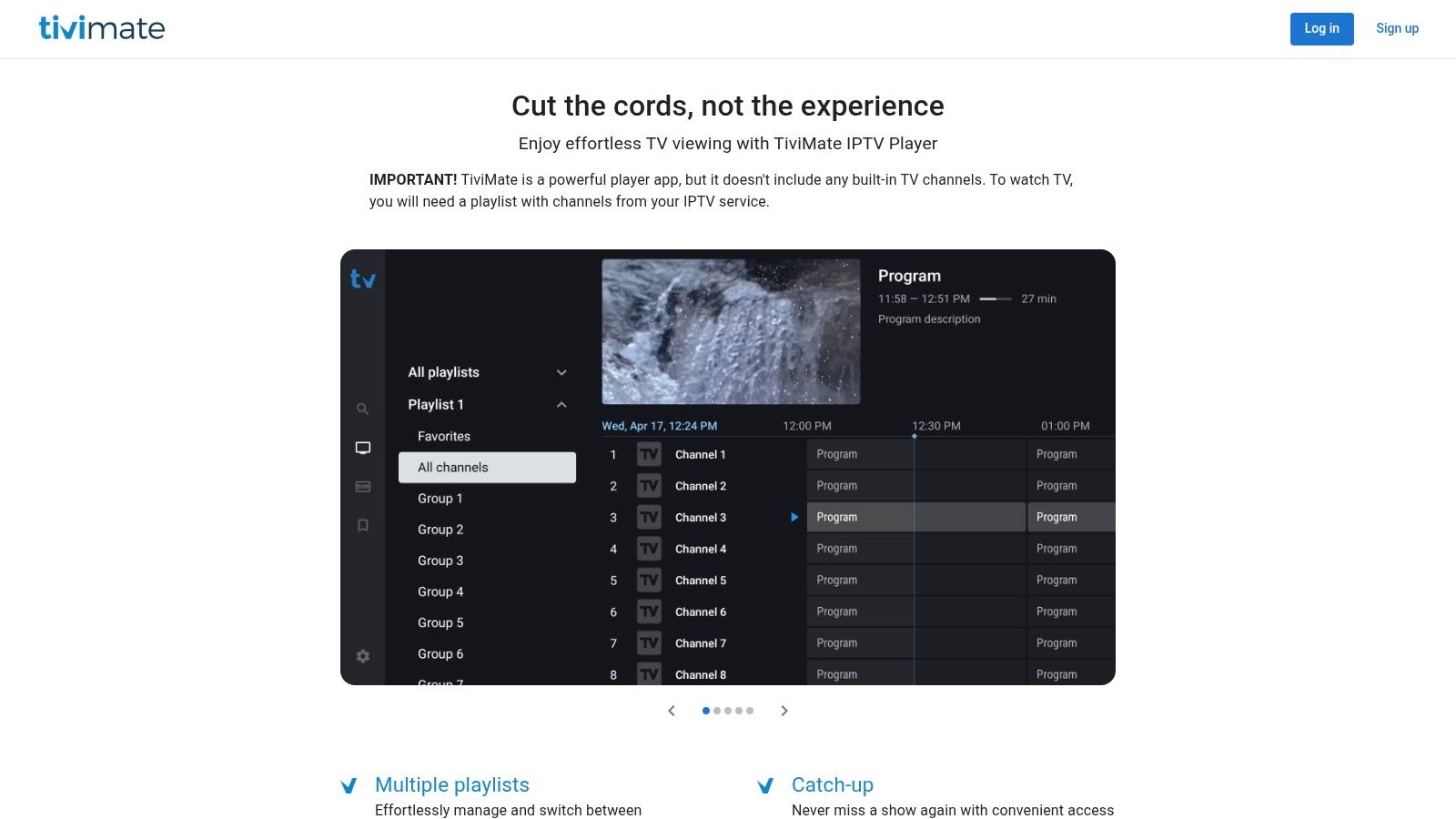
The platform operates on a freemium model. The free version is quite limited, but the Premium upgrade unlocks its full potential, including support for multiple playlists, VOD/series organization, recording capabilities, and more. A key advantage is the license management system; a single Premium purchase covers up to five devices. While the purchase process is smoothest through the Google Play Store, Fire TV users can use the TiviMate Companion app on a separate Android device to activate their subscription, a necessary but effective workaround. This dedicated focus on the Android TV ecosystem makes it a specialized and powerful choice for users on that platform.
| Feature | Details |
|---|---|
| Compatibility | Android TV, Google TV, Fire TV (via sideloading) |
| Pricing | Free (limited); Premium available via yearly or lifetime purchase |
| Best Use Case | Creating a premium, cable-like viewing experience on a dedicated Android TV streaming box |
| Unique Offering | 5-device license managed via a central companion app or website |
Website: https://tivimate.com
While not an IPTV player itself, the Google Play Store is the essential gateway for finding the best and safest IPTV player apps for Android TV and Google TV devices. It serves as the primary, trusted distribution channel where users can securely download and purchase top-tier applications like TiviMate, OTT Navigator, and Televizo. Its biggest advantage is providing a vetted, secure environment that protects users from malicious software often found on third-party app sites. For anyone using an Android-based streaming device, like a Chromecast with Google TV or the NVIDIA SHIELD TV Pro, the Play Store is the most reliable starting point.
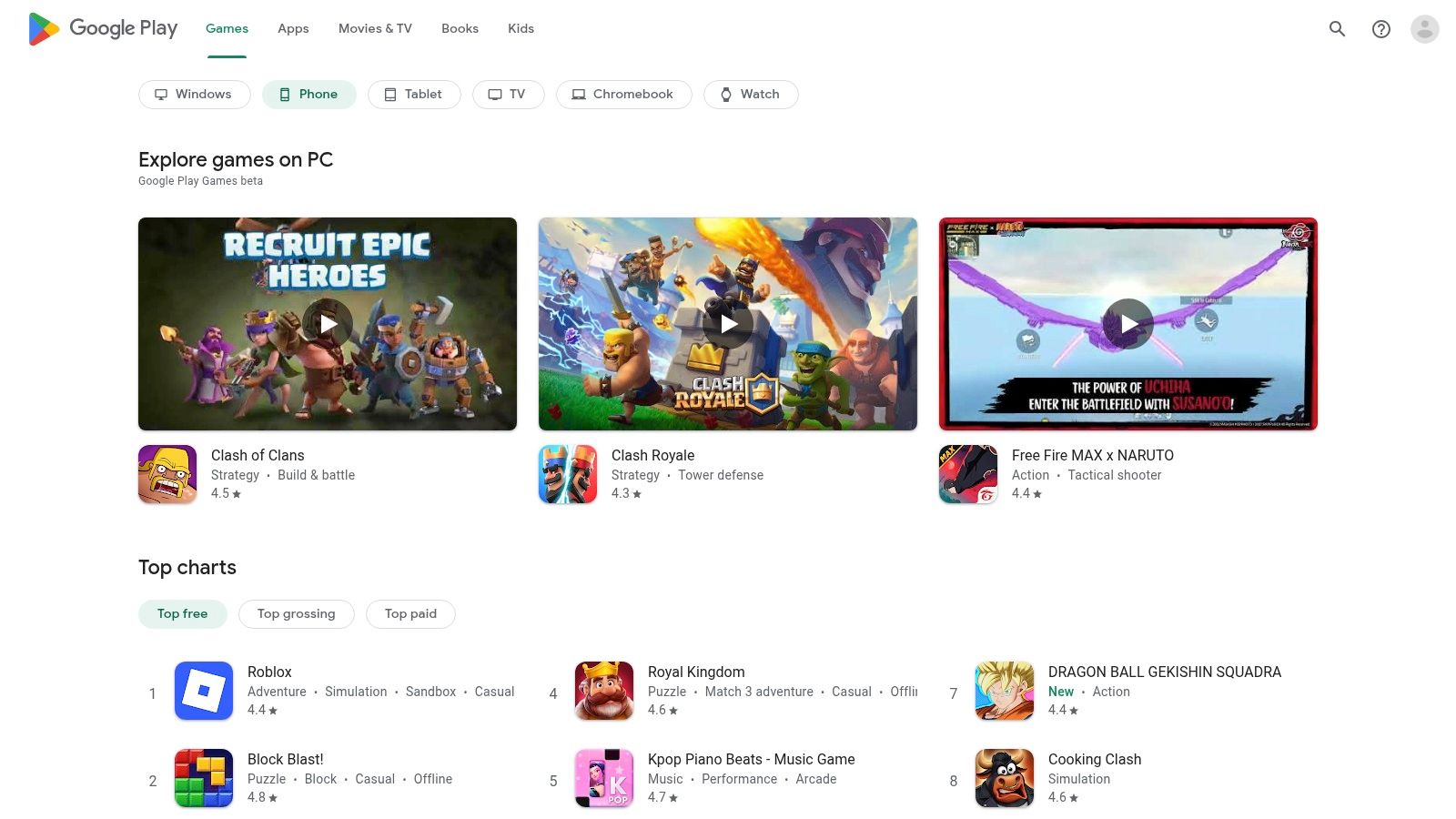
The platform streamlines the user experience by handling billing for premium upgrades, managing subscriptions, and pushing automatic updates to keep your apps secure and feature-rich. This centralized control means you can manage all your app purchases and licenses in one place. Its main limitation is its absence on Amazon's Fire TV devices, which use their own app store. This forces Fire TV users to sideload many popular IPTV players. However, for the vast ecosystem of official Android TV devices, the Google Play Store remains the gold standard for access, security, and convenience, making it a critical resource in any IPTV setup.
| Feature | Details |
|---|---|
| Compatibility | Android TV, Google TV, Android mobile devices |
| Pricing | Free to access; app prices vary (free, freemium, or paid) |
| Best Use Case | Securely finding, downloading, and managing IPTV players on official Android TV devices |
| Unique Offering | Centralized, secure billing, automatic updates, and a curated selection of verified applications |
Website: https://play.google.com
For users within the Apple ecosystem, the official App Store is the primary and most secure gateway to finding the best IPTV player for iPhone, iPad, and Apple TV. It isn't a single player but a curated marketplace hosting a variety of high-quality applications like IPTVX, iPlayTV, and GSE Smart IPTV, each optimized for Apple's user interface and hardware. This centralized approach guarantees a baseline of security and reliability, as all apps are vetted by Apple, and it simplifies the purchase and installation process across all your devices. The App Store provides a seamless experience, especially for Apple TV users looking for a polished, living room-friendly interface.
The platform’s strength lies in its trusted ecosystem features, including reliable billing, a straightforward update system, and user-friendly refund processes. Many apps on the store support Family Sharing, allowing a single purchase to be shared with family members. While some apps offer limited free or "lite" versions to test functionality, a one-time purchase or subscription is often required to unlock the full feature set. The user review and rating system provides valuable community insight, helping you choose a player that best fits your needs before committing to a purchase, ensuring a high-quality streaming experience on your preferred Apple device.
| Feature | Details |
|---|---|
| Compatibility | iPhone, iPad, Apple TV (tvOS) |
| Pricing | Varies by app; free (lite) versions and premium one-time/subscription purchases available |
| Best Use Case | Apple users seeking a secure and optimized IPTV experience, particularly on Apple TV |
| Unique Offering | A trusted, curated marketplace with multiple high-quality players and reliable purchase/update management |
Website: https://apps.apple.com
IPTV Smarters stands out as one of the most versatile and widely available IPTV players, offering dedicated applications across a massive range of operating systems. Unlike platform-specific players, it provides a consistent experience whether you're on Android, iOS, Windows, macOS, or even Fire TV. This broad compatibility makes it a go-to choice for users who want a single, familiar interface for their IPTV service across all their gadgets, from their living room TV to their desktop computer.
The player supports both M3U playlists and the popular Xtream Codes API, giving users flexibility in how they connect to their service. Its feature set is robust, including parental controls, an integrated EPG, and multi-screen capabilities, making it a comprehensive solution. A key advantage is its strong community presence and the availability of direct APK downloads, which simplifies installation on devices like the Amazon Fire TV Stick 4K Max. While different app versions can sometimes cause confusion, sticking to the official website ensures you get the most stable and feature-rich build, solidifying its place as a top contender for the best IPTV player for cross-platform users.
| Feature | Details |
|---|---|
| Compatibility | Android, iOS, tvOS, Windows, macOS, Fire TV (via sideloading) |
| Pricing | Free (with ads); Pro version available as a one-time purchase |
| Best Use Case | Users who need a single, consistent IPTV application across multiple device types, including desktop PCs and Macs |
| Unique Offering | Native desktop applications for both Windows and macOS, a rarity among IPTV players |
Website: https://www.iptvsmarters.com
VLC is the legendary, open-source Swiss Army knife of media players, and its capabilities extend to being a foundational, if basic, best IPTV player. Its primary strength lies in its universal compatibility and reliability; if an IPTV stream or M3U playlist can be played, VLC can almost certainly handle it. This makes it an indispensable tool for testing IPTV service stability, troubleshooting playlist errors, and quickly accessing streams without the need for a feature-rich, dedicated interface. It is available on nearly every operating system, from Windows and macOS to Linux, Android, and iOS.
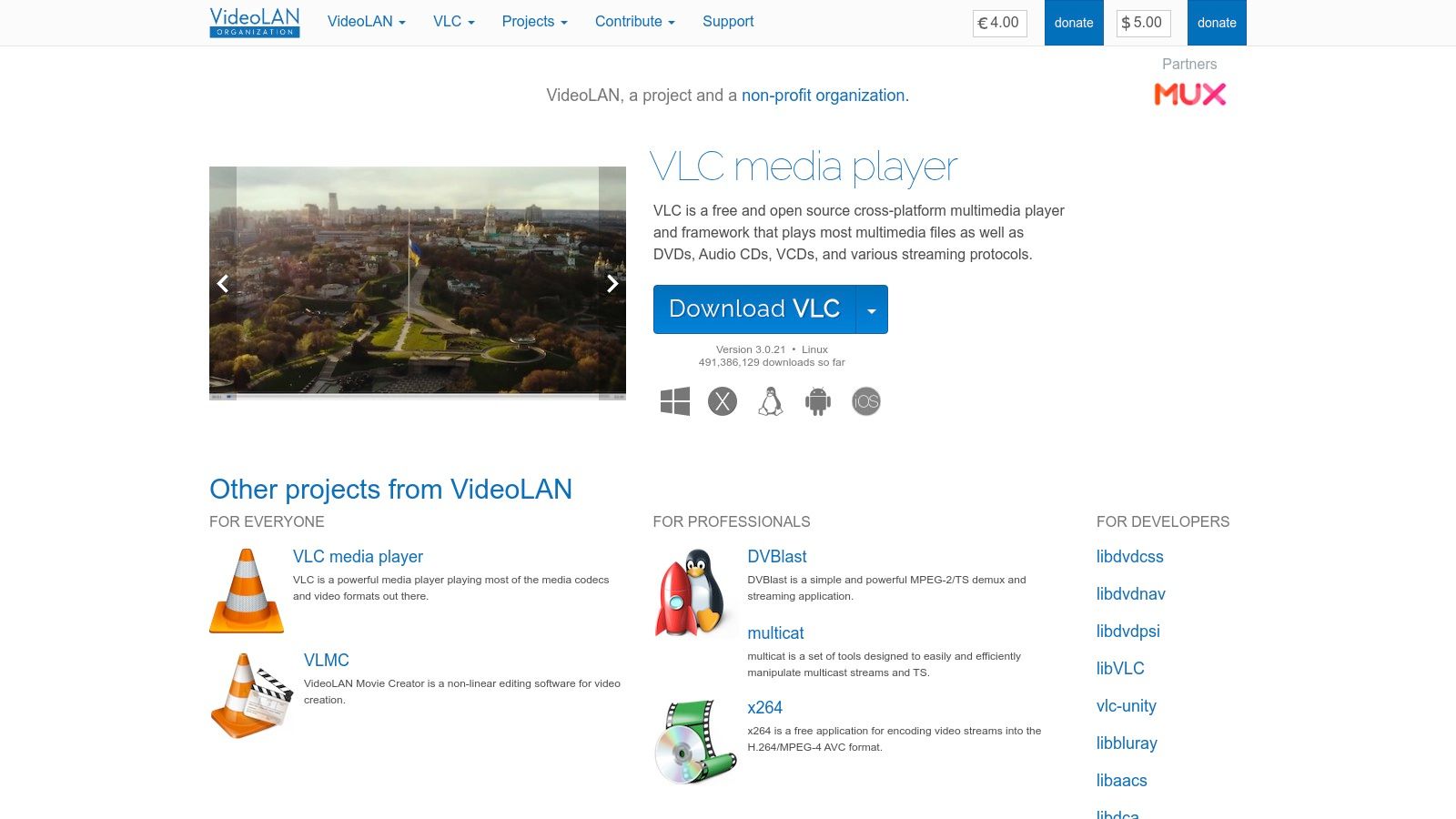
While VLC lacks the sophisticated EPG grids and channel management of specialized players, its simplicity is its advantage. Users can easily open a network stream by pasting an M3U8 URL or loading an M3U playlist file to access channels. It is completely free, contains no ads, and is maintained by the trusted non-profit VideoLAN organization. For users who need a no-frills, highly compatible player for quick viewing or for advanced users who want to learn how to create M3U playlists, VLC remains an essential, go-to application for reliable video playback.
| Feature | Details |
|---|---|
| Compatibility | Windows, macOS, Linux, Android, iOS, ChromeOS |
| Pricing | Completely free and open-source |
| Best Use Case | Testing IPTV streams, basic M3U playlist playback, and troubleshooting compatibility issues |
| Unique Offering | Universal codec support and cross-platform availability without any cost or ads |
Website: https://www.videolan.org
Kodi is not just an IPTV player; it's a complete open-source home theater software that can be transformed into a powerful IPTV front-end. Its strength lies in its incredible flexibility, allowing users to manage local media libraries alongside live TV streams. By installing the "PVR IPTV Simple Client" add-on, users can easily load M3U playlists and XMLTV EPG data, creating a fully integrated live TV experience. This makes Kodi a top-tier choice for enthusiasts who want to build a centralized media hub on nearly any device.
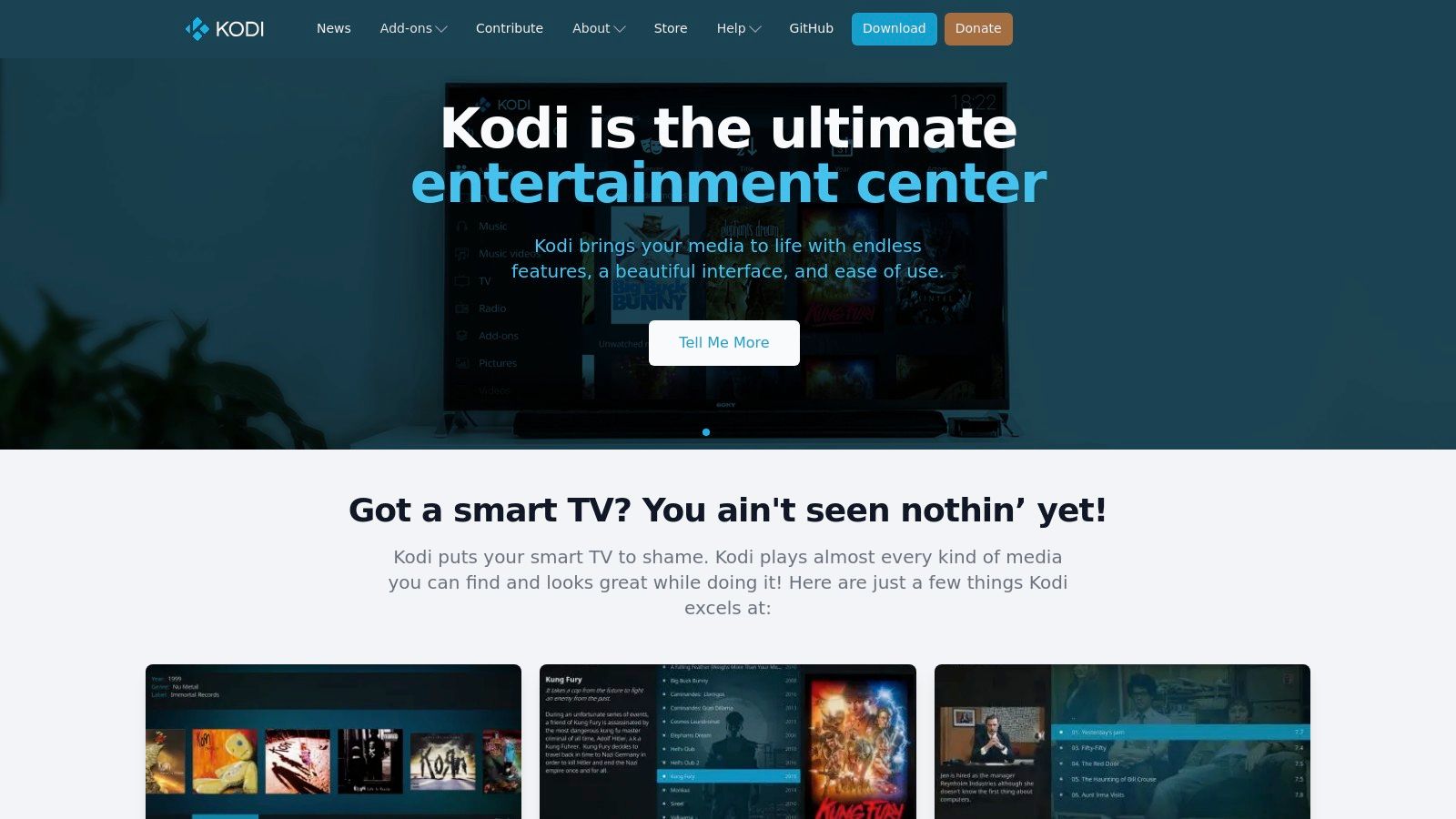
The platform's true power comes from its vast ecosystem of add-ons and customizable skins, which allow for a highly personalized user interface. While this customization offers immense potential, it also introduces a steeper learning curve compared to dedicated IPTV apps. However, for those willing to invest a little time, Kodi stands out as perhaps the most versatile and best IPTV player for users who demand more than just basic streaming. For a detailed walkthrough on getting started, you can learn more about how to work with Kodi. It's a completely free solution maintained by the non-profit Kodi Foundation.
| Feature | Details |
|---|---|
| Compatibility | Windows, macOS, Linux, Android, iOS, tvOS, Raspberry Pi |
| Pricing | Completely Free (open-source) |
| Best Use Case | Building an all-in-one media center that combines local media with live IPTV streams |
| Unique Offering | Unmatched customization through add-ons and skins for a tailored viewing experience |
Website: https://kodi.tv
Smart IPTV (SIPTV) is one of the original and most well-known players, particularly for smart TV owners. Its primary appeal lies in its native availability on LG and Samsung Smart TV app stores, offering a streamlined way to access IPTV services without needing an external streaming device. It presents a simple, no-frills live TV interface that focuses on reliable channel playback and a basic grid EPG. This app is designed for users who prioritize simplicity and want to integrate their IPTV service directly into their television's ecosystem.
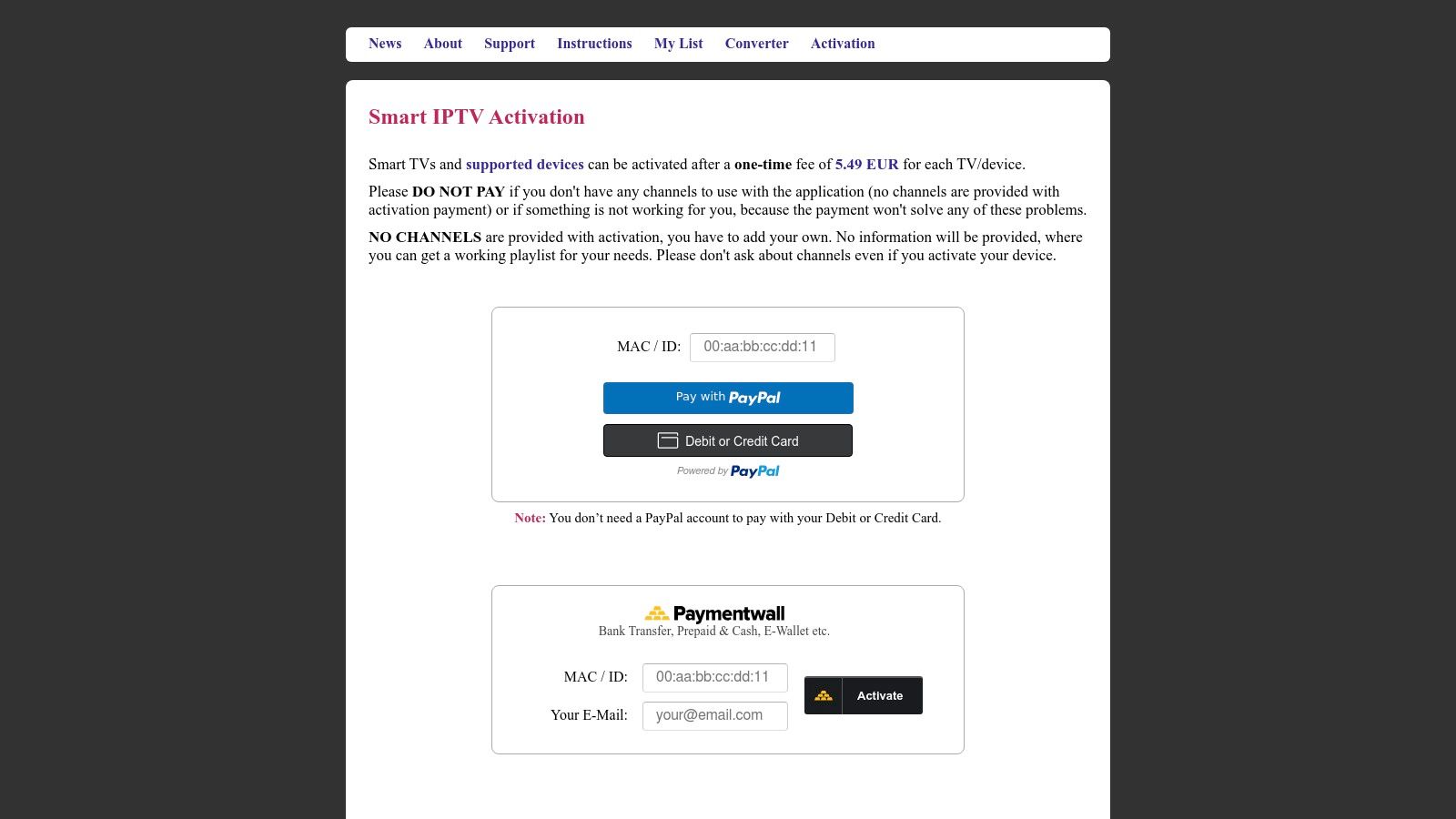
Unlike subscription-based players, SIPTV requires a one-time activation fee per device, making it a cost-effective long-term solution. Users manage their playlists and EPG sources through the SIPTV website by uploading their M3U link and associating it with their TV's MAC address. While its feature set is more basic compared to advanced players like TiviMate, its direct integration with leading TV brands makes it an excellent IPTV player for families or individuals seeking an uncomplicated, "it just works" experience on their main living room screen. For those without a compatible smart TV, a powerful Android box like the NVIDIA SHIELD TV Pro is an excellent alternative.
| Feature | Details |
|---|---|
| Compatibility | LG Smart TVs (webOS), Samsung Smart TVs (Tizen), Android TV |
| Pricing | Free 7-day trial; one-time activation fee per device (approx. €5.49) |
| Best Use Case | Users who want a simple, native IPTV app directly on their Samsung or LG Smart TV |
| Unique Offering | Web-based playlist management tied to a device's unique MAC address |
Website: https://siptv.app/activation/
iMPlayer has established itself as a popular and resilient IPTV player for the Android TV and Fire TV ecosystems. It offers a clean, television-optimized user interface that prioritizes fast channel switching and intuitive navigation through categorized live TV, VOD, and series sections. Designed for a seamless living room experience, iMPlayer delivers a professional and responsive EPG layout that makes browsing content straightforward and enjoyable, particularly on dedicated streaming devices.
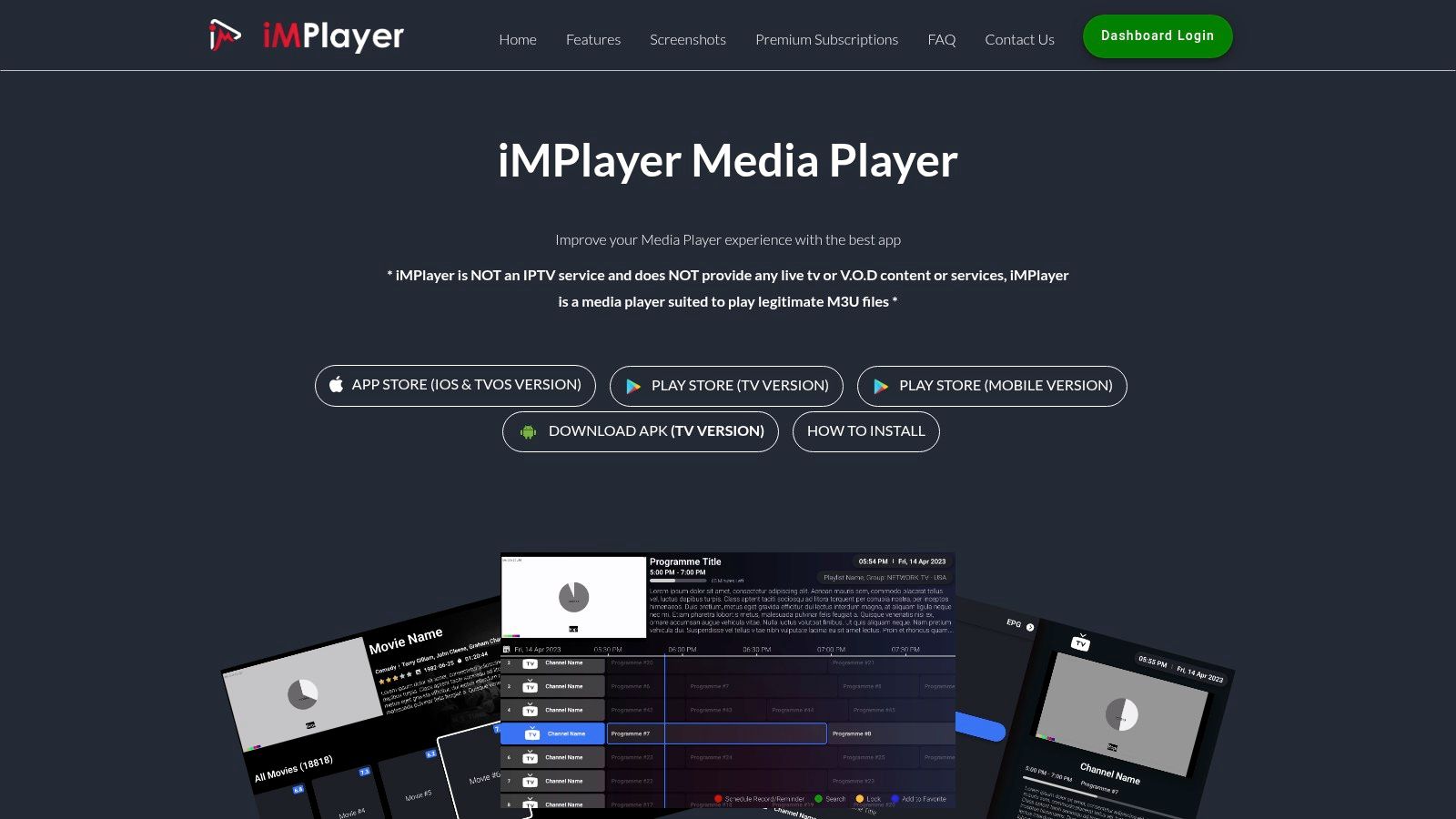
The platform is known for its stability and strong community support via platforms like Discord and Reddit. A standout feature is its web-based dashboard, which allows users to manage their licenses and devices from a browser, simplifying multi-device setups. While its availability on the Google Play Store has been inconsistent, the developer provides direct APK downloads, ensuring users can always access the app. Advanced functionalities like recording and multi-playlist support require a paid premium license, but the robust feature set makes it a compelling option for dedicated IPTV users.
| Feature | Details |
|---|---|
| Compatibility | Android TV, Google TV, Fire TV |
| Pricing | Free (limited features); Premium licenses available for purchase |
| Best Use Case | Users seeking a stable player with reliable developer support and a centralized online license management system |
| Unique Offering | Web-based dashboard for managing devices and licenses, independent of app stores |
Website: https://implayer.tv
IPTVX stands out as a premium, native client designed exclusively for the Apple ecosystem. It delivers one of the most polished and integrated IPTV experiences on iOS, iPadOS, tvOS, and macOS. The user interface is clean, modern, and perfectly aligned with Apple's design language, making it feel right at home on devices like the Apple TV 4K. It excels in both live TV and VOD playback, with a robust EPG grid, catch-up support, and automatic metadata fetching for movies and series. A key benefit is its seamless iCloud synchronization, which keeps your playlists, favorites, and watch history consistent across all your Apple devices.
The app operates on a freemium model, where the free version offers basic functionality but a subscription or one-time purchase is required to unlock the 'PRO' features. These include multi-playlist support, parental controls, offline downloads on iOS, and advanced video settings. For Apple TV users, it supports high-end formats like Dolby Vision and HDR10, ensuring the best possible picture quality. While its restriction to the Apple ecosystem is a limitation for cross-platform users, its deep integration and feature-rich environment make it arguably the best IPTV player for anyone fully invested in Apple hardware.
| Feature | Details |
|---|---|
| Compatibility | iOS, iPadOS, tvOS (Apple TV), macOS |
| Pricing | Free (limited); PRO version available via monthly/yearly subscription or lifetime purchase |
| Best Use Case | Apple users seeking a premium, native, and feature-rich IPTV experience on their devices |
| Unique Offering | Seamless iCloud sync for playlists, favorites, and progress across all Apple devices |
Website: https://www.iptvx.app
For users entrenched in the Apple ecosystem, iPlayTV stands out as a leading IPTV player designed exclusively for Apple TV. It offers a clean, native tvOS interface that feels right at home on the platform, providing a reliable and streamlined experience for watching live TV. The app supports standard M3U and Xtream Codes playlists and presents them in a user-friendly EPG grid complete with channel logos and previews. Key features like frame-rate matching and AirPlay 2 support ensure high-quality playback that leverages the full power of Apple's hardware.

iPlayTV is a premium app available as a straightforward one-time purchase from the App Store, eliminating the need for recurring subscriptions. Its strength lies in its simplicity and performance; it’s lightweight, fast, and focuses on delivering core live TV features exceptionally well. While it may not have the extensive customization options of some competitors, its dedicated focus on tvOS results in a stable and polished player. This makes it a top choice for Apple TV owners who prioritize ease of use and a seamless, integrated viewing experience without the complexity of cross-platform apps.
| Feature | Details |
|---|---|
| Compatibility | Apple TV (tvOS) |
| Pricing | One-time purchase |
| Best Use Case | Apple TV users seeking a simple, native, and reliable player for live TV |
| Unique Offering | Optimized specifically for the tvOS environment with features like frame-rate matching and AirPlay 2 |
Website: https://apps.apple.com/us/app/iplaytv-iptv-m3u-player/id1072226801
For users embedded in the Windows and Xbox ecosystem, MyIPTV Player is a straightforward and accessible solution available directly from the Microsoft Store. It serves as a simple, no-frills application that allows users to easily load M3U playlists and EPG URLs for live TV streaming. The interface is clean and functional, prioritizing ease of use over advanced customization, making it a great entry point for those wanting to test an IPTV service on their PC or Xbox console without navigating complex setups or third-party websites. It’s a solid, free IPTV player for casual viewing on these specific platforms.
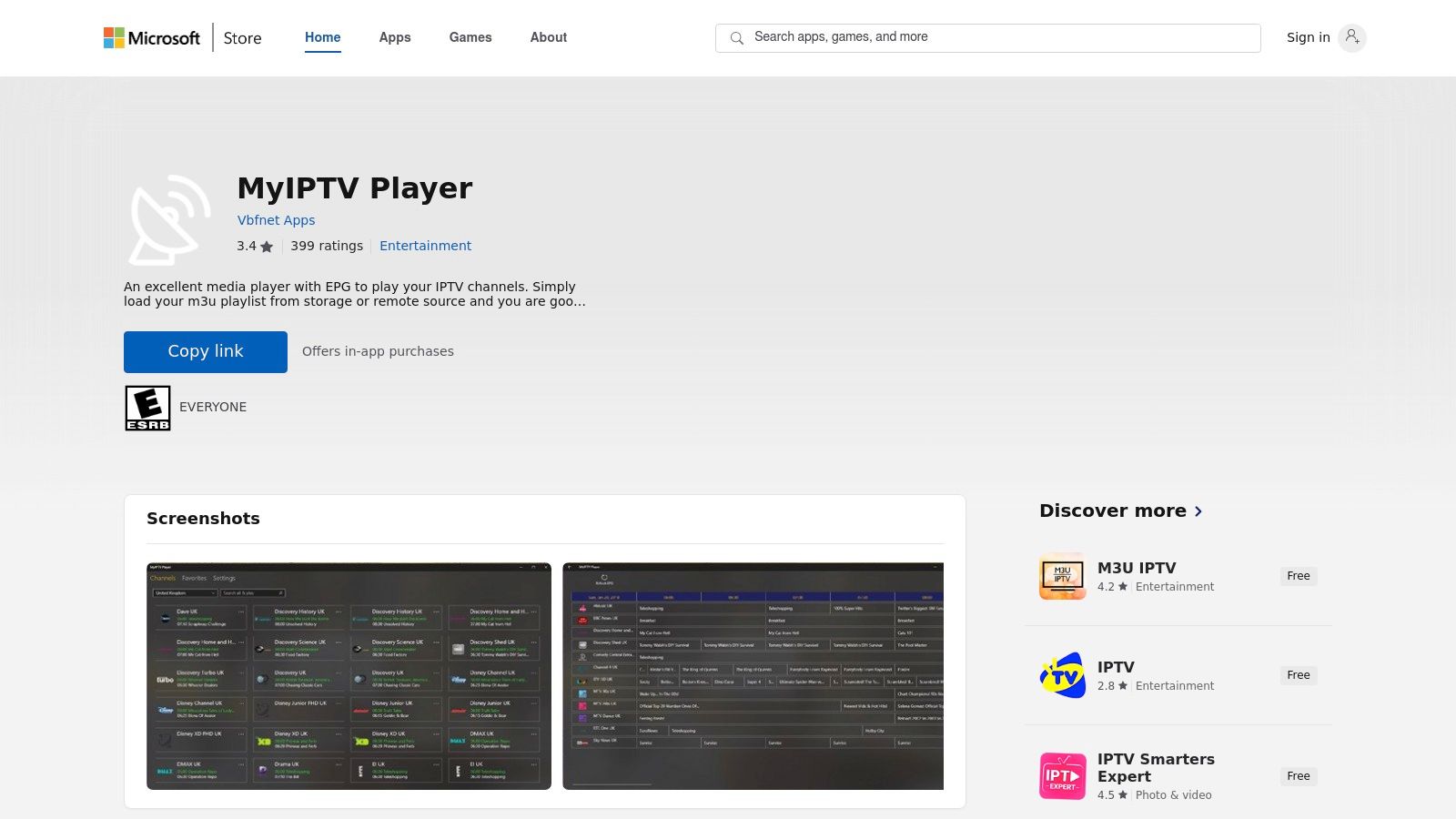
The primary advantage of MyIPTV Player is its seamless integration with the Microsoft ecosystem and its complete lack of cost. There are no subscriptions or hidden fees; you simply download it and add your playlist. While it lacks the advanced features of dedicated Android players like recording or extensive VOD organization, its simplicity is also its strength. For someone who just needs a basic player to stream live channels on a Windows 11 PC or an Xbox Series X, it performs reliably. If you're exploring different hardware, you can compare streaming devices to see how the experience differs across platforms.
| Feature | Details |
|---|---|
| Compatibility | Windows 10/11, Xbox One, Xbox Series X/S |
| Pricing | Completely Free |
| Best Use Case | Basic IPTV streaming on a Windows PC or an Xbox console |
| Unique Offering | Official Microsoft Store distribution, ensuring safe and easy installation |
Website: https://www.microsoft.com/store/apps/9PJJ2NMBF0TR
| IPTV Player | Core Features & Compatibility | User Experience & Quality ★ | Value & Pricing 💰 | Target Audience 👥 | Unique Selling Points ✨ |
|---|---|---|---|---|---|
| Free IPTV Player 🏆 | Browser-based, no install, supports 4K, cross-OS | ★★★★☆ Smooth, intuitive UI | 💰 Free, no hidden fees | IPTV enthusiasts, casual users | ✨ No downloads, multi-OS browser access |
| TiviMate | Android/Google TV, multi-playlist & EPG | ★★★★☆ Modern TV grid & recording | 💰 Freemium with premium license | Android TV users | ✨ Multi-playlist, online license mgmt |
| Google Play Store | App marketplace for Android IPTV players | ★★★★ Safe billing, auto-updates | 💰 Free app store platform | Android/Google TV users | ✨ Trusted app source |
| Apple App Store | Official IPTV apps for iOS/tvOS | ★★★★ Reliable apps & billing | 💰 Free + in-app purchases | Apple ecosystem users | ✨ Curated IPTV apps & Family Sharing |
| IPTV Smarters | Cross-platform, M3U & Xtream support | ★★★★ Wide device support | 💰 Free, some variants confusing | Broad IPTV users | ✨ Parental control, multi-screen |
| VLC media player | Open-source, plays network streams & most codecs | ★★★★ Reliable, no ads | 💰 Free, open-source | Tech users, stream testers | ✨ Universal codec support |
| Kodi | Open-source media center with IPTV add-ons | ★★★★ Highly customizable | 💰 Free | Power users, custom setup fans | ✨ Massive add-on ecosystem |
| Smart IPTV (SIPTV) | Native Smart TV app, one-time activation fee | ★★★ Easy setup | 💰 One-time fee | Smart TV owners | ✨ Native LG/Samsung app |
| iMPlayer | Android/Fire TV, TV-optimized, license mgmt | ★★★★ Fast UI | 💰 Paid licenses for advanced | Fire TV/Android TV users | ✨ Online dashboard & community support |
| IPTVX | Apple-only, polished UI with iCloud & HDR support | ★★★★ Premium IPTV features | 💰 Subscription-based | Apple TV/iOS users | ✨ Dolby Vision & offline mode |
| iPlayTV | Apple TV only, multi-playlist & AirPlay support | ★★★★ Lightweight & reliable | 💰 One-time purchase | Apple TV users | ✨ Channel previews & subtitle control |
| Microsoft Store – MyIPTV Player | Windows/Xbox, M3U + EPG support, free | ★★★ Basic interface | 💰 Free | Windows PC and Xbox users | ✨ Free IPTV on Xbox/Windows devices |
Navigating the expansive world of IPTV can feel complex, but finding the best IPTV player for your needs simplifies the entire experience. Throughout this guide, we've explored a diverse range of powerful tools, from dedicated apps rich with features to incredibly convenient browser-based solutions. The ideal choice ultimately hinges on your specific viewing habits, your primary devices, and your level of technical comfort.
The journey to finding your perfect match involves understanding the trade-offs. For instance, dedicated apps like TiviMate and IPTV Smarters offer unparalleled customization and an interface that feels like traditional cable, making them a top choice for users with dedicated Android streaming boxes. On the other hand, established media centers like VLC and Kodi provide incredible versatility and cross-platform support but come with a steeper learning curve for IPTV-specific setups.
Your decision should be guided by a few core considerations:
Remember, your IPTV player is only one piece of a three-part puzzle. To ensure a smooth, buffer-free streaming experience, you also need a stable, high-speed internet connection and a reliable playlist from a quality IPTV service provider. If you're currently searching for a provider, we recommend exploring options like this trusted service for a comprehensive channel lineup.
Furthermore, the hardware you use makes a significant difference. While smart TVs have built-in capabilities, a dedicated streaming device often delivers superior performance and flexibility. Devices like the Amazon Fire TV Stick 4K Max or the NVIDIA SHIELD TV Pro are optimized for streaming and can run the most demanding IPTV apps flawlessly.
Ultimately, the power to create your ideal entertainment hub is in your hands. By carefully considering your needs and pairing the best IPTV player with the right service and hardware, you can unlock a truly limitless world of content.
Ready to start streaming immediately without any downloads or installations? Try the Free IPTV Player today to instantly load your M3U playlist and test your service directly in your web browser. It’s the fastest way to validate your IPTV access and begin watching on any device.
