Fed up with that ever-growing cable bill? It's a common story. But here's the good news: you can tap into free live TV for Firestick right now, and you don't need to be a tech wizard to do it.
The secret often lies in a tool you already have on your device: the built-in Silk Browser. By using a free online IPTV player like ours through the browser, you can load M3U playlists and start streaming live channels, completely bypassing the need for complicated app installations or risky sideloading.
Your Amazon Firestick is more than just a gadget for Netflix and Prime Video; it's a powerful key that can unlock a massive universe of entertainment, much of it completely free. Many people are just now discovering how to access a huge library of live TV channels without paying a cent.
The magic behind this is IPTV, which stands for Internet Protocol Television. It's a fancy way of saying TV delivered over the internet instead of through old-school satellite dishes or cable lines. This gives you incredible flexibility. Instead of being stuck with a cable company's rigid packages, you can use M3U playlist URLs—simple files that contain lists of channel sources—to stream content from all over the world.
While premium, paid services from providers like our trusted partner at IPTV Now offer a rock-solid, high-quality experience, there's also a thriving world of free options out there. If you want to get a better handle on how all this works on your Firestick, our complete guide to IPTV for Firestick is the perfect place to start.
What makes the Firestick so great for free live TV is the sheer scale of Amazon's app ecosystem. With over 34,805 free apps available on the Fire TV platform, the options are practically endless.
Many of these apps, like LiveNet TV and TVMob, are designed to pull together hundreds of live channels from different countries. Just keep in mind that you might need a VPN to get around geo-restrictions for some of them. This huge variety of apps shows a real shift in how we watch TV, with more and more people looking for affordable, custom-fit alternatives. You can dig deeper into this massive app library over at FireStickHacks.
Let's be clear about one thing: you don't need to "jailbreak" or perform any sketchy technical hacks on your device. The tools you need, like the Silk Browser, are already there, just waiting to open up a world of free entertainment.
To make things even simpler, just think of it as a three-step dance.
This is the most direct path to getting started: open the browser, head to an online player, and pop in your playlist. It’s that easy. And if you want the smoothest possible experience, upgrading your hardware can make a real difference. The latest Amazon Fire TV Stick 4K Max is a powerhouse, offering snappier navigation and Wi-Fi 6E support for a more stable, buffer-free stream.
Navigating the world of free TV on a Firestick can feel overwhelming at first. There are several ways to get there, each with its own quirks. This table breaks down the main methods to help you figure out which path is the right one for you.
| Method | Setup Complexity | App Installation Required | Primary Benefit |
|---|---|---|---|
| Online Player (via Silk Browser) | Low | No | Quickest and easiest method; no sideloading. |
| Dedicated IPTV App | Medium | Yes (Sideloading often needed) | More features like EPG and channel management. |
| Free Streaming Apps | Low | Yes (From Appstore or sideload) | Curated channels in an easy-to-use interface. |
| Kodi Add-ons | High | Yes (Sideloading + Add-on install) | Highly customizable but requires more technical skill. |
As you can see, using an online player like ours in the Silk Browser is by far the most straightforward option, making it a perfect starting point for anyone new to free IPTV.
What if I told you the fastest and safest way to start watching free live tv for firestick doesn't require any sketchy "jailbreaking" or complicated app installs? It's true. You can use a tool that’s already on your device right now: the Amazon Silk Browser.
This clever method turns your web browser into a direct gateway for streaming live channels.
The idea is really simple. You just head over to a web-based service like our Free IPTV Player, pop in an M3U playlist URL, and you’re watching TV instantly. This process completely skips the need to mess with your Firestick’s security settings, like enabling "Apps from Unknown Sources," which is a common step for sideloading third-party apps.
This makes it the perfect starting point for anyone who's curious about IPTV but doesn't want to dive into a complex setup. You're just using your Firestick for what it was made for—browsing the web—to open up a whole world of new content.
First things first, you need to find and open the Silk Browser. If you've never used it, it probably isn't pinned to your home screen's main app bar.
Once it's installed, go ahead and open the browser. You'll see a familiar web interface, waiting for you to type in a web address. This is where our player comes into play.
Your next move is to navigate to our player. In the Silk Browser's address bar at the top, type in freeiptvplayer.net and hit enter. When the page loads, you'll find a clean interface with a field to enter an M3U playlist URL. That URL is the magic key that tells the player where to find all the live TV channels.
After pasting your M3U link into the box, the player gets to work, processing the list and loading up all the channels for you to browse. It’s an incredibly simple process that takes just a few seconds.
Pro Tip: For lightning-fast access, bookmark our player page in the Silk Browser. Just go to our player, press the menu button on your remote (the one with three horizontal lines), and select "Add Bookmark." This creates a handy shortcut, basically turning the browser into your own dedicated app for free live TV.
To make the whole experience even smoother, think about upgrading your remote. The standard Firestick remote is fine, but one with programmable buttons is a total game-changer. For instance, the SofaBaton F2 Universal Remote Attachment clips right onto your existing remote and adds customizable shortcut buttons. You could program one to open Silk Browser directly, getting you to your channels with a single click. It's a small investment that makes your browser-based streaming feel just as seamless as any native app.
So, what exactly is an M3U playlist? It's the key that unlocks the whole world of IPTV on your Firestick. Think of it as a simple text file packed with URLs, each one pointing to a different live TV channel. Our browser player reads this file and brings the streams right to your screen. The real adventure, though, is finding a good, reliable, free playlist.
The internet is absolutely flooded with user-shared M3U lists, but honestly, their quality is all over the place. A lot of free lists are temporary, put together by enthusiasts, and they can just stop working without any warning. The main challenge is digging through all the junk to find stable sources that actually provide a decent viewing experience.
Your best bet for finding free M3U playlists will be in online communities and code repositories. Places like GitHub are goldmines, full of developers and hobbyists sharing lists they've put together. A quick search for terms like "IPTV M3U playlist" on these sites can turn up thousands of options.
Forums and social media groups dedicated to IPTV are also fantastic resources. In these spots, users often share recently updated lists and give real-time feedback on which ones are actually working. Just be smart about it and be mindful of the sources you trust.
A high-quality free list usually has a solid variety of channels and shows signs of recent updates. Big red flags? Broken links, channels that never load, or lists that haven't been touched in months. If you're feeling adventurous and want more control, you can even check out our guide on how to create M3U playlists to build your own custom channel lineup from scratch.
While hunting for free lists can be part of the fun, it can also get old fast. Channels vanish, streams buffer into oblivion, and the quality is a total crapshoot. This is exactly where a premium IPTV service changes the game, offering a completely different level of reliability and performance.
For a consistently buffer-free, high-definition streaming experience without the headache of constantly searching for new links, we highly recommend a premium subscription from a trusted provider like IPTV Now. It’s the set-it-and-forget-it solution for serious streamers.
Once you've got a playlist URL, managing it in our player is a piece of cake. You can easily save your favorite channels for quick access, basically creating your own personalized TV guide. If a playlist suddenly dies on you, just swap the old URL out for a new one to refresh your channel list.
If you ever run into loading errors, the problem is almost always with the M3U source itself, not our player. The best first step is to try a different playlist URL to confirm that's the issue. To give your streaming setup a boost, consider grabbing a high-speed Ethernet Adapter for your Fire TV Stick. It provides a much more stable connection than Wi-Fi and can dramatically cut down on buffering caused by network hiccups.
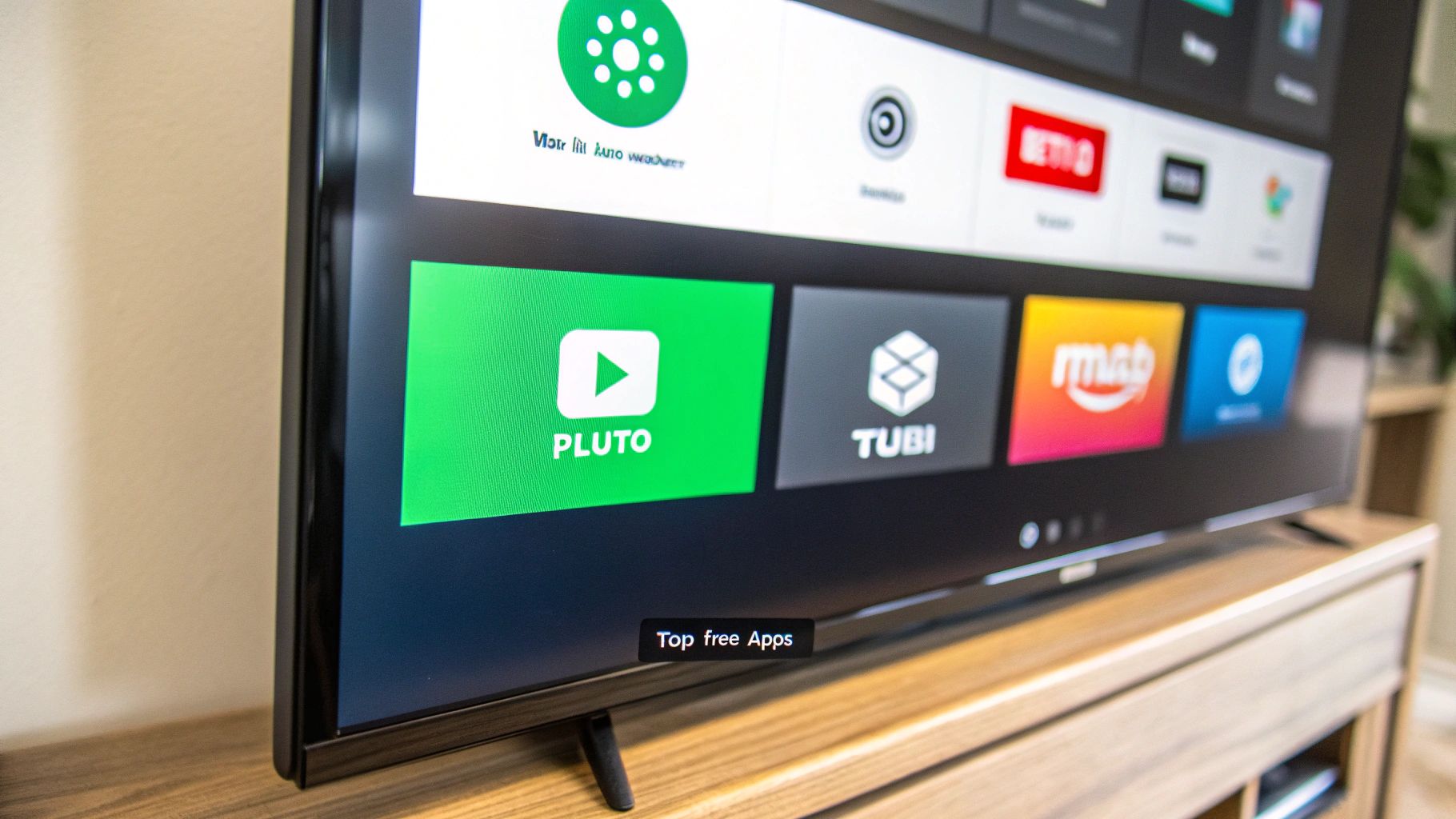
While our browser-based player gives you incredible flexibility, don't forget that your Firestick's own Appstore is a goldmine for free live tv for firestick. Think of it like this: combining our player with a couple of top-notch apps lets you build your own custom entertainment hub, kind of like a personalized cable package but without the hefty bill.
Most of these apps are ad-supported, which is the tradeoff for getting all that content for free. They give you that classic, lean-back viewing experience—perfect for when you just want to flip through channels like old-school TV. You can find them with a quick search right on your Firestick.
Pluto TV is a giant in the free streaming world, and for good reason. Its interface is set up just like a traditional TV guide, so it feels familiar right away and is super easy to browse. The best part? You can dive into a massive amount of content without even signing up for an account.
Seriously, Pluto TV serves up over 200 different channels. You'll find everything from news and movies to channels dedicated to single shows like Hell's Kitchen or Star Trek. This huge, ad-supported library makes it one of the first apps everyone should try.
Beyond Pluto, a couple of other fantastic services bring their own unique flavor to the table. Tubi, for instance, is famous for its massive on-demand movie and TV show library, but it also features a growing lineup of live channels. Xumo Play is another heavy hitter with a solid mix of news, sports, and entertainment.
By installing two or three of these top-tier apps alongside our browser player, you can cover pretty much all your bases. Use Pluto for casual channel surfing, Tubi for on-demand movies, and our player for your specific M3U playlists—it gives you the ultimate control.
Pulling these services together creates a seriously comprehensive setup. Just keep in mind that installing a bunch of apps will start eating into your Firestick's internal storage. This is especially true for older or entry-level models, which can fill up fast and start to feel sluggish.
A smart move to avoid performance headaches is to expand your device's storage. An OTG cable with a USB flash drive is a cheap and easy way to add a ton of extra space, ensuring you've got plenty of room for all your streaming apps. And if you want to see how these services stack up against each other, check out our analysis of the best free TV apps available today.
https://www.youtube.com/embed/BDVxy6sy9Hc
Finding sources for free live TV for firestick is really just the beginning. The real trick is getting a smooth, buffer-free stream. Let's be honest, there's nothing worse than your stream freezing up right in the middle of a big game or the final scene of a movie. Thankfully, you can fix most buffering issues with just a few simple tweaks.
Nine times out of ten, your internet connection is the main culprit. Even if you have a fast Wi-Fi plan, things like interference from other gadgets or just being too far from your router can seriously weaken the signal reaching your Firestick. The first thing you should do is check the actual speed your device is getting—not just what your internet plan claims. Just open up the Silk Browser on your Firestick and search for an internet speed test website.
A cluttered Firestick is a slow Firestick. Over time, all those apps you use build up a cache of temporary data, and that can really bog down your device's performance. Clearing this cache is one of the simplest things you can do to keep your streams from stuttering.
Here’s a quick performance checklist I run through whenever things start to feel sluggish:
If you're still dealing with constant buffering or connection drops, it's incredibly helpful to know how to troubleshoot network issues. Keep in mind that a wired connection will almost always be more stable than Wi-Fi. For a rock-solid link, the official Amazon Ethernet Adapter for Amazon Fire TV Devices is a fantastic, cheap upgrade that can eliminate Wi-Fi headaches for good.
Navigating the world of free live TV can sometimes feel like a bit of a maze. You might run into issues that seem tricky, but most have surprisingly simple solutions. I've put together this quick table to help you diagnose and solve the most common streaming hiccups you might face.
| Problem | Likely Cause | Quick Solution |
|---|---|---|
| Constant Buffering | Weak Wi-Fi, ISP throttling, or a slow server. | Move router closer, use an Ethernet adapter, or try a VPN. |
| "Cannot Play Stream" Error | The channel is offline or geo-restricted. | Try the channel later or use a VPN set to the channel's country. |
| Poor Video Quality | Slow internet connection or a low-quality source stream. | Check your internet speed. If the issue is the source, find an alternative. |
| No Sound | Firestick audio settings or an issue with the stream itself. | Check Firestick settings under Display & Sounds. Restart the app. |
| App Keeps Crashing | Outdated app, full cache, or low device memory. | Clear the app's cache, check for updates, or restart your Firestick. |
This table should get you through most of the common roadblocks. Remember, a little bit of troubleshooting can go a long way in making your streaming experience much more enjoyable.
Beyond basic performance tweaks, a Virtual Private Network (VPN) is an absolutely essential tool in any streamer's arsenal. A VPN encrypts your internet traffic, which is a big deal for privacy. But it also has a major performance perk: it helps you get around Internet Service Provider (ISP) throttling. Some ISPs will deliberately slow down video streaming traffic, but because a VPN hides what you're doing, you'll often end up with a much faster and more reliable connection.
A quality VPN also unlocks geo-restricted content. If an M3U playlist includes channels from another country, a VPN lets you connect to a server in that region, making the stream accessible.
If you're serious about streaming and want a home network that can handle multiple 4K streams and a VPN without breaking a sweat, investing in a high-performance router is a game-changer. The TP-Link AX5400 WiFi 6 Router (Archer AX73) is an excellent choice, offering blazing-fast speeds and great VPN client support to protect every device on your network.
Jumping into the world of free live TV for Firestick usually brings up a few questions, especially around safety and legality. Let's clear the air on the most common concerns so you can stream with total confidence.
One of the first things people ask is about the legality of modifying a Firestick. You’ll often hear the term "jailbreaking," but honestly, that's a bit dramatic and misleading. For a Firestick, it really just means tweaking a setting to allow app installations from outside the official Amazon Appstore. The proper term is sideloading.
Is this legal? Absolutely. It's 100% legal and doesn't even touch your device's warranty. You own the hardware, and Amazon itself provides the setting to do this. The legal questions only come into play depending on what you decide to stream, not how you stream it.
Safety is another huge—and valid—concern. When you flip the switch on "Install Unknown Apps," you are stepping outside of Amazon's walled garden. But let's be clear: the act of changing that setting is perfectly safe and easily reversible.
The real risk isn't in the setting itself, but in the source of the apps you install. As long as you stick to well-known, reputable applications and M3U playlists from trusted sources, the risk is incredibly low. Think of it just like using your computer—you're perfectly safe as long as you avoid sketchy downloads from strange corners of the internet.
For that extra layer of protection across all your devices, an all-in-one security suite like the Norton 360 Deluxe is a smart move to keep your entire digital life buttoned up.
A VPN isn't strictly required for watching legally sourced free live TV, but I always recommend one for two big reasons: privacy and performance. First, a VPN encrypts your internet connection, which keeps your Internet Service Provider (ISP) from snooping on your online activity.
More importantly, a VPN can be a game-changer for your streaming quality. Many ISPs practice "throttling," where they deliberately slow down your connection when they detect video streaming. This is what causes that frustrating buffering. A VPN hides your activity, letting you bypass throttling for a much smoother, more stable stream.
If you're serious about streaming and want to make sure your whole home network is up to the task, investing in a solid router like the ASUS RT-AX82U AX5400 WiFi 6 Gaming Router is a fantastic idea. It’s built to handle VPN traffic and multiple streams without breaking a sweat.
Ready to unlock a universe of content without the headache of downloads? At Free IPTV Player, we keep it simple. Just open our website on your Firestick's Silk Browser, paste in your M3U playlist link, and start watching instantly. See just how easy it is to stream live TV by visiting us at https://freeiptvplayer.net.
