Welcome to the ultimate guide for navigating the world of Internet Protocol Television (IPTV). As streaming continues to dominate how we consume media, finding the right tool to manage your content is crucial. IPTV player apps act as the bridge between you and your content provider, allowing you to stream live TV, movies, and on-demand shows directly from your M3U playlists or Xtream Codes login details. But with so many options available across different devices, how do you choose the best one for your setup?
This article cuts through the noise. We will explore the top IPTV player apps available today, from dedicated software on various app stores to versatile media players and even no-install browser-based solutions. Whether you're a tech-savvy user looking for advanced features or a family wanting a simple way to watch live TV, this guide is for you. We'll detail each app's unique features, platform compatibility, and pros and cons to help you make an informed decision. Each entry includes screenshots and direct links to get you started quickly.
To get the most out of these powerful apps, you'll need the right hardware. A high-performance streaming device is essential for a smooth, buffer-free viewing experience. We recommend pairing your chosen app with a device like the Amazon Fire TV Stick 4K Max. Its powerful processor and Wi-Fi 6E support ensure seamless playback, making it a perfect companion for high-quality IPTV streams from providers like IPTV Now. Let's dive in and find the perfect IPTV player for your entertainment needs.
Leading our list of the best IPTV player apps is a standout choice that fundamentally redefines accessibility: Free IPTV Player. This innovative tool distinguishes itself by being an entirely browser-based platform, completely eliminating the need for any software downloads or installations. Its core strength lies in its simplicity and universal compatibility. Users can instantly begin streaming by either pasting a valid M3U URL or uploading their playlist file directly into a modern web browser like Chrome, Firefox, or Safari.
This "no-install" approach makes it an exceptionally versatile solution. Whether you're on a Windows PC, macOS laptop, Android smartphone, or iOS tablet, access is seamless. This makes it the perfect tool for users who prioritize convenience, have devices with limited storage, or simply need a quick, non-committal way to test a new IPTV playlist without cluttering their system with another application.
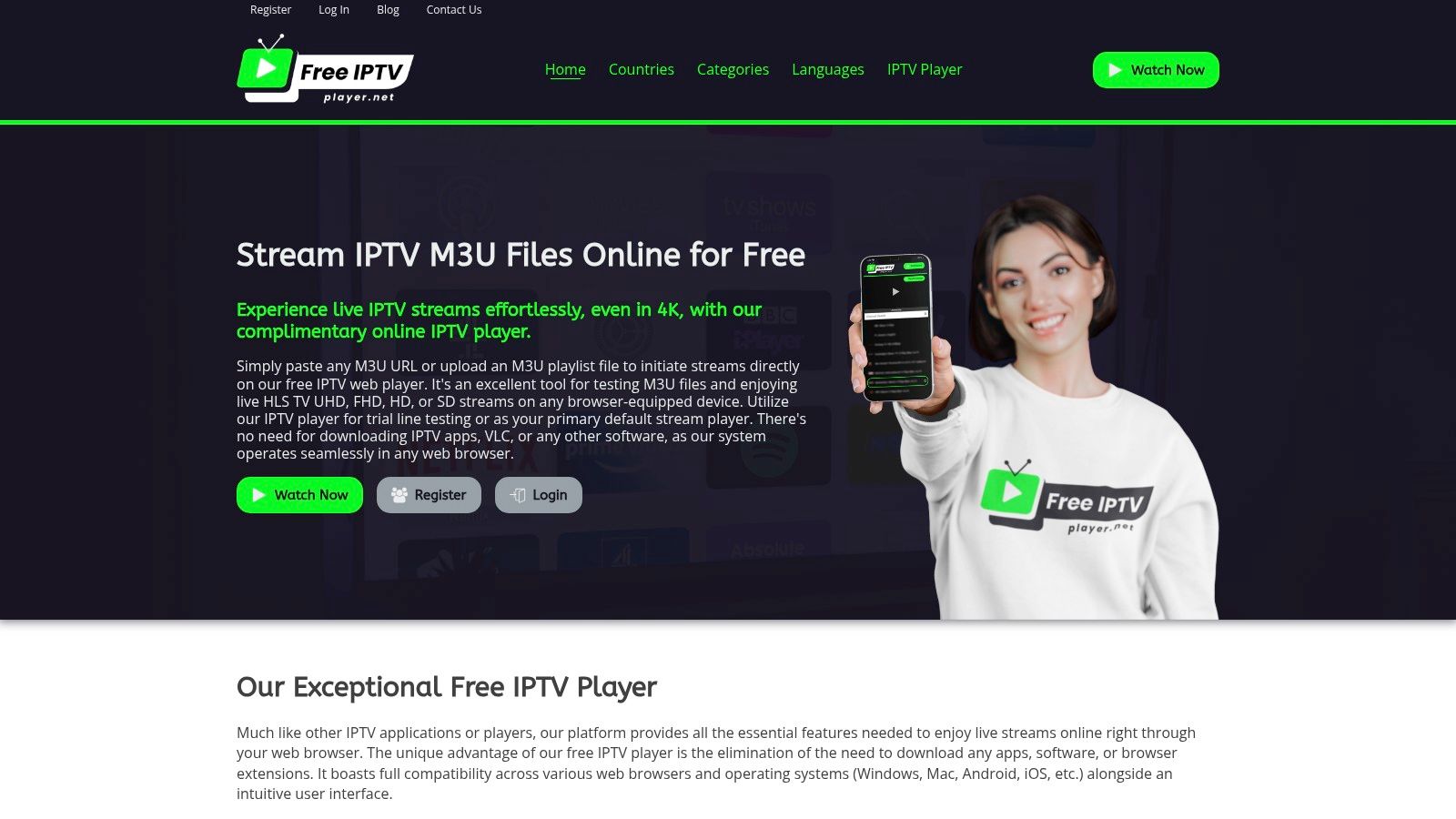
Despite its web-based nature, Free IPTV Player delivers a robust viewing experience. The interface is clean and intuitive, loading your channel list complete with logos for effortless navigation. Finding what you want to watch is simple thanks to built-in filtering and the ability to mark channels as favorites for one-click access.
The platform supports a wide spectrum of stream qualities, from standard definition (SD) all the way up to Ultra HD/4K, ensuring you get the best possible picture your provider and internet connection can handle. Standard player controls, including full-screen mode and volume adjustment, are seamlessly integrated. This combination of features provides a user experience that rivals many dedicated apps, all without leaving your browser.
Key Insight: The primary advantage of Free IPTV Player is its ability to serve as a universal diagnostic tool. Before installing a dedicated app or configuring a complex device, you can use this platform to instantly verify if your M3U playlist is working correctly, saving significant time and troubleshooting effort.
Privacy is a cornerstone of the Free IPTV Player service. The platform operates on a session-by-session basis and does not provide, store, or log any user M3U files or URLs on its servers. Your playlist data remains entirely local to your device for the duration of your session, offering peace of mind.
It's crucial to remember that this is a player, not a content service. The quality and stability of your stream are entirely dependent on the M3U playlist you provide from your IPTV service. For an optimal experience, ensure you have a reliable playlist from a reputable provider like IPTV Now. To learn more about how to get started, you can explore this guide to watch IPTV online for free.
Practical Tip: To elevate your browser-based streaming to a big-screen experience, use a casting device. The Chromecast with Google TV is an excellent companion, allowing you to effortlessly cast your browser tab from your computer or phone directly to your television.
| Feature Summary | Description |
|---|---|
| Platform | Entirely web-browser based; no installation required. |
| Compatibility | Windows, macOS, Android, iOS, Linux (any modern browser). |
| Stream Quality | Supports up to UHD/4K, FHD, HD, and SD. |
| Core Functions | M3U URL & File Upload, Channel List with Logos, Favorites, Search/Filter. |
| Privacy | Does not store or log user playlists; data remains local. |
| Cost | Completely free to use. |
Pros:
Cons:
For a fast, secure, and incredibly convenient way to watch or test IPTV streams, Free IPTV Player is an unbeatable and essential tool in the world of modern IPTV player apps.
Website: https://freeiptvplayer.net
For anyone using an Android-based device, from smartphones to dedicated streaming boxes like the NVIDIA Shield or Chromecast with Google TV, the Google Play Store is the most secure and straightforward starting point for finding high-quality IPTV player apps. It serves as the official, curated marketplace for the Android ecosystem, eliminating the risks associated with downloading unverified applications from third-party websites.
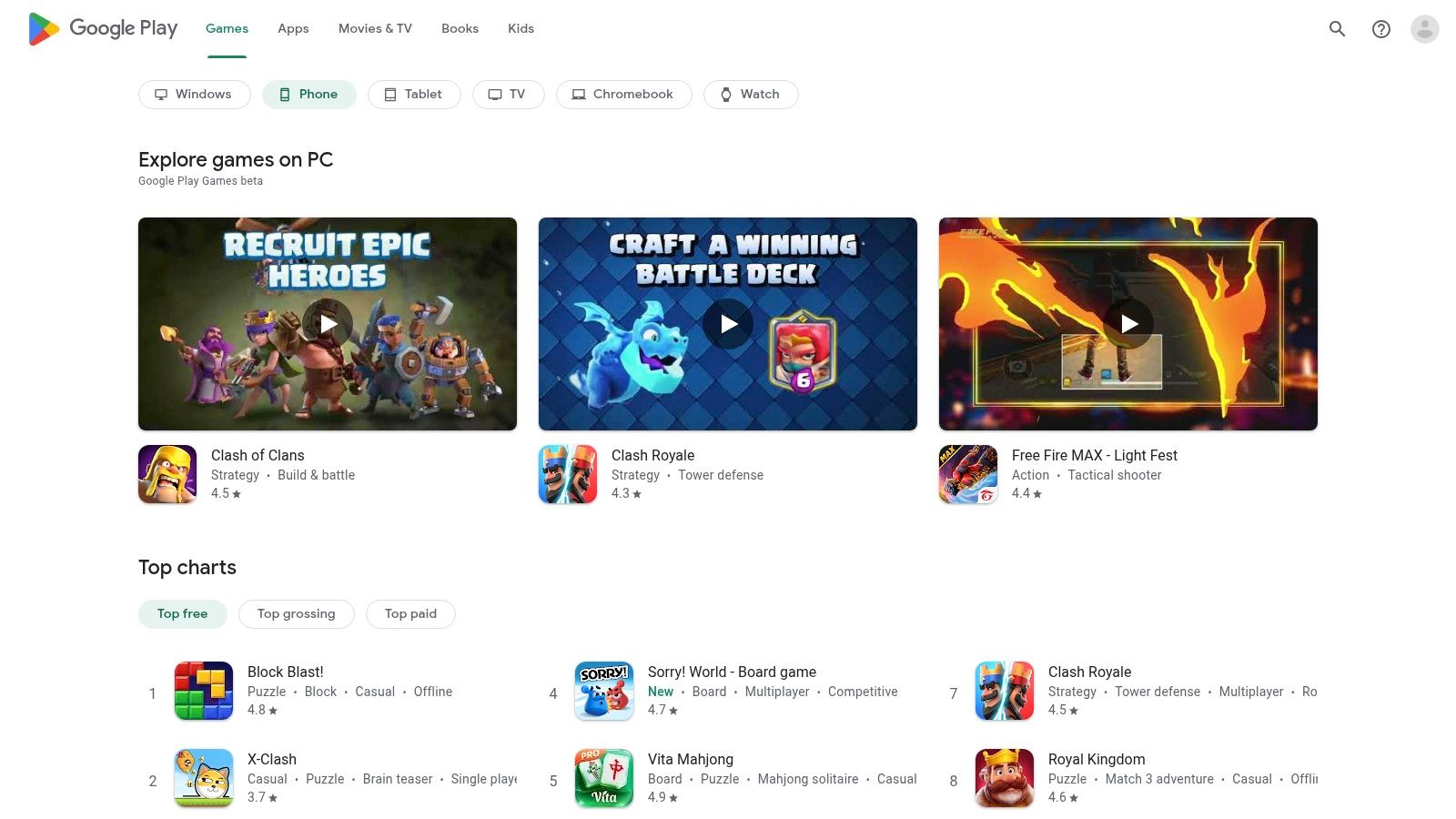
The primary advantage of using the Play Store is its integration and safety. Apps are vetted by Google, and user ratings and reviews provide valuable, real-world insight into an app's performance, stability, and usability. This built-in social proof helps users avoid problematic or abandoned software. Furthermore, the store manages automatic updates, ensuring your player always has the latest features and security patches without manual intervention.
The Google Play Store offers a seamless experience, especially for those with Android TV or Google TV devices. You can browse for apps on your phone or computer and remotely install them directly onto your television or streaming device, provided they are linked to the same Google account. This convenience simplifies the setup process immensely.
Pro Tip: When searching for an IPTV player on the Google Play Store for your TV, use specific terms like "IPTV player for Android TV" to filter results and find applications specifically designed for a lean-back, remote-controlled experience. This will help you avoid apps that are only optimized for touchscreens.
While sideloading apps is possible on Android, the Play Store is the undisputed champion for ease of use, security, and reliability. It's the official gateway, providing peace of mind that is hard to find elsewhere. If you're looking for a deeper dive into what's available, exploring the best IPTV apps for Android can give you a curated list of top-tier options to search for directly.
| Feature | Description |
|---|---|
| Accessibility | Free to access on all Android devices. Apps can be free, freemium, or paid. |
| App Quality | Generally high, with user reviews and Google's vetting process helping to filter out low-quality apps. |
| Installation | Direct, one-click installation and automatic updates. Remote install to TV devices is a key benefit. |
| Security | The safest method for installing software on Android, significantly reducing the risk of malware. |
Website: https://play.google.com/store
For users embedded in the Apple ecosystem, the App Store is the definitive and most secure source for discovering and installing high-quality IPTV player apps on iPhone, iPad, and Apple TV. As Apple's official, meticulously curated marketplace, it provides a safe and integrated environment, shielding users from the security risks associated with unverified, third-party software sources.
The core benefit of using the App Store is its unwavering commitment to security and a seamless user experience. Every app undergoes a stringent review process by Apple, ensuring a high standard of quality, privacy, and performance. User ratings and detailed reviews offer critical, real-world feedback, helping you distinguish polished applications from those that are less reliable. Furthermore, the App Store handles all updates automatically, guaranteeing your player receives the latest features and security enhancements without any manual effort.
The App Store delivers a frictionless experience, especially for those using an Apple TV for their primary media consumption. You can browse and purchase apps on your iPhone and they will often be available to download on your Apple TV automatically if linked to the same Apple ID. This unified approach simplifies the entire setup process.
Pro Tip: When searching on the tvOS App Store, look for apps that specifically mention "Apple TV support" or feature screenshots of a TV-optimized interface. This ensures the app is designed for navigation with the Siri Remote, providing a much better lean-back viewing experience than a ported mobile app.
The Apple App Store is the gold standard for safety, quality, and integration within the Apple ecosystem. Its closed-nature and strict review policies provide a level of trust and polish that is unmatched. While the selection might seem confusing with many similarly named apps, the platform's user reviews and editor's picks help guide users to the best IPTV player apps available for their Apple devices. It is the only official way to get these apps, making it an essential destination for any Apple user.
| Feature | Description |
|---|---|
| Accessibility | Free to access on all Apple devices. Apps range from free with ads to premium one-time purchases or subscriptions. |
| App Quality | Consistently high due to Apple's strict review process. User interface quality is often excellent. |
| Installation | Secure, one-tap installation with automatic background updates. Purchases sync across compatible devices. |
| Security | The most secure method for installing software on Apple devices, with built-in privacy and security protections. |
Website: https://apps.apple.com
For the millions of users who rely on Amazon's Fire TV devices, including the popular Firestick, the Amazon Appstore is the native and most secure gateway for discovering IPTV player apps. Functioning as the official, curated marketplace for the Fire OS ecosystem, it provides a trusted environment for downloading applications, bypassing the potential security risks of obtaining software from unvetted third-party sources.
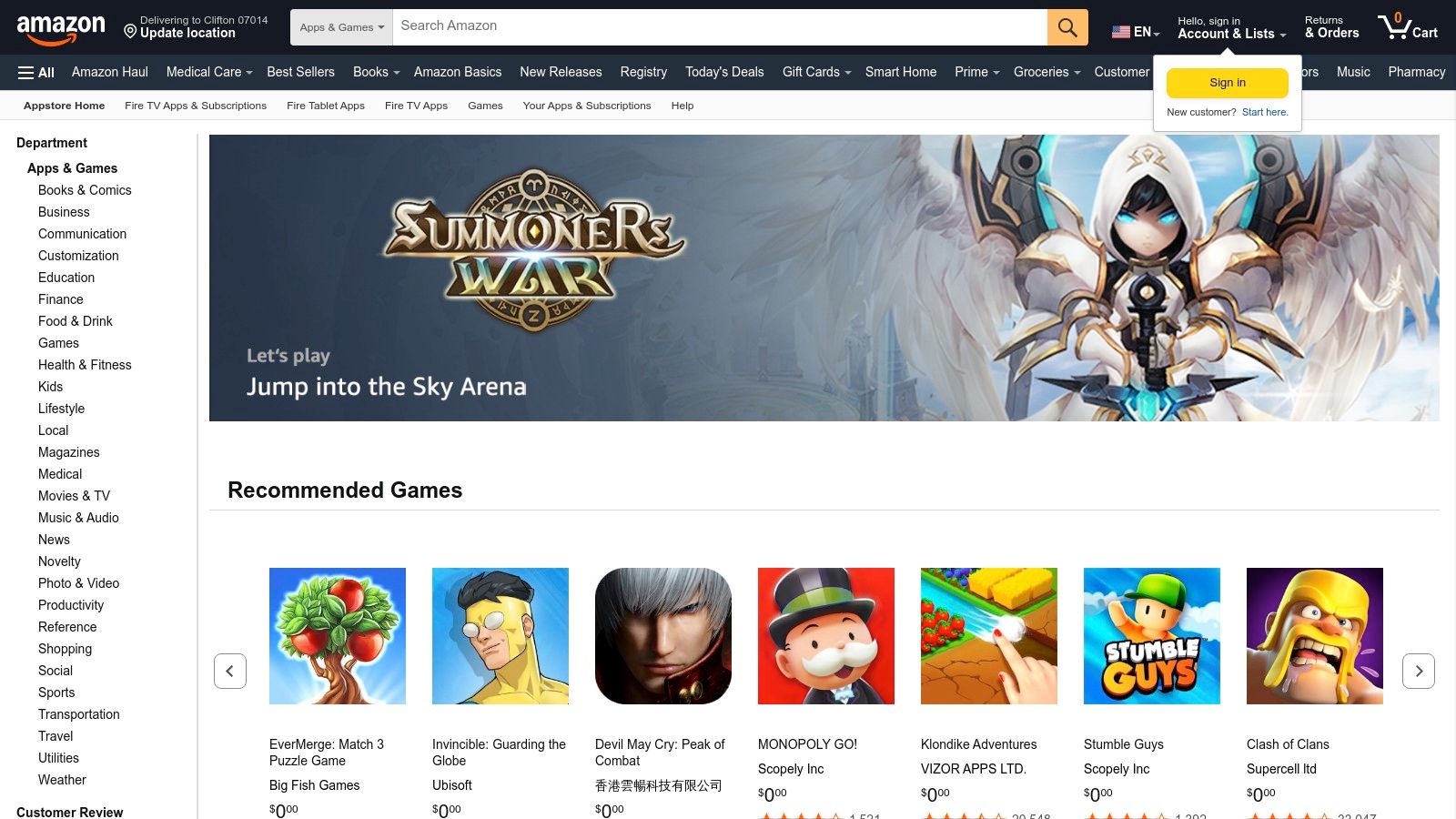
The primary benefit of using the Amazon Appstore is its seamless integration with the Fire TV interface. Apps are designed and optimized for a remote-controlled experience, ensuring smooth navigation and usability on a television screen. Similar to Google Play, the Appstore manages automatic updates and app licenses directly through your Amazon account, creating a simple, hands-off user experience.
The Amazon Appstore simplifies the process of finding and installing apps on Fire TV devices. You can browse and install applications directly from your Firestick or search on a web browser and push the installation to your registered device. This convenience is a hallmark of the tightly integrated Amazon ecosystem.
Pro Tip: If you can't find a specific IPTV player in the Amazon Appstore, the first step is often to install the Downloader app. This utility is the safest and most common method for Fire TV users to install external APKs from trusted developer websites.
The Amazon Appstore is the definitive source for Fire TV users due to its security, convenience, and native optimization. While its selection of dedicated IPTV players can fluctuate due to Amazon's content policies, its role as the official platform makes it the essential first stop. For those navigating the options, exploring a detailed guide on the best IPTV player for Firestick can provide specific recommendations for apps that work well within this ecosystem.
| Feature | Description |
|---|---|
| Accessibility | Free to access on all Fire OS devices. Apps can be free or paid, managed via an Amazon account. |
| App Quality | Apps in the store are vetted by Amazon, ensuring they meet platform standards for stability and security. |
| Installation | Direct, one-click installation and automatic updates. The official Downloader app enables sideloading. |
| Security | The most secure method for installing apps on Fire TV, significantly reducing malware risks. |
Website: https://www.amazon.com/appstore
For Windows 10 and 11 users, the Microsoft Store offers MyIPTV Player as a trusted, store-vetted solution for streaming live TV and on-demand content via your own M3U playlists. You can also import XMLTV/EPG guides for a full electronic program guide experience. Installation is as simple as clicking “Get” in the Store, and updates happen automatically in the background without hunting down EXE files.
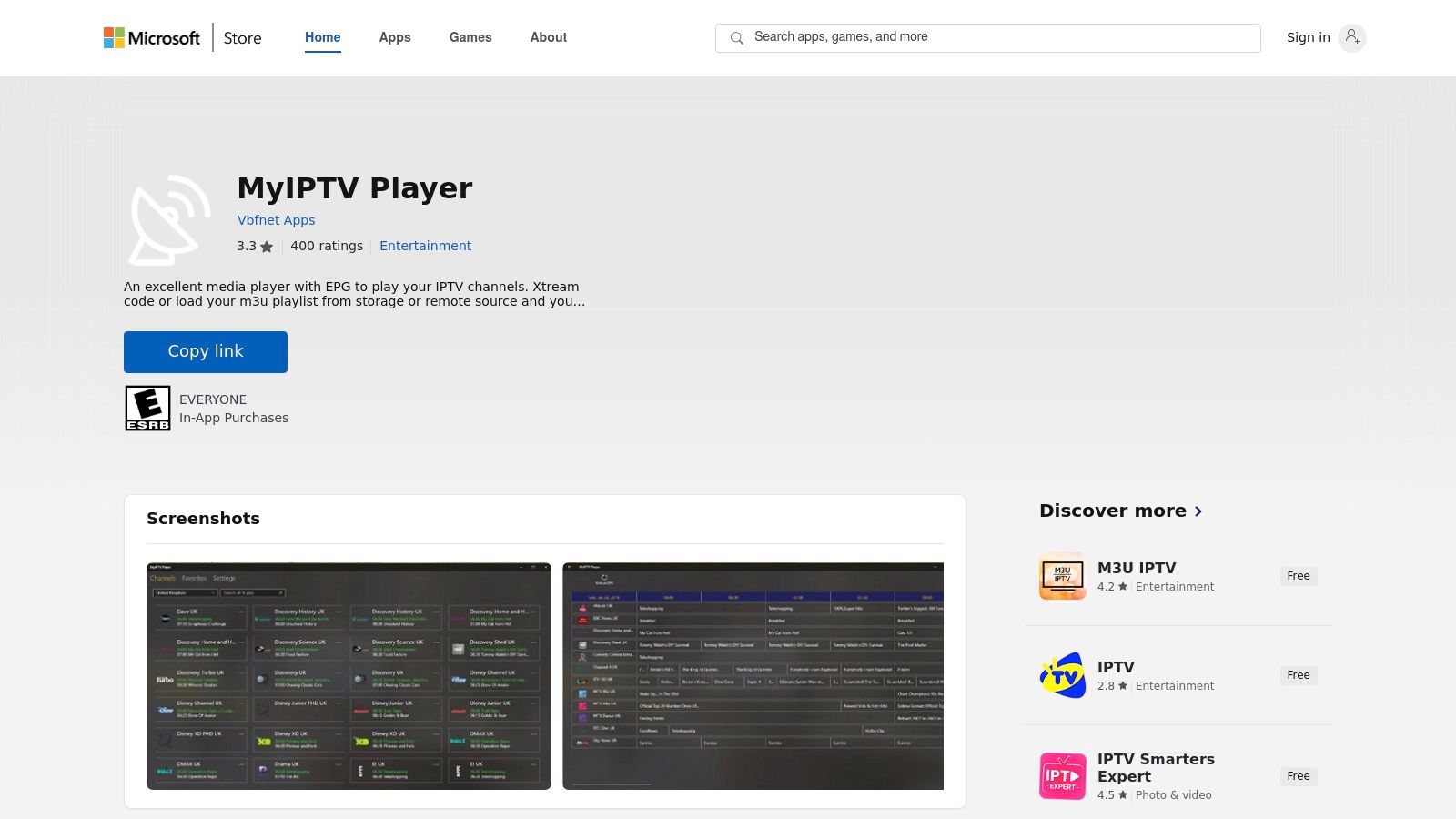
The primary advantage of MyIPTV Player is its native integration with Windows and some Xbox configurations. There’s no need to enable developer mode or sideload apps—Microsoft handles security and certificates. If you’re shopping for compatible hardware, consider a compact Windows mini PC like the Beelink U57 from Amazon. And for a reliable IPTV subscription to test your playlists, head to IPTV Now.
MyIPTV Player balances simplicity with essential streaming tools, making it ideal for both newcomers and power users:
Pro Tip: For a lean-back, remote-style control, pair MyIPTV Player with a wireless keyboard or a one-hand remote like the Fintie Media Remote. It’ll turn your PC into a full-fledged living room entertainment hub.
While other IPTV players require manual updates or uncertified installers, MyIPTV Player benefits from Microsoft’s rigorous app review process. You get seamless patching, zero-risk installs, and peace of mind knowing the code has passed security checks. Plus, its support for Xbox makes it a unique bridge between PC and console streaming.
| Feature | Description |
|---|---|
| Installation | One-click setup via Microsoft Store with no sideloading required |
| Updates | Automatic background updates ensure you always have the latest features and security fixes |
| Compatibility | Native on Windows 10/11 and select Xbox units |
| Customizability | Multiple view modes plus basic playback controls for a tailored experience |
Website: https://apps.microsoft.com/detail/9pjj2nmbf0tr
Often called the Swiss Army knife of media players, VLC Media Player from VideoLAN is a free, open-source, and cross-platform powerhouse. While not exclusively designed as an IPTV player app, its robust ability to handle network streams and M3U playlists makes it an essential tool for any IPTV user. It’s the perfect, no-frills application for quickly testing a playlist or watching a stream on virtually any device, from Windows and macOS desktops to Android and iOS mobile phones.
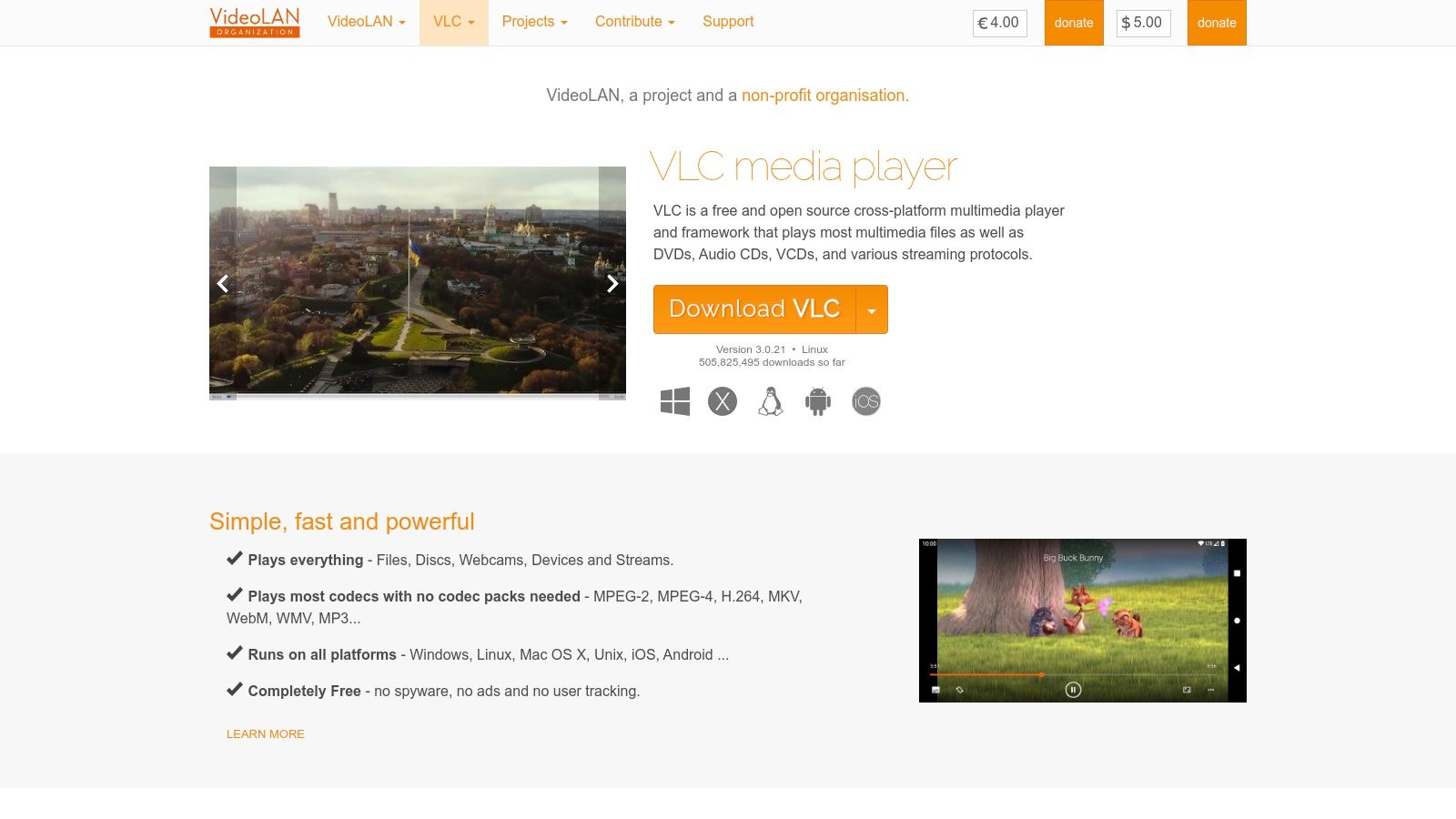
The primary advantage of using the official VideoLAN website is security and reliability. Countless third-party sites offer modified or bundled versions of VLC that can contain malware. Downloading directly from VideoLAN ensures you get the clean, original software free from ads, user tracking, or spyware. Its long-standing reputation in the open-source community provides a level of trust that is hard to match.
VLC's user experience is straightforward and functional, prioritizing performance over aesthetics. To play an IPTV stream, users simply navigate to "Open Network Stream" and paste their M3U URL. The player then loads the channels into a playlist view, allowing for basic navigation. It’s an ideal solution for users who need a quick, reliable way to validate a stream from a provider like IPTV Now before loading it into a more feature-rich player.
Pro Tip: Use VLC as your go-to diagnostic tool. If an M3U playlist or a specific channel fails to load in your primary IPTV app, try opening it in VLC first. If it doesn't work in VLC, the issue is likely with the stream source itself, not your player app.
VLC stands out for its universal utility and unparalleled reliability. While it lacks the polished, TV-centric interface with EPG grids and channel logos found in dedicated IPTV player apps, its core function as a media player is flawless. It serves as an indispensable baseline for testing and a simple player for those who don't need advanced features. For a more dedicated TV experience, you'll still want to pair it with a device like an Amazon Fire TV Stick, but VLC remains the first stop for troubleshooting and simple playback.
| Feature | Description |
|---|---|
| Accessibility | 100% free and open source on all supported platforms. No fees, ads, or subscriptions. |
| App Quality | Extremely high and stable. It has been actively developed and trusted by millions for over two decades. |
| Installation | Direct download from the official website. Mobile versions are available on official app stores. |
| Security | Very high when downloaded from the official VideoLAN site, avoiding risks of bundled malware. |
Website: https://www.videolan.org/vlc/
Kodi is far more than just an IPTV player; it's a powerful, free, and open-source media center software that transforms your device into a comprehensive entertainment hub. While its primary function is to organize and play local media files, its extensibility through add-ons makes it one of the most versatile IPTV player apps available. By installing the official PVR IPTV Simple Client add-on, users can seamlessly integrate M3U playlists and EPG data, creating a traditional, TV-like viewing experience.
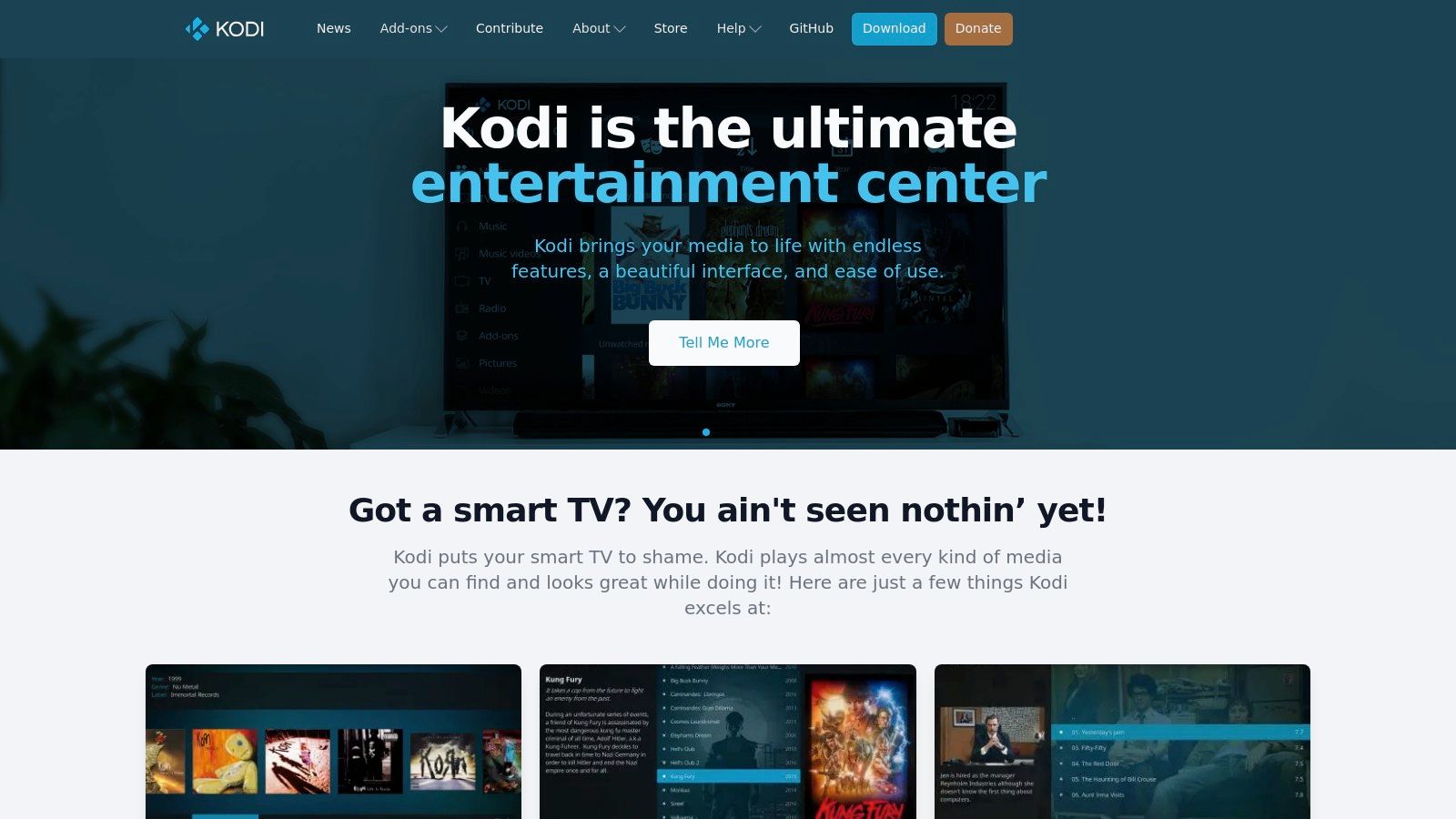
The main advantage of Kodi is its unparalleled customization. Users can change the entire look and feel of the interface with "skins," organize media libraries with rich metadata, and extend functionality with thousands of community-developed add-ons. This makes it an ideal choice for users who want to combine their IPTV service with their existing collection of movies, TV shows, and music in a single, unified interface. It runs exceptionally well on a wide range of hardware, from high-end PCs to low-cost set-top boxes and HTPCs.
Setting up Kodi for IPTV requires a more hands-on approach compared to dedicated player apps, but the result is a highly integrated and powerful system. The PVR IPTV Simple Client add-on is the official and most reliable way to get started. Once configured with your M3U playlist URL and EPG source, your live TV channels will appear directly in Kodi's main "TV" menu, complete with guide data and channel logos.
Pro Tip: To get the best performance for IPTV on a budget, consider installing Kodi on a dedicated Android TV box. Devices like the Amazon Fire TV Stick 4K Max or a custom-built Raspberry Pi HTPC provide enough power to run Kodi smoothly without a significant investment.
Kodi's strength lies in its "all-in-one" approach. It's not just an app for watching IPTV; it's a complete home theater software that can also handle IPTV. For users who want a single solution for all their media consumption needs, nothing else compares. The initial learning curve is steeper, but the robust community support and extensive documentation make it manageable. For a step-by-step guide, you can learn more about how Kodi works and get started with its powerful features.
| Feature | Description |
|---|---|
| Accessibility | Completely free and open-source software. |
| App Quality | High-quality, stable software with decades of development and strong community support. |
| Installation | Direct installation from the official website or app stores. IPTV setup requires manual configuration. |
| Security | The core software is secure. Users should only install add-ons from the official Kodi repository. |
Website: https://kodi.tv
| Item | Implementation complexity 🔄 | Resource requirements ⚡ | Expected outcomes ⭐ / 📊 | Ideal use cases 💡 | Key advantages |
|---|---|---|---|---|---|
| Free IPTV Player | Low 🔄 — browser paste/upload .m3u, no install | Low ⚡ — modern browser + network; minimal storage | Quick playback ⭐ for testing; results depend on playlist quality 📊 | Fast M3U testing, cross‑device viewing, limited‑storage devices | No‑install, privacy‑focused; supports UHD/4K |
| Google Play Store | Moderate 🔄 — browse/install apps; automatic updates | Medium ⚡ — Android/Google TV device + Google account | High ⭐ — wide app selection and user reviews improve outcomes 📊 | Android phones/TVs needing vetted IPTV players | Easy installs/updates; review system and refund protections |
| Apple App Store | Moderate 🔄 — search/install; in‑app purchases possible | Medium ⚡ — iPhone/iPad/Apple TV + Apple ID | High ⭐ — native UIs, secure apps; subscription management 📊 | iOS/Apple TV users wanting native IPTV apps | Strong app review, centralized purchases and updates |
| Amazon Appstore (Fire TV) | Moderate→High 🔄 — store installs or sideload via Downloader | Medium ⚡ — Fire TV device + Amazon account; sideload steps if needed | Medium ⭐ — convenient when available; availability can change 📊 | Fire TV users; sideloading when app not in store | One‑click installs on Fire devices; account‑managed updates |
| Microsoft Store (MyIPTV Player) | Low 🔄 — store install; basic M3U/EPG setup | Medium ⚡ — Windows 10/11 PC; codec dependence | Medium ⭐ — straightforward playback; limited advanced features 📊 | Windows PCs (and some Xbox configs) wanting store‑vetted app | Store‑vetted install and automatic updates |
| VideoLAN (VLC) | Low 🔄 — install and open network streams; minimal config | Low ⚡ — cross‑platform, modest CPU/network | High ⭐ — robust decoding and stream validation; lacks IPTV UX 📊 | Validating streams, general cross‑platform playback | Free, open‑source, wide format/network protocol support |
| Kodi | High 🔄 — install + configure PVR add‑ons and skins | Medium ⚡ — runs on many devices; needs configuration for EPG | High ⭐ — TV‑style interface with EPG when configured; setup time affects results 📊 | HTPCs, set‑top boxes, users wanting full media center | Highly extensible, PVR/EPG support and customizable UI |
Navigating the expansive world of Internet Protocol Television can feel complex, but the journey to a customized, high-quality streaming experience is simpler than it seems. As we've explored, the core of your setup isn't just the IPTV service itself; it's the application you use to access and organize that content. The diverse landscape of IPTV player apps ensures there is a perfect solution for every type of user, from the casual viewer to the dedicated home theater enthusiast. Your ideal choice hinges on a personalized assessment of your hardware, technical skill, and viewing habits.
The key takeaway is that there is no single "best" player for everyone. Instead, the best player is the one that seamlessly integrates into your existing ecosystem and meets your specific needs. The beauty of this technology lies in its flexibility, allowing you to build an entertainment hub that works precisely how you want it to.
To make the right decision, it's crucial to evaluate what matters most to you. Let's recap the primary considerations based on the powerful options we've covered:
Remember, a great player needs great content. A stable, high-quality IPTV service is the foundation of your entire experience. If you are still searching for a reliable provider with a wide selection of channels and on-demand content, we highly recommend our trusted affiliate, IPTVNow, for a dependable service.
By carefully selecting a player that aligns with your devices and preferences, pairing it with a quality IPTV subscription, and running it on capable hardware, you create a powerful, personalized, and cost-effective alternative to traditional cable. You are now equipped with the knowledge to move beyond generic solutions and build a streaming setup that is perfectly tailored to you. Happy streaming!
Ready to start watching right now without any downloads or installations? Test your M3U playlist instantly with the most convenient of all IPTV player apps. Give our browser-based tool at Free IPTV Player a try and experience the ultimate in streaming simplicity by visiting Free IPTV Player today
