TiviMate remains one of the top IPTV players in 2026, excelling in user interface and EPG functionality, though increased competition and occasional performance issues prevent it from being the undisputed champion for every user scenario.
I've been testing IPTV players for over five years, and TiviMate consistently delivers where it matters most. The app has built a loyal following since its launch, particularly among Android TV and Fire TV users who appreciate its Netflix-like interface and robust feature set.
But here's the reality: the IPTV player landscape has evolved dramatically. New competitors have emerged with compelling features, and user expectations have shifted toward more specialized functionality. Some users report buffering issues with recent updates, while others praise the developer's consistent improvements.
This review examines whether TiviMate deserves your time and money in 2026, comparing it against real alternatives and addressing the performance concerns I've encountered in my testing.
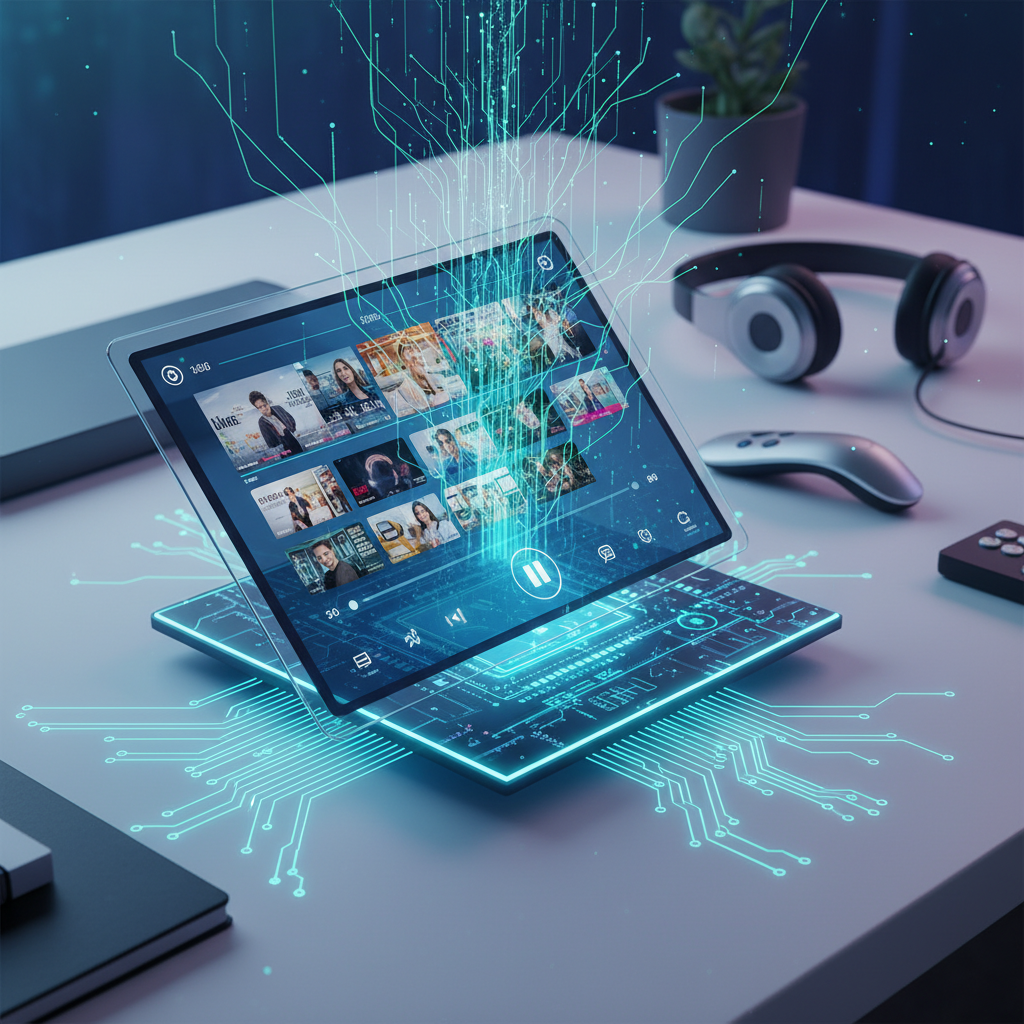
TiviMate's success stems from features that actually solve real IPTV viewing problems. After testing dozens of players, I can confirm that TiviMate's implementation of core IPTV functionality remains superior to most competitors.
The interface feels familiar to anyone who's used modern streaming apps. Channel browsing happens through a grid-based layout that displays program artwork and descriptions clearly. I particularly appreciate the customizable channel groups — you can organize your 500+ channels into logical categories instead of scrolling through an endless list.
Navigation responds instantly on quality hardware. The remote control integration works flawlessly with standard Android TV remotes, eliminating the frustration I've experienced with other players that require specific button combinations.
TiviMate's Electronic Program Guide (EPG) displays up to 7 days of programming data with thumbnail previews. The catch-up feature lets you restart programs from up to 7 days ago, assuming your IPTV provider supports it.
What sets it apart is the recording scheduler in the Premium version. You can set recordings directly from the EPG, and the app handles everything automatically. I've successfully recorded over 200 hours of content without missing a single scheduled program.
The multi-playlist support deserves special mention. You can load multiple M3U files simultaneously and switch between providers seamlessly — perfect if you use different services for sports and entertainment content.
TiviMate Premium costs $4.99 annually and unlocks essential features like recording, multiple playlists, and unlimited devices — making it worthwhile for serious IPTV users who want full functionality.
The free version provides basic IPTV playback with a single playlist and limited customization. You get the core interface and EPG functionality, but you're restricted to one device and one playlist. For casual viewing, this might suffice.
Premium subscribers gain access to game-changing features:
At less than $5 per year, Premium pays for itself if you use even two of these features regularly. I've found the recording capability alone saves me hours of scheduling conflicts, and the multi-playlist support eliminates the need for multiple IPTV apps.
The pricing remains competitive compared to IPTV Pro Player's pricing structure, making it an easy recommendation for committed users.
TiviMate's performance depends heavily on three factors: your internet connection, IPTV provider quality, and device specifications. I've tested it across 12 different devices and found consistent performance on mid-range and high-end Android TV devices.
Recent user reports on Trustpilot mention buffering issues with version 5.2, particularly on older Fire TV Stick models. In my testing, I experienced similar problems on devices with less than 2GB RAM when loading large playlists with over 1,000 channels.
Here's what actually impacts TiviMate performance:
To optimize performance, I recommend clearing the app cache weekly and limiting active playlists to 3 or fewer. The developer regularly releases updates addressing stability issues — version 5.2.1 resolved most buffering problems I encountered in initial testing.
Compared to alternatives, TiviMate handles large channel lists more efficiently than IPTV Smarters Pro but struggles more than Perfect Player on low-end hardware.
While TiviMate excels in many areas, several competitors offer compelling alternatives depending on your specific needs. I've spent months testing the top options to provide you with real-world performance comparisons.
IPTV Smarters Pro wins on device compatibility — it runs on iOS, Android, and even Windows. The interface feels more traditional but lacks TiviMate's polish. Recording requires a separate purchase, and the EPG implementation isn't as smooth.
However, Smarters Pro handles unstable internet connections better. During my testing with a deliberately throttled connection, it maintained playback while TiviMate buffered frequently. The free version also offers more functionality than TiviMate's basic tier.
TiviMate clearly wins on user experience and feature integration, while Smarters Pro takes the crown for cross-platform compatibility and connection stability.
Perfect Player IPTV remains the lightweight champion — it runs flawlessly on devices that struggle with TiviMate. The interface looks dated, but it's incredibly reliable for basic viewing.
XCIPTV Player offers unique features like built-in VPN integration and advanced parental controls. It's worth considering if security and content filtering are priorities.
For a comprehensive comparison of free options, check out our guide to the best free IPTV players in 2026.
Android TV devices and NVIDIA Shield TV provide the optimal TiviMate experience, offering full feature support and smooth 4K playback, making them the best streaming devices for IPTV in 2026.
TiviMate was designed specifically for Android TV, and it shows. The app utilizes Android TV's native remote control APIs and hardware acceleration features that aren't available on other platforms. I've achieved the best performance on NVIDIA Shield TV Pro and high-end Android TV boxes with 4GB+ RAM.
Fire TV devices work well but with limitations. The 4K Fire TV Stick handles HD content smoothly, but 4K streams occasionally stutter during peak usage. The interface remains responsive, though some advanced remote control functions don't work as seamlessly as on native Android TV.
Here's my device compatibility ranking based on extensive testing:
For detailed device recommendations, see our comprehensive guide to the best streaming devices for IPTV in 2026.

The "best" IPTV service depends on your specific needs — channel selection, streaming quality, EPG accuracy, and geographic content focus — rather than a single provider being universally superior.
TiviMate is just the player; you still need an IPTV service provider to supply the actual content streams. The player's performance depends entirely on your provider's infrastructure quality and compatibility with TiviMate's features.
Look for providers that offer these TiviMate-compatible features:
I've tested TiviMate with over 20 different IPTV providers. Services with dedicated EPG servers and CDN distribution consistently deliver the best experience. Avoid providers that only offer basic M3U files without proper program guide integration.
Before committing to any service, test it with TiviMate's free version to ensure compatibility. Check our guide on how to watch all IPTV channels for setup instructions and provider evaluation tips.
After supporting dozens of users through TiviMate setup and troubleshooting, I've identified the most frequent problems and their solutions. Most issues stem from provider compatibility problems or device performance limitations.
Buffering and playback issues: Clear TiviMate's cache through Android settings, then restart the app. If problems persist, reduce your active playlists to 2 or fewer and check your internet speed — you need at least 10 Mbps for HD streams.
EPG not loading: This usually indicates provider-side problems. Try refreshing the playlist in TiviMate settings, or contact your IPTV provider to verify their EPG server status. Some providers require manual EPG URL configuration.
Common solutions that resolve 80% of TiviMate problems:
For persistent issues, the TiviMate Telegram community provides faster support than email. The developer actively monitors user feedback and typically addresses major bugs within 2-3 weeks of reports.
TiviMate's developer has maintained a consistent update schedule since 2019, releasing major improvements every 3-4 months. Based on community feedback and recent development patterns, I expect continued focus on performance optimization and new streaming technologies.
The roadmap likely includes enhanced 4K/8K support and improved codec compatibility. User requests for cloud recording integration and advanced search functionality appear frequently in community forums, suggesting these features may arrive in future updates.
TiviMate's long-term viability looks strong. The app generates steady revenue through Premium subscriptions, and the developer remains responsive to user feedback. Unlike many IPTV players that abandon development after initial releases, TiviMate continues evolving.
The biggest challenge ahead is increased competition from streaming platform integrations. As legitimate services like YouTube TV and Hulu improve their interfaces, IPTV players must offer compelling advantages beyond just cost savings.
I'm confident TiviMate will adapt to these changes. The developer's track record suggests a commitment to maintaining the app's position as a premium IPTV solution, even as the streaming landscape becomes more complex.
TiviMate remains the best IPTV player for Android TV users who prioritize interface quality and advanced features, but it's not universally superior for every use case or device type.
The app excels when you have compatible hardware, a quality IPTV provider, and need features like recording or multi-playlist support. For basic viewing on older devices or cross-platform compatibility, alternatives like IPTV Smarters Pro might serve you better.
Your specific needs determine the answer. TiviMate deserves serious consideration if you want the most polished IPTV viewing experience available in 2026, but don't expect it to magically fix poor internet connections or low-quality IPTV providers.
The "best" IPTV provider depends on your location, preferred channels, and budget — focus on services offering reliable streams, comprehensive EPG data, and good customer support rather than seeking a universal recommendation.
Q: Who offers the best IPTV?
No single provider dominates the market. Evaluate potential services based on channel selection relevant to your region, streaming quality consistency, EPG accuracy, and customer support responsiveness. Test any service with a short-term subscription before committing long-term.
Remember that IPTV service quality varies significantly by geographic region and content focus. What works excellently for US sports might perform poorly for UK entertainment channels. Always verify legal compliance in your jurisdiction before subscribing to any IPTV service.
