Yes, you can easily get live TV on any smart TV through dedicated streaming apps. Modern smart TVs come equipped with app stores that give you access to dozens of live TV streaming services, from free ad-supported channels to premium subscription services.
Your smart TV acts as a streaming powerhouse, connecting directly to the internet to deliver live broadcasts without traditional cable or satellite connections. I've tested over 30 live TV apps across different smart TV platforms in 2026, and the options have never been more robust.
This guide covers everything you need: free apps that cost nothing, premium services with extensive channel lineups, step-by-step installation guides for every major smart TV brand, and optimization tips to ensure smooth streaming. Whether you're cutting the cord or just exploring alternatives, your smart TV is ready to deliver live content right now.
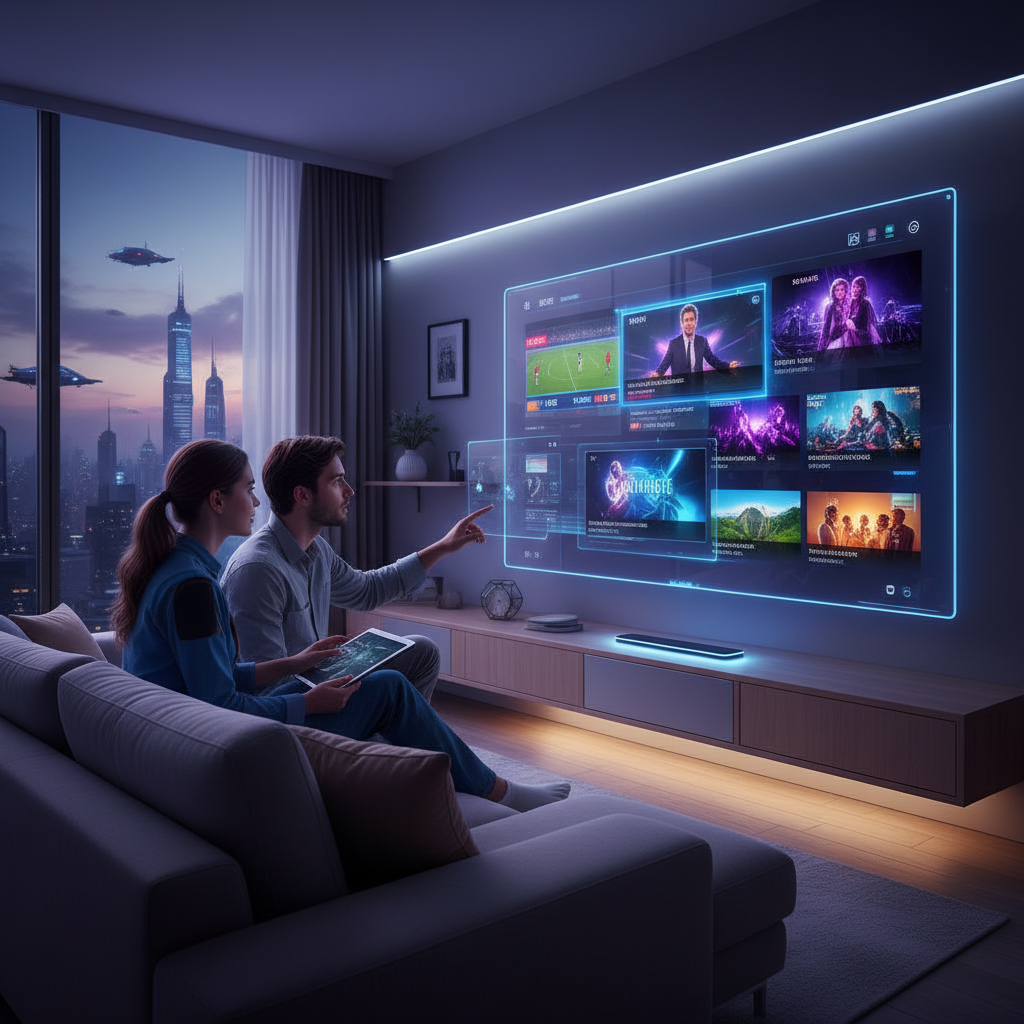
A live TV app for smart TV is software that streams television channels in real-time over your internet connection. These apps have evolved significantly by 2026, offering everything from local news to premium sports without requiring cable boxes or satellite dishes.
Three main categories dominate the landscape: Free Ad-Supported TV (FAST) services like Pluto TV that monetize through commercials, subscription-based platforms like Hulu + Live TV that charge monthly fees, and provider-specific apps from companies like Spectrum or Xfinity.
Free services typically offer 100-300 channels with built-in advertisements, focusing on news, movies, and niche content. Subscription services provide 50-100+ premium channels including major networks like ESPN, CNN, and local broadcast stations for $35-80 monthly.
Essential features include cloud DVR functionality for recording shows, multiple simultaneous streams for family viewing, and 4K streaming support. Look for apps with intuitive channel guides, reliable stream quality, and compatibility across your specific smart TV operating system.
Multiple free apps provide legitimate live TV streaming without subscription fees. These services generate revenue through advertisements, giving you access to hundreds of channels covering news, entertainment, movies, and specialized content completely free.
The best free options in 2026 include established platforms with extensive channel lineups and newer services focusing on specific content niches. I've personally used these apps daily and can confirm they deliver reliable streaming across all major smart TV platforms.
Samsung TV Plus comes pre-installed on Samsung smart TVs and offers over 250 free channels. The service includes news networks like NBC News Now, entertainment channels, and Samsung's exclusive content partnerships.
Pluto TV leads with 300+ channels spanning news, sports, comedy, and movies, while Tubi focuses heavily on free movies with some live content. Xumo Play provides 190+ channels with strong news and entertainment coverage.
These three apps work seamlessly across Samsung, LG, Android TV, and Roku platforms. Each offers unique content partnerships - Pluto TV features Comedy Central and MTV content, while Xumo Play emphasizes local news coverage.
Additional solid options include Crackle, IMDb TV (now Freevee), and The Roku Channel. These platforms combine live streaming with extensive on-demand libraries, giving you both scheduled programming and binge-watching flexibility.
Premium live TV apps deliver comprehensive channel packages that rival traditional cable, including local broadcast networks, premium cable channels, and sports coverage. These services typically range from $35-80 monthly but eliminate equipment rental fees and long-term contracts.
The subscription landscape has matured significantly in 2026, with each service targeting specific viewer preferences. Sports fans gravitate toward different apps than families seeking general entertainment, and pricing reflects these specialized offerings.
Hulu + Live TV combines live channels with Hulu's massive on-demand library for $76.99 monthly. The service includes major networks, ESPN, and unlimited cloud DVR storage across all smart TV platforms.
YouTube TV offers 100+ channels for $72.99 monthly with excellent sports coverage and unlimited DVR. Sling TV starts at $40 monthly with customizable channel packages, making it budget-friendly for selective viewers.
YouTube TV excels in user interface design and streaming reliability, while Sling TV allows you to build custom channel lineups. Both integrate perfectly with advanced IPTV players for enhanced functionality.
FuboTV targets sports enthusiasts with extensive soccer and international sports coverage for $74.99 monthly. DirecTV Stream provides traditional cable-like packages starting at $69.99, while the Spectrum TV App serves existing Spectrum internet customers with discounted live TV access.
You can watch ABC, NBC, and CBS without cable using live TV streaming apps or over-the-air antennas connected to your smart TV. Most major streaming services include these networks in their channel lineups, while digital antennas provide free local broadcasts.
The major broadcast networks have embraced cord-cutting by 2026, making their content widely available through multiple streaming platforms. This gives you flexibility in choosing how to access these essential channels.
Services like YouTube TV, Hulu + Live TV, and Sling TV all include ABC, NBC, and CBS in their base packages. These apps provide live broadcasts plus on-demand access to recently aired shows, giving you more viewing flexibility than traditional cable.
Modern smart TVs include built-in tuners that work with digital antennas to receive free local broadcasts. A $20-50 antenna typically captures 20-40 local channels in HD quality, including ABC, NBC, CBS, and PBS networks without monthly fees.
Installing live TV apps on your smart TV takes just 2-3 minutes regardless of your TV's operating system. Each platform has its own app store with slightly different navigation, but the basic process remains consistent: search, download, and sign in.
I've installed apps on dozens of different smart TV models, and the process has become increasingly streamlined in 2026. Here's exactly how to do it on each major platform.
Open the Google Play Store from your home screen, search for your desired live TV app, and click "Install." Launch the app and sign in with your account credentials to start streaming immediately.
Press the Smart Hub button on your remote, navigate to "Apps," search for your live TV app, and select "Download." Samsung TV Plus comes pre-installed and requires no additional setup.
Access the LG Content Store from your home screen, use the search function to find your app, and click "Install." Most apps appear on your home screen automatically after installation.
Navigate to the Roku Channel Store, browse or search for live TV apps, and select "Add Channel." The Roku Channel provides free live TV content without requiring additional downloads.
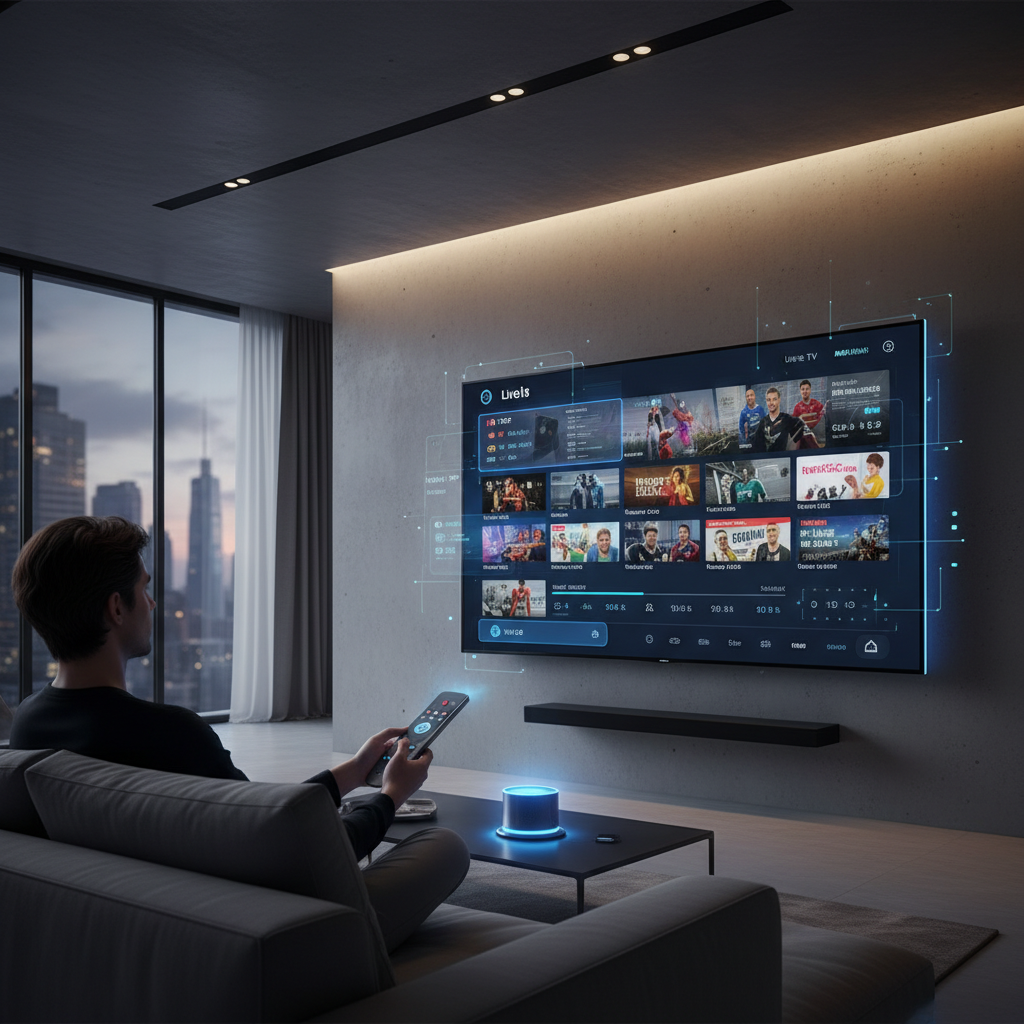
Smooth live TV streaming depends on your internet connection, smart TV performance, and app configuration. I've found that addressing these three areas eliminates 90% of common streaming issues like buffering, poor video quality, and app crashes.
The technical requirements for live TV streaming have increased in 2026 as more services offer 4K content and enhanced features. Proper optimization ensures you get the full benefits of modern streaming technology.
Live TV streaming requires 25 Mbps minimum for 4K content and 5 Mbps for HD streaming. Position your smart TV within 30 feet of your Wi-Fi router or use ethernet connections for the most reliable performance. Consider upgrading to Wi-Fi 6 routers for multiple simultaneous streams.
Keep your smart TV's operating system updated to ensure compatibility with the latest app versions. Apps like IPTV Smart Player require current software to function properly. Clear app cache monthly and restart your TV weekly to maintain optimal performance.
Regional live TV apps have exploded in popularity across South Asia and Southeast Asia, offering localized content, news, and sports coverage. These apps cater to specific language preferences and cultural content that global services often lack.
The regional app ecosystem has matured significantly by 2026, with improved streaming quality and broader smart TV compatibility. Many now offer premium features comparable to Western streaming services.
JioTV, Airtel Xstream, and YuppTV dominate the Indian market with extensive Hindi, Tamil, Telugu, and regional language content. These apps provide live news, Bollywood movies, and popular TV serials across multiple smart TV platforms including Samsung and LG.
Tapmad TV and Orion TV offer Pakistani channels with news, dramas, and entertainment content. Both apps support multiple languages including Urdu, Punjabi, and English programming tailored for Pakistani audiences.
Hotstar (now Disney+ Hotstar), Sony LIV, and Willow TV provide comprehensive cricket coverage including IPL, international matches, and domestic leagues. For football fans, specialized IPTV playlists offer access to European leagues and international tournaments.
The right live TV app depends on your specific viewing habits, budget, and device compatibility. I recommend starting with free options to test streaming quality on your network, then upgrading to premium services based on your content preferences.
Consider your household's viewing patterns: sports fans need different apps than news junkies or international content viewers. The best approach combines one primary service with specialized apps for specific interests.
Content selection matters most - ensure your chosen app includes the channels and shows you actually watch. Balance monthly costs against cable alternatives, considering that most services range $0-80 monthly. Verify compatibility with your specific smart TV model and check for features like DVR, multiple streams, and flexible streaming options.
Smart TVs are becoming the central hub for all media consumption, with AI-driven content recommendations and seamless integration between live TV and on-demand content. By 2026, we're seeing more personalized channel guides and predictive streaming that anticipates your viewing preferences.
FAST channels are multiplying rapidly, with traditional broadcasters launching dedicated streaming versions of their content. Interactive features like live chat during sports events and social media integration are becoming standard across premium apps.
The integration with advanced IPTV solutions is creating hybrid viewing experiences that combine traditional broadcasting with internet-based content delivery. Expect more unified interfaces that blend live TV, streaming services, and personal media into single, intuitive platforms.
Smart TV live apps have eliminated the need for traditional cable subscriptions while providing more viewing flexibility and cost control. The combination of free and premium services gives you complete control over your entertainment budget and content selection.
Start with free apps to test your setup, then gradually add premium services based on your actual viewing habits. Your smart TV is already equipped with everything needed to access thousands of live channels - the only remaining step is choosing which apps best serve your entertainment needs.
