Tired of those eye-watering cable bills and being locked into contracts you can't escape? You're definitely not the only one. Millions of people are making the switch to smarter, more flexible streaming options that actually put them in the driver's seat. This guide is your first step toward that freedom.
Let's be real—the biggest reasons to cut the cord are to save a bunch of money and get some flexibility back in your life. You're probably sick of paying for hundreds of channels you don't even watch, stuck in long-term deals with fees that just keep climbing.
The great news is that Internet Protocol Television (IPTV) is the answer. It lets you stream all your favorite live channels using just your internet connection. No extra boxes, no hidden fees.
At the center of it all is an IPTV player, like our free online tool. Think of it as your personal gateway to a massive world of content. Instead of a clunky cable box, a simple player lets you watch what you want, when you want.
This isn't just a small trend; it's a massive change in how we all watch TV. Streaming platforms have officially taken over, capturing a larger slice of total television viewership than both broadcast and cable TV combined for the first time ever. It's a huge shift, all driven by our demand for convenience and choice.
This guide will walk you through everything you need to know, focusing on:
Ready to take the first step? For a more detailed look, check out our complete guide on how to cut cable TV.
Alright, before you dive headfirst into the world of live TV without cable, you'll need to get your gear in order. Think of it as your cord-cutter's starter kit. The great news? You probably already have most of what you need.
The absolute foundation of any good streaming setup is a solid, high-speed internet connection. Seriously, this is non-negotiable. Without stable internet, even the slickest streaming service will leave you staring at a buffering wheel. It’s the digital highway that brings all those shows and live games right into your living room.
Once your internet is locked in, it's time to think about hardware. The first thing to check is your television. Most modern smart TVs come with app stores built right in, but if you want the best possible experience, a dedicated streaming device is almost always the way to go.
These little gadgets plug straight into your TV and are built for one thing: streaming. That means you get faster performance, a wider selection of apps, and an interface that’s actually enjoyable to use.
A couple of popular choices you can find on Amazon are:
Think of your streaming device as the new heart of your entertainment center. It's the bridge between your internet and your TV, unlocking a universe of content. Spending a little extra on a quality device will save you a ton of headaches down the road.
Choosing the right device can feel overwhelming with all the options out there. To make it easier, check out our detailed streaming device comparison. It breaks down all the features and specs to help you find the perfect fit for your home.
Before we move on, let's quickly recap what you'll need. I've put together a simple checklist to make sure you have all your bases covered.
Here’s a quick rundown of the essential components to get you started on your cord-cutting journey.
| Component | Recommendation | Why It's Important |
|---|---|---|
| Internet Connection | 25 Mbps or higher | Provides a stable, buffer-free stream, especially for HD and 4K content. |
| Streaming Device | Amazon Fire TV Stick, Nvidia Shield | A dedicated device offers better performance and app support than most smart TVs. |
| Television | Any TV with an HDMI port | Your screen for the main event! Doesn't need to be "smart" if you have a streaming device. |
| IPTV Service | M3U Playlist or URL | This is your source for live channels, replacing your old cable or satellite package. |
With these items checked off, you have everything you need to build a powerful and flexible live TV setup that puts you in complete control.
Alright, so you’ve got your hardware sorted. Now for the fun part—the content. The entire world of live TV without cable is powered by something called an IPTV playlist, which you'll usually see referred to as an M3U link or M3U file.
Think of this link as the secret key that unlocks thousands of live channels from all corners of the globe. It’s a simple text file that lists channel names and where to stream them from. When you pop that link into a player like ours, it reads the list and brings all those channels right to your screen. It's a surprisingly simple system, but it's incredibly powerful.
Just look at the financial upside of making this switch. It's pretty clear.
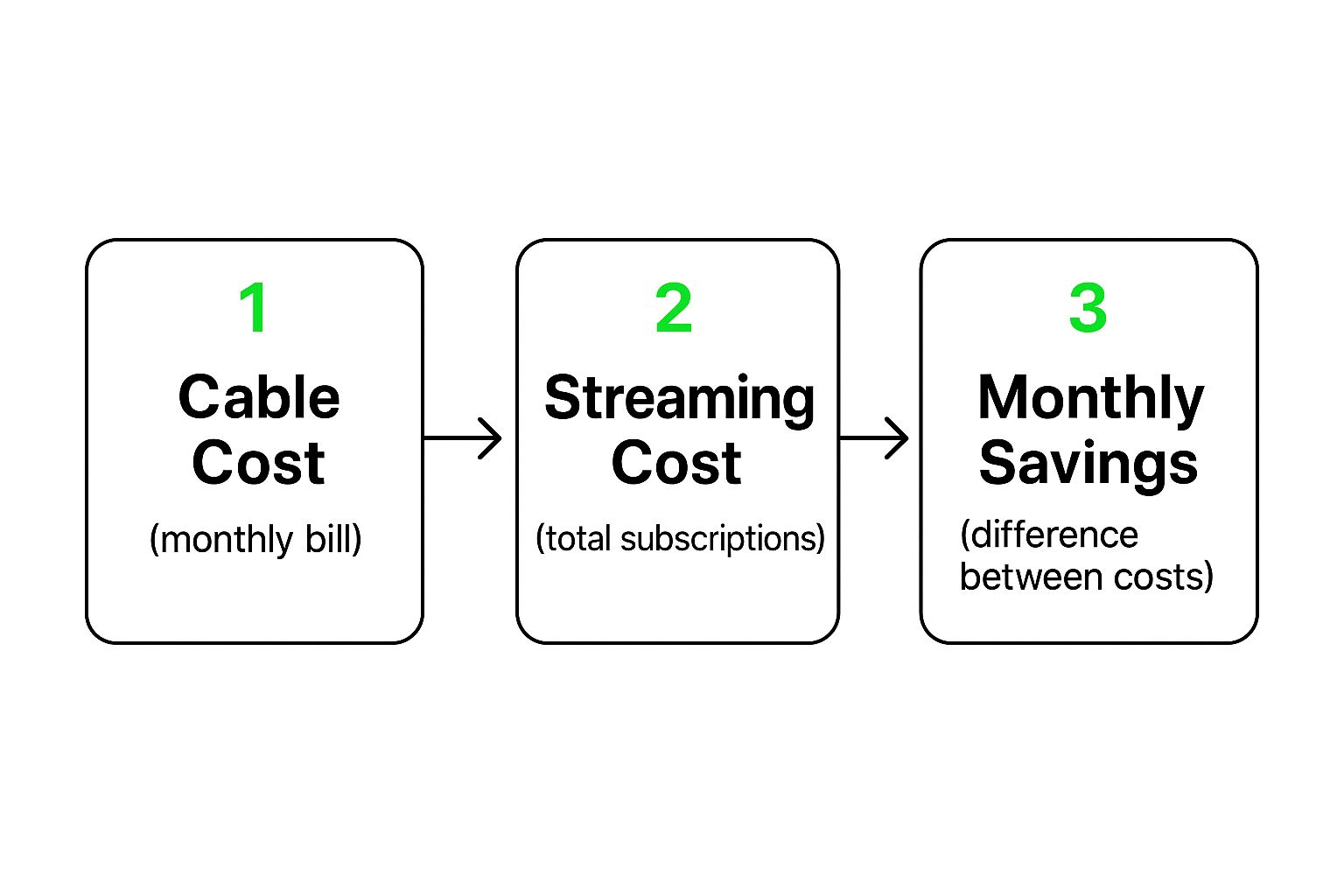
As you can see, the gap between a monster cable bill and the small cost of streaming subscriptions adds up to some serious monthly savings.
When you start hunting for M3U playlists, you’ll quickly run into two kinds: free and paid.
The free ones you find online can seem like a great deal, but they almost always come with a catch. I've found they're often unreliable, constantly buffering, and can just vanish without any warning. It's frustrating when you're trying to watch a big game.
For a smooth, high-quality stream you can actually depend on, a paid IPTV service is the way to go. We highly recommend a service like this premium IPTV provider. These providers deliver stable, high-definition streams that just work. They take all the guesswork out of finding good streams and give you a viewing experience that feels just like traditional cable, if not better.
Getting your M3U link working with our free online IPTV player couldn't be simpler. It really is just a copy-and-paste job.
Since it’s all browser-based, you don’t have to download or install a single thing, which makes getting started incredibly easy.
If you’re curious about the nuts and bolts, you can even check out our guide on how to create an M3U playlist from scratch. It’s a fast-growing world out there; the global live streaming market was recently valued at over $99 billion and it’s not slowing down.
There's nothing more frustrating than settling in to watch a live game or your favorite show, only to have it ruined by a stuttering, buffering stream. It just kills the whole mood. The good news? Most of these common streaming hiccups are surprisingly easy to fix. You can usually get a much better experience with just a couple of simple tweaks.
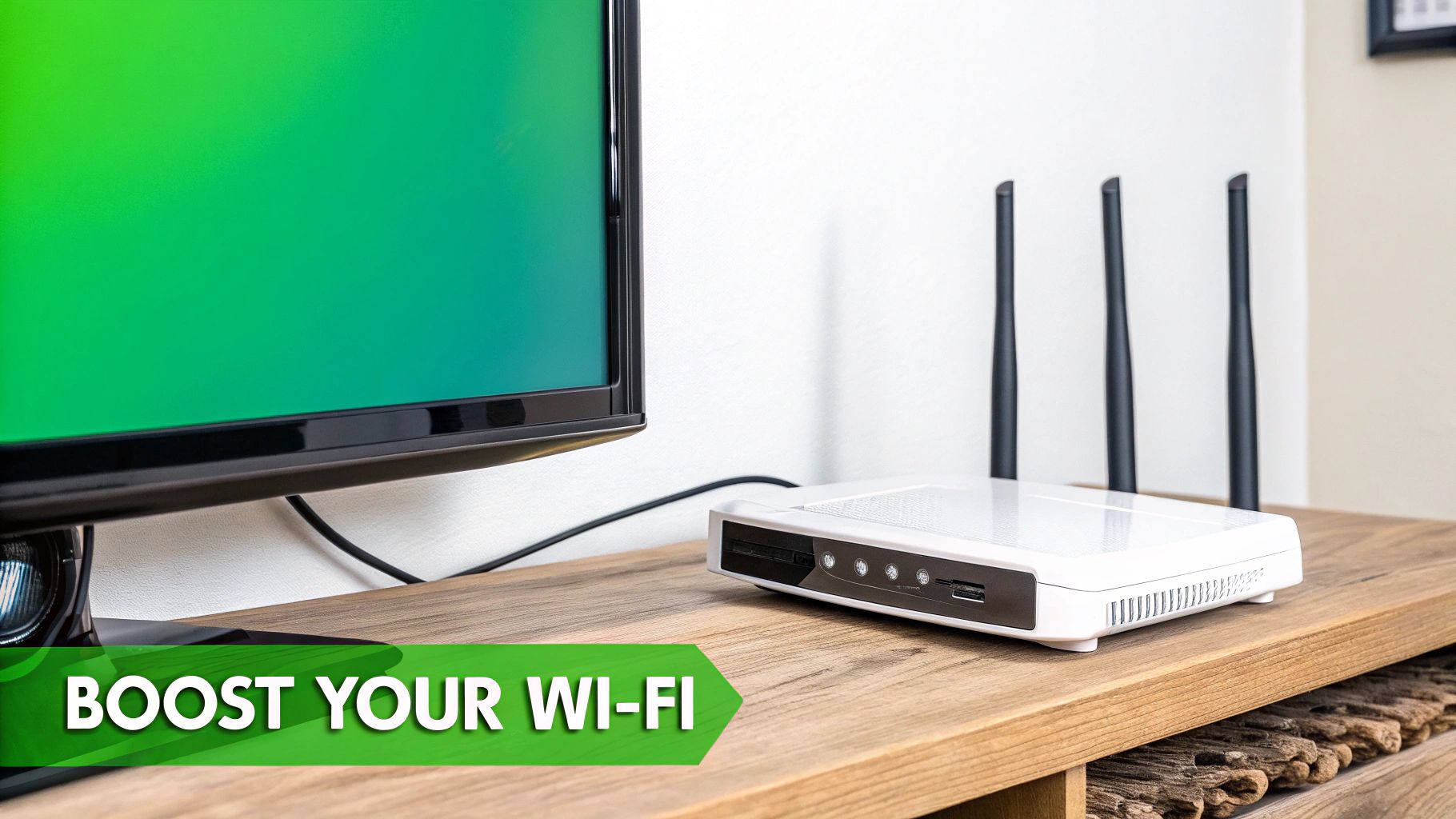
First things first, let's look at your Wi-Fi. A weak wireless signal is the number one culprit behind lag and buffering. A quick fix is to move your router to a more central spot in your house, keeping it away from walls and other electronics that can cause interference. If you need a bit more muscle, a Wi-Fi extender can really help by boosting the signal into every corner of your home.
Still running into trouble? A wired connection is your absolute best friend for watching live tv without cable. Plugging your streaming device directly into your router with an Ethernet cable gives you the fastest, most stable connection you can get. It pretty much eliminates any chance of Wi-Fi interference. This is the pro move for a perfectly smooth stream.
A stable internet connection is the foundation of a great streaming experience. Even the best IPTV service will struggle on a poor network. Prioritizing a strong signal, preferably wired, solves over 90% of common buffering issues.
Another thing that can be a pain is a massive, disorganized channel list. Who wants to scroll through hundreds of channels? Take a minute to use the "favorites" feature in your IPTV player. This lets you pin the channels you watch all the time right to the top, so you can spend less time searching and more time watching.
Here are a few products from Amazon that can significantly improve your streaming setup:
For a deeper dive, be sure to check out our guide on how to optimize your internet connection for streaming.
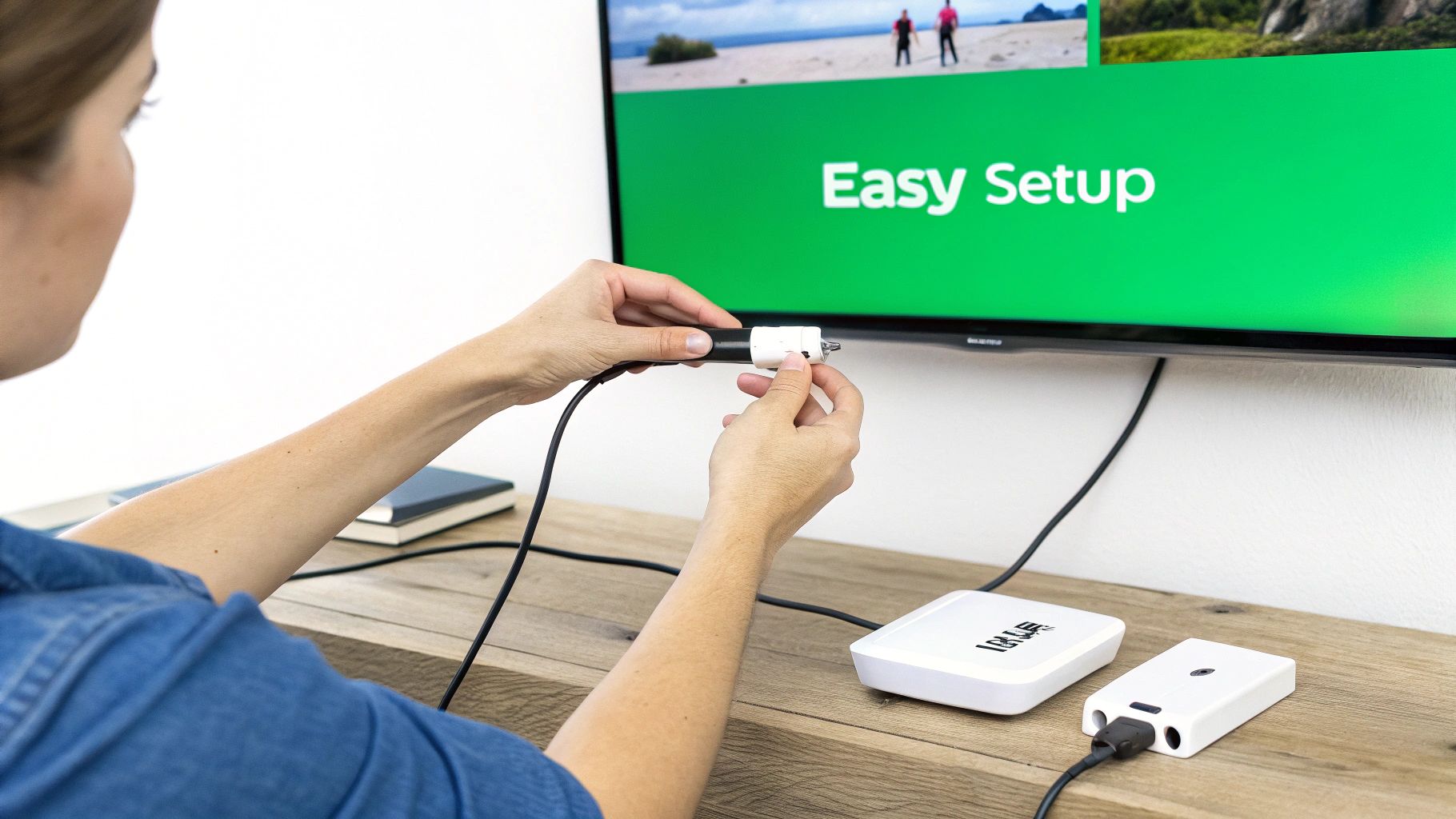
The beauty of IPTV is its flexibility—you can watch it in a few different ways. The biggest decision you'll make right out of the gate is whether to use a browser-based player or install a dedicated app on a streaming device. Understanding the pros and cons of each is the key to creating a setup that actually works for you.
Browser-based players, like our own Free IPTV Player, are all about convenience. There’s absolutely nothing to download. You just pop open a web browser on your laptop, tablet, or phone, paste in your M3U link, and you’re watching live TV. It’s perfect for getting started quickly or just testing out a new channel list.
Now, on the other hand, you have dedicated apps that you install on a device like an Amazon Fire TV Stick. These can sometimes feel a bit more like "real TV" because they integrate tightly with your remote control and the device’s system. The catch? You have to install and set them up on every single device you want to use.
There's no denying that live streaming has completely taken over. In just a single recent quarter, the industry racked up over 29.6 billion hours of watch time globally. It’s a massive shift in how we watch TV.
If you ask me, starting with a browser-based player is the way to go. It's simple, works everywhere, and it's the best way to get a feel for how IPTV works without the commitment of installing software.
Ultimately, it all boils down to your own habits. Do you want fast, no-install access from pretty much anywhere? Or do you prefer a more baked-in app experience on your main TV? For most people I talk to, the pure ease of a browser player makes it the clear winner for day-to-day streaming.
Ditching cable and jumping into the world of IPTV is exciting, but it's natural to have a few questions. To help you feel more confident about making the switch, we've gathered the most common queries we hear from new cord-cutters. Let's clear up the important details so you can start streaming with total peace of mind.
This is a big one, and the answer is simple. Using an IPTV player application is 100% legal, just like using Google Chrome or Firefox to watch videos online. The player itself is just a tool.
The real question is about the source of the content. Streaming from licensed, official providers is always above board. It’s up to you, the viewer, to make sure the IPTV playlist or service you’re using has the proper rights to broadcast the channels you're watching.
While you don't have to use a VPN, we strongly recommend it. Think of it as an essential tool for any serious streamer, mainly for privacy and performance. A VPN encrypts your connection, which stops your Internet Service Provider (ISP) from seeing what you’re doing and potentially slowing down your speeds—a practice known as throttling.
A good VPN service, often enabled through a dedicated router, can also unlock content that might be blocked in your region. Just be sure to check your IPTV provider's terms of service first.
A VPN is like a private, encrypted tunnel for your internet traffic. It keeps your viewing habits to yourself and helps you get the internet speeds you actually pay for.
You'll find plenty of free IPTV playlists online, but they often rely on public streams that are shaky at best. You'll likely deal with constant buffering, poor quality, and channels that disappear without any warning. It can be a frustrating experience.
Paid IPTV services, on the other hand, offer a much more stable and high-quality stream. For a small fee, you typically get reliable HD streams, a massive channel lineup, an interactive program guide (EPG), and actual customer support if something goes wrong. If you want a smooth, TV-like experience, a premium service is definitely the way to go.
For a reliable and buffer-free stream with thousands of channels, we recommend checking out this premium IPTV provider. It takes the guesswork out of finding a good source and delivers a top-tier viewing experience.
Ready to start your cord-cutting journey with a simple, powerful tool? Try the Free IPTV Player today and stream live TV directly in your browser, no installation required. Get started now at https://freeiptvplayer.net.
