Ready to ditch cable and stream live TV online? It's easier than you think. All you really need is an online IPTV player and a special link, often called an M3U playlist. This simple combo lets you tap into live channels from all over the world, right from your web browser—no clunky cable box or extra apps required.
Let's be honest, the days of being locked into a traditional cable contract are pretty much over. People are tired of the limitations. They want more control, better value, and way more variety in what they watch, which is exactly what streaming live TV delivers. This isn't just a minor shift; it's a complete overhaul of how we watch TV.
The numbers don't lie. Streaming has officially taken over, now making up a whopping 44.8% of all television viewership. That's more than broadcast (20.1%) and cable TV (24.1%) put together. It's clear that viewers prefer the freedom and flexibility of on-demand entertainment.
So, how does this all work? The technology behind this revolution is IPTV, which stands for Internet Protocol Television. Instead of getting TV signals beamed from a satellite or through a cable, IPTV sends them straight over your internet connection. All you need is an M3U playlist—a simple URL that acts like a digital remote, telling your player where to find all the channels.
Why are so many people making the switch? It boils down to a few key perks:
This whole process is what's known as "cord-cutting," and it's all about giving you the power to create an entertainment setup that fits your life.
If you're ready to join the movement, our guide on how to cut cable TV is a great place to start. With just a solid internet connection and the right M3U playlist from a service like IPTVNow, you can be enjoying live TV your way in just a few minutes.
Jumping into the world of online IPTV is way easier than you might think, especially compared to the old days of scheduling a cable guy. The whole process really just boils down to one thing: an M3U playlist URL.
Think of this M3U link as your personal key to a universe of live TV channels. Once you have it, you're literally seconds away from streaming.
First things first, you need to get that M3U link from an IPTV service. This is the crucial bit of text you’ll copy and paste to unlock everything. For a smooth, buffer-free experience, it's worth going with a solid provider like IPTVNow. Once you're signed up, they'll hand over your unique M3U URL.
Got your M3U URL copied? The hard part is over.
All you have to do is paste it into the player's input field. Our browser-based player was built specifically for this—no downloads, no installations, no fuss. Just paste the link, click play, and your channels will pop right up.
This image really drives home how simple it is. The devices you use every single day are already good to go.
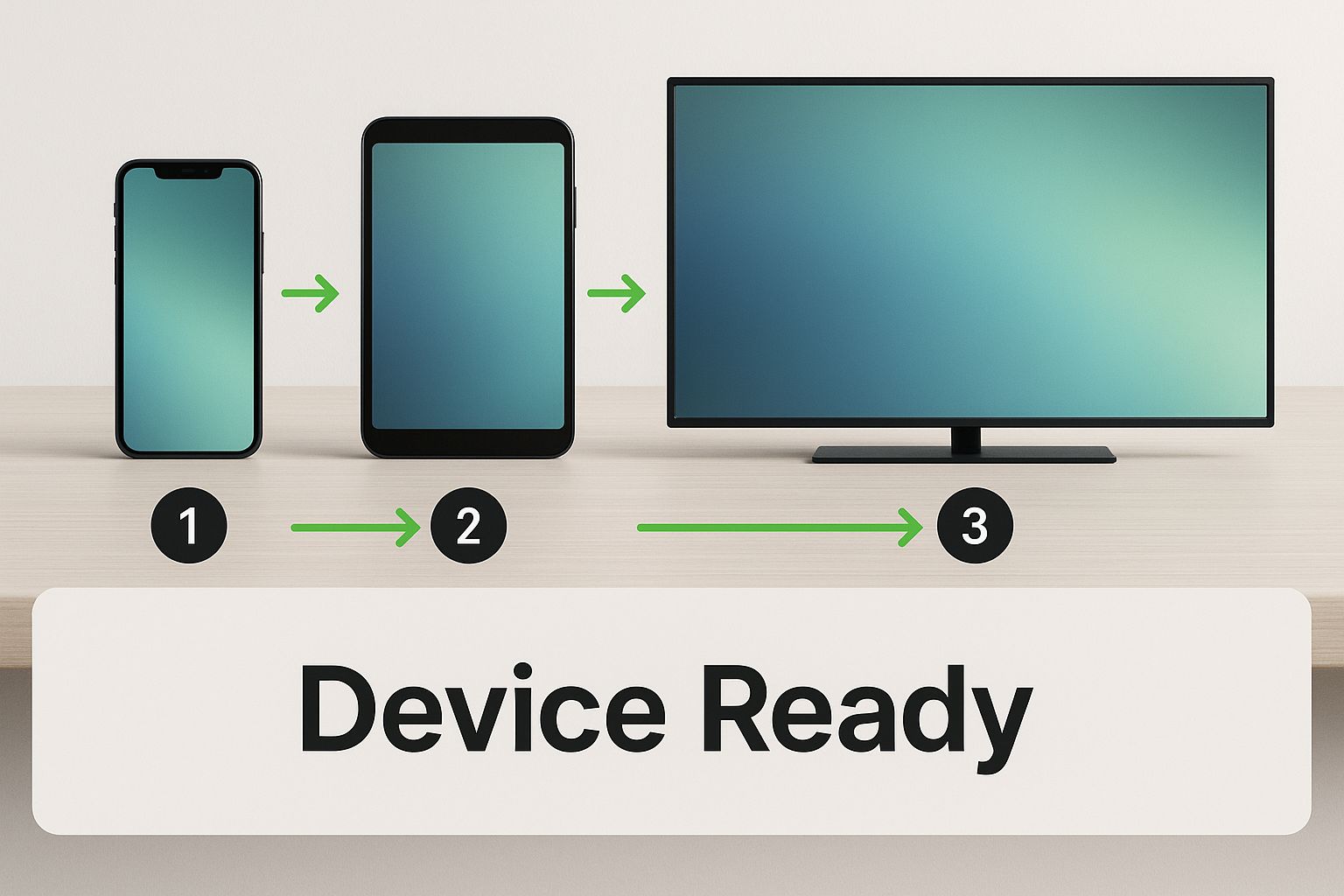
As you can see, the smartphone in your pocket, your tablet, and your smart TV are all you need to get live TV streaming online. It’s that straightforward.
The real magic here is just how fast and simple it all is. You can genuinely go from signing up for a service to watching your favorite game or news broadcast in under five minutes. If you want a more detailed look, check out our dedicated online M3U player page.
To get the most out of online streaming, a few small tweaks can make a huge difference.
While any modern browser works great, a dedicated streaming device can seriously level up your experience on a big screen. Something like the Amazon Fire TV Stick 4K Max offers a slicker interface and is built to handle high-definition content without a hiccup. It just plugs right into your TV's HDMI port.
Also, a simple but game-changing habit: bookmark your online player's webpage! This little step saves you from hunting for the site every time you want to tune in, making the whole process feel as quick and natural as flipping on a regular TV.
Having a great IPTV player is just the start. If you really want to take your streaming from good to downright cinematic, the right hardware makes all the difference. We've all been there—the stream starts buffering right at the most critical moment of the game. Investing a little in your setup can make that a thing of the past. You don't have to break the bank, but a few smart upgrades will pay off with a crystal-clear, uninterrupted picture.
Honestly, the single biggest improvement you can make is getting a dedicated streaming device. Sure, your computer’s browser gets the job done, but devices like the Amazon Fire TV Stick 4K Max are built from the ground up for one thing: high-quality streaming. They handle video more efficiently, come with a handy remote, and keep playback buttery smooth, even in glorious 4K.
Another beast in this category is the NVIDIA Shield TV Pro. It’s definitely a more premium option, but its AI-upscaling feature is pure magic, making standard HD content look incredibly sharp on 4K screens. If you want to dive deeper, check out our complete streaming device comparison to find the perfect fit for your home and budget.
Your high-tech streaming device is only as strong as the internet connection feeding it. More often than not, that dreaded buffering wheel isn't the fault of your IPTV service—it’s a sign of a weak or congested Wi-Fi network.
A solid, high-speed router can fix this in an instant. Models like the TP-Link AX3000 (Archer AX55) are designed to juggle multiple devices all demanding high-bandwidth content at once. They know how to prioritize traffic so your live TV stream always gets the fast lane.
Pro Tip: For the most stable connection possible, go old school. Plugging an Ethernet cable directly from your router into your streaming device bypasses any and all Wi-Fi interference. It’s a simple, foolproof way to get the best signal.
Finally, don't sleep on your cables. A good 4K HDMI cable is a small but mighty part of the equation. It ensures every last pixel of data makes it from your streaming device to your TV screen perfectly, preserving all that beautiful detail. These affordable upgrades all work together to create a truly unbeatable viewing experience.
To help you get started, we've put together a quick comparison of some essential gear that can seriously elevate your streaming setup. These are some of the top-rated pieces of hardware that deliver proven performance.
| Product | Key Feature | Best For | Amazon Link |
|---|---|---|---|
| Amazon Fire TV Stick 4K Max | Wi-Fi 6E Support | All-around excellent performance and value for 4K streaming. | Check Price |
| NVIDIA Shield TV Pro | AI-Enhanced Upscaling | Power users who want the best possible picture quality and gaming performance. | Check Price |
| TP-Link AX3000 Router | Next-Gen Wi-Fi 6 | Homes with multiple devices streaming simultaneously, eliminating congestion. | Check Price |
| High-Speed Ethernet Cable | Direct Wired Connection | Achieving the most stable, interference-free internet connection. | Check Price |
| 4K Certified HDMI Cable | 18Gbps Bandwidth | Ensuring a perfect, high-fidelity signal from your device to your 4K TV. | Check Price |
Choosing any of these components will put you on the fast track to a buffer-free, high-definition IPTV experience. It's about building a system where every piece works in harmony to deliver the best possible picture and sound.
One of the coolest things about streaming TV online is finally breaking free from those frustrating regional restrictions. All of a sudden, you have a passport to international news, global movie premieres, and, most importantly, live sports from anywhere in the world.
For sports fans, this is an absolute game-changer. No more dealing with annoying local blackouts or shelling out for expensive channel packages. Imagine catching every single match of your favorite European soccer league or following an international cricket tournament, all from your living room couch.
When you're looking for ways to stream global content, you'll find all sorts of specialized options out there. For instance, some folks are always on the hunt for platforms that stream live horse races to catch specific events that just don't show up on mainstream channels.
The hunger for live sports is a huge reason behind this streaming explosion. In fact, the global sports streaming market is already worth an incredible $33.9 billion and is just getting bigger. This massive growth shows just how many people are ditching cable for services like IPTV to follow their teams. You can learn more about the sports streaming market share to see the full picture.
To truly get the most out of global sports and entertainment, your best bet is a comprehensive IPTV service. A quality provider like IPTVNow ensures you have a diverse and stable lineup of international and sports channels so you never miss a moment of the action.
Now, to make sure your stream is smooth during the big game, you’ll want to pair your service with a powerful device. The Amazon Fire TV Stick 4K Max is an excellent choice for handling high-action sports without any lag, delivering a crisp picture that makes you feel like you're right there in the stadium.
Sooner or later, every streamer hits a snag. You're all set to watch the big game, and suddenly, the dreaded buffering wheel appears. It’s frustrating, but the good news is that most common issues are surprisingly easy to fix, and they often have nothing to do with your IPTV service.
The number one culprit behind constant buffering is almost always your local network. It's the first place you should look. Before you start pulling your hair out, just run a quick internet speed test. For a smooth, stutter-free HD stream, you'll want to see a consistent speed of at least 15-25 Mbps. If your numbers are lagging, a few simple tweaks can make a world of difference.
What if your speed test comes back looking great, but the buffering just won't quit? Now it’s time to look at your physical setup. Wi-Fi is incredibly convenient, but it's also prone to interference from other gadgets, thick walls, or even your neighbor's network.
Here’s how to tackle it:
For a much deeper dive into getting peak performance, we've put together a full guide on how to optimize your internet connection for streaming. Taking a few minutes to fine-tune your network can eliminate those streaming headaches for good.
Jumping into the world of online TV for the first time can feel a little confusing. That's totally normal! To make things easier, we've pulled together answers to the most common questions we get from folks new to streaming.
Yep, absolutely. Using a player like ours is 100% legal. Think of it just like a web browser or a media player—it's a tool for accessing content.
The important part is where your content comes from. To keep everything above board and respect copyright laws, you need to get your M3U playlists from legitimate providers who have the rights to broadcast the channels they offer.
An M3U playlist is basically your digital channel guide. It's a simple link (a URL) that tells our player where to find the live stream for each of your channels.
You get this M3U link when you sign up for an IPTV service. Finding a good one is key to a smooth experience.
For a reliable playlist with a ton of channels that just works, we usually point people toward a service like IPTVNow. Their M3U links are stable and plug right into our online player without any fuss.
Not at all! You can start streaming right away with our free player on any device that has a web browser—your computer, phone, or tablet will work perfectly.
But, if you want to kick your viewing experience up a notch on your main TV, a dedicated streaming device is a game-changer. Something like the Amazon Fire Stick 4K gives you a much smoother interface and is built for HD playback on the big screen. It’s a fantastic upgrade.
That all comes down to the IPTV service you pick. Many providers, including IPTVNow, offer plans that allow for multiple connections at the same time.
This means you could be catching the game on the living room TV while someone else watches a movie on their tablet in another room. Just be sure to check the details of your subscription plan to see how many devices you can stream on simultaneously.
Ready to see how easy online TV can be? The Free IPTV Player is the simplest way to get started. Just paste in your M3U link and hit play—no downloads, no hassle. Start streaming your favorite channels right now!
