Roku has transformed living rooms into powerful entertainment hubs, but navigating the world of live TV can often feel complex. If you're searching for the best Roku IPTV apps to stream live channels, you've landed in the right place. This comprehensive guide breaks down the top official and legitimate applications available directly from the Roku Channel Store, helping you find the perfect service for your specific viewing habits and budget. We'll explore everything from premium cable replacements like YouTube TV and Sling TV to free, ad-supported options built right into the Roku ecosystem.
This article is designed to be your go-to resource. For each app, you'll find a detailed overview of key features, clear pros and cons, installation tips, and screenshots to guide you. We provide the actionable insights you need to make an informed choice without wading through generic advice.
Beyond dedicated apps, it's also worth noting the flexibility of browser-based solutions. A service like Free IPTV Player allows you to stream M3U playlists on any device with a web browser, offering a great way to test lists or watch content without installing anything. For a truly premium streaming experience, consider a high-quality IPTV subscription from our trusted partner at IPTV Now. And to ensure the best streaming performance for any of these services, a powerful device is key. We recommend exploring the latest Roku Streaming Stick 4K on Amazon for a seamless, high-quality playback experience.
The best place to start your search for Roku IPTV apps is the platform’s own official marketplace, the Roku Channel Store. It serves as a secure, centralized hub for discovering, installing, and managing all your streaming channels. For users new to IPTV on Roku, this is the most straightforward and safest entry point, as every app has been vetted by Roku for compatibility and security.
The store's design prioritizes ease of use. You can browse through various categories or use the search function to find specific live TV services like Sling TV, fuboTV, or Pluto TV. Once you find an app, adding it to your Roku device takes just a single click, and it syncs across all devices linked to your account.
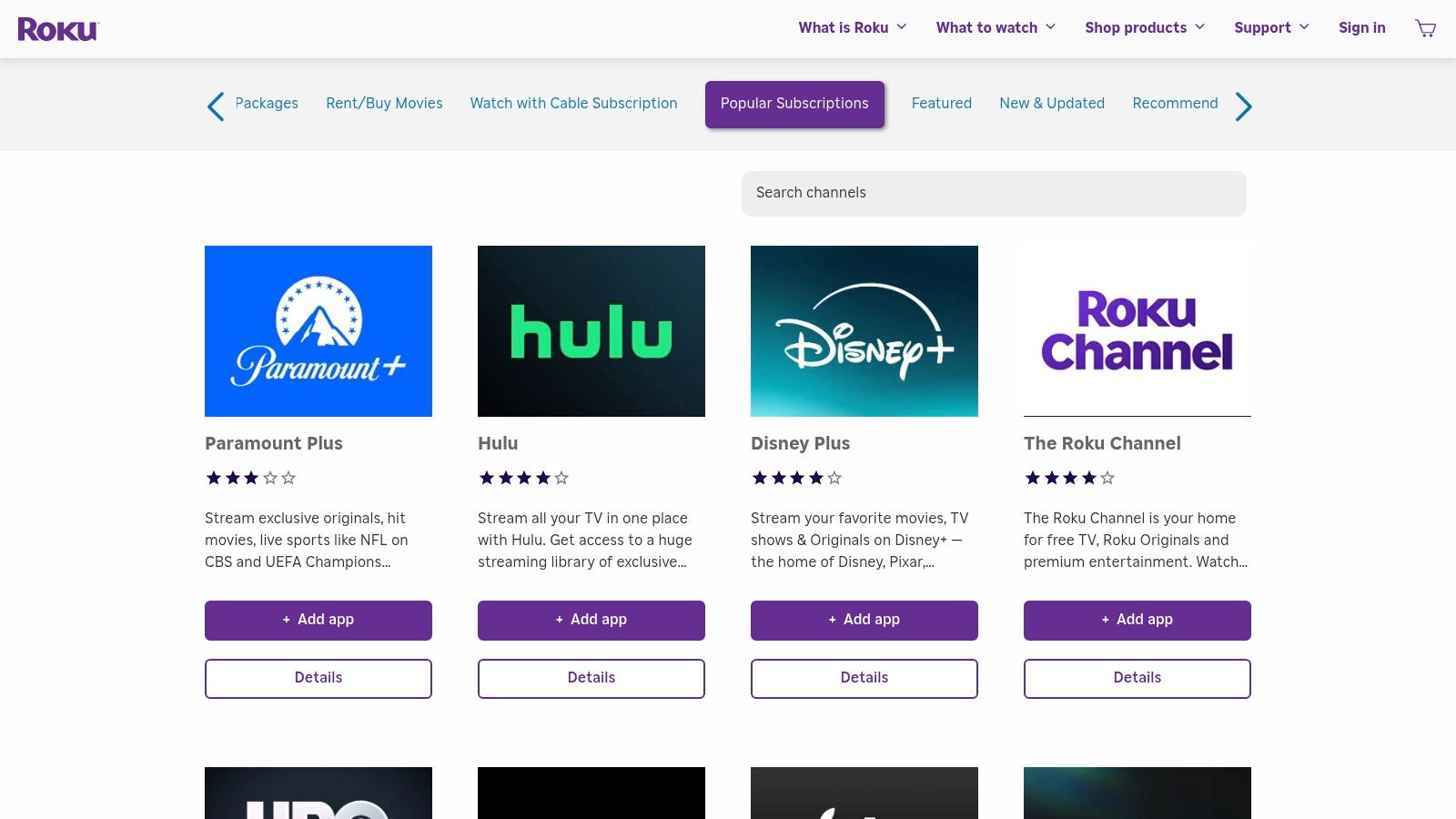
The Live TV Zone is a particularly useful feature within the Roku ecosystem. It aggregates live and linear content from multiple installed apps, including The Roku Channel's own free programming, into a single, cohesive channel guide. This eliminates the need to jump between different apps to see what's currently airing, creating a more traditional and user-friendly TV-watching experience. This integration is a key reason why many users prefer Roku over other platforms; to see how it stacks up, explore this streaming device comparison.
The interface is clean and responsive, ensuring even non-technical users can navigate it with ease. While the selection is vast, it's important to note that not every IPTV player available on Android or other operating systems will be found here due to Roku's stricter app policies.
Pros:
Cons:
Website: https://channelstore.roku.com
For those seeking a premium, cable-like experience without the long-term contracts and hardware rentals, YouTube TV stands out as one of the best Roku IPTV apps. It is a full-fledged live TV streaming service from Google that offers a comprehensive channel lineup, including local news, major broadcast networks, and popular sports channels, all delivered through a polished and reliable Roku app. It is designed to be a direct replacement for traditional cable, making it an ideal choice for users who want simplicity and extensive content.
The service provides over 100 channels, covering everything from entertainment and lifestyle to national news and sports. Its integration on the Roku platform is seamless; once you install the channel and log in, you gain access to a familiar grid-style guide and powerful search functions. The Roku app is generally fast and responsive, mirroring the high-quality experience users expect from a Google product.
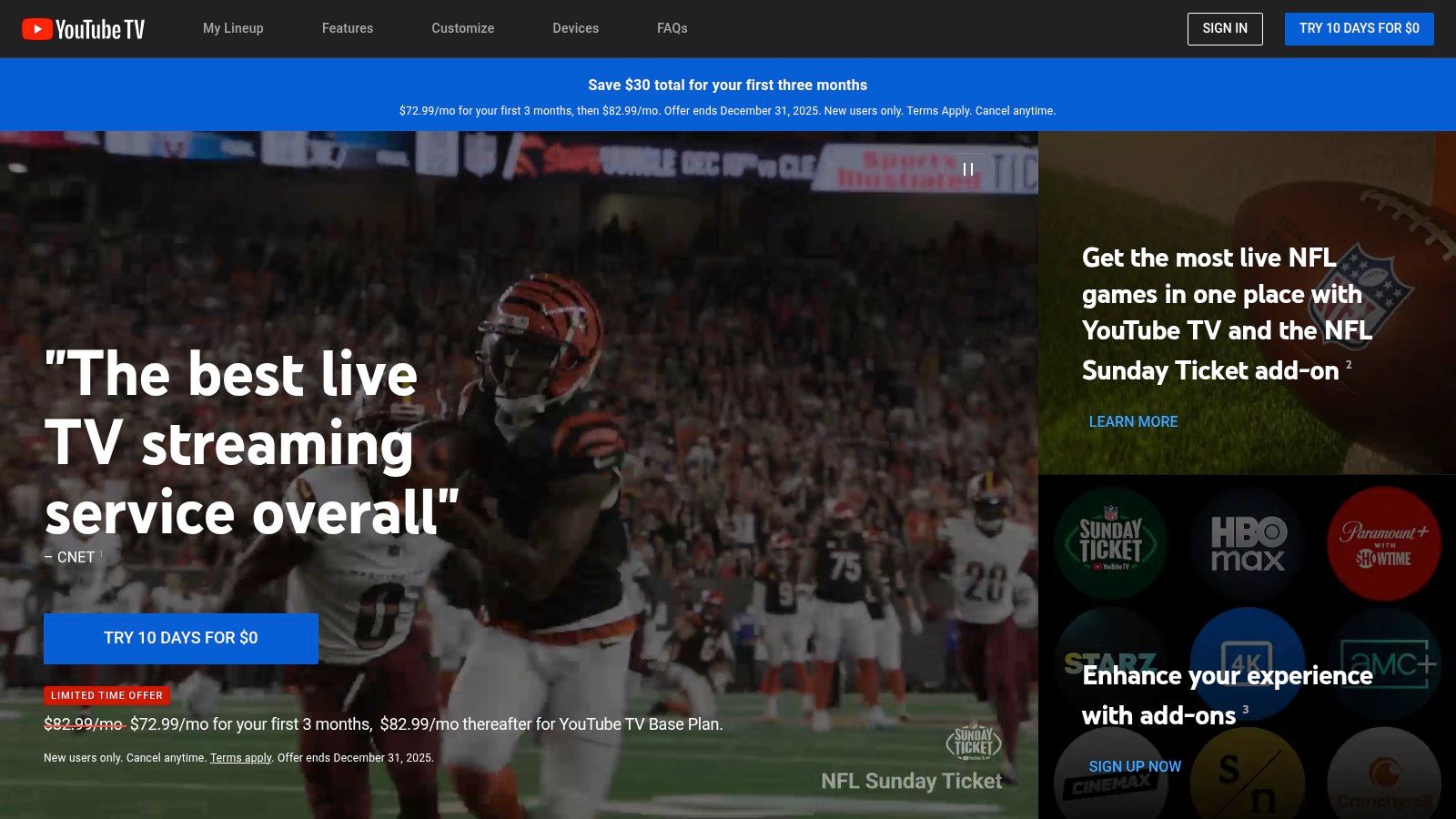
YouTube TV's most acclaimed feature is its unlimited cloud DVR. You can record as many programs as you want simultaneously, and the recordings are saved for up to nine months, giving you unparalleled flexibility. The service allows for up to three simultaneous streams and six individual user profiles, each with its own personalized library and recommendations, making it a great option for families. For a deeper look into services like this, you can explore this guide on how to watch live TV online.
The user interface on Roku is clean and intuitive, blending live TV with on-demand content effectively. However, its premium nature comes at a price, typically starting around $72.99 per month after any promotional periods, which positions it as a higher-tier IPTV solution.
Pros:
Cons:
Website: https://tv.youtube.com
Hulu + Live TV stands out as one of the most comprehensive Roku IPTV apps for users seeking a premium, all-in-one entertainment package. It effectively merges a robust live TV service with an enormous on-demand library, making it an excellent cable-cutting solution that integrates seamlessly into the Roku ecosystem. The service provides a legitimate, high-quality IPTV experience directly through its official Roku channel.
Installation is as simple as finding the Hulu app in the Roku Channel Store and signing into your Live TV account. The platform is designed for ease of use, combining live channels, on-demand shows, and recorded content into a single, intuitive interface. This blend of live and on-demand content is Hulu’s main advantage, eliminating the need to subscribe to multiple services for a complete viewing experience.
The primary draw for Hulu + Live TV is its value-packed bundle. One subscription provides access to over 95 live channels, the entire Hulu on-demand catalog, the family-friendly content of Disney+, and extensive live sports coverage via ESPN+. This "Trio Bundle" is a powerhouse for households with diverse viewing tastes, from live news and sports to blockbuster movies and original series. The Roku app is polished and receives regular updates, ensuring a stable and user-friendly experience.
The live TV guide is clean and functions like a traditional cable box guide, making it easy to see what’s currently airing and what’s coming up next. It also integrates well with Roku's own universal search, helping you find content quickly.
Pros:
Cons:
Website: https://www.hulu.com
Sling TV stands out as one of the most established and budget-friendly Roku IPTV apps, offering a true cable-like experience without the long-term contracts and high costs. It's an excellent choice for users who want a legitimate, streamlined live TV service that is fully integrated and supported on the Roku platform. Sling’s model is built on flexibility, allowing you to choose a base package and then customize it with add-ons.
The service is divided into two primary plans: Sling Orange (focused on sports and family with channels like ESPN and Disney) and Sling Blue (geared toward news and entertainment with channels like Fox News and MSNBC). You can subscribe to either or combine them for a comprehensive lineup. Installation is simple; just find the Sling TV app in the Roku Channel Store and log in with your credentials.
Sling TV’s interface on Roku is clean, responsive, and easy to navigate, featuring a traditional grid-style guide that makes finding what's on now feel familiar. A standout feature is Sling Freestream, which provides access to over 600 free live channels and a library of on-demand content without requiring a paid subscription. This makes it a great way to test the service before committing.
For cord-cutters, Sling presents a compelling and affordable entry point. You can learn more about making the switch with this guide to cutting the cord.
The user experience is smooth, and because it's an official Roku partner, it integrates well with Roku's universal search and other platform features.
Pros:
Cons:
Website: https://www.sling.com
For those seeking an affordable and streamlined live TV experience, Philo presents a compelling option among Roku IPTV apps. It carves out a unique niche by focusing exclusively on entertainment, lifestyle, and knowledge-based channels, deliberately omitting costly sports and local broadcast networks. This targeted approach allows Philo to offer a robust selection of popular cable channels at a significantly lower price point than its competitors, making it a top choice for budget-conscious cord-cutters.
The service is accessible directly through a dedicated channel in the Roku Channel Store, ensuring a secure and optimized viewing experience. Its subscription model is refreshingly simple, with a single, low-cost monthly plan and no long-term contracts. This makes it an excellent, low-risk way to get live TV on your Roku device without the complexity or expense of traditional cable-replacement services.
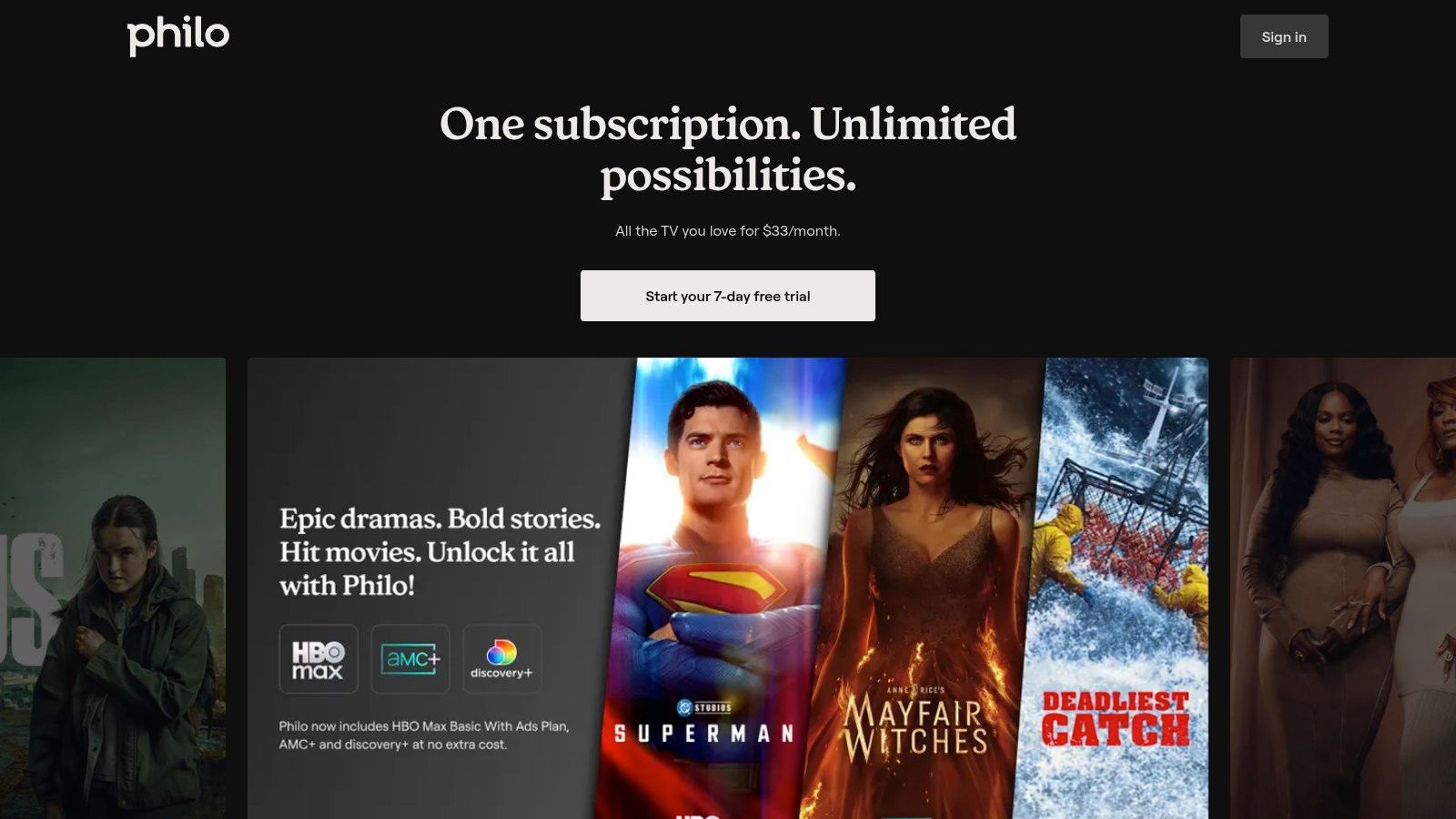
Philo’s standout feature is its unlimited DVR. Users can save as many shows as they want, and the recordings are kept for an entire year, far surpassing the 30-to-90-day limits of many other services. The Roku app itself is praised for its clean, intuitive interface that makes finding shows, browsing the guide, and managing your saved library effortless.
The user experience is smooth and user-friendly, catering to those who want a "just works" solution for live TV. By stripping away the bloat of sports and local news, Philo provides a pure entertainment package that is both easy to navigate and highly affordable.
Pros:
Cons:
Website: https://www.philo.com
For sports enthusiasts seeking a premium, legitimate IPTV experience on their Roku, Fubo stands out as a leading contender. Positioned as a sports-centric live TV streaming service, it offers an extensive collection of local, national, and international sports channels, making it one of the most comprehensive Roku IPTV apps for live game coverage. While its core focus is sports, Fubo also delivers a robust lineup of entertainment, news, and family channels, making it a well-rounded cable replacement.
The service operates on a subscription model with several tiered plans, allowing users to choose the channel package and features that best suit their needs. Installation is simple: just find the Fubo channel in the Roku Channel Store, add it to your device, and sign in with your account credentials. Its primary appeal lies in providing a high-quality, reliable stream without the technical setup required by M3U-based players.
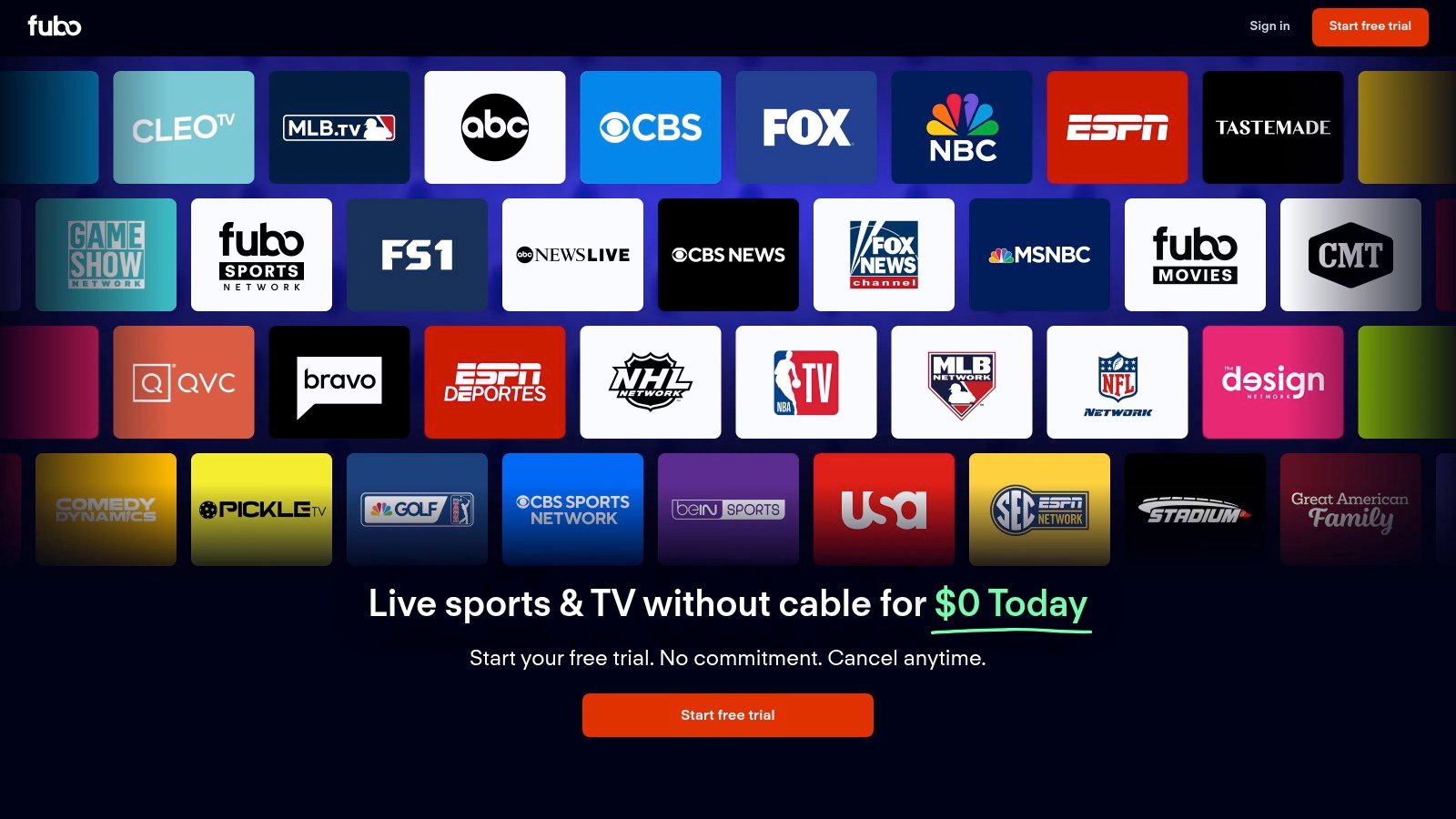
Fubo's user interface on Roku is clean, modern, and built for discovery. The channel guide is intuitive, mimicking a traditional cable layout while incorporating advanced features like filtering by genre (e.g., sports, news, movies). The platform is particularly known for its commitment to stream quality, offering select events in stunning 4K resolution, which can be a significant advantage for users with compatible Roku devices and TVs.
The experience is seamless, with fast channel changes and a reliable cloud DVR for recording games and shows. Fubo’s dedication to sports is evident in its specialized add-ons, which provide access to even more niche sports programming. This makes it a go-to choice for fans of everything from the NFL and NBA to international soccer and cycling.
Pros:
Cons:
Website: https://www.fubo.tv
While many Roku IPTV apps focus on accessing external paid subscriptions, Roku's own native offering, The Roku Channel, provides a powerful and entirely free starting point. It’s a pre-installed, ad-supported streaming service that bundles hundreds of live Free Ad-Supported Streaming TV (FAST) channels with a substantial on-demand library of movies and TV shows. For users seeking instant access to live content without any setup or subscription, this is the ultimate plug-and-play solution.
The service's greatest strength is its seamless integration into the Roku OS. The Live TV Guide is built directly into the main Roku interface, allowing users to browse channels just like they would with a traditional cable box. This native experience is fast, responsive, and requires no additional app installation, making it exceptionally user-friendly for all skill levels.
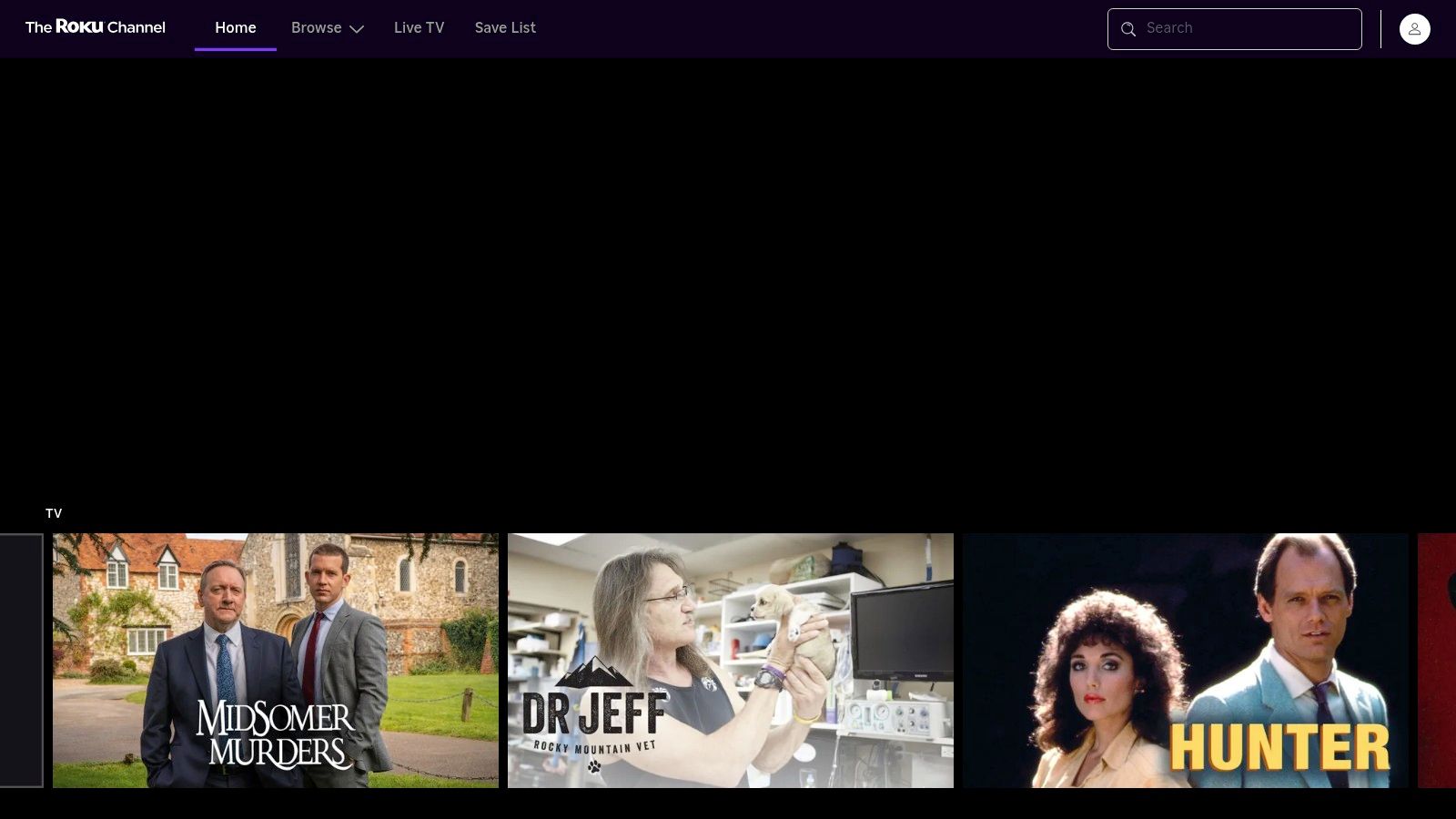
The Roku Channel's Live TV Guide is a standout feature, aggregating a diverse range of content from news and sports to movies and reality TV into a familiar grid format. While it doesn't offer the premium channels of a paid IPTV service, its constantly expanding lineup often includes niche and event-specific channels, providing fresh content regularly. This makes it a great complement to other streaming services you might use.
The user experience is designed for simplicity, making it one of the best IPTV player options for those who want a hassle-free, built-in solution. The interface is clean and snappy, ensuring a smooth channel-surfing experience.
Pros:
Cons:
Website: https://therokuchannel.roku.com
| Service | 🔄 Implementation Complexity | 💡 Resource Requirements | 📊 Expected Outcomes | 💡 Ideal Use Cases | ⭐ Key Advantages |
|---|---|---|---|---|---|
| Roku Channel Store (and Live TV Zone) | Low - official app marketplace interface | Minimal - Roku device and account | Reliable access to curated live TV apps | Users wanting safe, easy app discovery | Trusted source; Easy installs & updates |
| YouTube TV | Medium - subscription setup | Moderate - monthly fee + internet | Broad channel mix, cloud DVR, personalized | Traditional cable replacement seekers | Extensive channels; Unlimited DVR |
| Hulu + Live TV (with Disney+ & ESPN) | Medium - subscription with bundling | Moderate to high - monthly fees | Live TV + on-demand + bundled services | Users seeking live TV + rich on-demand | Live + Disney+/ESPN bundle; Polished app |
| Sling TV | Low to medium - customizable packages | Low - budget-friendly subscriptions | Flexible channel packages, budget live TV | Cost-conscious users wanting flexibility | Affordable; Free 600+ channel option |
| Philo | Low - simple subscription | Low - affordable monthly rate | Entertainment-focused, no sports or locals | Non-sports viewers seeking value | Best value; Long DVR retention |
| Fubo | Medium to high - multiple tiers & addons | High - premium sports plan | Extensive sports coverage + 4K streaming | Sports enthusiasts wanting variety | Broad sports lineup; 4K event streaming |
| The Roku Channel (Live TV Guide) | Very low - free, ad-supported service | Minimal - Roku device & internet | Free live FAST channels + on-demand | Casual viewers wanting no-cost live TV | Free access; Integrated live guide |
Navigating the world of Roku IPTV apps can feel like an overwhelming task, but as we've explored, your Roku device is a powerful gateway to a universe of live television content. The key to unlocking the perfect streaming setup lies in aligning the right service with your unique viewing habits, budget, and technical preferences. We've walked through the best options available directly on the Roku platform, from comprehensive cable replacements to budget-friendly alternatives and even Roku's own impressive free offerings.
The primary takeaway is that there is no single "best" app for everyone. Your ideal choice hinges on what you value most.
Before you commit to a long-term subscription, take advantage of the free trials offered by nearly every service mentioned. This is the most effective way to test drive the user interface, check the stream quality, and confirm the channel lineup meets your family’s needs. During your trial, pay close attention to the channel guide's responsiveness and the ease of use of the DVR functions.
Furthermore, consider enhancing your setup with a more powerful Roku device, like the Roku Ultra, to ensure the smoothest possible streaming performance, especially with high-bitrate live sports feeds. A solid device minimizes buffering and maximizes your viewing enjoyment. Remember to also explore The Roku Channel’s Live TV Guide; its growing library of free, ad-supported content is an excellent supplement to any paid service. By combining a primary paid service with free options, you can create a comprehensive and cost-effective entertainment hub.
Ready to test a custom M3U playlist or access IPTV channels without installing anything? While Roku requires dedicated apps, you can easily use your phone or computer with a flexible, browser-based solution. Visit Free IPTV Player at Free IPTV Player to instantly load and watch your M3U streams from any device with a web browser.
