Setting up a free IPTV player on Firestick takes just four steps: enable unknown sources in settings, install the Downloader app, download your chosen free IPTV player, and load a legal M3U playlist. The entire process takes about 10 minutes.
Free IPTV players are apps that stream live TV channels through internet protocols, and your Firestick is perfect for this because of its Android-based Fire OS and side-loading capabilities. These players themselves are completely free — you're just downloading software.
Here's what "free" actually means in 2026: the IPTV player apps are free, but the content depends on what playlists you load. Some channels come from official broadcasters offering free ad-supported streams, while others require paid subscriptions or exist in legal gray areas.
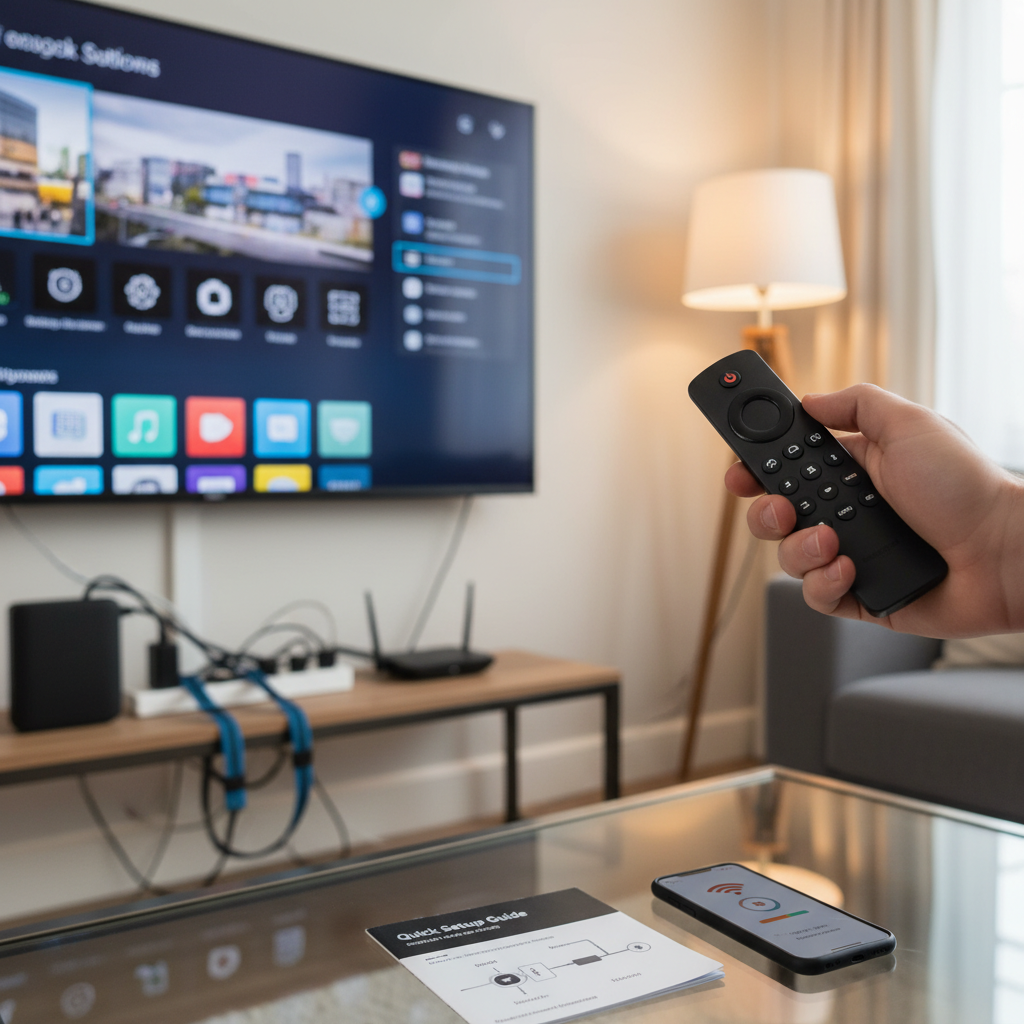
Before installing any free IPTV player, you need to enable unknown sources and install the Downloader app — two essential steps that Amazon doesn't advertise but are perfectly legal.
To enable unknown sources on your Firestick: Navigate to Settings > My Fire TV > Developer Options, then toggle "Apps from Unknown Sources" to ON. You'll see a warning about security risks, but this is standard for any Android-based device when installing apps outside the official store.
Next, install the Downloader app from Amazon's App Store. Search for "Downloader" by AFTVnews, install it, and grant it permission to access files. This app lets you download APK files directly to your Firestick — it's like having a web browser specifically designed for app installation.
These steps are crucial because Amazon's App Store doesn't carry most IPTV players. The company maintains strict content policies, so legitimate IPTV apps like IPTV Smarters Pro and TiviMate must be side-loaded.
Every free IPTV player follows the same installation pattern: open Downloader, enter the APK download URL, install the app, then configure it with your M3U playlist.
I've tested dozens of free IPTV players for Firestick in 2026, focusing on three key criteria: ease of use with a remote control, M3U playlist compatibility, and performance on Fire OS. Here are the standouts that actually work without constant crashes.
Quick comparison of our top picks:
IPTV Smarters Pro dominates the free IPTV space because it handles multiple playlists, includes a 7-day EPG, and works flawlessly with Firestick remotes. I've been using it since 2023, and the 2026 version added better memory management.
To install: Open Downloader, enter the URL from the official IPTV Smarters website, and install the APK. The app supports both M3U URLs and Xtream Codes API, making it compatible with virtually any IPTV source.
The interface adapts perfectly to TV screens, with large tiles and clear navigation. You can organize channels into categories, set up parental controls, and even record shows if your playlist supports it. For a detailed comparison with other players, check out our comprehensive IPTV player testing guide.
TiviMate's free version offers the most polished interface I've seen in any IPTV player. The developer clearly prioritized user experience, and it shows in every menu and transition.
The catch? Free users get one playlist maximum, compared to unlimited playlists in the premium version. But if you only need one M3U source, TiviMate's interface makes channel browsing genuinely enjoyable on a big screen.
Installation requires downloading from the official website since it's not on Amazon's App Store. The app includes a built-in EPG that automatically matches program data to channels, plus the smoothest channel switching I've experienced. Our detailed TiviMate review covers the premium features you're missing.
XCIPTV Player prioritizes speed over features, and that's exactly what some users need. It launches in under 3 seconds on a Fire TV Stick 4K and handles large playlists without the stuttering I see in other apps.
The interface is basic but functional — perfect for users who just want to watch TV without navigating complex menus. It supports M3U and JSON playlist formats, includes basic EPG functionality, and rarely crashes.
TVMob stands apart because it includes built-in free channels — no playlist required. You get access to news channels, movies, and international content immediately after installation.
The app aggregates legitimate free streams from various sources, including Pluto TV, Tubi, and official broadcaster streams. While you can add your own M3U playlists, many users find the built-in content sufficient for casual viewing.
An M3U playlist is essentially a text file containing links to live TV streams — think of it as a channel guide that tells your IPTV player where to find each channel. Without a playlist, your free IPTV player is just an empty shell.
For legal free content in 2026, focus on these sources:
I strongly advise avoiding unofficial IPTV sources that promise "10,000+ premium channels for free." These typically involve pirated content and can expose your device to malware or legal issues. The quality is often poor, streams go down frequently, and you risk copyright infringement.
To load an M3U URL into any IPTV player: Open your chosen app, find the "Add Playlist" or "M3U URL" option, paste the link, and wait for channels to load. Most players automatically refresh the playlist every 24 hours. If you want to test playlists before installing an app, try our online M3U player first.
No, Firesticks are not blocking IPTV players in 2026. Amazon restricts which apps appear in their App Store, but they don't prevent you from installing third-party IPTV applications through side-loading.
The confusion stems from Amazon's App Store policies. They don't allow IPTV players because these apps can access copyrighted content, but the "Apps from Unknown Sources" setting exists specifically to let users install software from other sources.
Amazon's stance is clear: they won't promote IPTV apps, but they won't stop you from using them either. Your Firestick runs on Fire OS (based on Android), which supports APK installation just like any Android device.
However, I recommend using a reputable VPN service when streaming any IPTV content. This protects your privacy, prevents your ISP from throttling video streams, and adds a security layer when accessing content from various sources. Your streaming activity remains between you and your VPN provider.
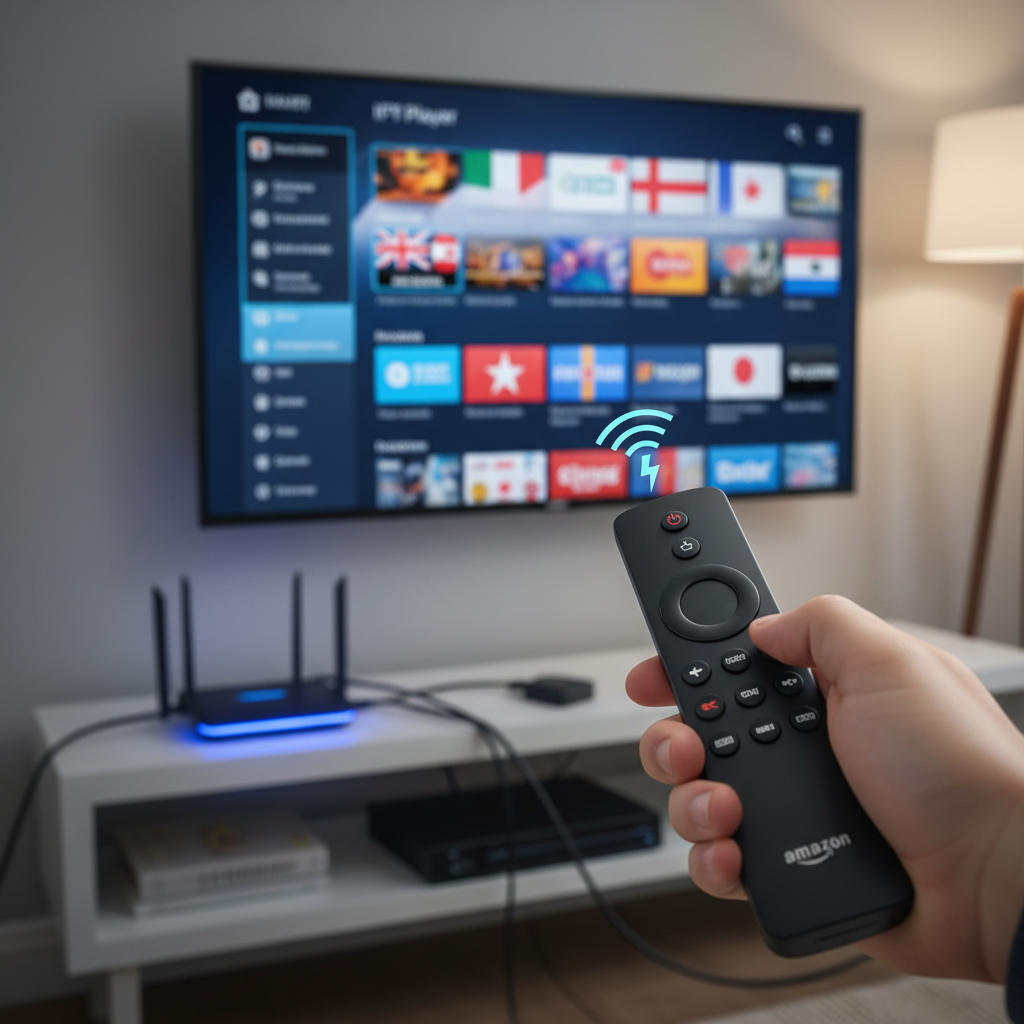
Buffer-free IPTV streaming requires at least 25 Mbps download speed for 4K content and 10 Mbps for 1080p streams. Test your connection using the built-in Firestick speed test or install a dedicated app like Fast.com.
Clear your IPTV player's cache weekly by going to Settings > Applications > Manage Installed Applications, selecting your IPTV app, and choosing "Clear Cache." This prevents memory buildup that causes stuttering and crashes.
Close background apps to free up RAM. Hold the Home button for 3 seconds, then swipe up on apps you're not using. Fire TV Sticks have limited memory, and every background app reduces performance.
Your home network setup matters more than most people realize. Position your router within 30 feet of your Firestick, use 5GHz Wi-Fi instead of 2.4GHz, and consider upgrading to Wi-Fi 6 if you have an older router.
A quality VPN can actually improve streaming performance by preventing ISP throttling. Many internet providers slow down video traffic during peak hours, but they can't throttle encrypted VPN connections. Choose a VPN with servers close to your location for minimal latency.
When your IPTV player won't load channels, the M3U playlist is usually the culprit. Test the playlist URL in a web browser first — if it doesn't download a file or shows an error, the link is broken. Free playlists change frequently, so bookmark multiple sources.
Persistent buffering despite good internet speed? Force-close the IPTV app and restart it. If that doesn't work, restart your entire Firestick by holding the Select and Play buttons simultaneously for 5 seconds. This clears temporary files and resets network connections.
"App not installed" errors during APK installation typically mean you're using a corrupted download or incompatible version. Always download IPTV player APKs from official sources, and ensure you're getting the Fire TV/Android TV version, not the mobile version.
When a previously working free IPTV playlist suddenly stops loading channels, the source has likely gone offline or changed their streaming infrastructure. This happens regularly with free services — they don't have the same uptime guarantees as paid providers.
For general Firestick performance issues affecting IPTV: Clear system cache by going to Settings > My Fire TV > Restart, check for Fire OS updates, and ensure you have at least 1GB of free storage space. IPTV apps need room to buffer content temporarily.
IPTV players themselves are completely legal — they're just software applications like VLC Media Player or Netflix. The legal questions arise around the content you access through these players, not the apps themselves.
Free IPTV sources fall into three categories: legitimate ad-supported streams (legal), official broadcaster streams (legal), and pirated premium channels (illegal). The challenge is distinguishing between them, especially when some sources mix legal and illegal content in the same playlist.
Unofficial free IPTV sources pose real risks beyond legal issues. I've seen playlists that install malware, redirect to phishing sites, or contain streams that log your IP address for spam purposes. Your Firestick can become part of a botnet or crypto-mining operation.
Using a reputable VPN service is essential for privacy and security when streaming any IPTV content. It encrypts your traffic, hides your real IP address, and prevents your ISP from seeing what you're streaming. Choose a no-logs VPN provider with good speeds and Firestick compatibility.
Stick to legitimate sources whenever possible: official broadcaster streams, ad-supported services like Pluto TV, and community-maintained playlists from trusted sources. The content selection might be smaller, but you'll avoid legal headaches and security risks.
Setting up a free IPTV player on your Firestick opens up a world of live TV content without monthly subscription fees. You get access to news, sports, international channels, and specialty programming that traditional cable packages often don't include.
The key to success is choosing reliable sources and maintaining realistic expectations. Free IPTV won't match the stability and channel selection of premium services, but it provides excellent value for casual viewing and cord-cutting scenarios.
Remember to use your new setup responsibly — stick to legal content sources, protect your privacy with a VPN, and respect copyright laws. With these guidelines, you'll enjoy years of free live TV streaming on your Firestick.
How to setup free IPTV? Enable unknown sources in Firestick settings, install the Downloader app, download a free IPTV player like IPTV Smarters Pro, and load a legal M3U playlist URL into the player.
Q: How to setup free IPTV?
The basic process involves four steps: enable "Apps from Unknown Sources" in your Firestick settings, install the Downloader app from Amazon's App Store, use Downloader to install a free IPTV player (like IPTV Smarters Pro or TiviMate), and finally load a legal M3U playlist URL. The entire process takes about 10 minutes. For detailed instructions on each step, refer to our "Essential Pre-Setup Steps" and "Top Free IPTV Players" sections above.
Q: What is the best free IPTV player downloader?
The Downloader app by AFTVnews is the gold standard for installing APK files on Firestick. It's available directly from Amazon's App Store and provides a simple interface for downloading IPTV player APKs. For the actual IPTV players, IPTV Smarters Pro offers the best balance of features and reliability, while TiviMate's free version provides a premium interface experience. Check our comprehensive player comparison to find the best match for your specific needs.
