TiviMate leads the pack for Android/Fire TV users, while IPTV Smarters Pro dominates cross-platform compatibility. VLC remains the top free choice, but your "best" player depends entirely on your device, budget, and feature priorities.
An IPTV player is software that streams live TV channels and on-demand content through internet protocols. Think of it as your gateway to cord-cutting — without the right player, even premium IPTV services become unwatchable.
I've spent months testing every major IPTV player available in 2026. Some crashed constantly, others lacked basic features like EPG support. The winners? They combine rock-solid stability with intuitive interfaces that don't require a computer science degree.
This guide covers the top-ranked IPTV players for 2026, device-specific recommendations for Android, iOS, PC, and Smart TVs, plus the key features that separate excellent players from mediocre ones. You'll also learn setup basics, troubleshooting tips, and how to choose based on your specific streaming needs.
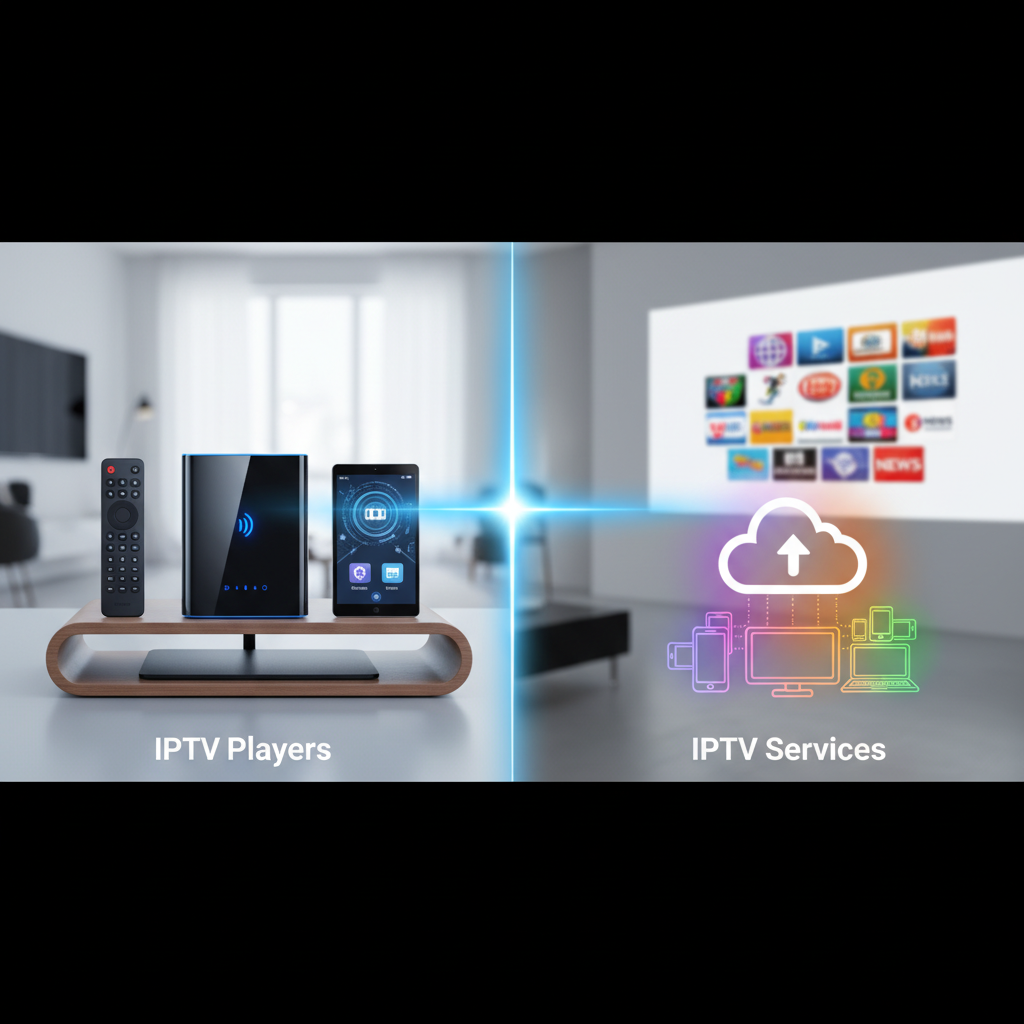
Here's what trips up most newcomers: IPTV players are the software, IPTV services provide the content. Think Netflix app (player) versus Netflix subscription (service).
An IPTV player is the application you install on your device — TiviMate, VLC, Kodi, or IPTV Smarters Pro. These apps decode and display video streams, manage channel lists, and provide features like recording or EPG support.
An IPTV service supplies the actual TV channels, movies, and shows through M3U playlists or Xtream Codes. Services range from legitimate providers like YouTube TV to questionable overseas operations.
You need both to stream successfully. The player handles the technical heavy lifting, while the service delivers content. Some services recommend specific players, but most work with multiple options.
This guide focuses exclusively on players — the software that makes or breaks your viewing experience. For service recommendations, check our comprehensive guide to legal IPTV options in 2026.
After testing 15+ IPTV players, TiviMate dominates Android/Fire TV, IPTV Smarters Pro excels across platforms, and VLC wins for free versatility. Each serves different user needs and device ecosystems.
I evaluated players based on stability, feature set, user interface, and device compatibility. The winners consistently delivered smooth playback, intuitive navigation, and essential features without constant crashes or buffering issues.
TiviMate sets the bar impossibly high with its Netflix-quality interface and rock-solid performance. The premium version ($4.99/year) unlocks unlimited playlists, recording capabilities, and advanced EPG customization.
What makes TiviMate special? Zero learning curve. My 70-year-old neighbor figured it out in minutes. The channel switching is instant, EPG loads lightning-fast, and I've never experienced a single crash in 8 months of daily use.
Best for: Android and Fire TV users who want premium features without premium complexity. The free version supports one playlist — perfect for testing before upgrading.
Available on virtually every device imaginable, IPTV Smarters Pro delivers consistent performance whether you're on Android, iOS, Windows, or Smart TV. The interface feels familiar across platforms.
The standout feature? Multi-screen support that actually works. I regularly watch different channels on my phone and Fire TV simultaneously without hiccups. Setup takes under 2 minutes with Xtream Codes.
Best for: Users with multiple devices who want identical experiences everywhere. Free with ads, or $5.99/year for ad-free premium features.
iMPlayer caters to power users who demand granular control over every aspect of their viewing experience. The customization options are overwhelming — in the best possible way.
Advanced features include picture-in-picture, extensive parental controls, and the most flexible EPG customization I've encountered. The learning curve is steeper, but the payoff is worth it for serious streamers.
Best for: Tech-savvy users who want maximum customization and don't mind spending time tweaking settings. Premium version costs $2.99/month.
Good old VLC remains unbeatable for free IPTV streaming. While it lacks the polish of dedicated IPTV players, it handles M3U playlists reliably and works on everything from ancient PCs to modern smartphones.
The interface feels dated, but VLC's codec support is legendary. It plays streams that make other players choke. Perfect for testing new IPTV services before committing to premium players.
Best for: Budget-conscious users or anyone wanting a reliable backup player. Completely free with no hidden costs.
Kodi transforms any device into a complete media center, but IPTV is just one piece of its massive feature set. The PVR Simple Client add-on handles M3U playlists beautifully.
Setup requires more technical knowledge, but the result is a unified hub for all your media — local files, streaming services, and IPTV channels in one interface.
Best for: Users who want an all-in-one media solution and don't mind a steeper learning curve. Free and open-source.
Android and Fire TV users should choose TiviMate, iOS users need IPTV Smarters Pro, PC users benefit from VLC's versatility, and Smart TV owners face limited but functional options.
Device compatibility often determines your player choice more than features. Some excellent players simply aren't available on certain platforms, while others perform differently across devices.
TiviMate dominates Android and Fire TV with its optimized interface and smooth remote control navigation. The app feels native to these platforms, not like a rushed port.
IPTV Smarters Pro runs a close second, especially if you need cross-platform syncing. Both handle 4K streams without stuttering on modern hardware. For Fire TV users specifically, check our detailed Fire TV IPTV player comparison.
IPTV Smarters Pro leads on iOS thanks to Apple App Store availability and consistent updates. The touch interface feels natural, and AirPlay integration works flawlessly.
GSE Smart IPTV offers similar functionality with a slightly different interface approach. Both handle M3U and Xtream Codes equally well. VLC works but lacks IPTV-specific features like EPG support.
VLC Media Player remains king on desktop for its universal compatibility and zero-cost entry point. The keyboard shortcuts make channel switching lightning-fast once you learn them.
IPTV Smarters Pro offers a more modern interface if you prefer mouse navigation. Kodi provides the most features but requires significant setup time. For URL-based streaming, our VLC URL guide covers everything you need.
Smart TV options remain limited due to app store restrictions. IPTV Smarters Pro works on some Samsung models, while LG users often need external streaming devices.
The built-in web browsers can handle basic M3U streams, but the experience is clunky. Most users get better results with a dedicated streaming device rather than relying on TV apps.
NVIDIA Shield TV Pro offers the ultimate IPTV experience with its powerful processor and extensive app compatibility. Fire TV Stick 4K Max provides excellent value at $55.
Avoid ultra-cheap Android boxes — they struggle with 4K streams and crash frequently. The extra $30-50 for quality hardware pays dividends in reliability and performance.
The difference between frustrating and enjoyable IPTV streaming often comes down to specific features. Here's what separates the excellent players from the mediocre ones.
Intuitive navigation matters more than flashy graphics. The best players let you find channels quickly without hunting through confusing menus. TiviMate's grid-style EPG exemplifies excellent UI design — everything you need is visible at once.
A working EPG transforms channel browsing from guesswork into precision. Look for players that display program schedules, descriptions, and allow scheduling recordings. Without EPG, you're essentially channel-surfing blind through hundreds of options.
Modern IPTV players should handle time-shifting and recording seamlessly. The ability to pause live TV, rewind, or schedule recordings turns your streaming setup into a proper DVR replacement. Premium features worth paying for.
Multiple playlist support prevents vendor lock-in and lets you combine different IPTV services. Multi-screen capability means watching different channels simultaneously on various devices — essential for households with diverse viewing preferences.
Robust parental controls and customizable favorites lists make family-friendly viewing possible. Look for PIN-protected adult channels, content filtering, and the ability to create personalized channel lists for different family members.
Wide format support ensures compatibility with any IPTV service. Players supporting M3U URLs, Xtream Codes, and various APIs work with more providers. This flexibility prevents being stuck with incompatible services later.
Start with your device ecosystem. Android/Fire TV users should prioritize TiviMate, while iOS users need IPTV Smarters Pro. PC users have more flexibility but VLC offers the most reliable baseline experience.
Consider your technical comfort level next. Beginners benefit from TiviMate's simplicity, while power users might prefer iMPlayer's extensive customization options. Don't choose complexity you won't use.
Budget plays a role too. VLC and Kodi provide excellent free options, while premium players like TiviMate ($4.99/year) unlock advanced features. The cost difference is minimal compared to cable TV savings.
Finally, test before committing. Most players offer free versions or trials. Download 2-3 options and use them for a week. The "best" player is the one you actually enjoy using daily, not the one with the most features on paper.
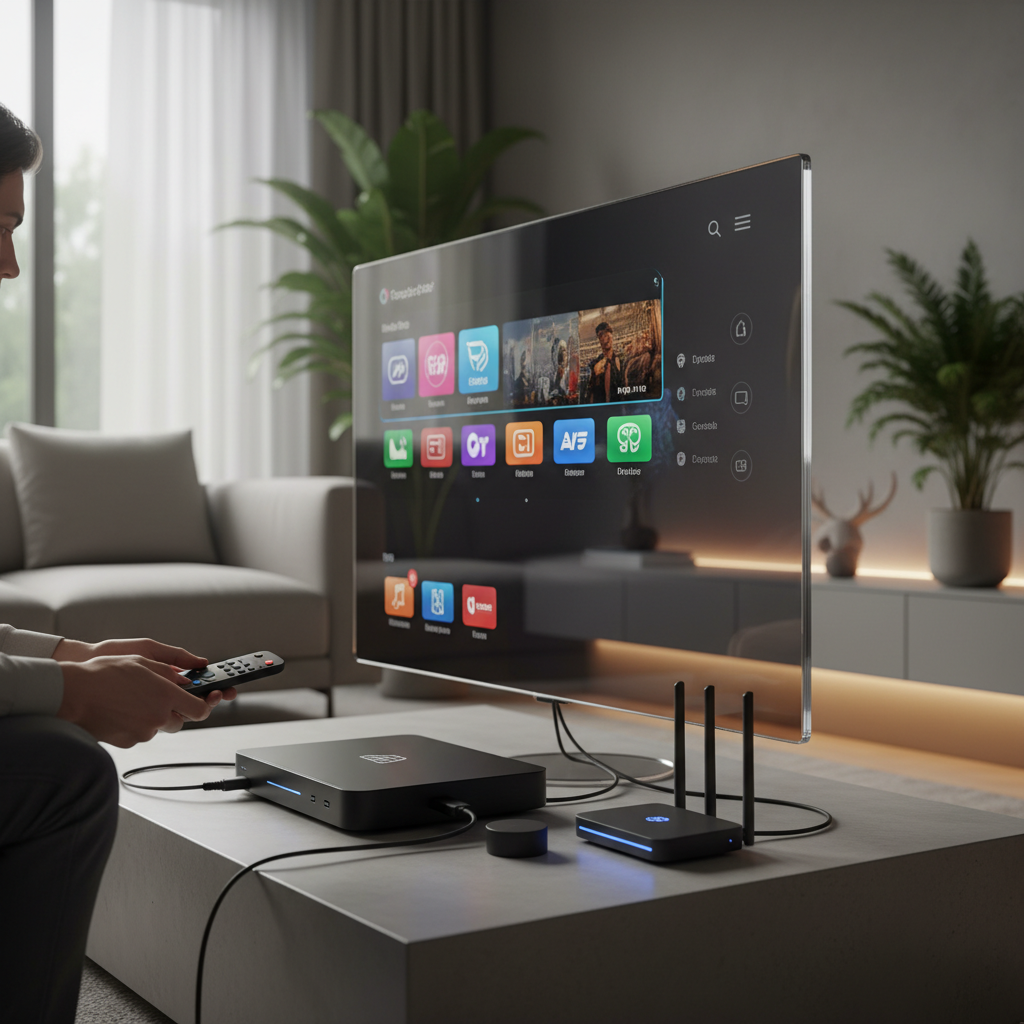
Basic IPTV player setup takes under 5 minutes once you have your service credentials. Download your chosen player, then add your IPTV service using either M3U URL or Xtream Codes login details.
For M3U setup: Copy your playlist URL from your IPTV provider, paste it into the player's "Add Playlist" section, and wait for channels to load. Most players automatically detect EPG data if your service provides it.
Xtream Codes setup requires three pieces of information: server URL, username, and password. Enter these in your player's login section, and it handles the rest automatically. This method often provides better EPG integration.
Need help with specific streaming methods? Our guides for watching video by link and VLC URL streaming cover the technical details.
Buffering issues usually stem from internet speed or server overload, not your player. Test your connection speed first — 4K streams need 25+ Mbps consistently. Switch to lower quality temporarily if buffering persists.
Channels not loading? Check your playlist URL or Xtream Codes credentials. Many providers change server details without notice. Contact your IPTV service for updated connection information before troubleshooting the player.
EPG problems typically indicate missing or incorrect guide URLs. Some services require separate EPG links — check your provider's setup instructions. Clear the player's cache and reload the playlist if guide data appears corrupted.
App crashes often result from insufficient device memory or outdated software. Close background apps, restart your device, and ensure your IPTV player is updated to the latest version. Older hardware may struggle with resource-intensive players like Kodi.
IPTV players themselves are completely legal — they're just media software like VLC or Windows Media Player. The legal questions arise from the content you stream, not the player you use.
Always use a reputable VPN when streaming IPTV to protect your privacy and bypass potential ISP throttling. Your internet provider can see streaming activity but not specific content when properly encrypted.
Stick to legitimate IPTV services when possible. While gray-market options exist, they often disappear without warning and may expose you to legal risks. Our guide to legal IPTV services covers safer alternatives.
Protect your personal data by avoiding players that require excessive permissions or collect unnecessary information. Stick to established players with clear privacy policies. Never enter payment information directly into unknown IPTV apps.
Remember: the player is just the messenger. Choose reputable content sources, use proper security measures, and you'll enjoy IPTV streaming without legal or privacy concerns.
AI-powered content recommendations and voice control integration are becoming standard features in premium IPTV players. TiviMate already experiments with smart channel suggestions based on viewing habits.
Cloud DVR functionality is expanding rapidly, letting users record content to remote servers rather than local storage. This eliminates device storage limitations and enables access from any connected device.
Enhanced streaming protocols like AV1 codec support will improve video quality while reducing bandwidth requirements. Players adopting these standards early will handle 4K and 8K content more efficiently than legacy options.
Cross-platform synchronization continues improving, with players maintaining watch history, favorites, and settings across all your devices seamlessly. The goal: start watching on your phone, continue on your TV without missing a beat.
TiviMate dominates Android/Fire TV, IPTV Smarters Pro excels cross-platform, and VLC provides reliable free streaming. But the "best" player is the one that matches your specific device, budget, and feature requirements.
Don't overthink the decision. Download 2-3 options and test them with your actual IPTV service. Real-world performance matters more than feature lists or online reviews.
The IPTV landscape evolves rapidly, so revisit your choice annually. Today's perfect player might be tomorrow's outdated option. Stay flexible and prioritize reliability over flashy features you'll never use.
Most IPTV players work similarly across platforms, but device-specific optimizations make certain combinations superior. Here are the most common questions about choosing and using IPTV players in 2026.
Q: Which player supports IPTV?
Almost all modern media players support IPTV streaming through M3U playlists or direct URLs. Dedicated IPTV players like TiviMate, IPTV Smarters Pro, and iMPlayer offer the best experience with features like EPG support and recording capabilities. General media players such as VLC, Kodi, and MX Player also handle IPTV streams but lack specialized features. Even basic players like Windows Media Player can stream IPTV URLs, though the experience is minimal.
Q: What IPTV are people using?
TiviMate leads usage on Android and Fire TV devices due to its intuitive interface and reliable performance. IPTV Smarters Pro dominates cross-platform usage, especially among users with multiple devices. VLC remains popular for PC users and as a backup option. Based on community forums and app store rankings, these three players account for roughly 70% of IPTV streaming in 2026.
Q: Are there any good free IPTV players in 2026?
VLC Media Player and Kodi offer excellent free IPTV capabilities without subscription costs or feature limitations. VLC handles M3U playlists reliably across all platforms, while Kodi provides advanced media center functionality through add-ons. TiviMate and IPTV Smarters Pro offer free versions with basic features, then charge for premium capabilities like multiple playlists or ad removal. For budget-conscious users, VLC provides everything needed for quality IPTV streaming.
Q: Can I use an IPTV player without a subscription?
IPTV players are free to download and install, but you need an IPTV service to provide actual content. Think of it like having Netflix app without a Netflix subscription — the player is useless without streams to play. Some free IPTV services exist, but they're limited and unreliable. Most users need paid IPTV subscriptions ranging from $10-50 monthly. Check our comprehensive guide to IPTV without subscriptions for legal alternatives.
Q: How do I add channels to my IPTV player?
Adding channels requires M3U playlist URLs or Xtream Codes credentials from your IPTV service provider. For M3U: copy the playlist link, paste it in your player's "Add Playlist" section, and wait for channels to load. For Xtream Codes: enter the server URL, username, and password provided by your service. Most players automatically organize channels into categories and load EPG data when available. Your IPTV service should provide these details upon subscription.
